Stereopixol
Stereopixol is a channel where you can get various tutorials on Autodesk 3Ds Max modeling tutorial , 3Ds Max texturing tutorial, 3Ds max animation tutorial, 3Ds Max Particle tutoail, 3Ds Max dynamics tutorial, Autodest Maya modeling tutorials, Maya texturing tutorials, Maya lighting tutorials, Maya animation tutorials, Maya Dynamics tutorial, 3Ds Max rigging tutorial, Maya rigging tutorials, Maya basic tutorials, 3Ds Max basic tutorials, Blender basic tutorial, Blender modeling tutorial, Blender rigging tutorial, Blender texturing tutorial, Blender lighting tutorial, Blender Animation tutorials, Blender dynamics tutorial and many more.
Subscribe our channel to watch more tutorials: https://goo.gl/MoGppG
Follow us on G+ : https://goo.gl/1pvgyx
Like us on Facebook: https://goo.gl/kJySxr

Shatter Effect with Cell Fracture Add-on in Blender 2.83 Tutorial
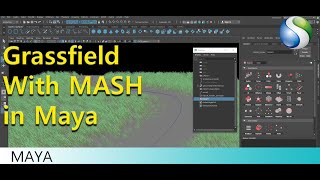
How to Create Grassfield with MASH

Audio Equalizer with MASH in Autodesk Maya

How to Use Arnold Light Shapes in 3Ds Max Part 02

How to Use Arnold Light Shapes in 3Ds Max

How to create Sun with Sun Positioner in 3Ds Max

How to use MASH for Medical Animation in Autodesk Maya

How to use Viewport Clipping in 3Ds Max | Practical use of Viewport Clipping for Viewport Display

Worn Edge Effect in Blender 2.8x | Worn Edges Metal | Rough Edge Effect | Pointiness Map | AO Map

How to Create Torch Fire in Blender 2.8x | Torch Fire Simulation in Blender | Quick Fire in Blender

How to Use Quad Draw Tool in Autodesk Maya

Neon Glow in 3Ds Max with Arnold Render | How to create Glow in 3Ds Max |Emission Material in Arnold

Basics of Autodesk Maya #Class 06 | Create Your First Poly Model - A Hammer | How to Start Modeling

Basics of Autodesk Maya #Class 05 | Basics of Poly Modeling
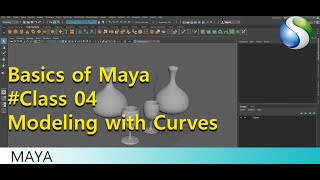
Basics Of Autodesk Maya #Class 04 | Modeling with Curves in Maya

Basics of Autodesk Maya #Class 03 | Modeling with Deformers |
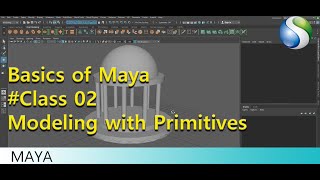
Basics Of Autodesk Maya #Class 02 | How to Use Primitive Objects in Maya | Modeling Basics in Maya

Basics Of Autodesk Maya #Class 01 | Introduction in Autodesk Maya | User Interface In Maya
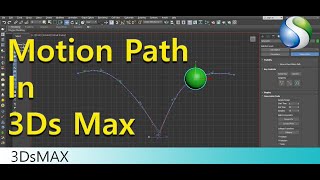
Motion Path in Autodesk 3Ds Max - Animation tools in 3Ds Max

Mash Placer Node in Autodesk Maya

World Node In Mash Autodesk Maya - Autodesk Maya Beginner Tutorial

Mash Dynamic Node in Autodesk Maya

Arnold System Settings in 3Ds Max

Ambient Occlusion with Arnold in Autodesk Maya - Autodesk Maya Tutorial - Maya Lighting tutorial

How to Customize UI in Autodesk 3Ds Max

Reference Editor In Maya 2018

Rigging in Blender - World and Local Space in Blender | Constraints in Blender 2.81

How to Make Grass in Blender 2.8 with Grasswald

Autodesk Maya Modeling Tutorial | Reshape Retopo command in Autodesk Maya

Basics of Blender 2.8 User Interface