iOgrapher
iOgrapher is where mobile video creators turn to learn how to create better videos with their iPhones, iPads, Androids, GoPros and other mobile video devices.
This channel is all about teaching you how to take your mobile video creation to the next level. By using our patented iOgrapher Filmmaking Case you can add professional audio, lighting, and lenses to your mobile device. Place your mobile device on tripods, sliders, or just use the handles for steady shots.
We focus on teaching you methods to create great video content for your schools, business, sports team, social channels and more. We unbox new gear you can add to your workflows and try to include a giveaway on the item we are unboxing!
Subscribe today and create better video today!

Turn Your iPhone Into a Sports Camera Fast!

Capture Like a Pro: Unveiling Our New Pro Snap Lenses

Get the Most Out of Your Multi Use Tripod 3

iPad Video Revolution: 5 Must-Know Reasons

Master Your Coaching: Ultimate Setup Guide for the proSnap Coaches Bundle with iPad!

How to line up iOgrapher lens clip on the iPad Pro

Unboxing proSnap: The Revolutionary Lens Mounting System for iPad Pro 12.9!

How to use iMovie for iOS - A Complete Guide
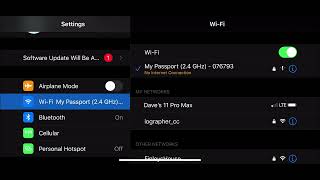
11. Filmic Pro: Backing up your files with an SSD Backup

10. Filmic Pro: Using the Filmic Pro Remote App

9. Filmic Pro: Video Playback in the Filmic Pro app

8. Filmic Pro: Pausing and stitching your video in Filmic Pro

7. Filmic Pro: When to use the settings icon in Filmic Pro

6. Filmic Pro: How to Get Pro Quality Audio with Filmic Pro

5. Filmic Pro: Working with the exposure settings in Filmic Pro

This is the Ultimate iOgrapher Multi-Tasking Tripod