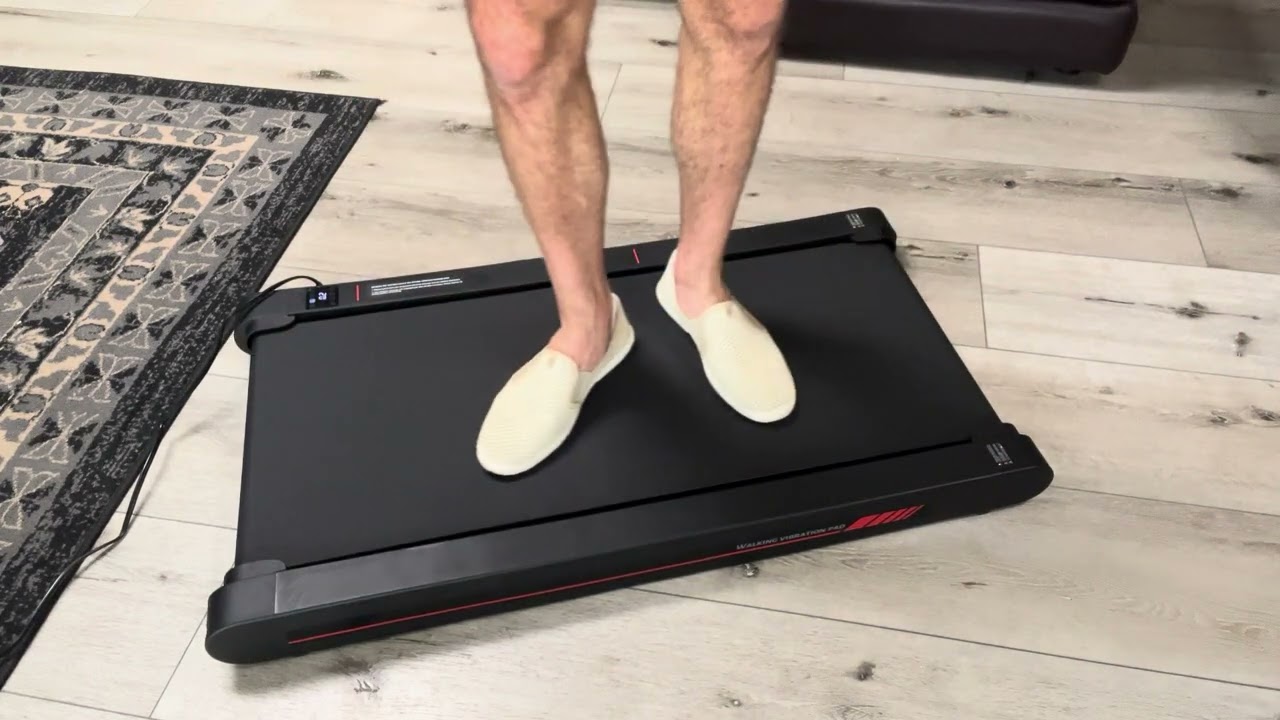
Sperax P1 Walking Vibration Pad: E6 Code Solution -Part2
Автор: SperaxAssist
Загружено: 2025-07-03
Просмотров: 2299
"Is your Sperax P1 showing error E6 codes? 🔧
Follow our guide to troubleshoot and restore your treadmill!
In this guide, you’ll learn:
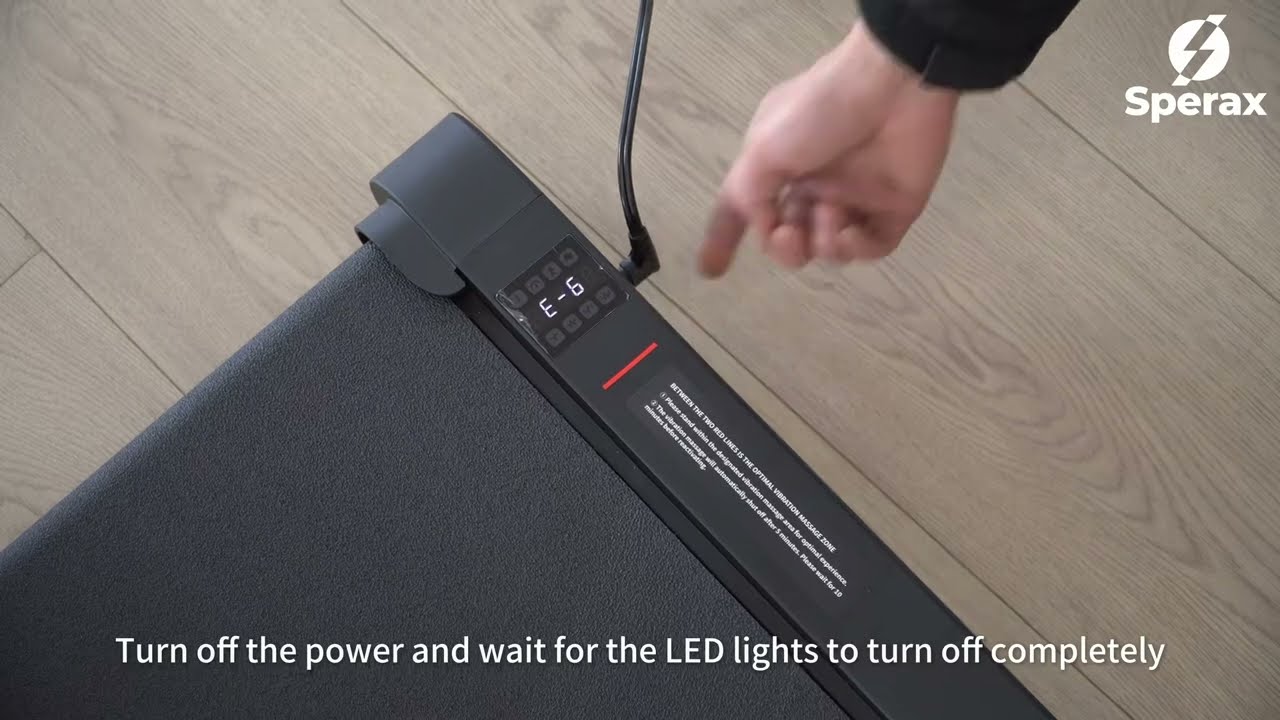
✅ 1. FULL POWER CYCLE – Switch off the power supply and wait until ALL LED indicators are completely extinguished (ensures system reset). ⚠️
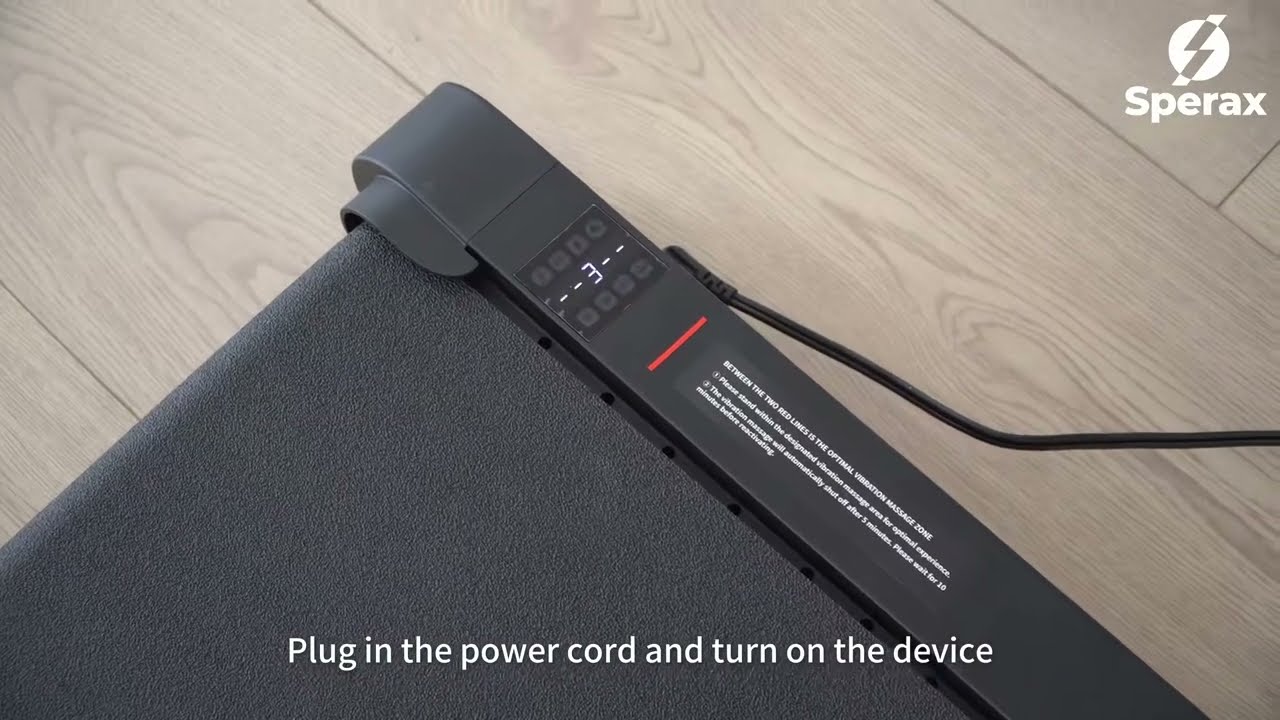
✅ 2. REBOOT & SELF-TEST – Restart the treadmill and wait 30 seconds for completion of the core system self-test (listen for the ""beep"" prompt). 🔄
✅ 3. VIBRATION MODE TEST – Activate Vibration Mode (non-load-bearing) and run continuously for 2-3 minutes (check for abnormal shaking/noise). 📳
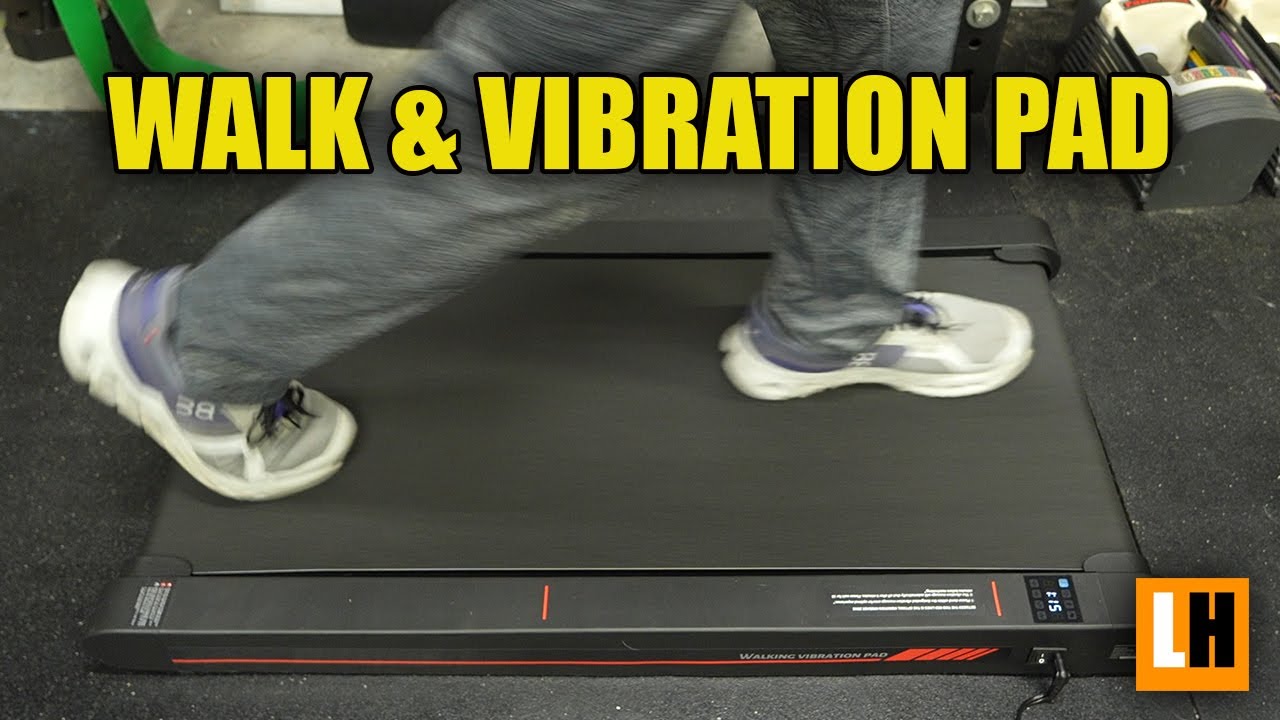
✅ 4. WALKING MODE VERIFICATION – Immediately switch to Walking Mode (low speed) and operate for 1 minute (validate drive system stability). 🚶♂️
✅ 5. FINAL DIAGNOSIS – Monitor display readings and mechanical response to confirm normal operation (no errors/jerking/abnormal sounds). ✔️
👉 Get The Help! Contact Sperax Support:
• Global Support Portal: https://linktr.ee/sperax.official
• Sperax Official Amzon Center Email: dearbuyer@speraxsports.com
• Sperax Official Support Center Email: service@sperax.com
Quality is at the heart of everything we do.
👍 LIKE this video if it helped!
🔔 SUBSCRIBE for more Sperax maintenance tips: Sperax_Amzon
#Sperax #SperaxAmzon #SperaxP1 #WalkingVibrationPad #SperaxFAQs #SperaxEverywhere"
Доступные форматы для скачивания:
Скачать видео mp4
-
Информация по загрузке: