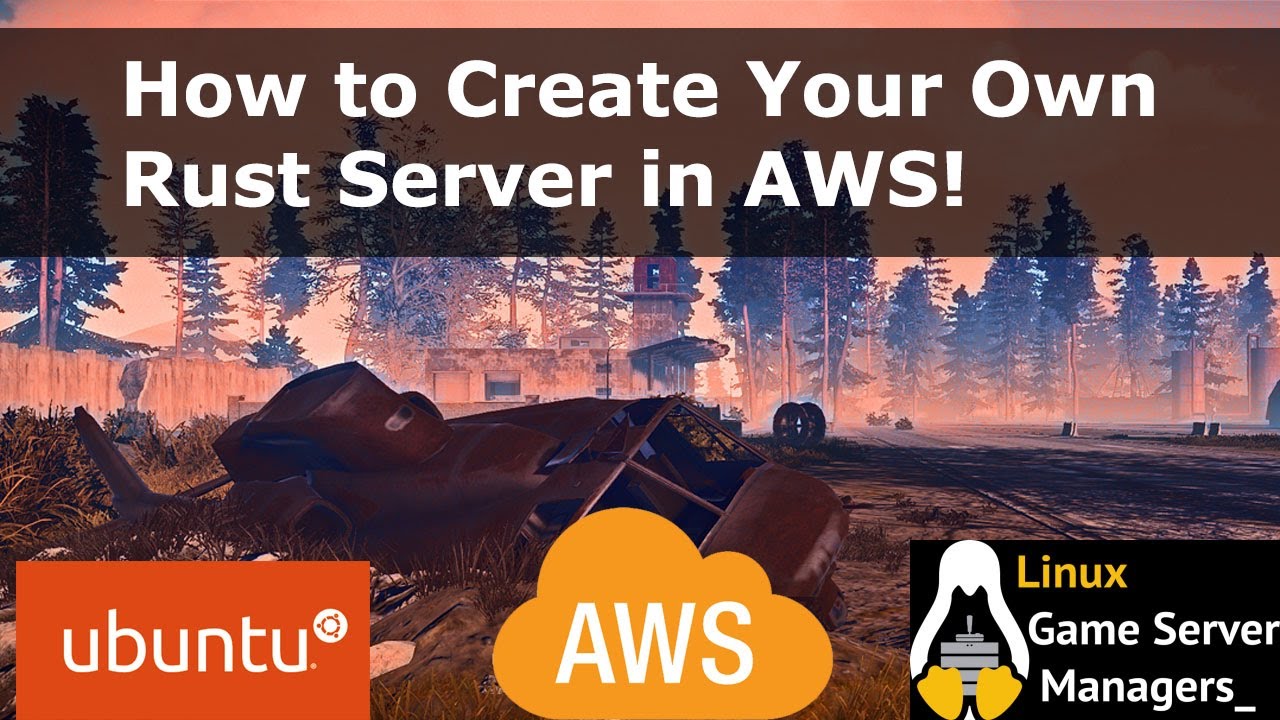
How to Create a Rust Game Server
Автор: OVHcloud US
Загружено: 2021-05-07
Просмотров: 15206
Step by step process in creating a Rust Game Server on an OVHcloud server.
--------------------------------------------------------------------------------------------------------------------------------------------------
This video was created in partnership with LinuxGSM.
For full steps on installing a Rust server or one of the other 100+ games they support, please visit their website.
Please note - After recent game updates Rust is no longer able to run on our VPS server using Ubuntu
https://linuxgsm.com/
The Server RCON administration tool that I used for managing the players and plugins is RustAdmin: https://www.rustadmin.com/
They have a free desktop version and a paid online version with many more features available.
The steps that I followed can be found here: https://linuxgsm.com/lgsm/rustserver/
Important notes:
This guide does not include steps for making your server secure.
The server used in this Video was a VPS. It is important to note that a VPS would not be sufficient to host many players making it more suitable for smaller groups.
If you plan on hosting a larger community and adding plugins, I recommend following the same steps but using a more robust server such as:
The OVHcloud Game-1: https://us.ovhcloud.com/bare-metal/ga...
How to order a Game server: • Ordering a Game Server
Basic Commands used in this tutorial: (These commands may vary based on the OS you are using)
Logging into your server:
ssh IP.Of.Your.Server
Updating and upgrading your server:
Sudo apt-get update
Sudo apt-get upgrade
Install dependancies:
sudo dpkg --add-architecture i386; sudo apt update; sudo apt install curl wget file tar bzip2 gzip unzip bsdmainutils python util-linux ca-certificates binutils bc jq tmux netcat lib32gcc1 lib32stdc++6 steamcmd lib32z1
If you have any issues installing the i386 as I did, you can run the following:
sudo dpkg --add-architecture i386; sudo apt update; sudo apt install libsdl2-2.0-0:i386
Next, you’ll want to add the user for the server
adduser rustserver
Log into this user:
su - rustserver
Next step is to download LinuxGSM:
wget -O linuxgsm.sh https://linuxgsm.sh && chmod +x linuxgsm.sh && bash linuxgsm.sh rustserver
And finally, you can install the rust server:
./rustserver install
Once the server is installed I highly suggest taking a look at the documentation on LinuxGSM to manage and maintain the server.
Please follow all of the steps listed here: https://linuxgsm.com/lgsm/rustserver/
If you have any questions about ordering or hosting your own game server of any type, or if you want to see more videos like this in the future, please feel free to reach out to me directly on the following platforms:
Twitter: / jamesatovh
Discord: OVHcloud_James#7222
Доступные форматы для скачивания:
Скачать видео mp4
-
Информация по загрузке: