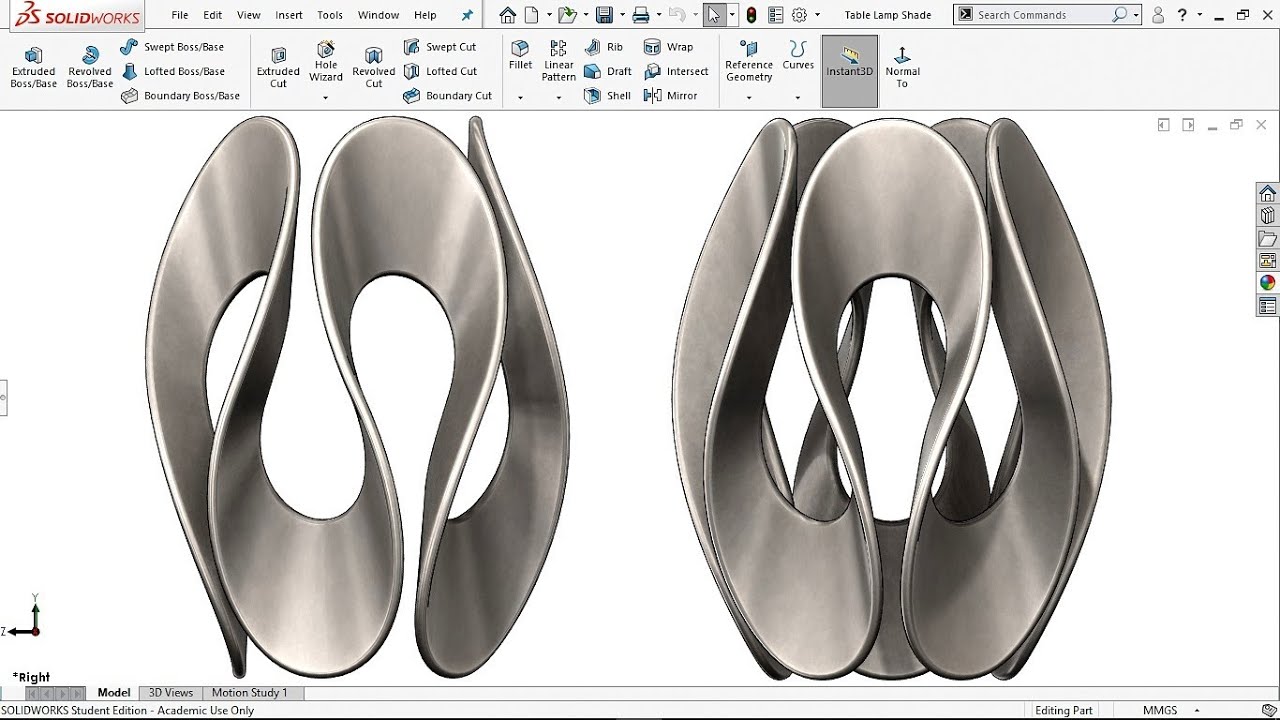
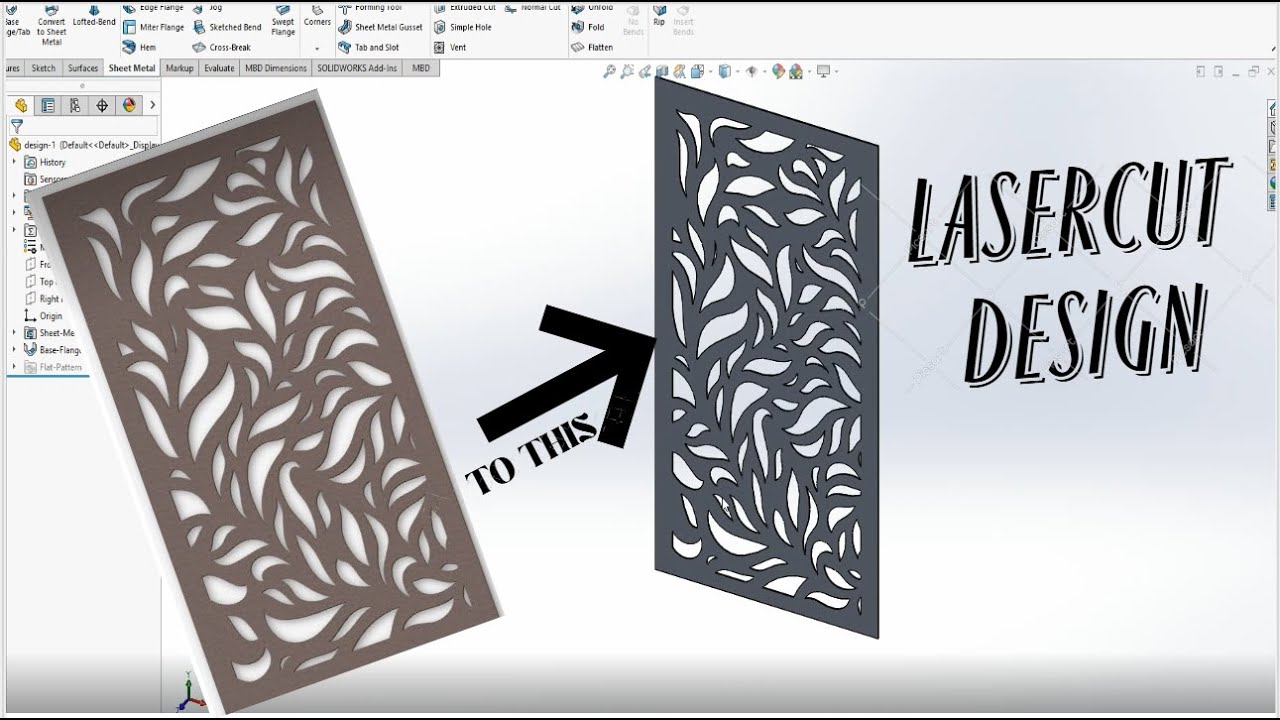
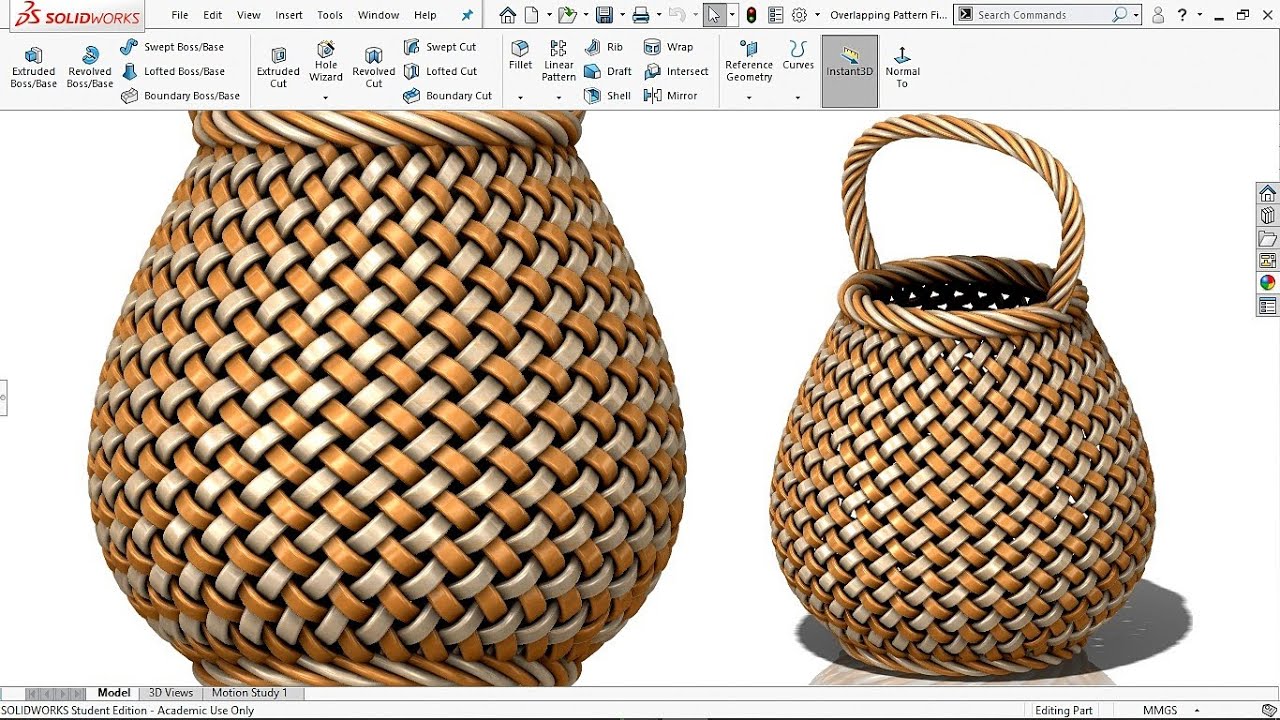
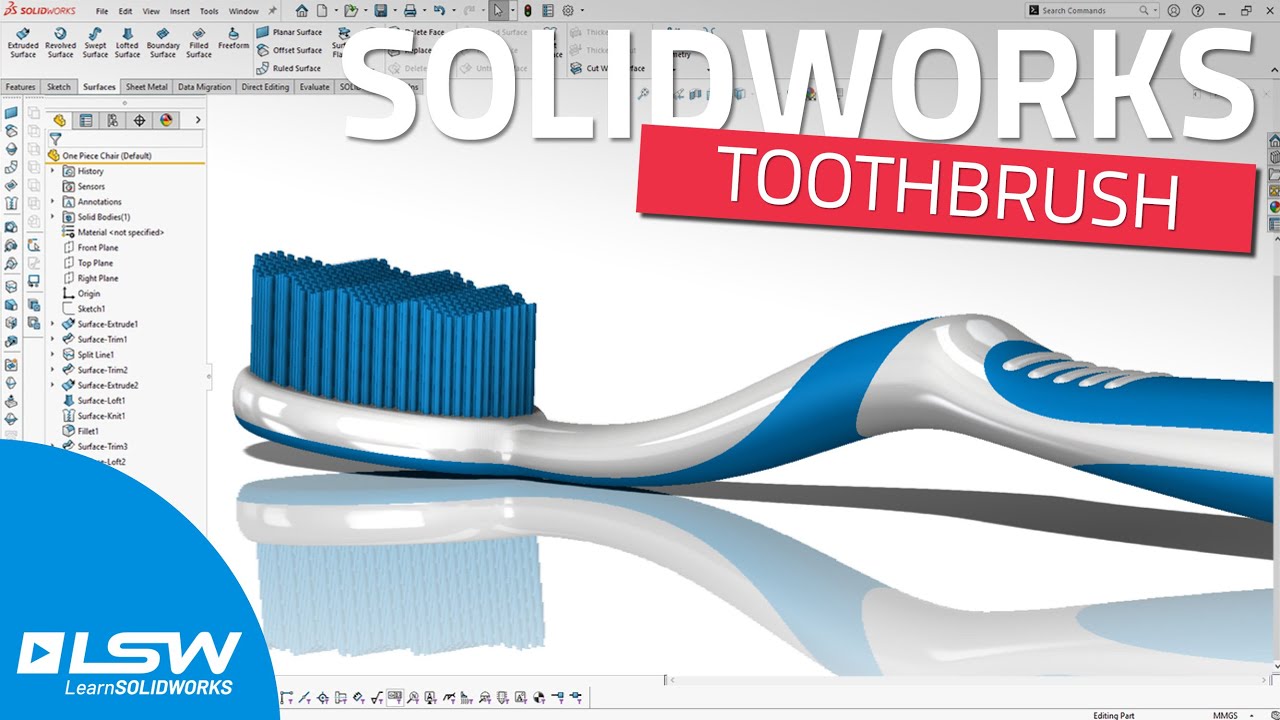
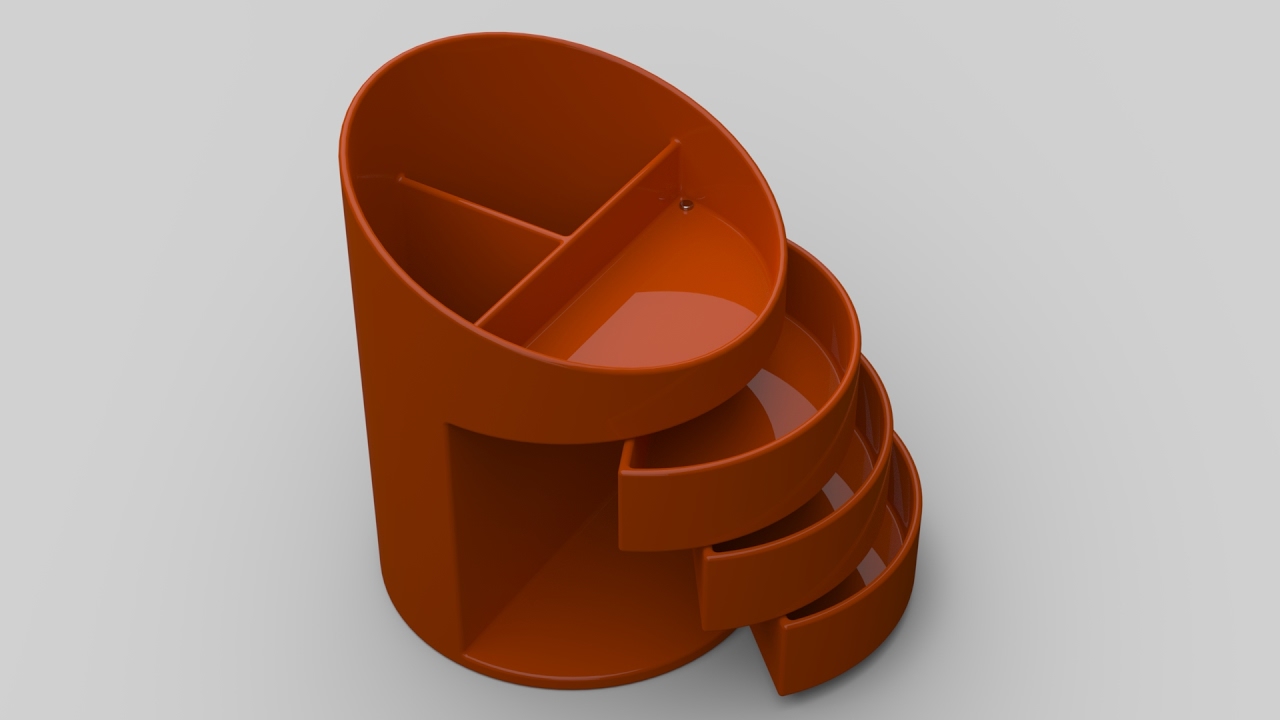
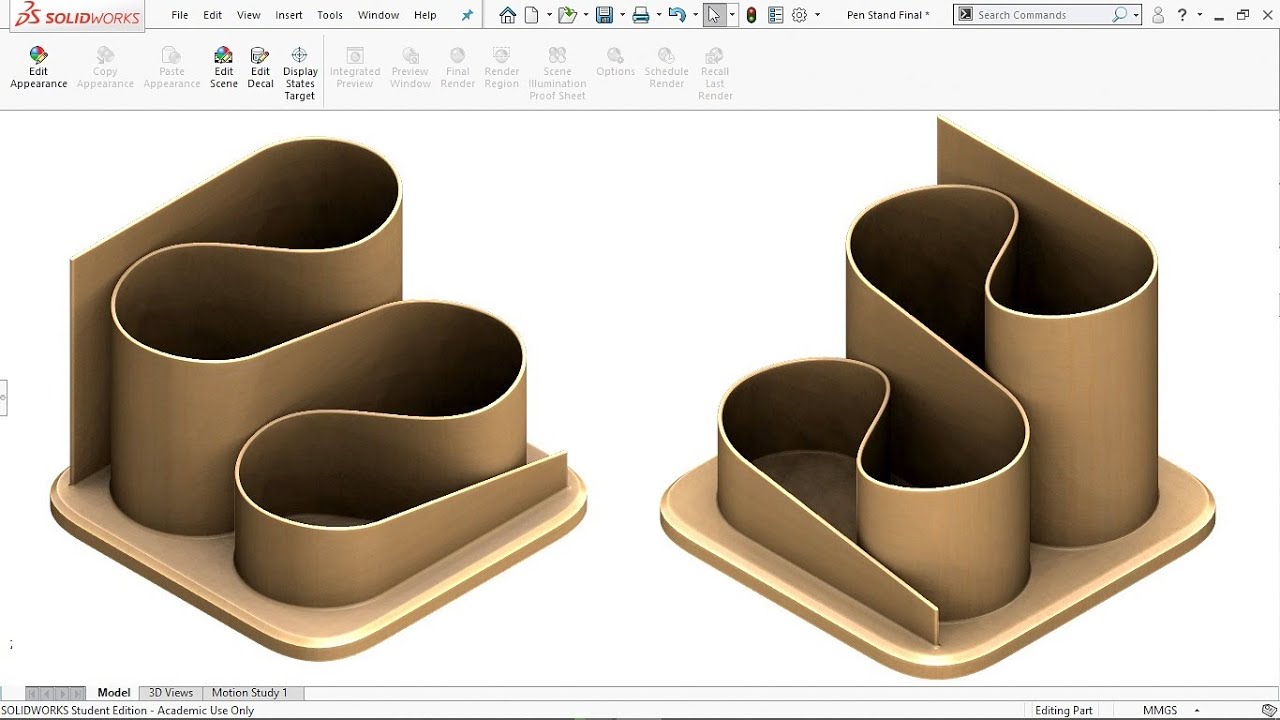
Master SolidWorks | Create an Impressive Pen Stand Design | Ultimate CAD Tutorial for Beginners
Автор: Easy CAD Solutions
Загружено: 2024-05-03
Просмотров: 3573
Unlock Your Design Potential with Our Ultimate SolidWorks Tutorial - Create an Eye-Catching Pen Stand Design in Just Minutes!
Are you ready to elevate your CAD design skills and impress your colleagues? In this engaging and informative SolidWorks tutorial, we’ll guide you step-by-step in creating a stunning pen stand! This tutorial is designed for everyone beginners eager to learn and experienced designers who want to polish their skills. With in-depth insights, practical techniques, and a touch of creativity, you'll master SolidWorks like a pro.
What You'll Learn in This Tutorial
- Basic and Advanced Commands
Understand essential commands like Extrude Surface, Split Line, Thicken, and many more! We will walk you through each step, ensuring you have a solid grasp of each function.
- Creating Unique Designs
Discover how to utilize SolidWorks' unique features to craft uniform varying curves and intricate designs that truly stand out. Get ready to unleash your creativity!
- Real-World Applications
Learn how the tools and techniques demonstrated in this tutorial can be applied in industrial design and prototyping. Enhance your resume and boost your career prospects by acquiring these valuable skills.
Key Features of This Tutorial
- Step-by-Step Instructions
Each step of the pen stand design process is clearly detailed, making it easy for you to follow along and replicate the project with confidence.
- Practical Applications
This tutorial not only teaches the 'how' but also the 'why' behind each command, ensuring a deeper understanding of CAD design principles. Real understanding leads to real mastery!
- Expert Tips and Tricks
Gain insights from an industry expert who shares essential tips to save time and enhance your proficiency in SolidWorks.
Why SolidWorks is Essential for Designers
SolidWorks is one of the leading CAD software applications used by engineers and designers globally. By mastering SolidWorks, you open doors to numerous career opportunities and the ability to transform innovative ideas into reality. Adding projects like this pen stand to your portfolio not only showcases your skills but enhances your job prospects in design, engineering, architecture, and more.
Who This Tutorial is For
- Beginners
New to CAD? Fear not! Our clear instructions and visual aids make it easy to grasp SolidWorks concepts.
- Intermediate Users
Learn advanced techniques and tools that can elevate your current projects and skills to new heights.
- Professionals
Refresh and refine your skills with insights from an industry professional, ensuring you stay competitive in the fast-paced design field.
Resources
Reference Image Link:
[View the design on Pinterest]( / 533676624611750122 )
CAD File Link :
[Download the CAD file here](https://grabcad.com/library/pen-stand...)
Join Our Workshop
Don’t forget to check out our FREE SOLIDWORKS workshop where you will discover the 10 Best Practices to Become a SOLIDWORKS Pro in Days! This workshop is perfect for anyone looking to rapidly enhance their design skills without the frustration of lengthy practice sessions.
[Register for the Workshop Here](https://easycadsolutions--learnsolidw...)
Contact Us for Freelance Services or Personalized Guidance
-WhatsApp: +919793662583 or
-Email: nishant13071992@gmail.com.
-LinkedIn: [Nishant Gautam LinkedIn]( / nishant-gautam-86253a100 )
Join Our Community!
If you found this tutorial helpful, please take a moment to like, comment, and subscribe for more engaging SolidWorks tutorials. Sharing this video with fellow design enthusiasts helps them improve their skills, too!
Remember, the more you practice, the better you will become. Let's master SolidWorks together and create amazing designs that leave a lasting impression!
Доступные форматы для скачивания:
Скачать видео mp4
-
Информация по загрузке: