How to Detect UI Button Release in Unity using C#
Автор: vlogize
Загружено: 2025-09-23
Просмотров: 1
Learn how to detect when a button has been released in Unity using C# . This guide will help you manage button interactions effectively for your game.
---
This video is based on the question https://stackoverflow.com/q/63564021/ asked by the user 'Aditya Nambidi' ( https://stackoverflow.com/u/13824368/ ) and on the answer https://stackoverflow.com/a/63564468/ provided by the user 'luvjungle' ( https://stackoverflow.com/u/10477634/ ) at 'Stack Overflow' website. Thanks to these great users and Stackexchange community for their contributions.
Visit these links for original content and any more details, such as alternate solutions, latest updates/developments on topic, comments, revision history etc. For example, the original title of the Question was: How to detect if the UI button has been released? Unity - C#
Also, Content (except music) licensed under CC BY-SA https://meta.stackexchange.com/help/l...
The original Question post is licensed under the 'CC BY-SA 4.0' ( https://creativecommons.org/licenses/... ) license, and the original Answer post is licensed under the 'CC BY-SA 4.0' ( https://creativecommons.org/licenses/... ) license.
If anything seems off to you, please feel free to write me at vlogize [AT] gmail [DOT] com.
---
Understanding Button Interactions in Unity
In game development, especially when working with the Unity game engine, managing user interactions is critical for creating a smooth and engaging experience. One common requirement is the ability to not just react when a button is clicked, but also to detect when the button is released. This is essential for scenarios such as starting an action on button press and stopping it upon release.
Identifying the Challenge
You may already be familiar with using the OnClick function for handling button clicks in Unity. However, you might encounter a situation where you need to toggle a boolean state—let's say, turning it true when the button is clicked and false when it is released. How do we achieve this functionality effectively? Let’s delve into a solution you can implement in your Unity project.
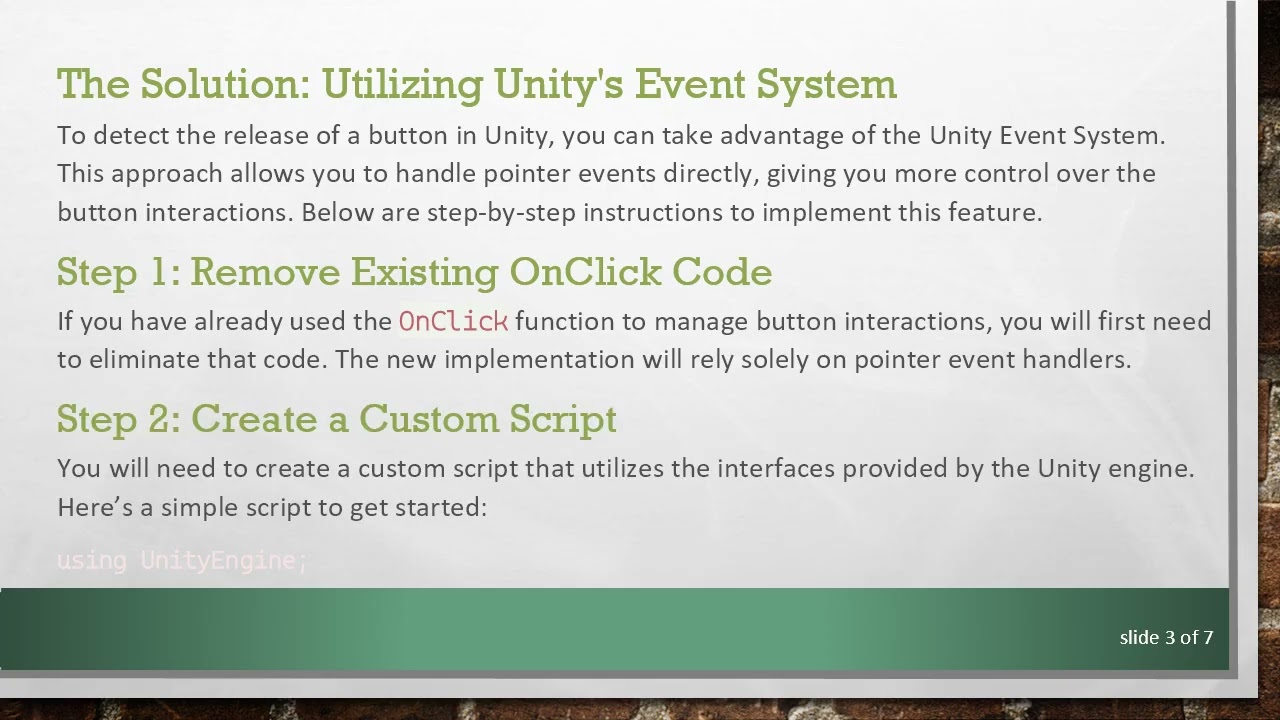
The Solution: Utilizing Unity's Event System
To detect the release of a button in Unity, you can take advantage of the Unity Event System. This approach allows you to handle pointer events directly, giving you more control over the button interactions. Below are step-by-step instructions to implement this feature.
Step 1: Remove Existing OnClick Code
If you have already used the OnClick function to manage button interactions, you will first need to eliminate that code. The new implementation will rely solely on pointer event handlers.
Step 2: Create a Custom Script
You will need to create a custom script that utilizes the interfaces provided by the Unity engine. Here’s a simple script to get started:
[[See Video to Reveal this Text or Code Snippet]]
Explanation of the Script
Namespace Usage: The script uses namespaces UnityEngine for core functionalities and UnityEngine.EventSystems to access event handling interfaces.
Interface Implementation: By implementing IPointerDownHandler and IPointerUpHandler, the script can handle button press and release events respectively.
Managing State: The boolean variable myBool is updated based on whether the pointer is down (button pressed) or up (button released).
Step 3: Attach the Script to Your Button
Save the script file and return to your Unity editor.
Select the button in your scene.
Drag and drop the script onto your button GameObject or add it through the Unity component menu.
Step 4: Testing the Functionality
After attaching the script to your button, play the scene in Unity and test the button interactions:
When you press the button, you should see the console log "pointer down".
Upon releasing the button, it should display "pointer up".
This method not only effectively manages the button press state but is also simple to implement.
Alternative Approach: Using IPointerClickHandler
For certain cases, you might find that using the IPointerClickHandler interface might suit your needs better. This interface handles complete clicks (down and up), providing a different way to work with button states. Depending on your game design, you can evaluate which method fits your needs more appropriately.
Conclusion
Detecting UI button releases in Unity is essential for creating interactive and responsive game mechanics. By following this guide, you can efficiently manage button states and enhance user interactions in your project. Feel free to experiment with different adjustments and implementations to suit your specific requirements.
If you have any questions or need further assistance, don’t hesitate to reach out!
Доступные форматы для скачивания:
Скачать видео mp4
-
Информация по загрузке:









![Criação de Chatbot com IA em Tempo Real | Jornada Python [Aula 4]](https://image.4k-video.ru/id-video/x9us47urjcQ)

