How To Use The Offset Feature To Create Stickers in Cricut Design Space
Автор: Cricut and Crafts
Загружено: 2021-05-20
Просмотров: 251
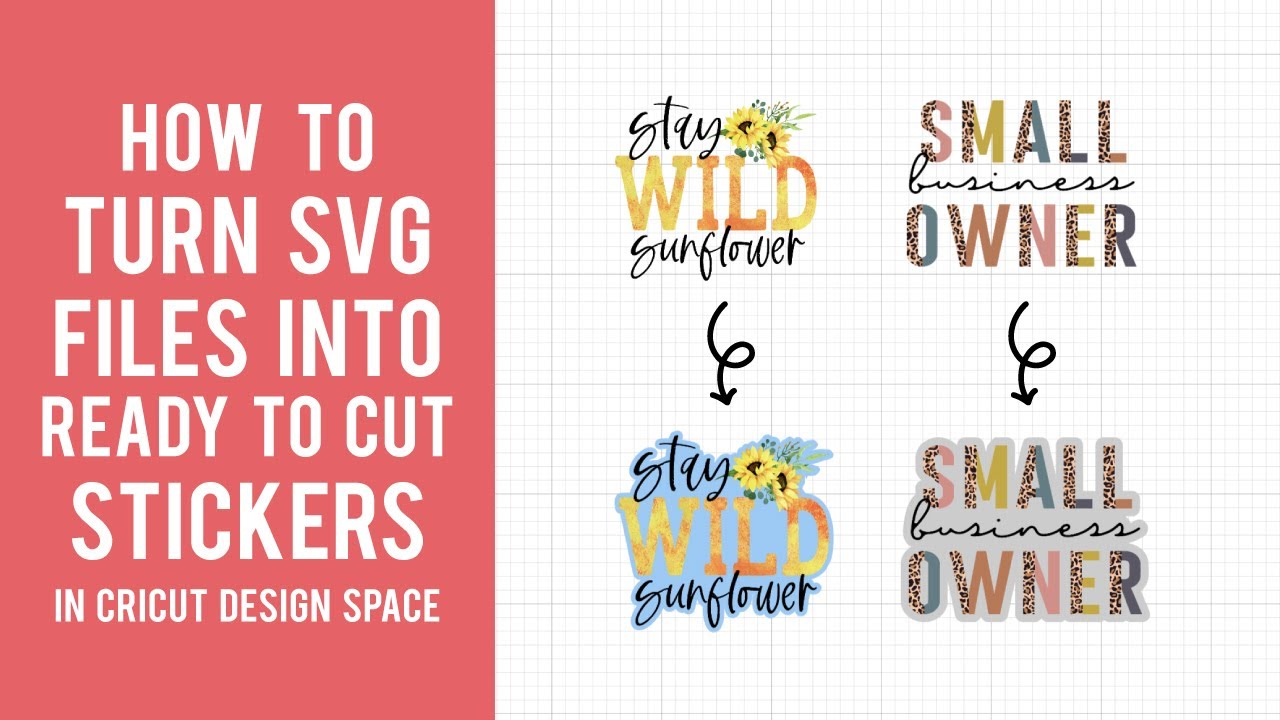
Let's make stickers with our Cricut cutting machines! You can use the NEW offset feature in Cricut Design Space to add an outline around your SVG or sublimation design so they are print and cut ready for stickers! This shadow offset gives space between your design and where your machine will later cut. Make sure you use the contour tool after adding your offset to "fill in" any open spaces. Stickers are super trendy and are so fun and easy to make. You can even sell these or use them as freebies with your orders.
Make sure you have the newest version of Cricut Design Space to be able to see the offset feature. You also need to be using a "NEW" canvas style! You can check this by going under "settings" in the upper lefthand corner. Cricut has stated you need to have Windows 10 - 64 bit and higher or Mac OS 10.15 and higher.
FREE SUBLIMATION DESIGN INFORMATION
Stay Wild Sunflower: https://bit.ly/3wmulw6
Small Business Owner: https://bit.ly/3oy1sKJ
GET INSPIRED WITH US
Pinterest: / cricutandcrafts
SEE OUR DESIGNS HERE
Cheese Toast Digitals: https://bit.ly/3tsknI4
DISCLAIMER
Some links above are affiliate links. This means if you click on a link and make a purchase, I’ll receive a small commission. Thank you for your support!
Доступные форматы для скачивания:
Скачать видео mp4
-
Информация по загрузке:


