How To Teach Online Using Obs for zoom and other virtual meetings. Share multiple cameras
Автор: Stage Seminars (StageSeminars)
Загружено: 2020-11-27
Просмотров: 382
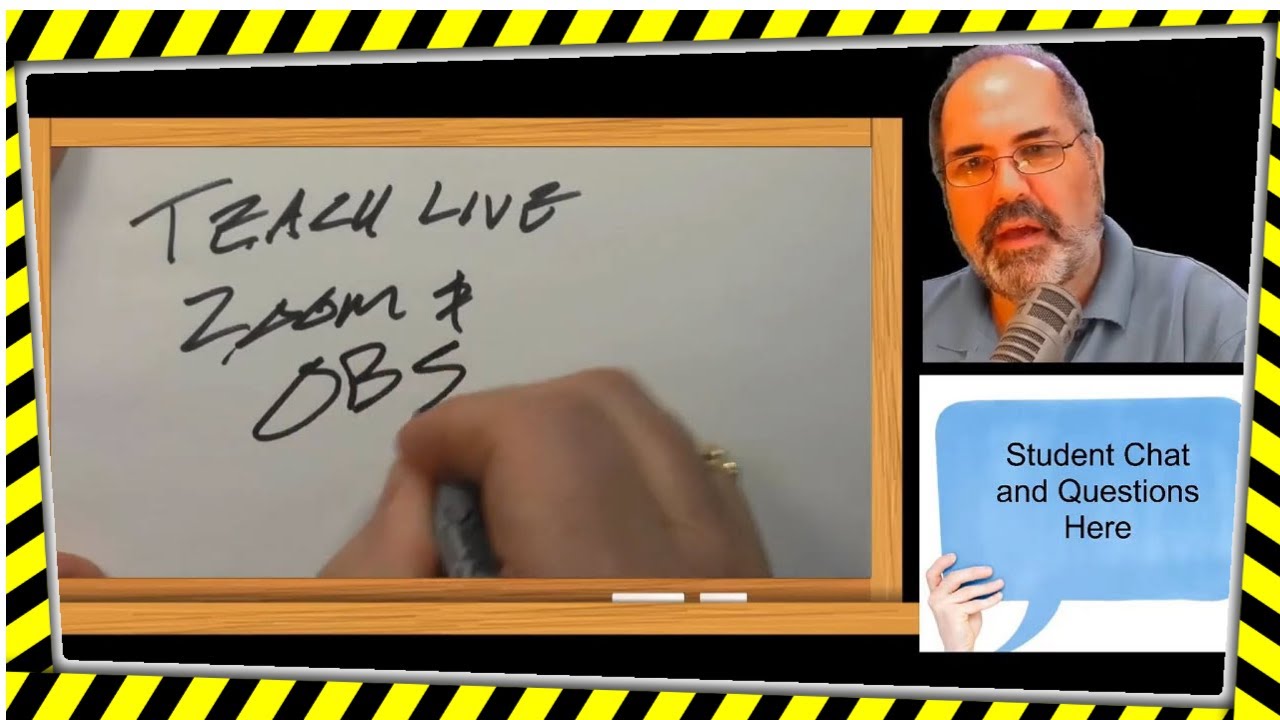
How To Teach Online Using Obs for zoom and other virtual meetings. Share multiple cameras to show your students your hands writing live on paper. Great for teaching math online. Also great for sketching design ideas or to offer drawing tutorials.
I show how to add a PowerPoint window so your students can see you and the PowerPoint presentation. I show how I suggest setting up OBS for recording and to set up a browser window and how to show a YouTube video to your students using OBS studio. I use OBS for screen recording and for making YouTube recordings. OBS studio is a free program that acts like a television studio switcher and can control several inputs and outputs. You can use it to broadcast to zoom, Google classroom, Google meet, Skype, and more. this video is a precursor for my one showing setting up OBS for Zoom.
For more teaching info, visit www.stageseminars.com
#teachingonline #obsstudio #teachingonline #onlineteaching #obsstudio #greenscreen #chroma
Installing OBS and a tour of OBS for teaching online.
Table of Contents:
00:00 - Start
00:06 - Teach live with Zoom and OBS
00:21 - Download OBS
01:03 - OBS Screen
02:12 - Renaming OBS Scenes
02:31 - Adding an OBS Scene
02:44 - Adding a Video Source to OBS
03:34 - Cropping OBS Window
04:00 - Adding a filter to OBS
04:13 - Green Screen, aka Chroma Key in OBS
05:28 - Adding Mic to OBS
05:51 - My Mic
06:25 - Audio Mixer
07:42 - Adding Capture Card
08:51 - Copy and paste a scene to duplicate it
09:48 - Cropping the Camera frame
10:15 - Switching between scenes in OBS
10:37 - Adding PowerPoint to OBS
10:42 - Adding Keynote to OBS
11:19 - Adding a Window Capture to OBS
12:09 - PowerPoint Slideshow Setup for OBS
13:56 - Scene Transitions
15:27 - Recording your lessons with OBS
Доступные форматы для скачивания:
Скачать видео mp4
-
Информация по загрузке: