3D Battlemaps in 1st Person PoV! - Infinite Realms Developer VLog
Автор: Infinite Realms
Загружено: 2022-04-18
Просмотров: 517
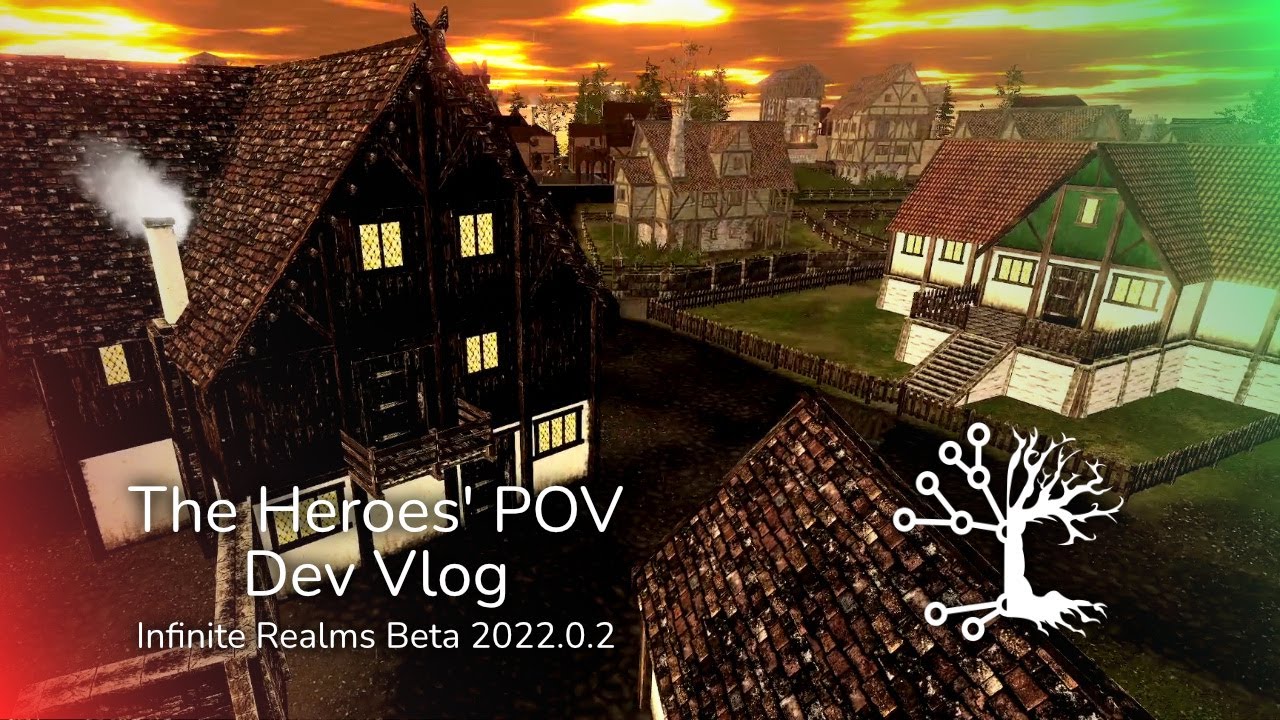
This is Another Developer VLog for Infinite Realms version 2022.0.2! The major new feature is a 3D view mode! As well as updates to the UI and existing tools like the Line of Sight and Distance Tool!
You missed our Kickstarter campaign and still want to get Early Access? Well, we don't have a shop or other automatic payment system yet. But you can send an email to Nina - nina@megavoid.de - she will work something out with you via SEPA or PayPal!
Please provide your country or state of residence. We need this info for taxes that may apply.
The first person view is only available on 3D scenarios, as it would make little sense on a 2D or video map. To get into 3D view mode there is a button on the Scenario Tab, that starts an animation to get you right into the map!
The relative position of the view is saved, so when you save the scenario your current 3D view options are saved as well. This way you can prepare the scene just like the battlemap setup in advance to later load it in your gaming session!
I have implemented an orbit style movement - moving around the center of current battlemap section. You can freely move around and show the scene to your players from any angle you may want!
Infinite Realms automatically switches to the Move tool when entering 3D view mode, disabling the Tools Tab in the bottom menu. You have three options to move: keyboard, mouse and fine step UI buttons for precise placement.
You can move left, right, toward center, farther away with WASD and arrow keys. The camera is moved up and down with Q and E, the angle is set with Z and H. Mouse movement may take a bit of training, orbiting left and right as well as changing the viewing angle is done by holding the left mouse button. Holding the right mouse button lets you slide towards or away from the center of the current battlemap. Finally you can adjust camera height with the mouse wheel.
As I already mentioned there are also UI buttons. These are single click small step buttons to precisely adjust your view!
The 3D view animation speed is dependent on the view distance in map mode. It takes 2.5 to 3.5 seconds to complete the animation.
There is also an option to show tools - fog of war, grid, tokens and so on. Normally, I guess, you would want to show only the pure scene to your players to set the mood or show the surroundings. But just in case you want to have Grid, Paint Layer or the Distance Tool you can set this before entering 3D view. Mind that the Tool Tab is not available in 3D view as some tools may not work correctly when manipulated here.
On to the Line of Sight Tool! I have moved the Line of Sight tool from its static “zero level” to the Ground Level introduced in 2022.0.1. It is now relative to the same movable level where Grid, Fog of War and so on reside. Doing this was a lot of fun as moving calculations from world scale vectors to local vectors usually is for a developer… my high school math teacher would finally be proud of me!
I have also updated the UI. There was a redesign of the map selection window. There is now space for longer map names, the vertical scroll area is more intuitive and I also added a full text search field!
A search field was also added to the load scenario window. This can come in handy when managing multiple campaigns with multiple scenarios each!
What else? We had an annoying and rather obvious Bug: Some textures were missing their normal map - basically some kind of basic built in pseudo 3D information to make textures not look as flat as they are. In addition some water materials that should have been transparent were opaque or not even rendered at all on the second screen! This was due to incompatible shader engine versions in our map pack and core program that are developed separately. To fix this we rolled back the engine version in core Infinite Realms - It will be updated simultaneously with the map data in a future version!
Visit https://infinite-realms.de for more information!
#battlemap #vtt
Доступные форматы для скачивания:
Скачать видео mp4
-
Информация по загрузке: