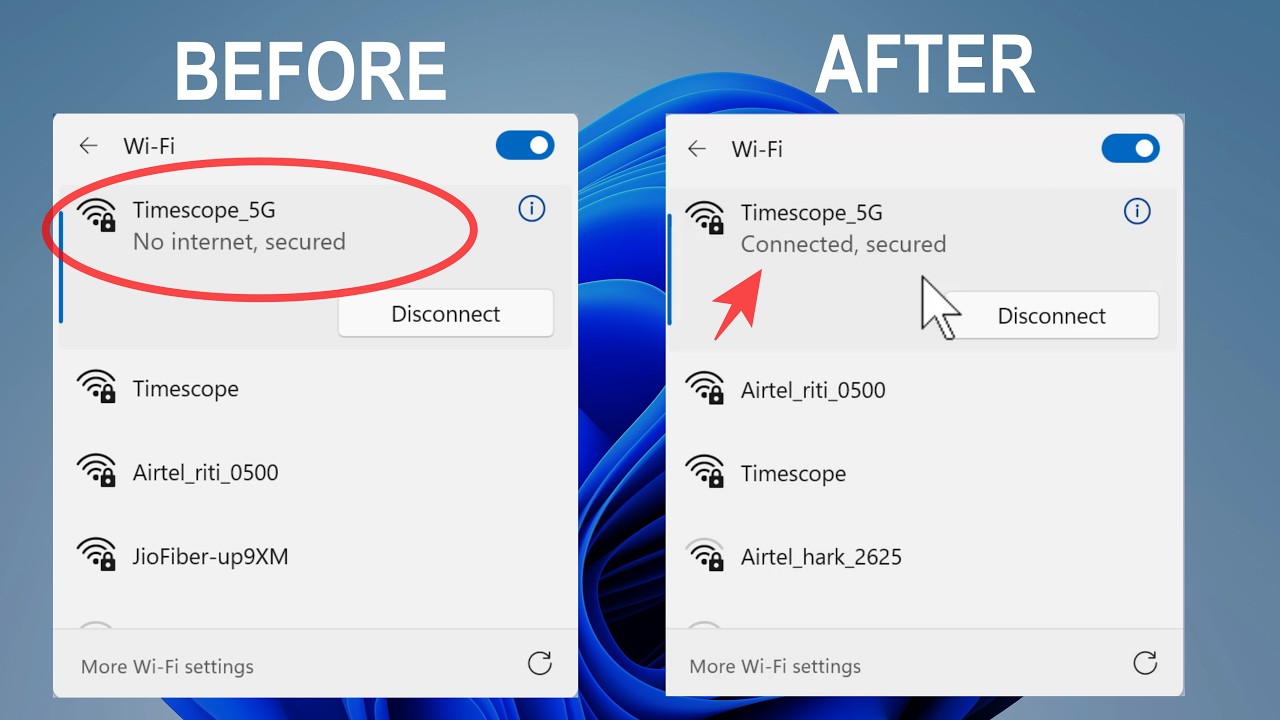
How to Find Your Wi-Fi Password Using CMD (Windows 10/11)
Автор: Simple Tech Tips
Загружено: 2026-01-22
Просмотров: 1
Forgot your Wi-Fi password? Don't reset your router just yet! In this video, I show you a simple Command Prompt (CMD) trick to reveal the password for any Wi-Fi network you have previously connected to on your Windows PC.
This works on Windows 10 and Windows 11.
👇 COMMANDS USED IN THIS VIDEO:
Step 1: See all saved networks
netsh wlan show profiles
Step 2: Reveal the password (replace "WiFiName" with your network name)
netsh wlan show profile name="WiFiName" key=clear
🔍 LOOK FOR:
Scroll down to "Security settings" and find "Key Content". That is your password!
------------------------------------------------------
✅ TIPS:
Make sure to run Command Prompt as Administrator.
If your Wi-Fi name has spaces (e.g., My Home Internet), keep the quotation marks around the name.
#WindowsTips #WiFiPassword #CMD #TechTips #Windows11 #InternetTips

Доступные форматы для скачивания:
Скачать видео mp4
-
Информация по загрузке: