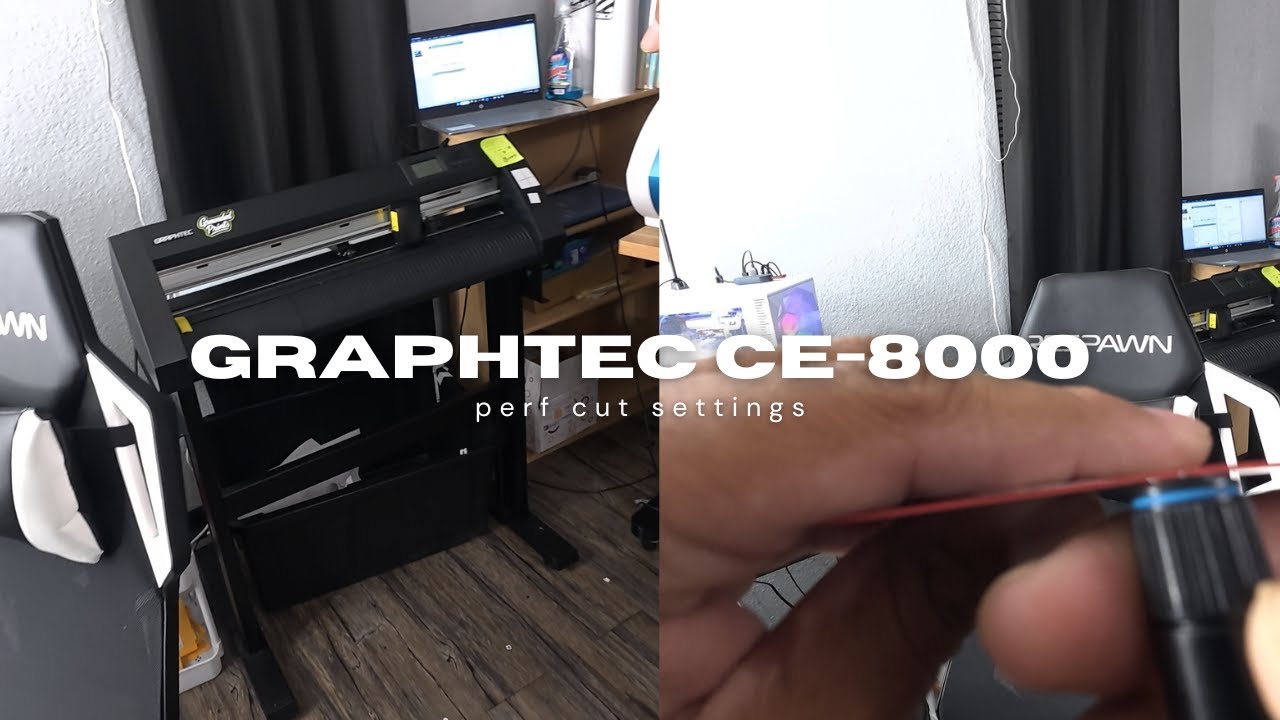
How To Setup Perf Cut on Graphtec CE8000 + Cutting Master PC Settings
Автор: Hector G
Загружено: 2025-11-04
Просмотров: 1244
If your Graphtec CE8000 isn’t perf-cutting clean or keeps tearing your vinyl, this step-by-step tutorial will fix it. 👇
In this video, I’ll show you how to perfectly set up your Graphtec CE8000 for perf cut (perforated cut) — including machine settings, blade setup, and PC configuration using Cutting Master 5 / Adobe Illustrator.
Whether you’re cutting die-cut stickers, laminated vinyl, or sheet decals, these settings will give you clean tabs and pro-level results every time.
You’ll learn:
✅ What “Perf Cut” actually means and how to use it for sticker sheets
✅ Exact force, speed, and offset settings that produce clean cuts
✅ How to configure your Cutting Master 5 PC settings to match your cutter
✅ How to test and fine-tune your cut for perfect sticker separation
✅ Troubleshooting tips for tearing, uneven cuts, or deep scoring
This tutorial works great for the Graphtec CE8000-40, CE8000-60, and CE8000-120, and the same principles apply to the CE6000 and FC series.
If this helped you out, don’t forget to 👍 like, 💬 comment your favorite vinyl settings, and 🔔 subscribe for more Graphtec and sticker-making tutorials.
📸 Follow for more tips and behind-the-scenes setups:
🎨 Learn sticker design, print setup, and cutter optimization every week!
#GraphtecCE8000 #PerfCut #VinylCutterTutorial
Доступные форматы для скачивания:
Скачать видео mp4
-
Информация по загрузке:




![[ASF1-30] 2 Registration Marks Alignment](https://image.4k-video.ru/id-video/K5RmQCdKros)
