Скачать
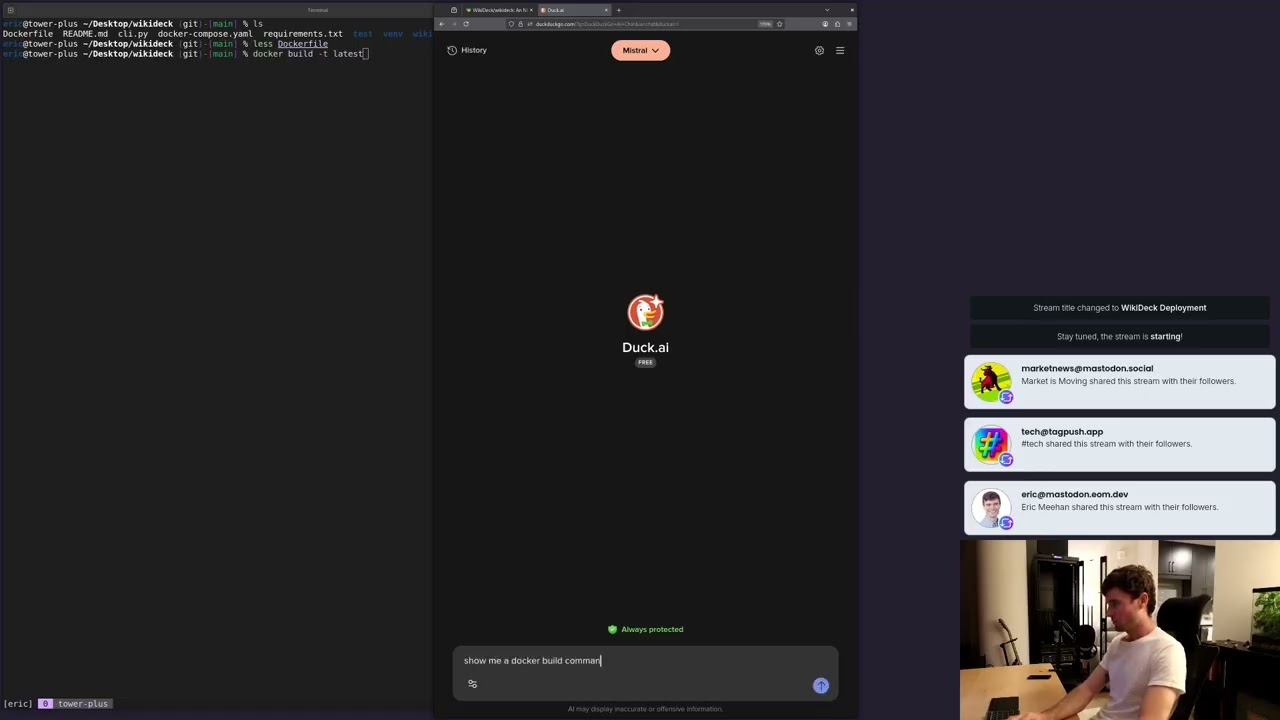
How to Flash a USB without Third Party Software (Windows)
Автор: Eric O Meehan
Загружено: 2020-12-10
Просмотров: 1300
Описание:
Flashing an .iso image to a USB is easy with third party programs, but it is also possible to flash disk images without them from the command line! In this video, I show you how to flash an iso image to a USB using the command line on Windows without the aid of third party software.
Commands used:
diskpart
list disk
select disk 2
clean (MAKE SURE YOU HAVE THE CORRECT DISK SELECTED)
create partition primary
select partition 1
active
format fs=ntfs
assign
exit
F: (Use the drive for your usb)
cd boot
bootsect.exe /nt60 G: (Use the drive for your mounted .iso)
xcopy F:*.* G:\ /E /F /H (Again, use the correct drive letters)

Доступные форматы для скачивания:
Скачать видео mp4
-
Информация по загрузке: