NDI Camera LIVE Testing || Wirecast, vMix, Livestream, OBS & xSplit
Автор: PTZOptics
Загружено: 2017-08-16
Просмотров: 26309
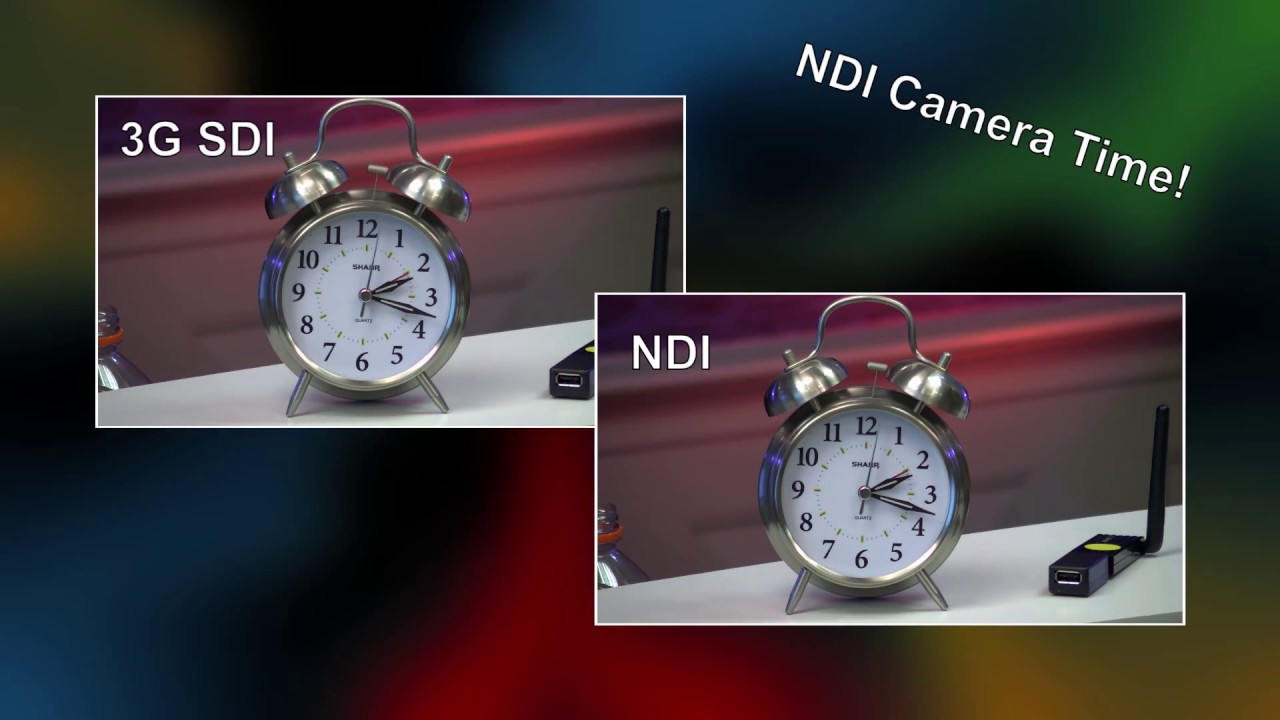
This might just be our most exciting Back to Basics episode to date! We've just installed the NDI Firmware Upgrade to our Gen2 SDI PTZOptics Camera's, and today, we're testing them LIVE for you.
In this live stream, Paul shows off the latest NDI pan, tilt, zoom cameras from PTZOptics. We start with a look at the new NewTek NDI Studio Monitor. This software allows you to monitor and control PTZ cameras on your Local Area Network. NDI (Network Device Interface) has now become a standard for pan, tilt and zoom control.
The Studio Monitor has intuitive setup which includes auto-detection for all NDI sources on your network. The monitor will automatically know whether the camera is PTZ enabled and it will show a PTZ control system on the screen. We also, show the settings allowing for low bandwidth IP streaming, broadcast configurations and audio monitoring.
Next we demonstrate the NewTek Virtual Input which is a software for Windows that is included with the PTZOptics NDI cameras. This software will allow us to create a virtual webcam input and select the inputs to source from. Therefore a software such as GoToMeeting, WebEX or Zoom can easily bring in IP video cameras and quickly switch between the cameras.
You can see that Wirecast will automatically recognize NDI sources on your network. Currently we have shown the ingestion of NDI video sources inside Wirecast. We discuss the differences between Wirecast and the other live streaming software that we review in this live stream. We are able to add NDI inputs using the simple "Add New Shot" button inside Wirecast. Once the NDI cameras and video inputs are inside Wirecast we can quickly switch and transition between sources.
We use vMix in our live production and shared the look at each NDI camera available in vMix. We also show how to use VISCA over IP to control the PTZ cameras inside vMix. We can create camera presets as inputs inside vMix to allow our NDI cameras to be remotely controlled. We also show off later in the live stream that vMix supports both in and out NDI streaming over the Local Area Network. During the live stream we also demonstrate the hot-swapping NDI camera switching support inside vMix.
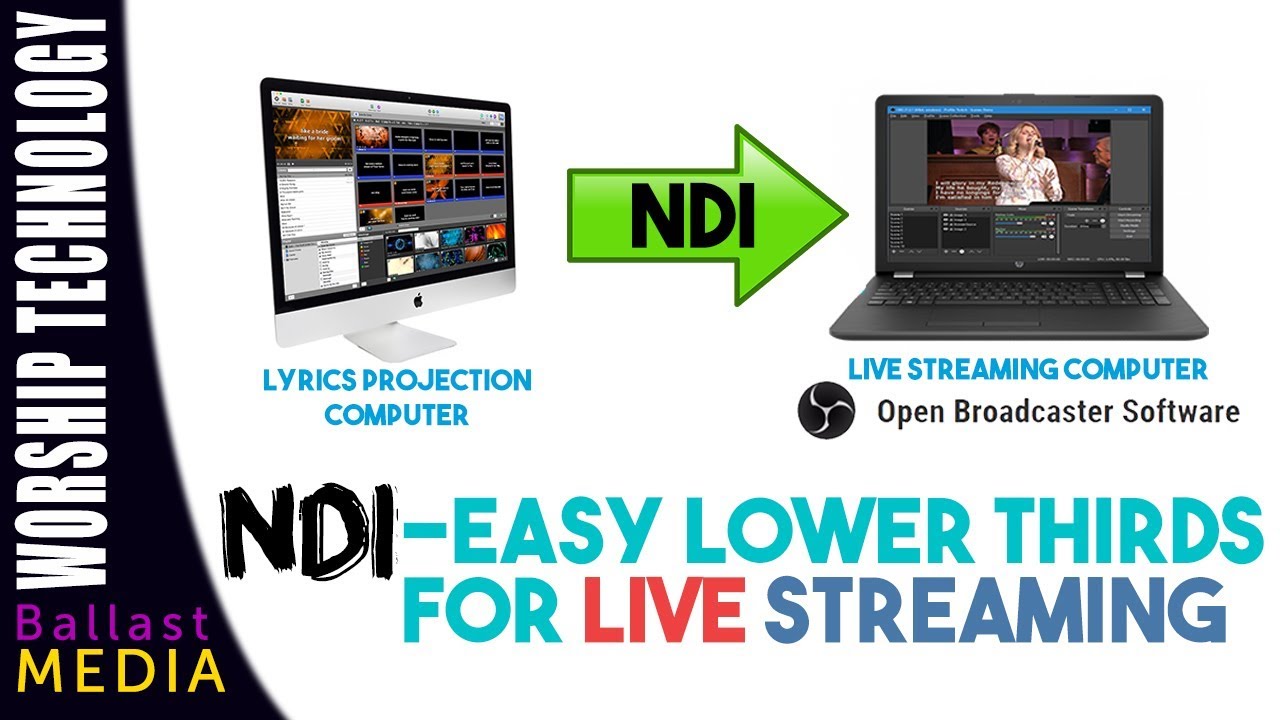
It's very nice to see NDI supported by OBS (Open Broadcaster Software). We were able to download the OSB plugin here. The author "Palakis" mentions the following prerequisites "You'll need CMake, the NewTek NDI SDK V2 and a working development environment for OBS Studio installed on your computer." The features are included for both NDI ingestion of video in OBS and video output!
✓ Watch our Latest Friday Live Stream: • NDI.CLOUD - SIENNA NDI - Cloud Based Video...
✓ Subscribe to our YouTube Channel - / @ptzoptics
✓ Join the Giveaway of the Week - http://ptzoptics.com/giveaway/
✓ Free UDEMY Course on how we live stream here: http://ptzoptics.com/landing/coupons....
Hashtags: #ptzoptics, #livestreaming, #tech, #videoproduction, #PTZCameras, #streamingmedia, #webinar, #collaboration #wirecast #vmix #newtek #Tricaster #blackmagic #FacebookLive #YouTubeLive
Доступные форматы для скачивания:
Скачать видео mp4
-
Информация по загрузке: