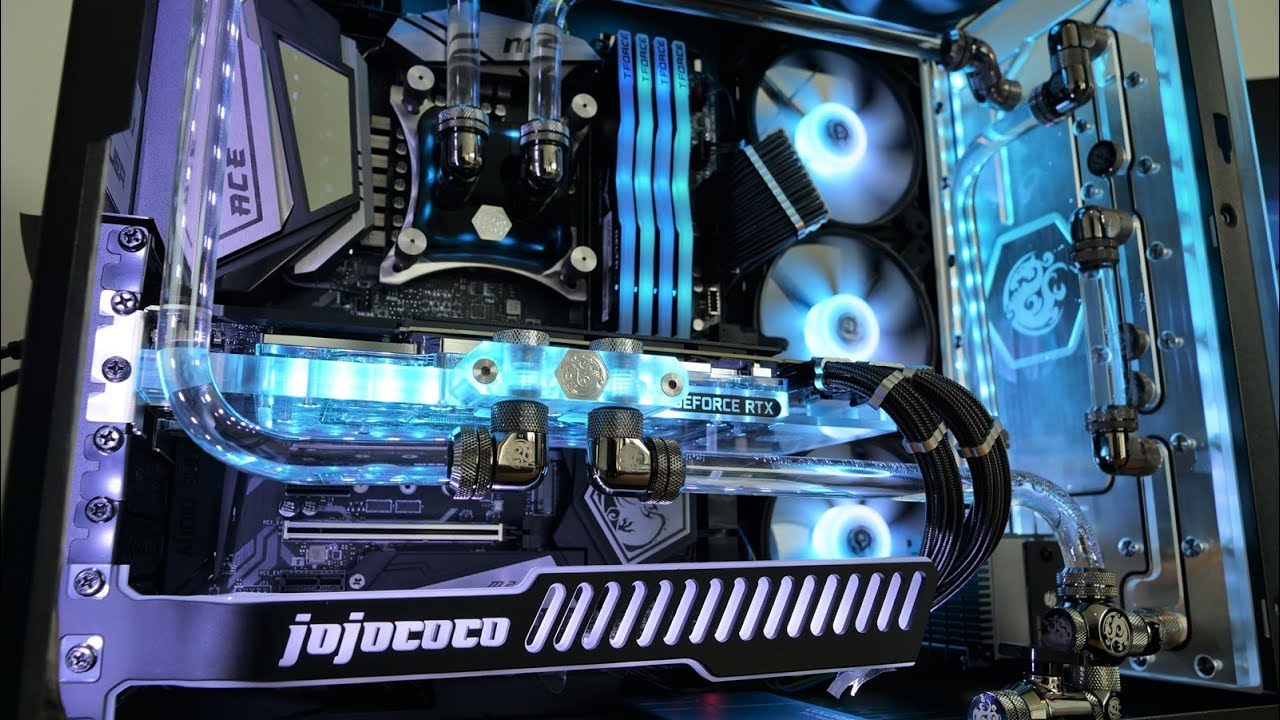
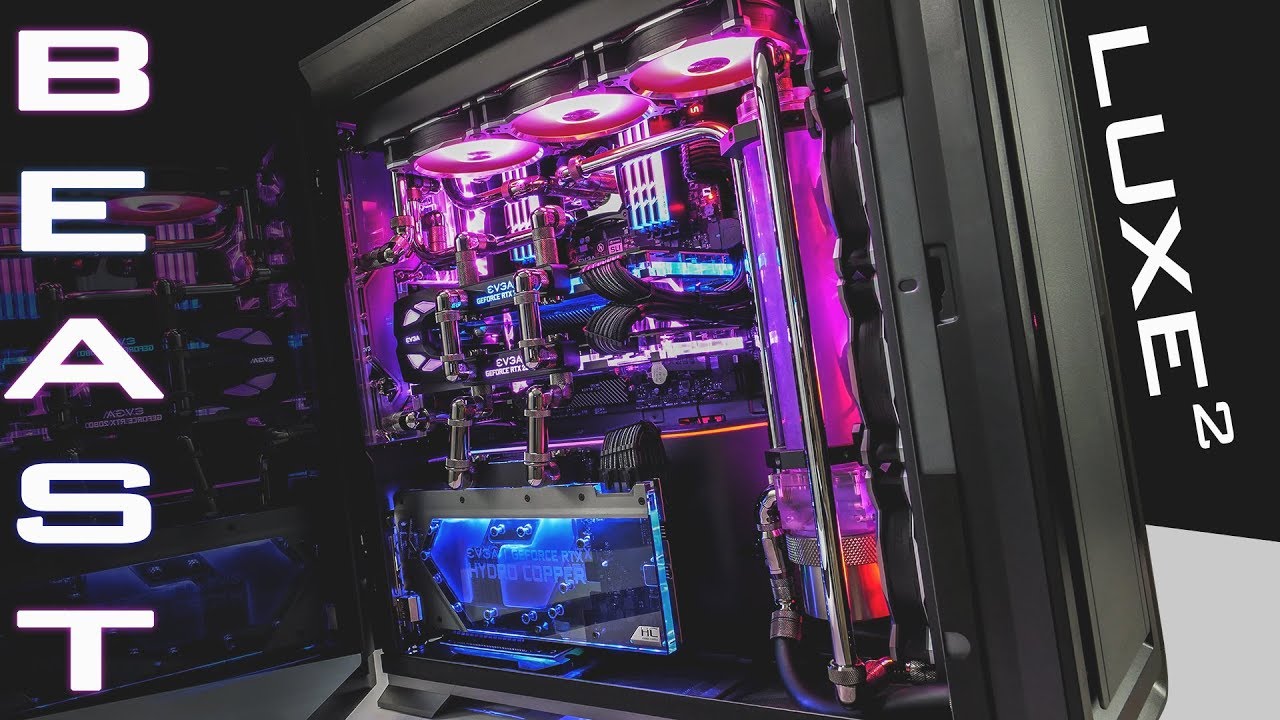
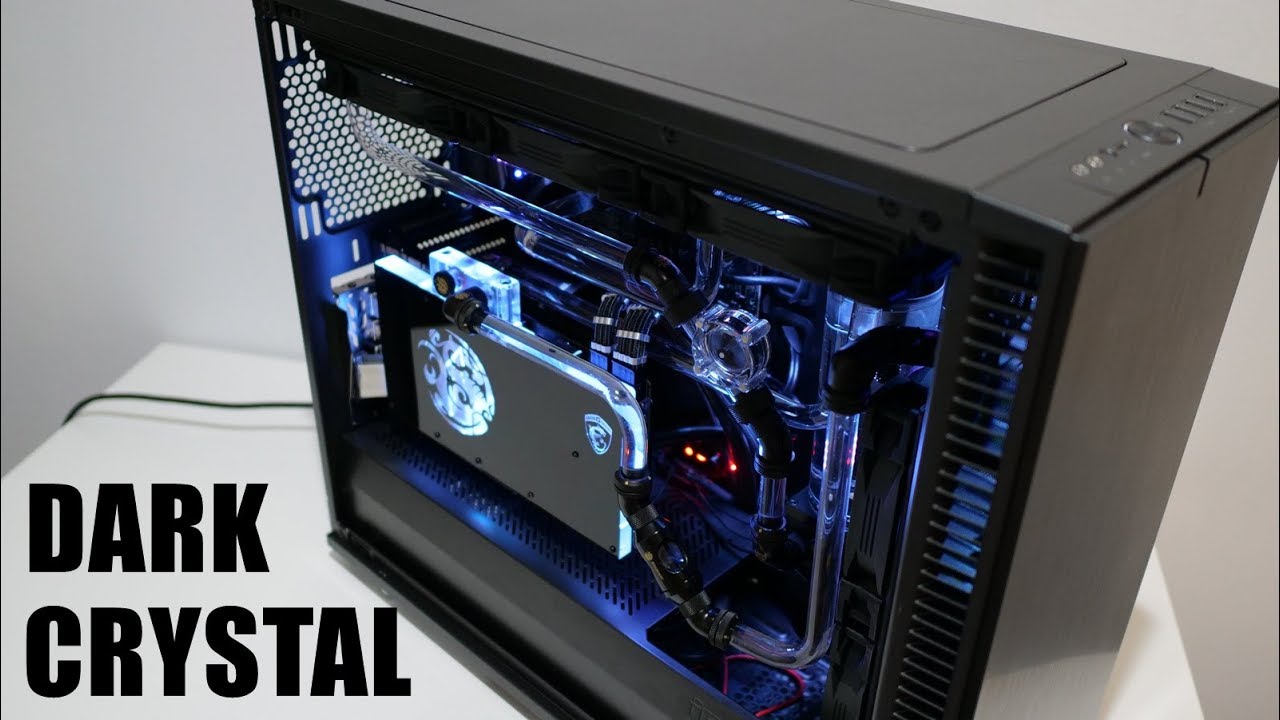
Before you watercool your mid tower PC - NZXT H500i (feat. Phanteks Glacier)
Автор: jojococo
Загружено: 2018-08-26
Просмотров: 245520
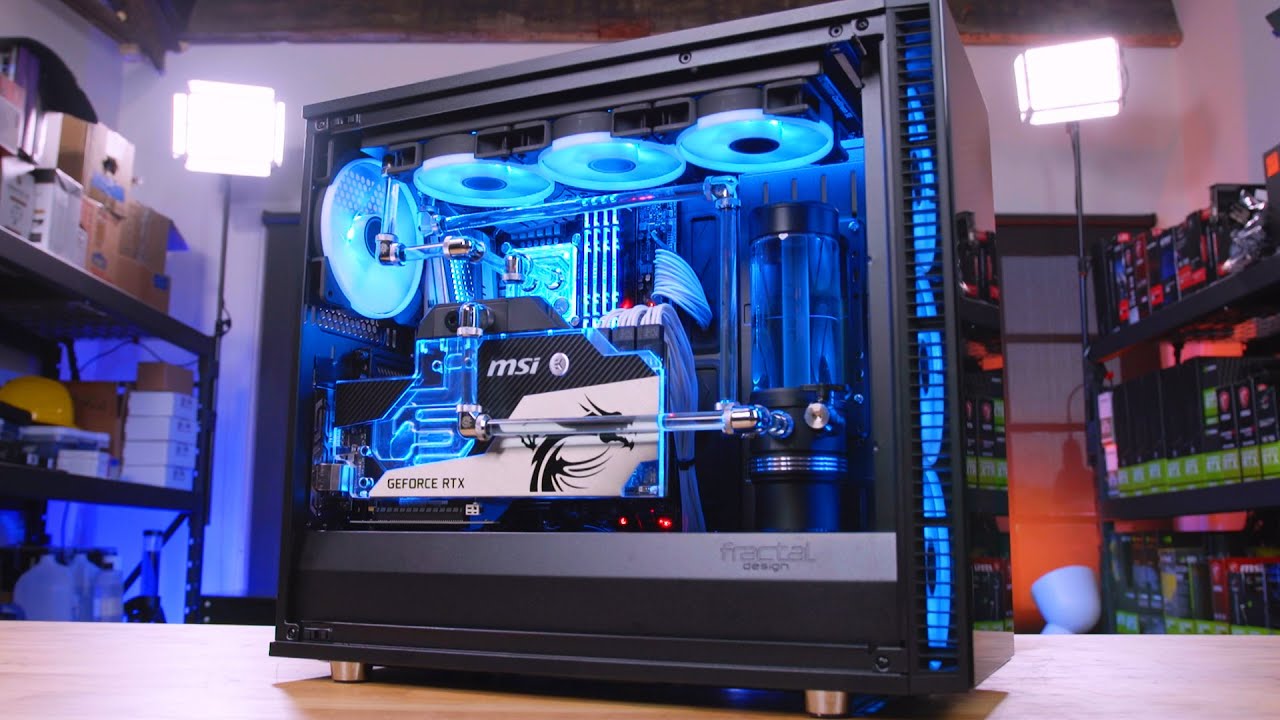
A few things before you custom water cool your mid tower ATX PC...
To summarize what I said in the video...
1. GPU length clearance vs typical pump res mount
2. Check 120mm rad exhaust
3. Check if radiator clearance with motherboard
4. DDC pump can be mounted in the PSU compartment
5. If your case has many holes, you can mount the res many places
Interesting parts that was used in this video:
NZXT H500i case: https://amzn.to/2MTQYoS
NZXT N7 motherboard: https://amzn.to/2wsldsD
Phanteks Glacier R220 Reservoir: https://amzn.to/2odLNSG
Phanteks Glacier C350i CPU Block: https://amzn.to/2MTmQtD
Phanteks 12mm fittings hard tube: https://amzn.to/2MUlUVO
Phantkes rotary 90 degrees fittings: https://amzn.to/2NoHjDS
Cablemod Cables: https://cablemod.com/
Fractal Design riser cable for vertical graphics card: https://amzn.to/2P4lNoe
GSkill Trident Z RGB: https://amzn.to/2wrOZOf
Seasonic Prime Titanium 850W: https://amzn.to/2odR4K4
Intel i7 8700K: https://amzn.to/2woiSiz
Bitspower Leviathan 240 radiator: https://amzn.to/2NjYZQT
Bitspower DDC pump cooler: https://amzn.to/2BLWVjj
Bitspower DDC pump: https://amzn.to/2PGhjoI
Deep Cool fans: https://amzn.to/2MYSMNv
Aorus 1080ti: https://amzn.to/2PCOsSm
Follow me!
/ jojococostudio
/ jojococostudio
/ jojococostudio
http://jojococo.studio

Доступные форматы для скачивания:
Скачать видео mp4
-
Информация по загрузке: