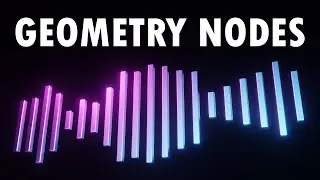
How to Make an Audio Visualizer in Blender 2025 - in 3 minutes
Автор: Styliz 3D
Загружено: 2025-10-25
Просмотров: 489
Bring your sound to life with this Blender audio visualizer tutorial! 🎵
In this step-by-step video, I’ll show you how to create smooth, sound-reactive bar animations that move perfectly with your music or voice.
You can use this method to animate any audio — your voice overs, songs, or background music — and create a clean, professional audio visualizer.
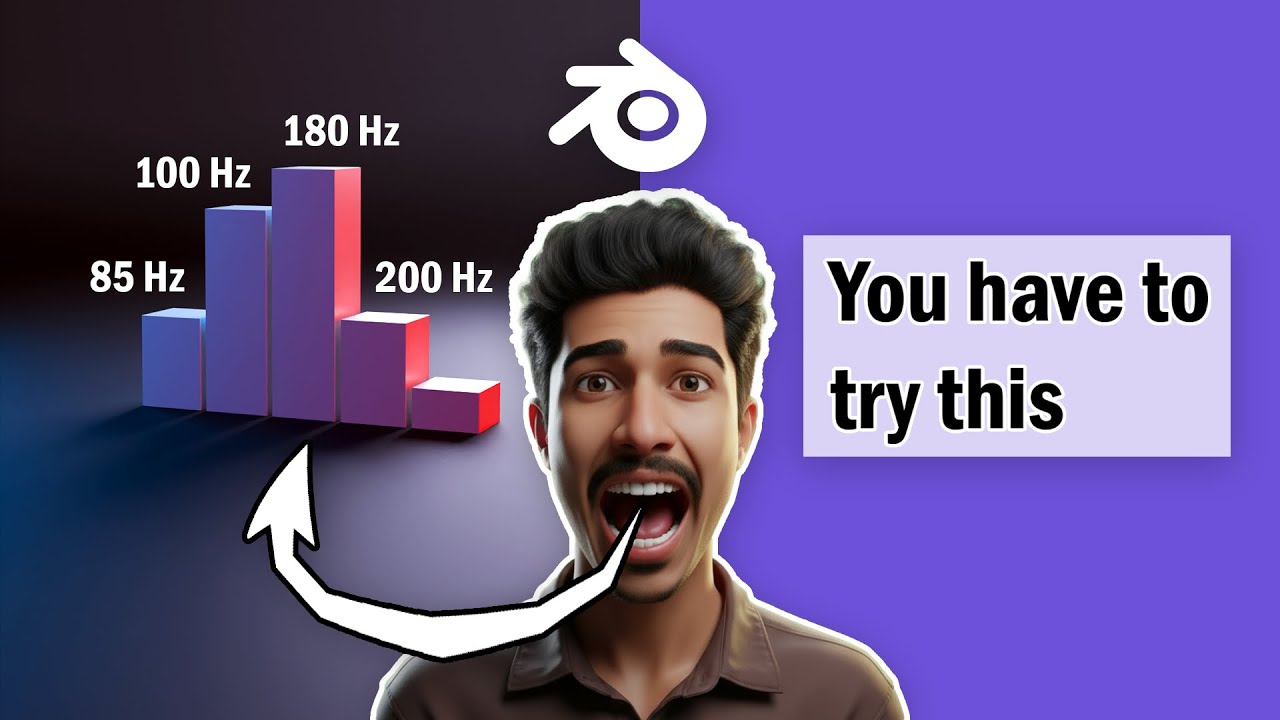
We’ll use the Graph Editor, keyframes, and audio frequency data to control how each cube reacts to sound.
This is perfect for music videos, YouTube intros, motion design, or learning how to connect sound and animation in Blender. Everything is explained clearly and works in the latest Blender 4.1 or upper LTS version.
🔍 In This Tutorial You’ll Learn:
How to import and link audio files in Blender
How to animate objects using sound frequencies and keyframes
How to use the Graph Editor for smoother sound-driven motion
How to animate voice overs or songs visually
Tips for lighting, camera setup, and rendering your final scene
🎧 Software Used: Blender 4.1 or upper (LTS)
🕒 Skill Level: Beginner to Intermediate
#blender, #blendertutorial, #blenderanimation, #audiovisualizer, #blenderaudiovisualizer, #soundanimation, #blenderaudioreact, #musicvisualizer, #blender3d, #3danimation, #blenderbeginner, #blender4.5, #blenderartist, #styliz3d, #blendermotiongraphics, #blenderfx, #visualizeranimation, #soundreactanimation, #blenderaudiovisualization, #blendercommunity
Доступные форматы для скачивания:
Скачать видео mp4
-
Информация по загрузке: