How to Dynamically Show Posts by Category in WordPress WordPress Loop
Автор: vlogize
Загружено: 2025-09-18
Просмотров: 24
Learn how to customize your WordPress loop to display posts based on the current category. Follow our easy guide to make your blog more dynamic and engaging!
---
This video is based on the question https://stackoverflow.com/q/62265599/ asked by the user 'Beep' ( https://stackoverflow.com/u/2975042/ ) and on the answer https://stackoverflow.com/a/62268734/ provided by the user 'Katie' ( https://stackoverflow.com/u/6499439/ ) at 'Stack Overflow' website. Thanks to these great users and Stackexchange community for their contributions.
Visit these links for original content and any more details, such as alternate solutions, latest updates/developments on topic, comments, revision history etc. For example, the original title of the Question was: Change WordPress loop to show category
Also, Content (except music) licensed under CC BY-SA https://meta.stackexchange.com/help/l...
The original Question post is licensed under the 'CC BY-SA 4.0' ( https://creativecommons.org/licenses/... ) license, and the original Answer post is licensed under the 'CC BY-SA 4.0' ( https://creativecommons.org/licenses/... ) license.
If anything seems off to you, please feel free to write me at vlogize [AT] gmail [DOT] com.
---
How to Dynamically Show Posts by Category in WordPress WordPress Loop
WordPress is a powerful content management system that allows users to manage their blogs efficiently. One of the fundamental features of WordPress is the "loop," which is used to display posts. However, you might want to change the default setup to show posts dynamically depending on the category of the page you're currently on. In this guide, we'll explore how to adjust your WordPress loop to achieve this.
Understanding the Problem
If you're on a category archive page and want to limit the posts displayed to only those belonging to that specific category, the default loop setup won’t work for you. The typical loop fetches a set number of posts without considering the category structure of your site. This can lead to a disjointed user experience, as visitors may be interested only in the posts of the category they are currently viewing.
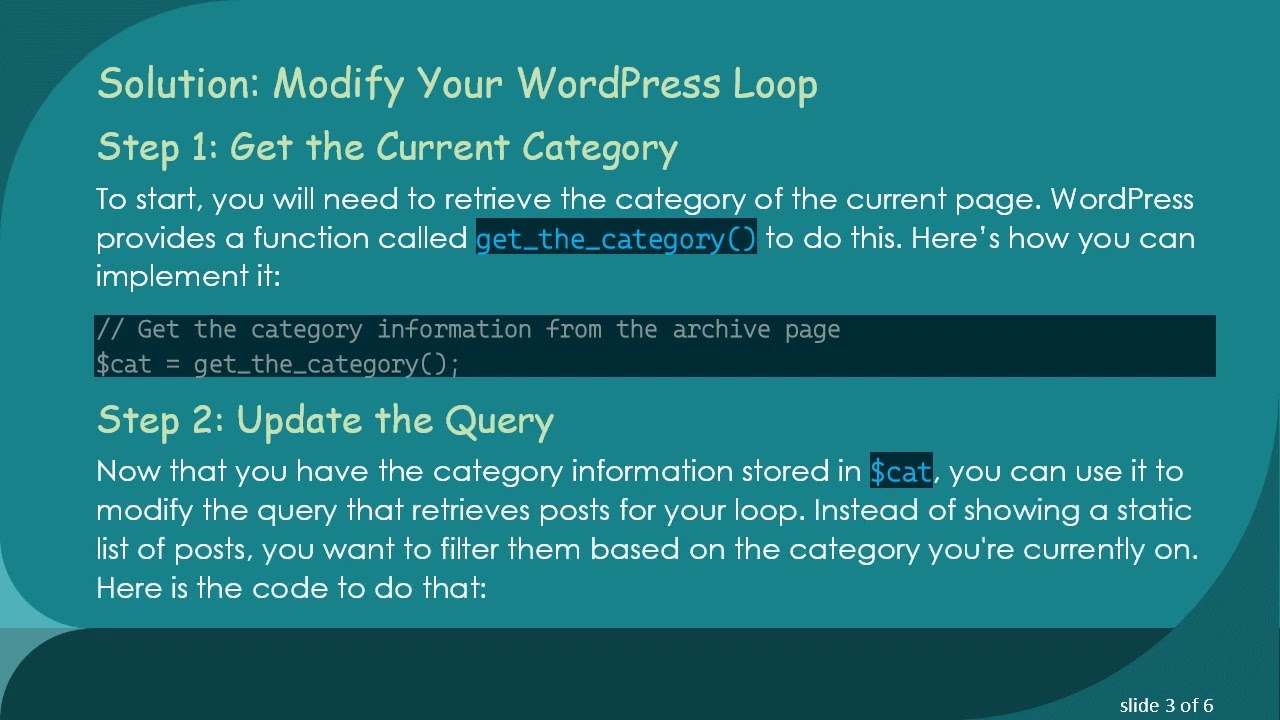
Solution: Modify Your WordPress Loop
Step 1: Get the Current Category
To start, you will need to retrieve the category of the current page. WordPress provides a function called get_the_category() to do this. Here’s how you can implement it:
[[See Video to Reveal this Text or Code Snippet]]
Step 2: Update the Query
Now that you have the category information stored in $cat, you can use it to modify the query that retrieves posts for your loop. Instead of showing a static list of posts, you want to filter them based on the category you're currently on. Here is the code to do that:
[[See Video to Reveal this Text or Code Snippet]]
Step 3: Implement the Loop
With your updated query in place, you can implement the loop to display your posts. Here’s how to display the posts within your WordPress template:
[[See Video to Reveal this Text or Code Snippet]]
Conclusion
By making these simple adjustments to your WordPress loop, you can create a more dynamic experience for your users. Not only will visitors see content that is relevant to their current category, but it will also enhance the overall usability of your site.
Implementing this change is straightforward and well worth the effort for better audience engagement. If you have any questions or need further assistance, feel free to comment below!
Happy blogging!
Доступные форматы для скачивания:
Скачать видео mp4
-
Информация по загрузке: