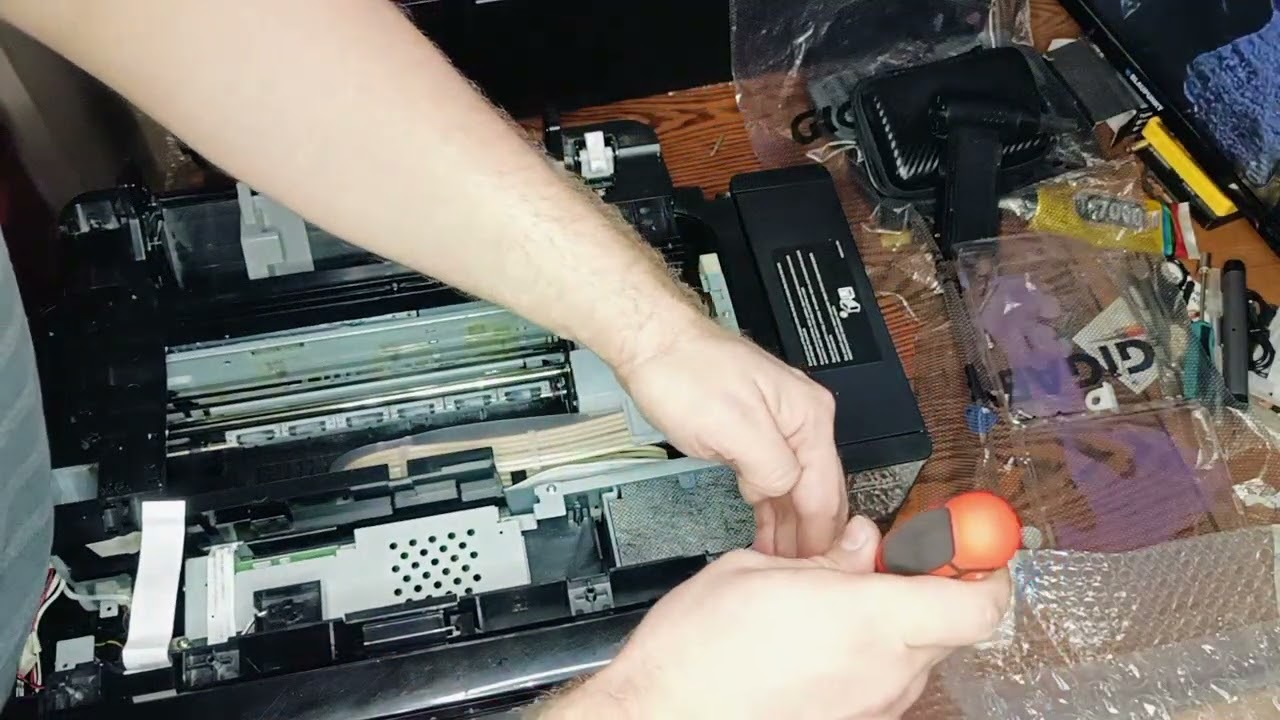
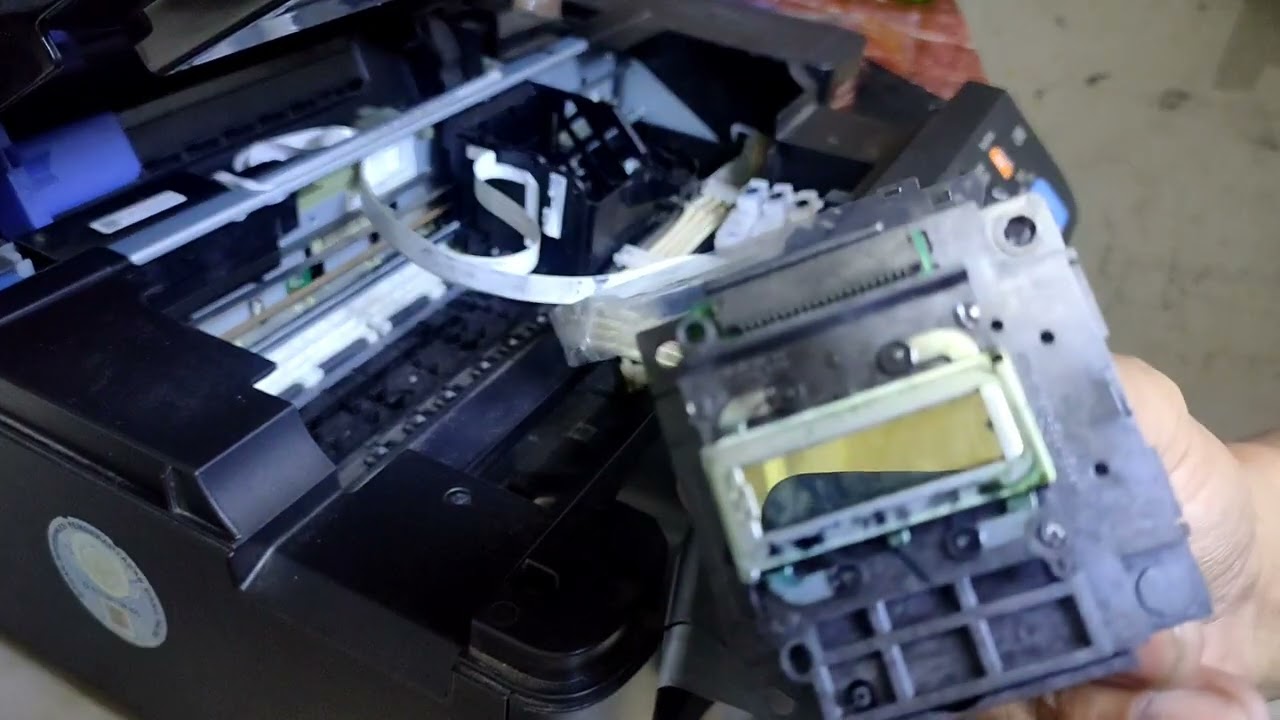
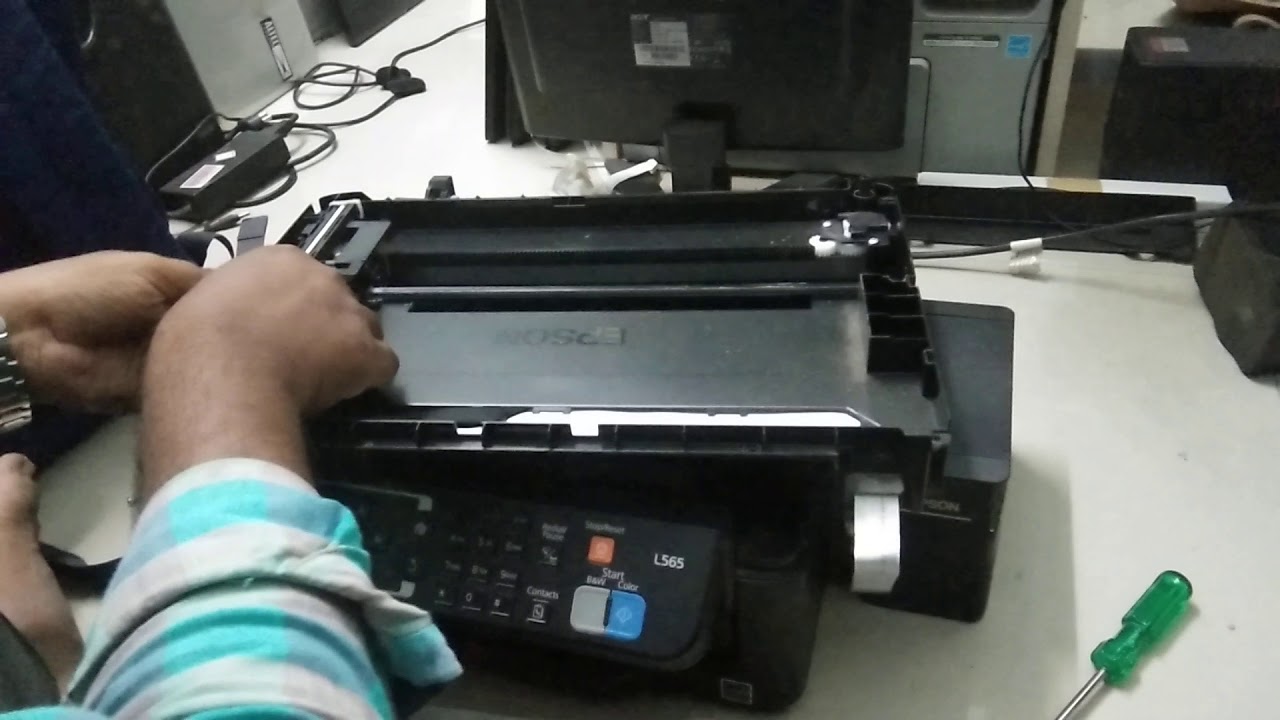
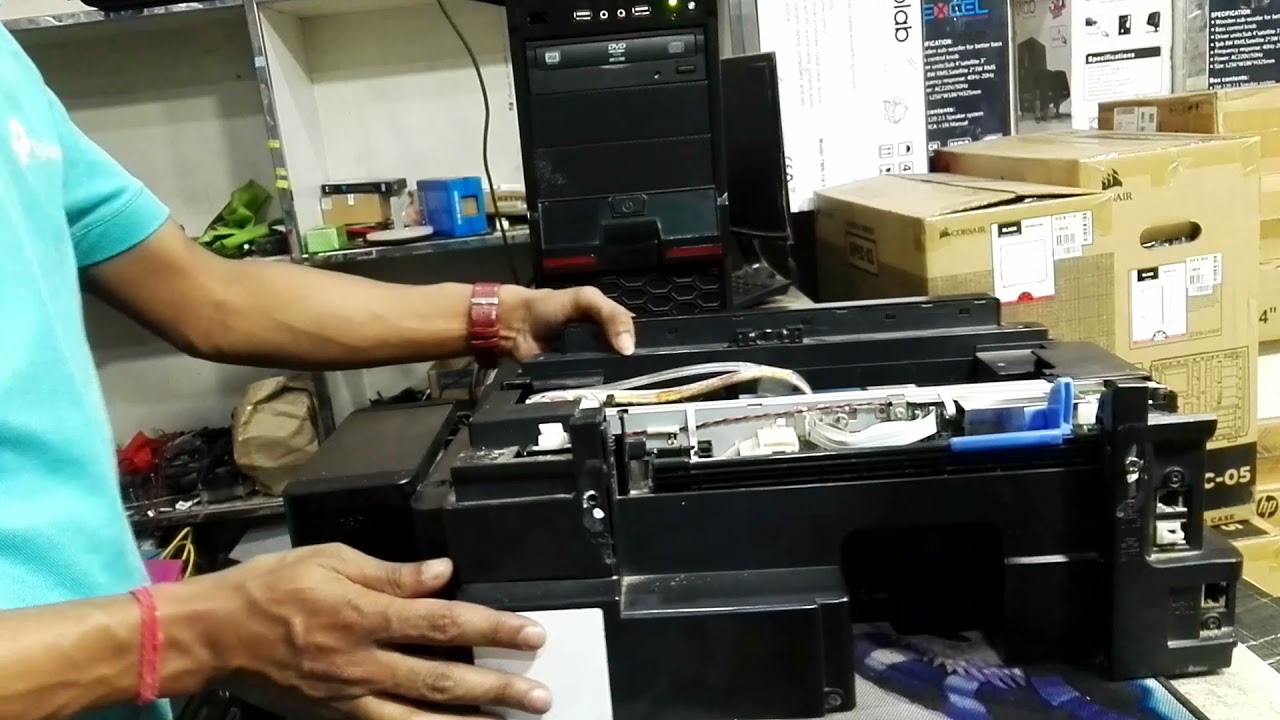
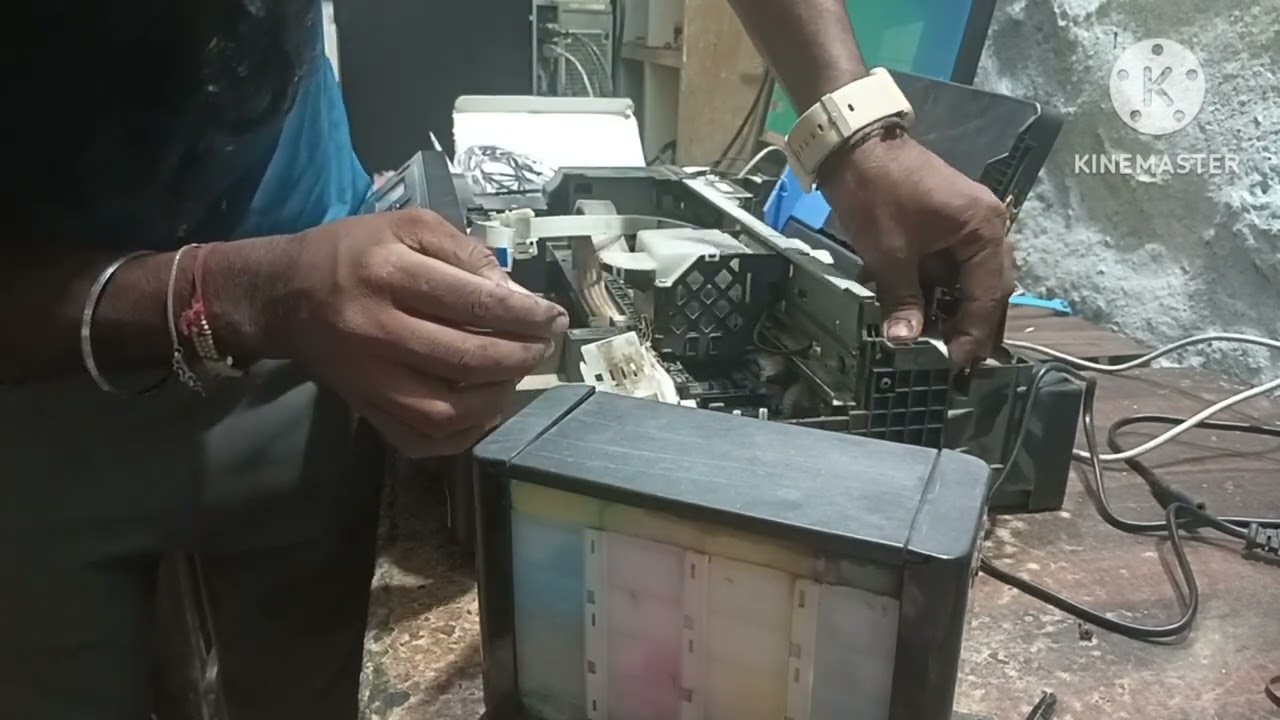
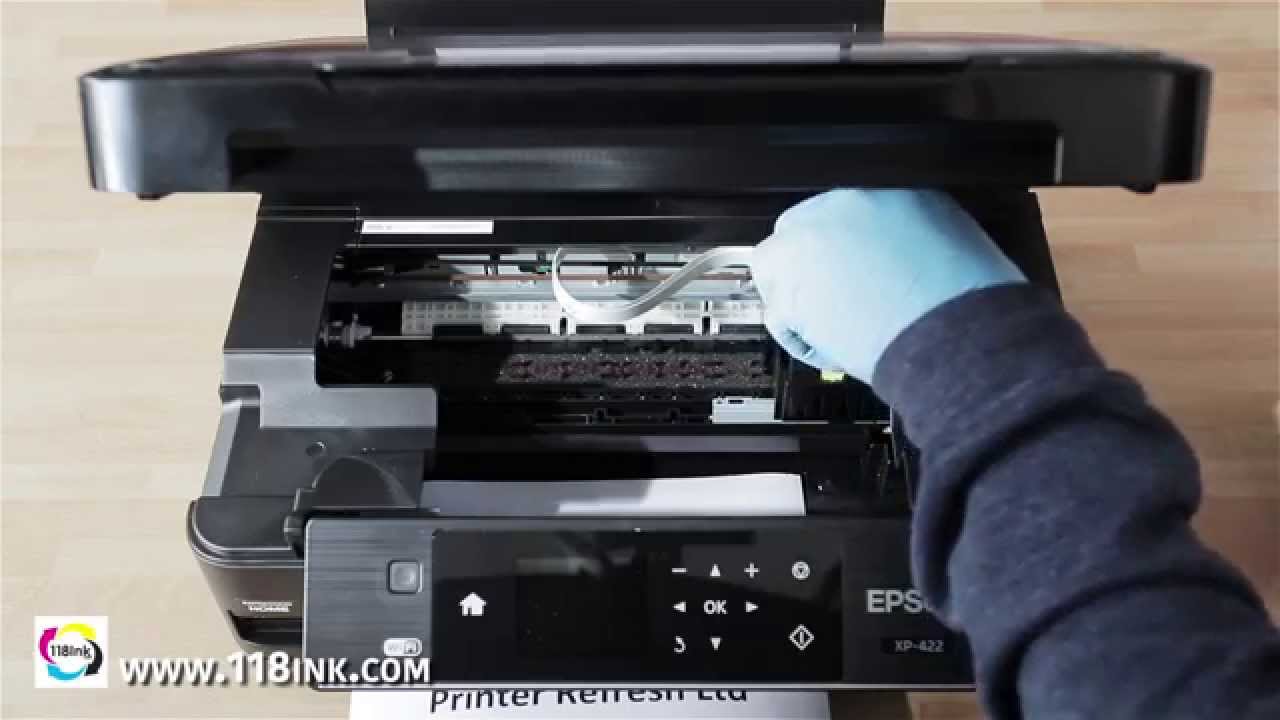
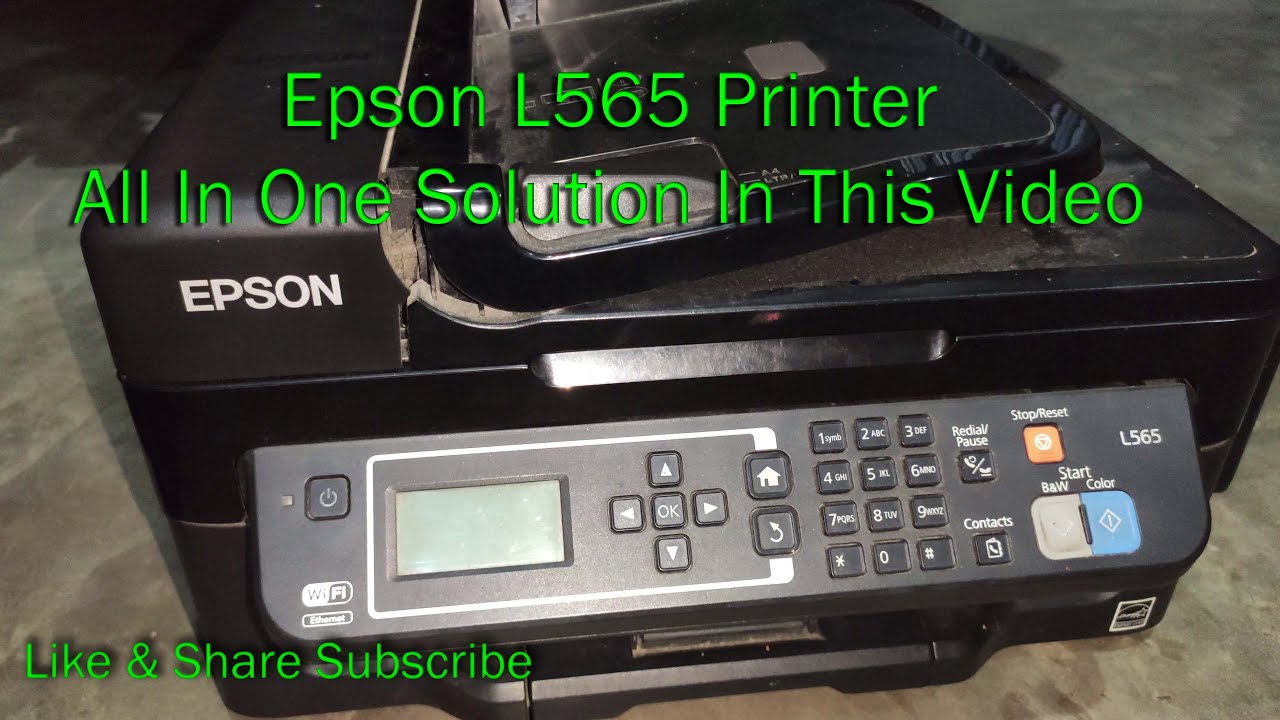
Epson L565 cut print problem Solved - Cleaning the Printer Head
Автор: Old Solution
Загружено: 2017-11-24
Просмотров: 118508
Find the cut print solution in this video, for more..
For reference :
You can clean the print head from your computer using the Head Cleaning utility in the printer software, or from the printer itself by using the printer's control panel buttons.
Note:
Print head cleaning consumes some ink. To avoid wasting ink, clean the print head only if print quality declines; for example, if the printout is blurry or the color is incorrect or missing.
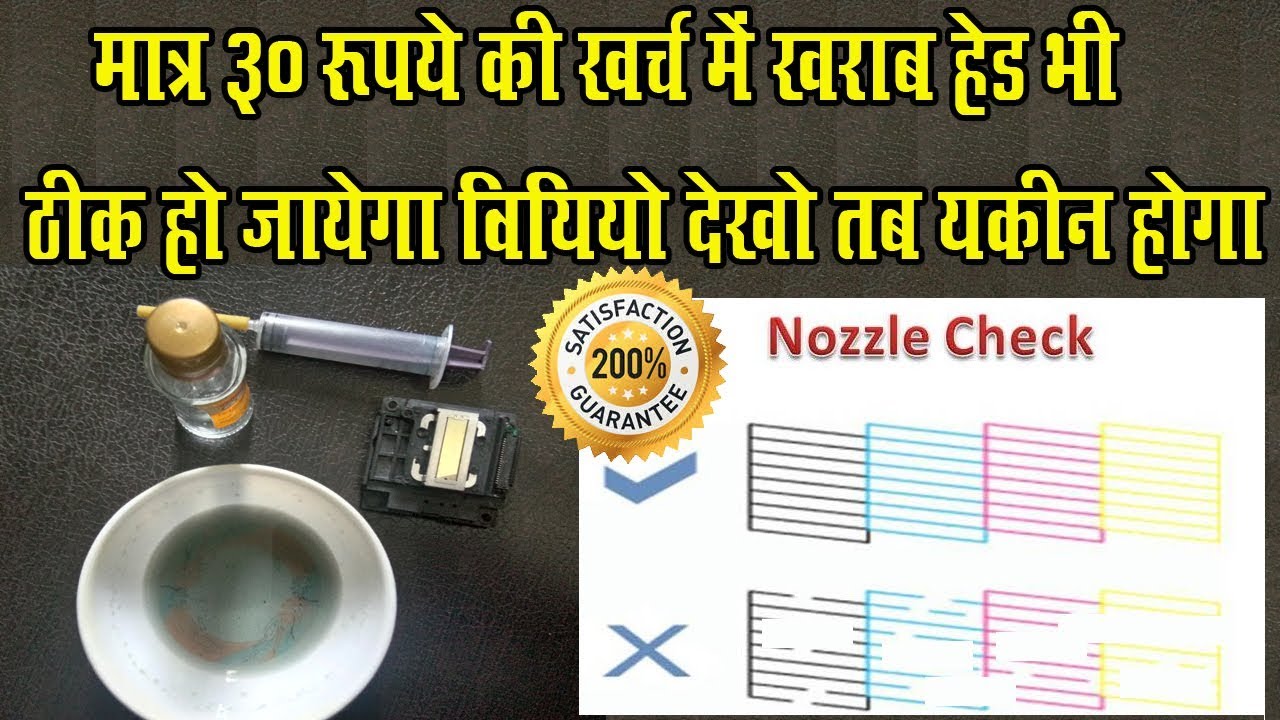
Use the Nozzle Check utility first to confirm that the print head needs to be cleaned. This saves ink.
When the ink out light is flashing or on, you cannot clean the print head. You must replace the appropriate ink cartridge first.
Do not start the Head Cleaning or Nozzle Check utility while printing is in progress; otherwise, your printout may be marred.

Доступные форматы для скачивания:
Скачать видео mp4
-
Информация по загрузке: