Install Windows 11 Without Internet and Unsupported Hardware using Rufus!
Автор: ThisBytesForYou
Загружено: 2025-06-16
Просмотров: 13368
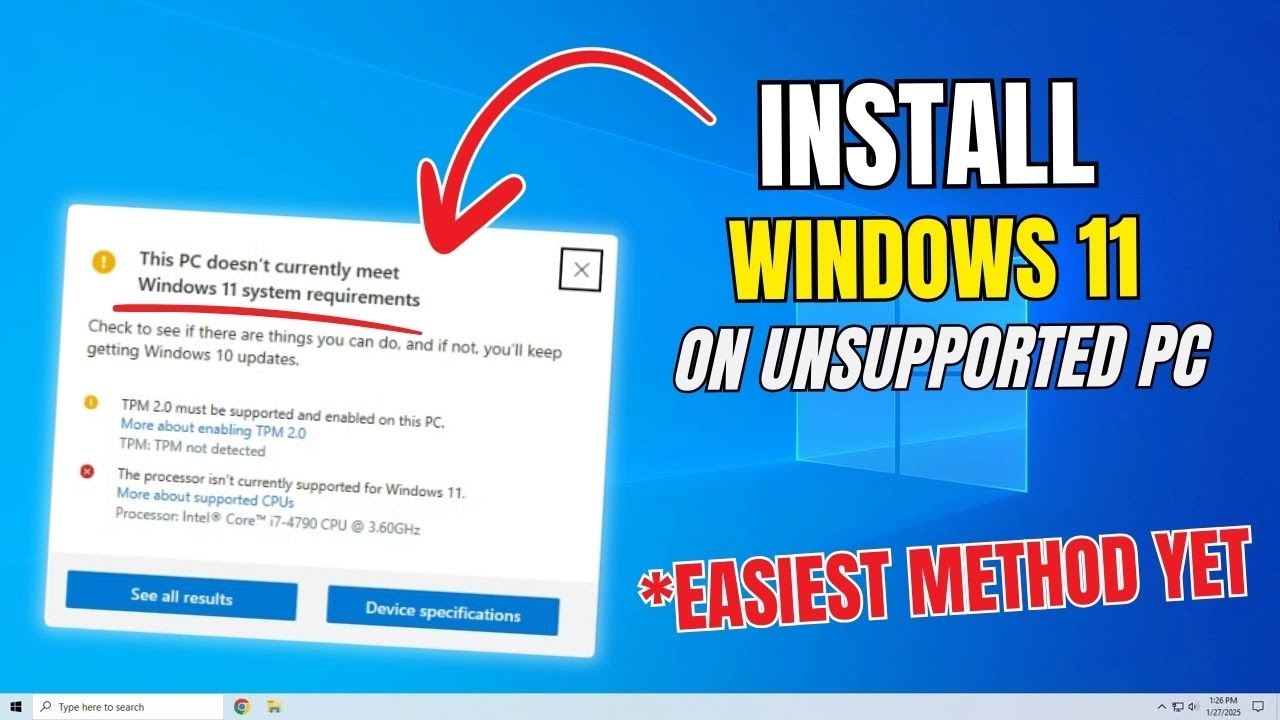
In this video, we go over how to install Windows 11 with an internet connection, but we also show you how to install Windows 11 on Unsupported hardware, and it's easier than you might think.
0:00 Install Windows 11 Without Internet and Unsupported Hardware!
0:27 How to Download RUFUS
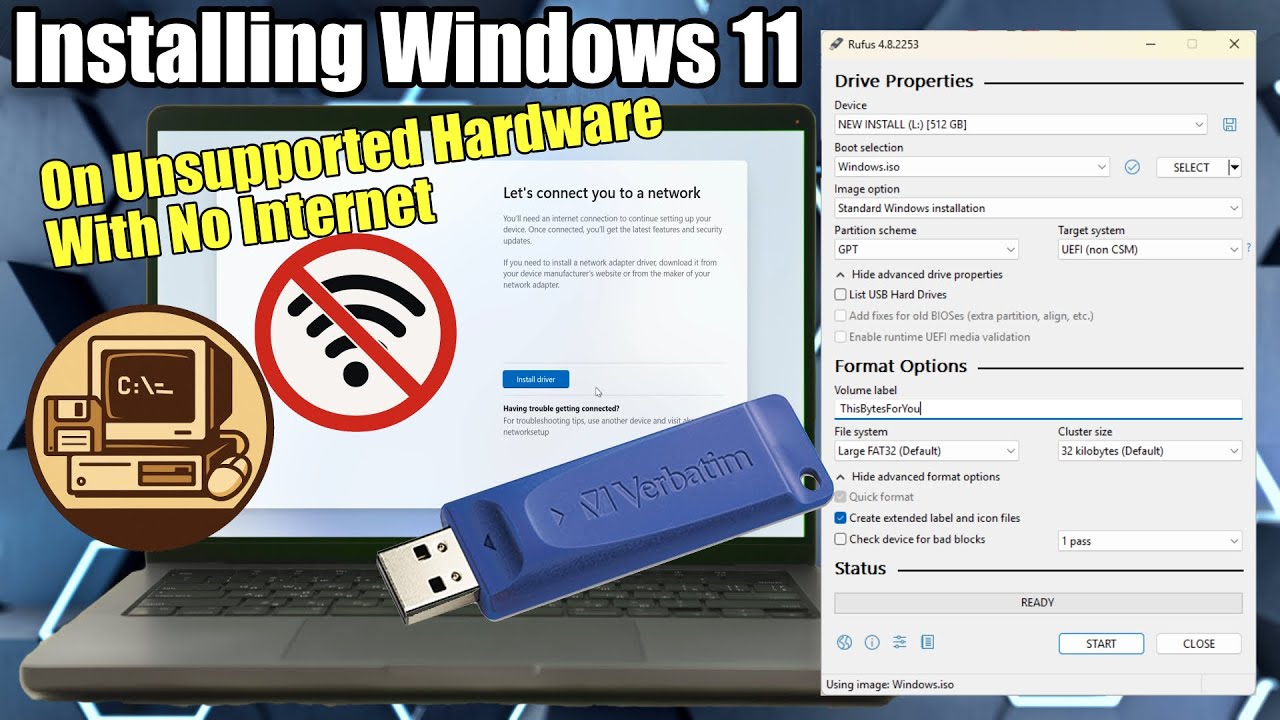
1:15 How to Configure Rufus
1:46 How to download Windows 11 Installation Media
3:22 What is Windows To Go
6:37 What are the differences between GPT and MBR
7:44 How to Install Windows 11 on a New PC
9:34 Windows 11 Install with I dont have an Internet Connection
10:12 Warning on Older Hardware
Check out everything in this system here on my Amazon Affiliate links:
✅ SSUPD XHuttle White PC Case: https://geni.us/N7ZE
✅ ARCTIC Liquid Freezer III 360 White A-RGB Liquid CPU Cooler: https://geni.us/AOeswkX
✅ AMD RYZEN 9 9900X3D: https://geni.us/0iY2n
✅ ASUS TUF Gaming X870-PLUS WiFi Motherboard: https://geni.us/LkCa
✅ Sapphire Radeon PULSE RX 9070 XT GPU: https://geni.us/AlZi
✅ CORSAIR DOMINATOR PLATINUM RGB DDR5 RAM 32GB: https://geni.us/NdbyHi
✅ Patriot P400 1TB Internal M.2 SSD: https://geni.us/pxwp3
✅ SK hynix Platinum P41 2TB M.2 SSD: https://geni.us/Dl4V
✅ Samsung 850 500Gig SSD: https://geni.us/vA0BVA
✅ IN WIN P85 (P Series) 850 Watt Modular Power Supply: https://geni.us/mVX4H3S
Click here to download Rufus: https://rufus.ie/en/
Click here for the Windows 11 ISO: https://www.microsoft.com/en-gb/softw...
Summary of this video:
Learn how to install Windows 11 on unsupported hardware or without an internet connection using Rufus and a custom Windows 11 ISO. In this step-by-step guide, I’ll show you how to bypass Windows 11 system requirements including TPM 2.0, Secure Boot, RAM, Microsoft account login, and CPU limitations, perfect for older PCs, offline setups, and legacy systems.
I’ll walk you through downloading the Windows 11 ISO, using Rufus, choosing between MBR vs GPT, and setting up a bootable USB drive for clean installs. I also explain the impact of Windows 11 version 24H2 and AVX2 and SSE 4.2 requirements, what it means for Core2 Duo and Core 2 Quad CPUs, and why Rufus is a game changer for unsupported installs.
Whether you're a tech enthusiast, PC builder, or reviving an old laptop or desktop, this guide will help you install Windows 11 on nearly any system.
🔔 SUBSCRIBE FOR MORE VIDEOS
https://youtube.com/thisbytesforyou?s...
🔥 Like what I do, you can make a single donation here: https://www.buymeacoffee.com/ThisByte...
✅ This video was made using Davinci Resolve, check it out: https://www.blackmagicdesign.com/prod...
✅ The Microphone I use is the Rode Wireless GO II Single Compact Digital Wireless Microphone System/Recorder
Check it out on my Amazon Affiliate link: https://geni.us/cjqmb
✅ Here is Global Amazon Affiliate link: https://geni.us/APnY and my Global
As an Amazon Affiliate, I earn from qualifying purchases.
✅ Don't forget to check out and follow my other social media channels:
🔥 Buy Me a Cup of Coffee: https://www.buymeacoffee.com/ThisByte...
🔥 Facebook: / thisbytesforyou
🔥 Twitter: / thisbytesforyou
🔥 Reddit: / thisbytesforyou
🔥 Instagram: / thisbytesforyou
🔥 Pinterest: / thisbytesforyou
🔥 LinkedIn: / thisbytesforyou
this bites for you
@AMD
@ASUS
@corsair
#rufus
#pcbuild
#windows11
Доступные форматы для скачивания:
Скачать видео mp4
-
Информация по загрузке: