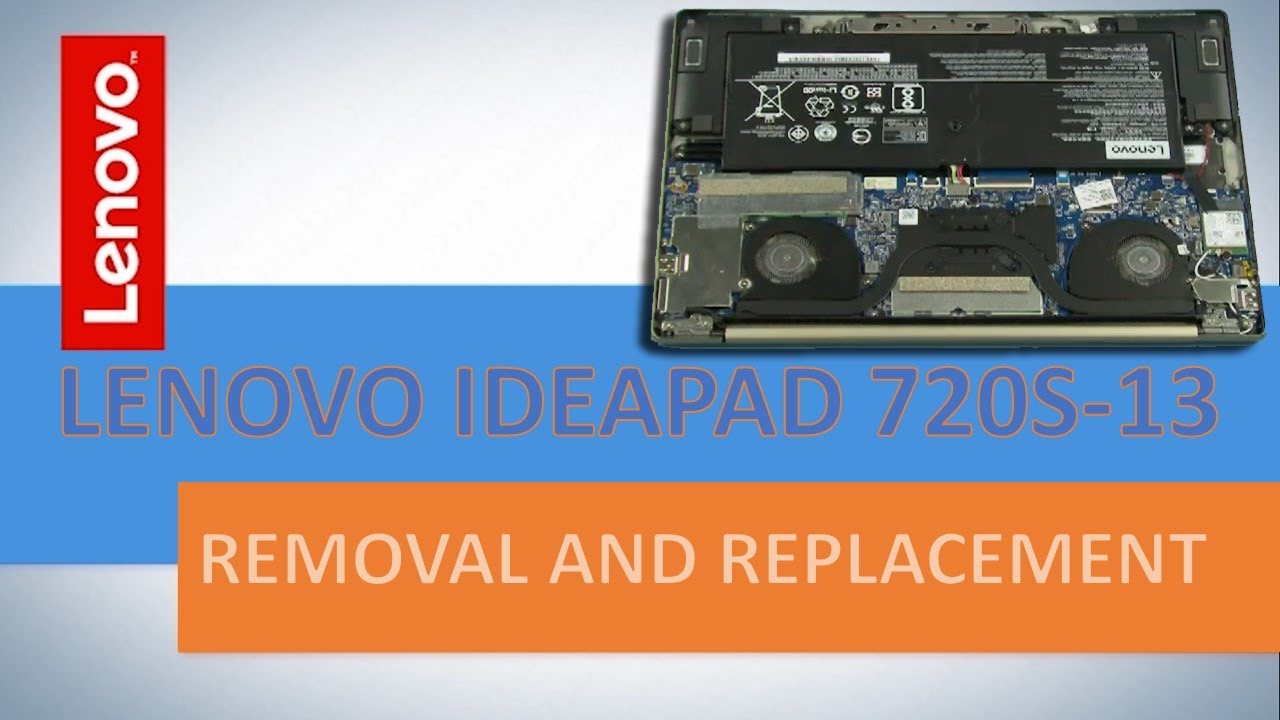
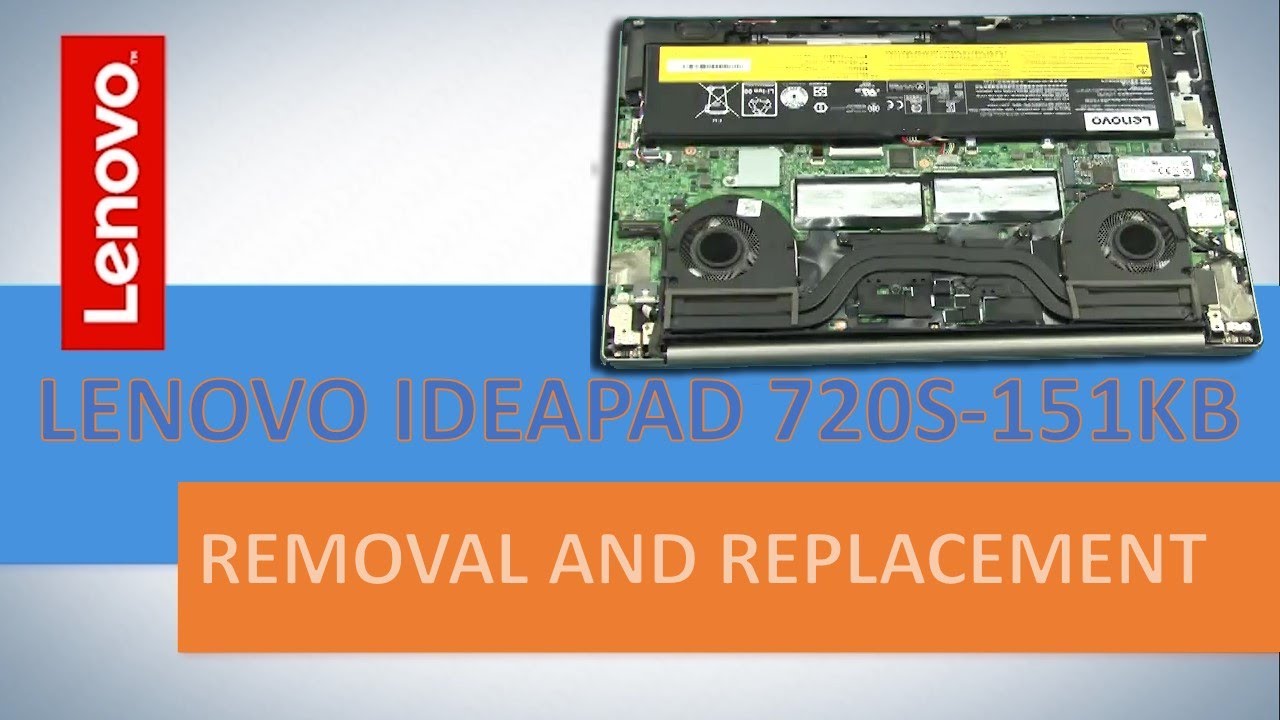
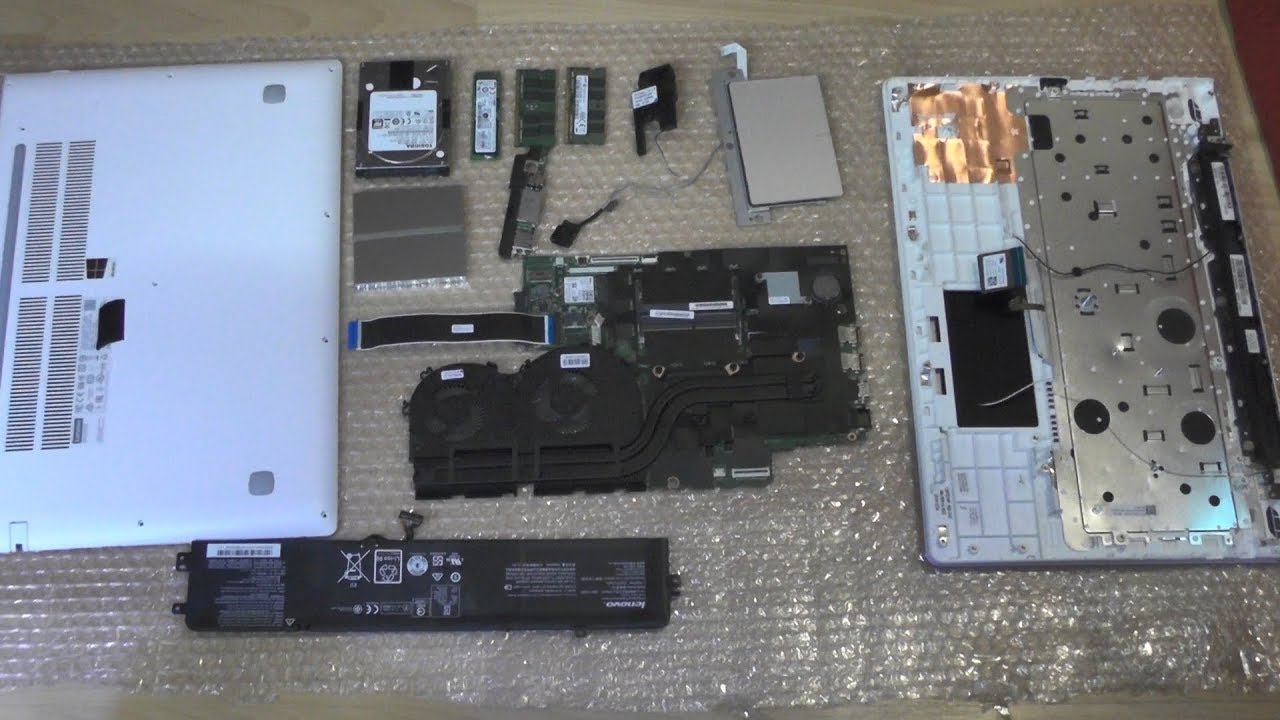
Lenovo Ideapad 720S - Disassembly Thermal Issue Maintenance Repair RAM Upgrade
Автор: LimpingGander
Загружено: 2019-08-25
Просмотров: 29064
Improve cooling performance and fan noise. You also can do maintenance and RAM upgrade.
Lenovo Ideapad 720 14IKB
Intel Core i5 8250U
NVDIA Geforce MX150
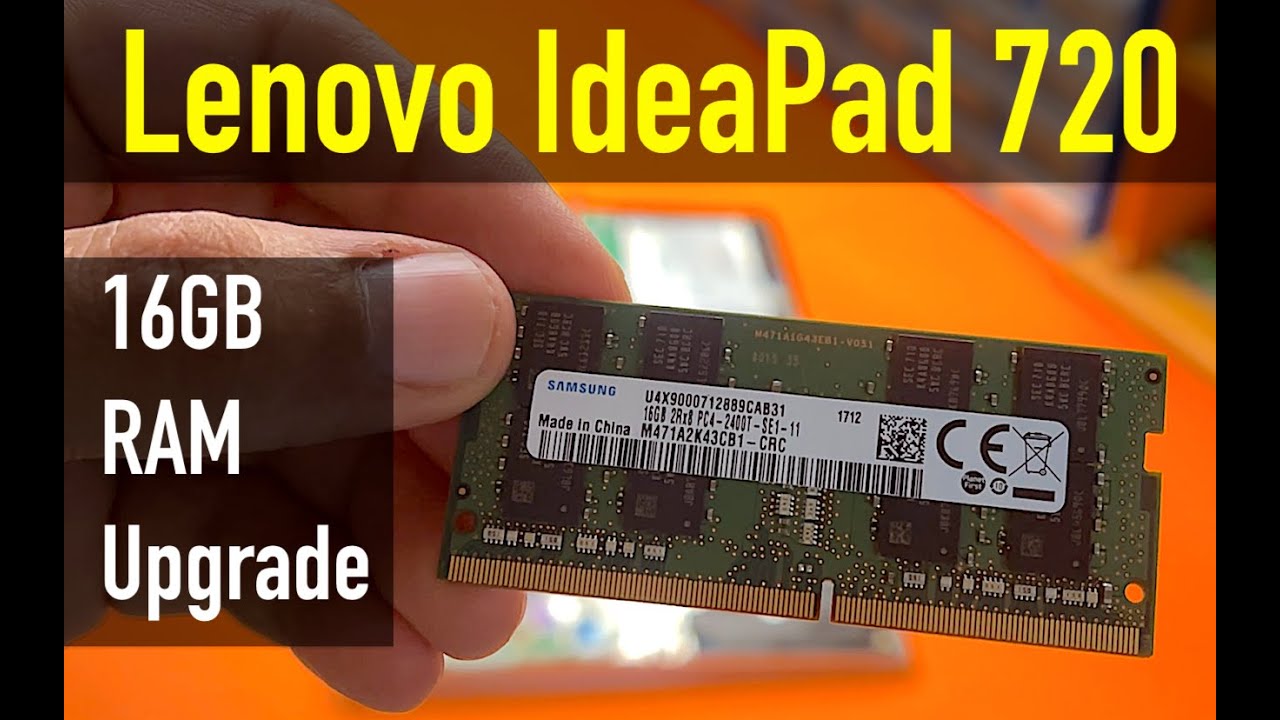
RAM 8GB (Upgrade to 16GB).
This video is show you how to improve thermal and cooling performance of this laptop. Some people is disappointed with fan noise of this laptop, it's true. The fan noise is quite loud. This laptop also have throttling problem, by default the CPU will not boost at highest clock possible because of it's thermal issue. This bother me a lot, this laptop could perform better, the mas boost clock is up to 3,4 GHZ yet the default system will limit only 1,8 GHZ when full load.
Of course I'm curios how to get maximum performance of my laptop. There's two thing in this video tutorial related to improving heat transfer
1. Remove wire mesh under cooling fan. It will improve air flow and also reduce fan noise.
2. Change thermal paste with high quality thermal paste.
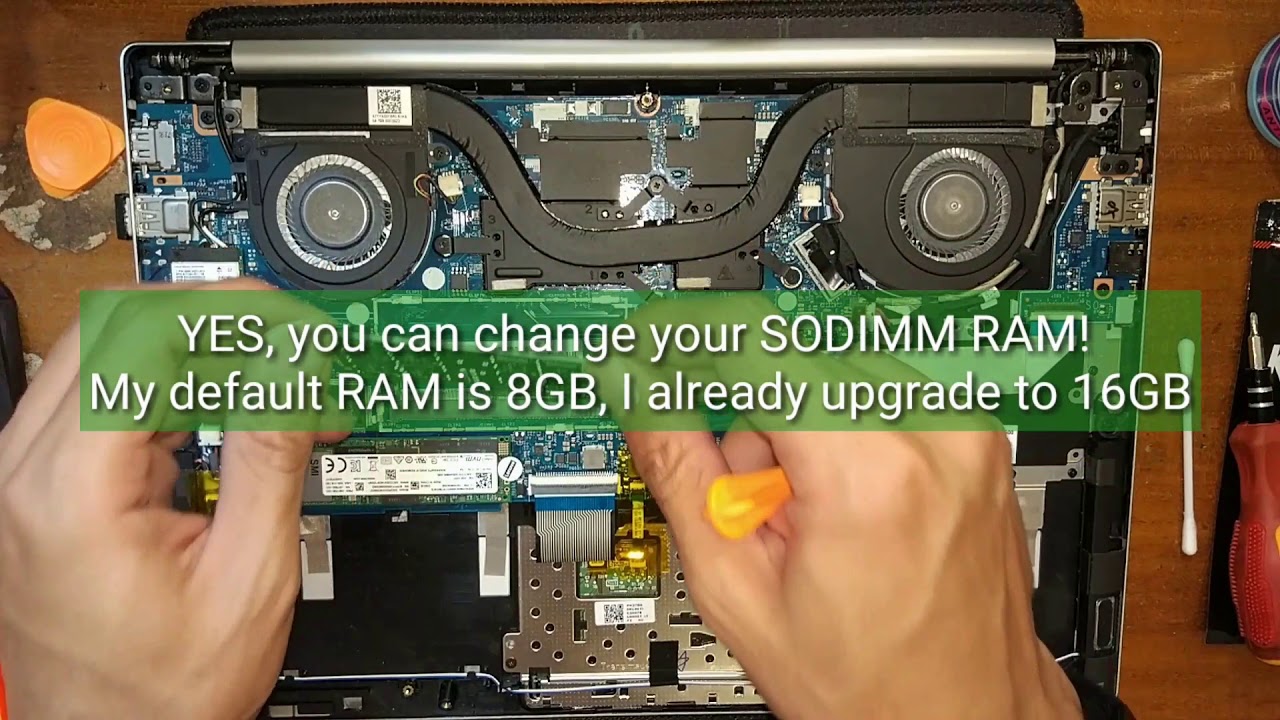
Other than that, this video also show you how to open this laptop and do maintenance or just want to clean or upgrade your SODIMM RAM.
Most writing and review about this laptop is said that no RAM upgrade available, but actually this laptop have single RAM slot that you can easily change it.
Доступные форматы для скачивания:
Скачать видео mp4
-
Информация по загрузке: