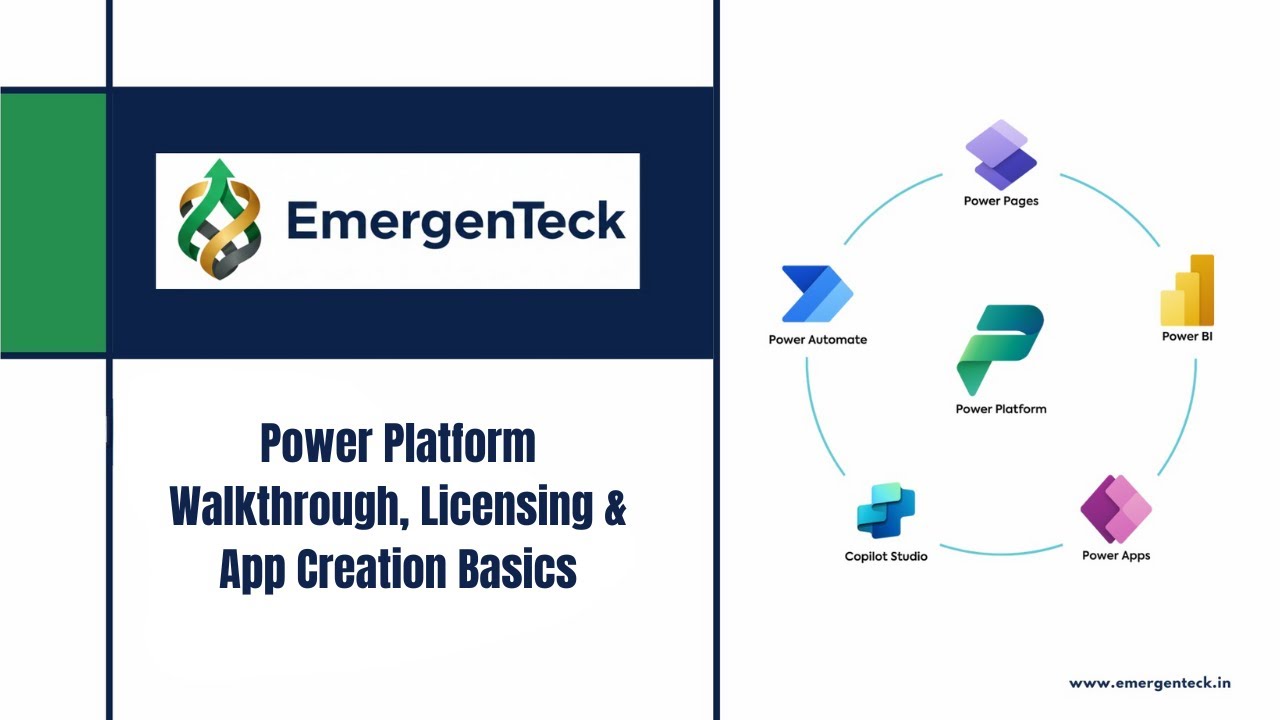
Power Platform Tutorial for beginners | Power Platform Walkthrough, Licensing & App Creation Basics
Автор: EmergenTeck
Загружено: 2026-01-18
Просмотров: 15
In this session, we start with a complete Power Apps and Power Platform walkthrough designed for beginners. If you are new to Power Apps, this video helps you understand how the platform works before you start building real applications.
In this lesson, you will learn:
How to access Power Apps using make.powerapps.com
Why no installation is required for Power Platform
Overview of the Power Apps interface and navigation
Understanding Power Apps licensing with Office 365
Difference between basic and premium licenses
What is Dataverse and when you need it
Using SharePoint and Excel as data sources without premium licenses
Introduction to Copilot-based app creation
Options to create apps: start with data, page design, or blank canvas
This session focuses on building a strong foundation before moving into hands-on app development in upcoming sessions. Perfect for IT professionals, beginners, freshers, and working professionals who want to upskill in Microsoft Power Platform.
👉 Practice what is covered in this session and note down your questions for the next class.
For structured Power Apps and Power Platform training, career guidance, and real-world use cases, connect with EmergenTeck.
#powerapps
#powerplatform
#lowcode
Доступные форматы для скачивания:
Скачать видео mp4
-
Информация по загрузке:






![Power Automate Tutorial ⚡ Beginner To Pro [Full Course]](https://imager.clipsaver.ru/KsgxDz-nY_I/max.jpg)