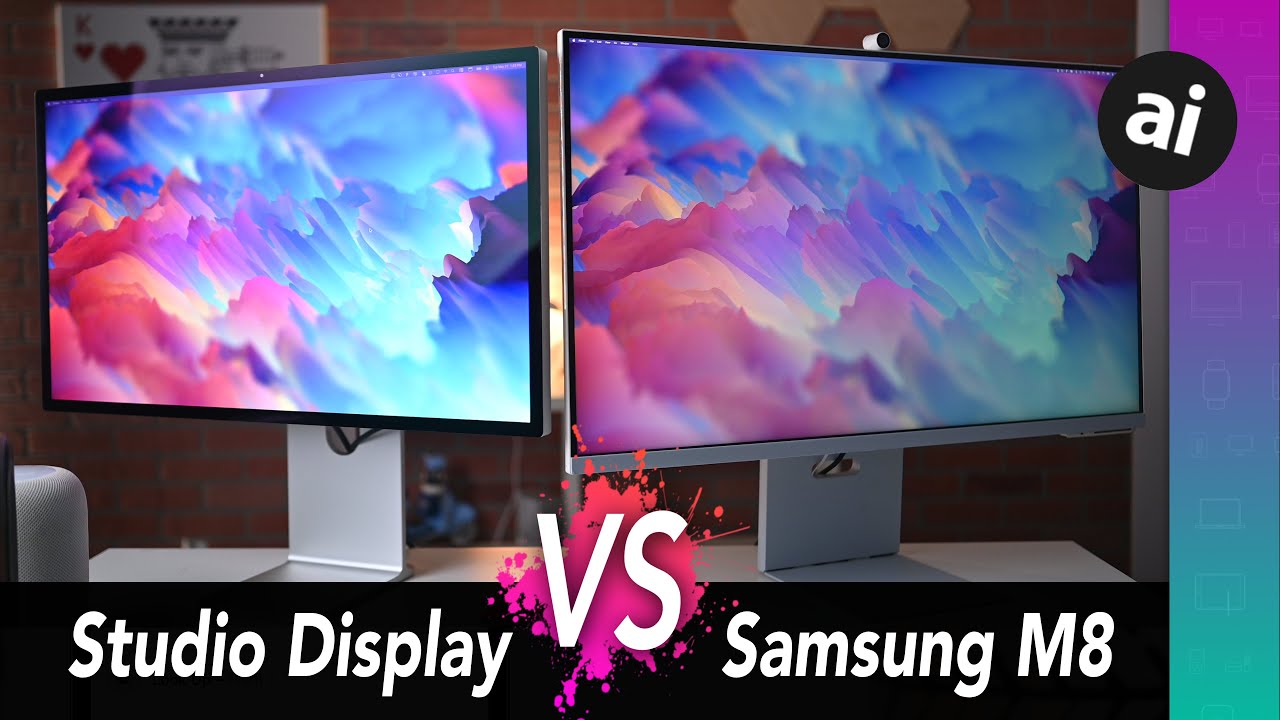
Samsung 2022 M8 4K monitor + TV: DON'T bother with Apple's Studio Display, get THIS instead
Автор: Erin Lawrence
Загружено: 2022-09-05
Просмотров: 60649
Get one: https://amzn.to/3cV32F8
Read more: http://www.TechGadgetsCanada.com
Follow me on Facebook: / techgadgetscanada
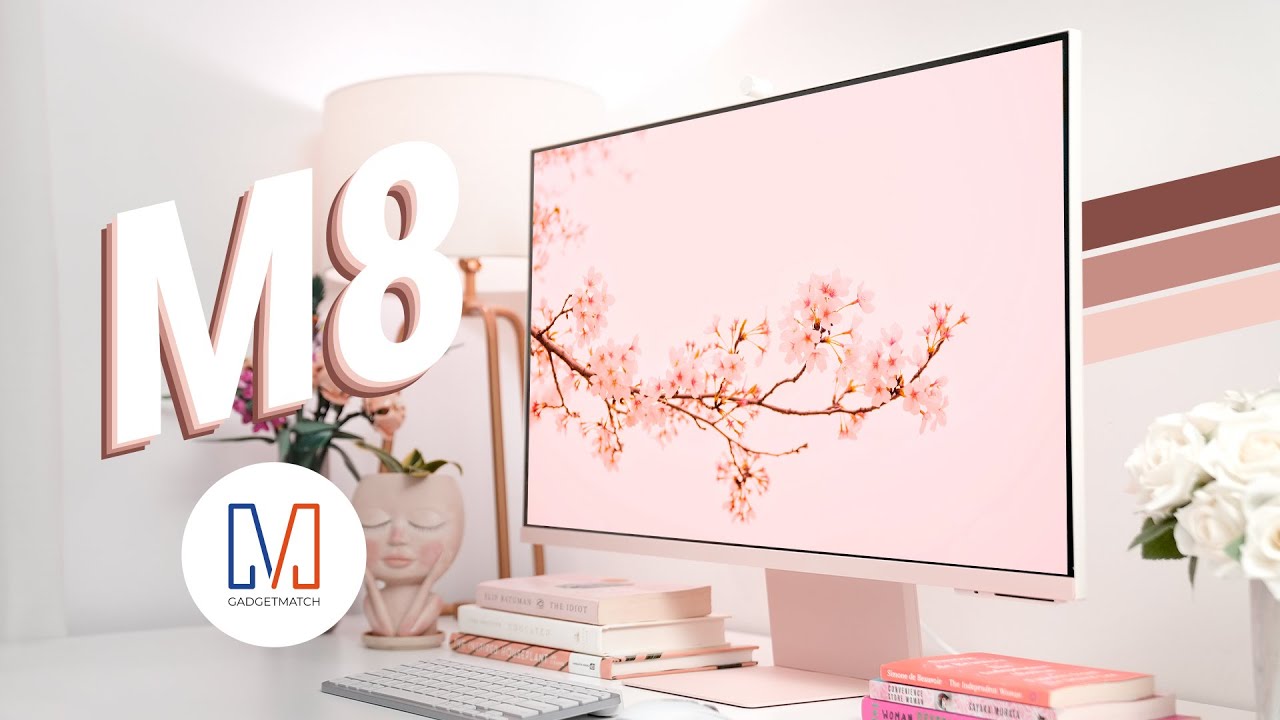
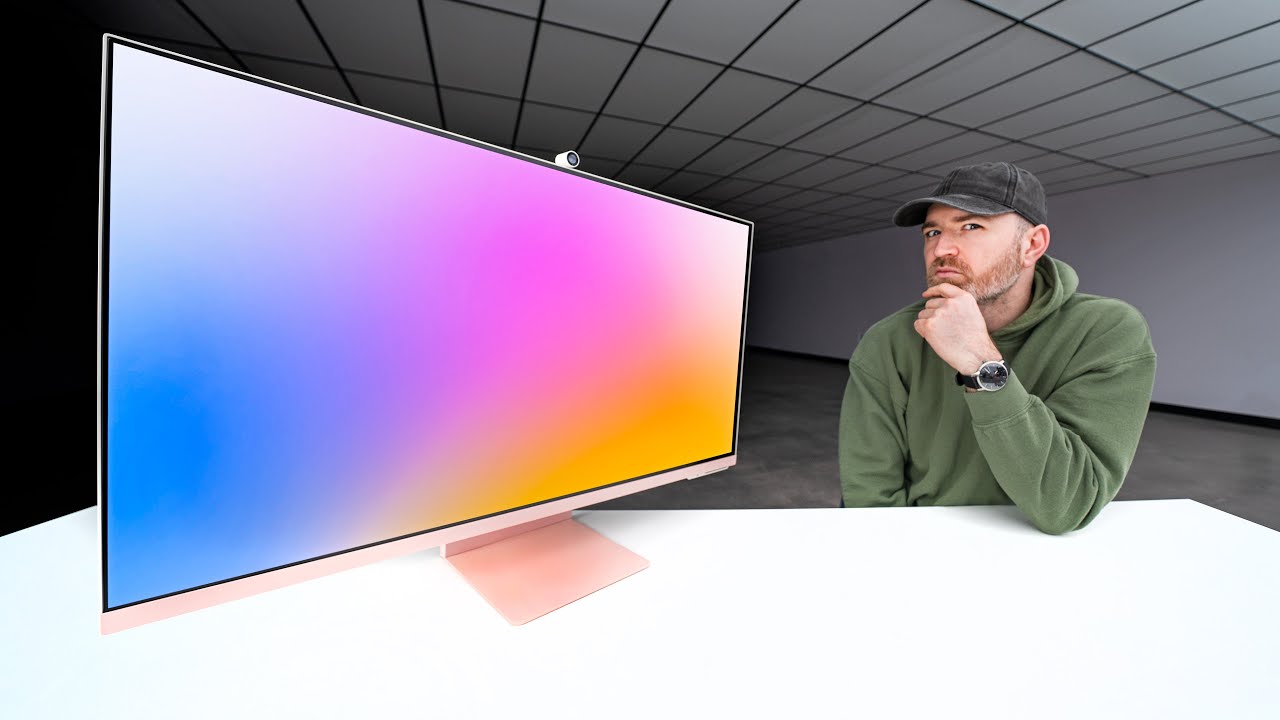
I love my laptop, but sometimes you just need a bigger workspace. Particularly if you work with photos, video, or multiple docs or sheets at once, having a bigger monitor can make for more comfortable working. I currently use a 14-inch MacBook Pro and while it’s great for travel, it’s too small for detailled video editing which I do almost daily. For that reason I’ve been testing out a lot of monitors. The 32-inch Samsung M8 monitor in sunset pink has arrived into my test kitchen, and more than a simple 4K computer monitor, this baby has a design-focused look and it doubles as a TV, making it pretty ideal for smaller spaces, like dorm rooms, or shared apartments.
In this review I’ll look at what this monitor can do, what sets it apart, what’s it’s good at and not so good at, and if I can recommend it for you.
What is Samsung M8 Monitor
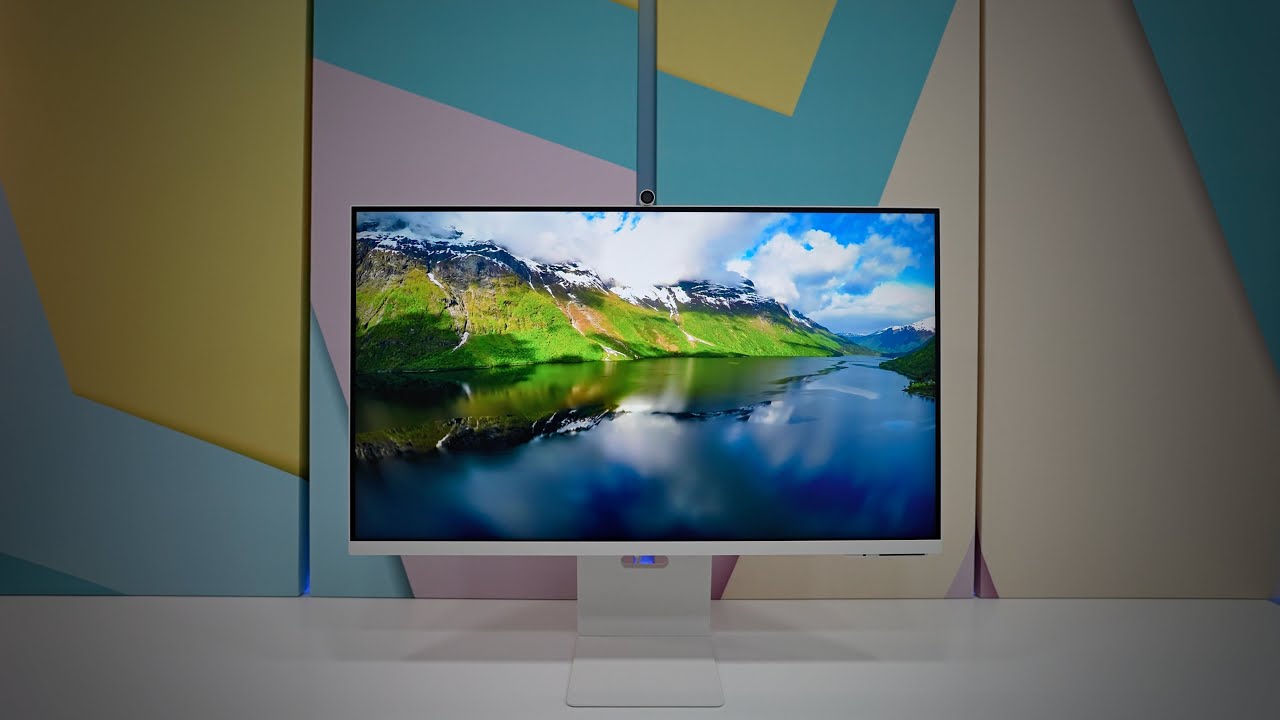
This 32 inch monitor is a 4K Ultra High Definition (UHD) smart monitor, and it actually looks. alot like Apple’s Studio Display, albeit at about half the price. I may be skipping ahead here bit if you’re looking at Apple’s monitor, stop and look closer at the M8.
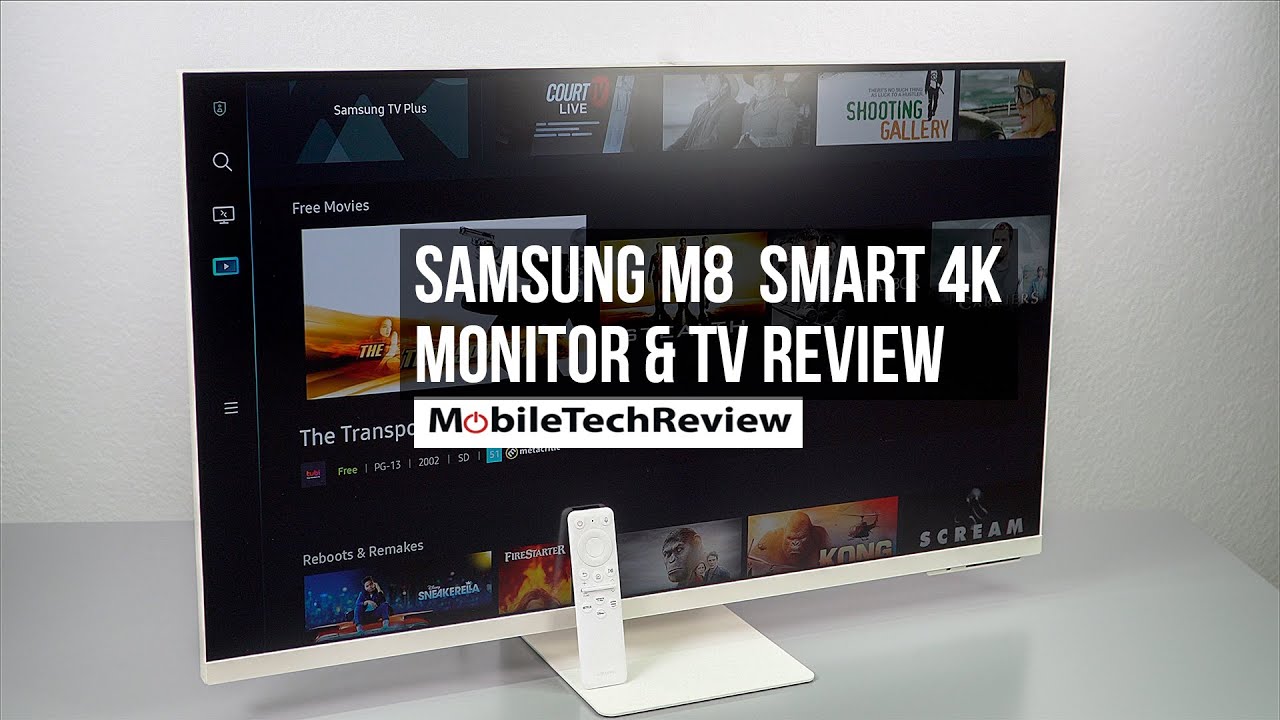
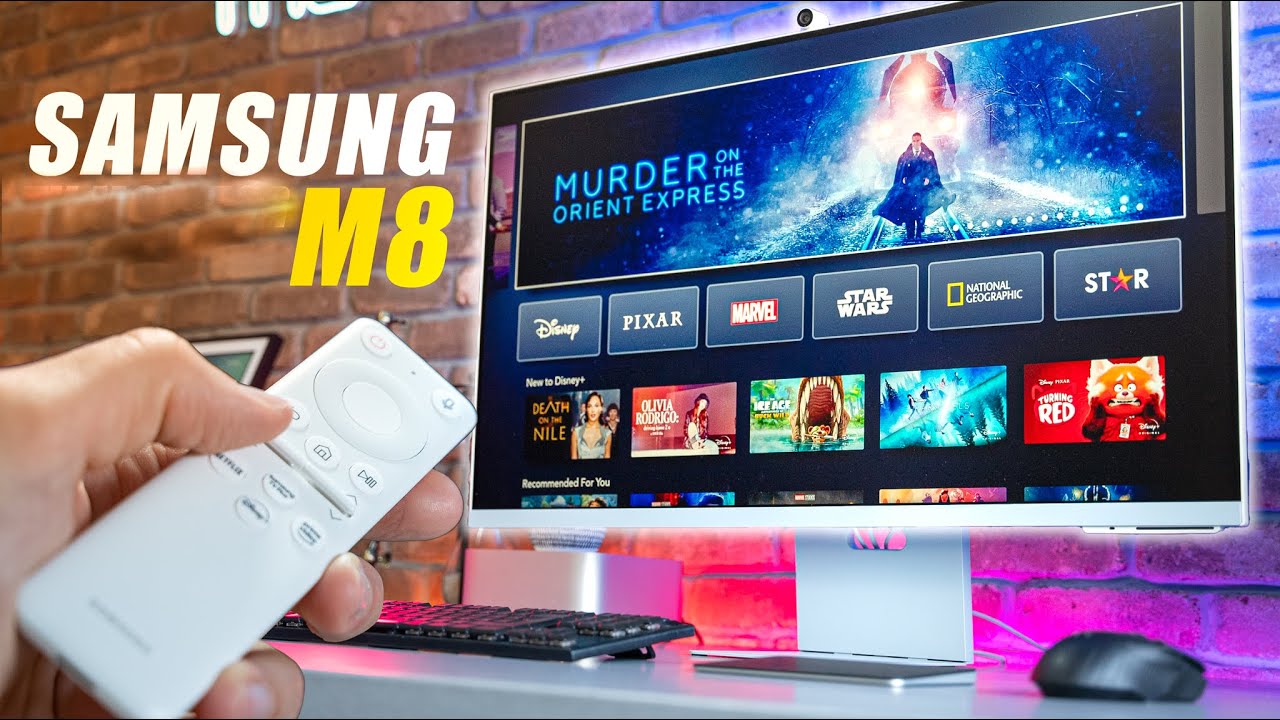
This 16:9 display with a 60 hz refresh rate comes with a detachable webcam, and it has smart streaming built in so you can use it as a TV too, with Netflix, Amazon Prime Video, Disney+ and Apple TV all available via Wi-Fi without having to connect to a PC or TV. There’s also a small remote control; mainly for using it as a TV, but it does come in handy for adjusting the monitor settings too.
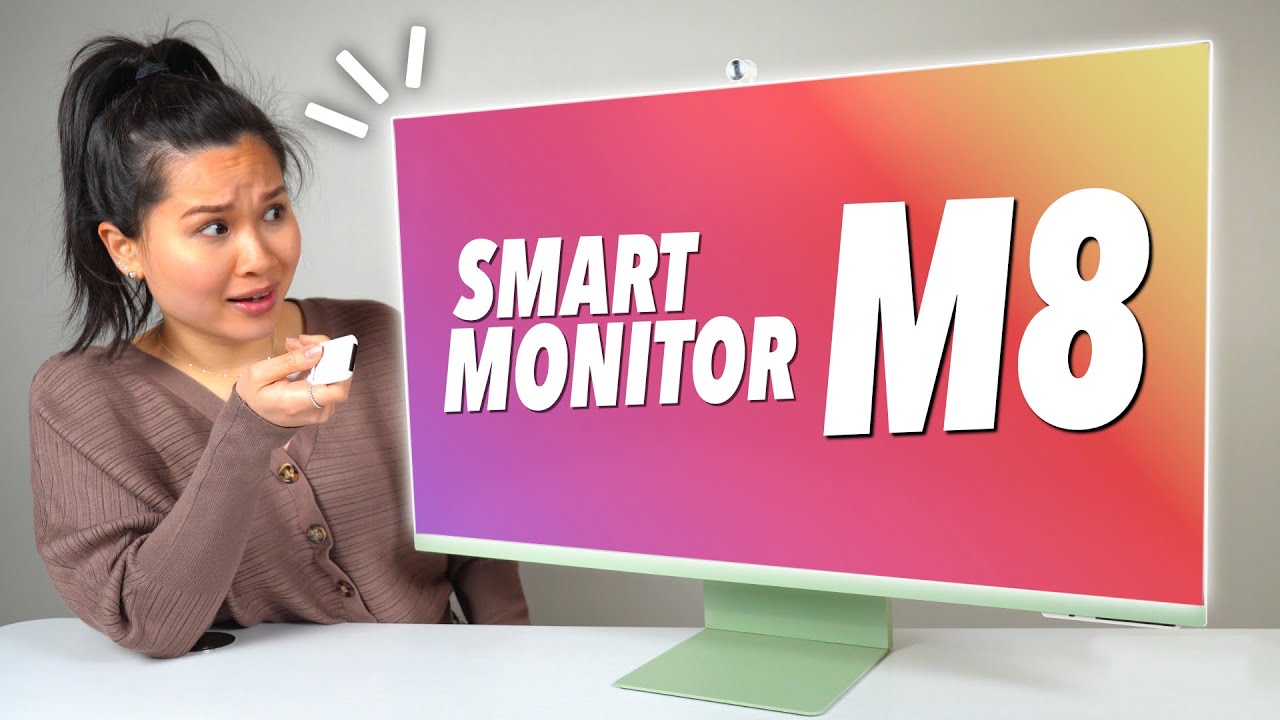
The monitor comes in some cool colours which is definitely satisfying my design sensibilities. It sits on a flat thin foot and is adjustable up or down within about 1.5 to 6 inches off its foot. In a bit of a design oversight, it does not have a VESA adapter so you can’t put it on a monitor arm to get it off your desk space, which is a bit of a shame.
The monitor has almost no bezel or edge and the screen is huge with lots of space.
Set up & connections
In another oddity for me, the monitor’s ports and connections are all located underneath the sliding mount, making them extremely difficult to access easily. I presume Samsung did this to hide visual clutter, and in truth you’re probably not going in here constantly after your initial connections, so maybe it’s a not issue.
This monitor, in yet another oddity, does not have an HDMI port, which meant I needed another solution to connect my laptop. Fortunately, Samsung included a USB-C to USB-C cable which plugs into my hub adapter and worked for my set up.
To properly set up the Samsung M8 smart display as your Apple MacBook extended monitor, you need to use that included USB C to USB C cable. Then you will go to the Samsung Smart Display’s menu option.
Choose connected devices, then (again, oddly) choose PC. Though it shows PC as the option, this will be whatever computer you have connected, even if it’s a MacBook.
With that selected, you should see your laptop screen appear. Then, you can use your MacBook’s settings to either make the monitor an additional display, or a mirror of your existing laptop monitor.
Screen mirroring or remote login
You can also choose Screen Mirroring if you want to avoid cables altogether or use a remote login. (On a Mac, to use screen mirroring, choose screen mirroring, from your settings on your MacBook then select Smart Monitor.)
I can say this works fine, but using my MacBook’s trackpad or mouse on the Samsung smart monitor was out of sync. The mouse speed and accuracy is way off; it seems slower and takes longer to react, and is less precise than using it on the MacBook. This makes it absolutely maddening to move between the laptop screen and the Samsung smart monitor. So I switched to the hard-wired connection.
Using Samsung M8 Smart Display
This monitor is a dream. The 4K resolution is crisp and clear and makes video editing and blogging easy on the eyes. The colours seem natural and bright and everything looks great. I love the widescreen size and the edge-to-edge design.
Using M8 Smart Display as aTV
If you want to use your monitor as a TV it's as simple as hitting the Home button on the remote, or choosing one of the quick-start buttons for Netflix or Prime.
The video viewing quality is fantastic; just like a smaller 4K TV, and with all the streaming channels including Samsung’s live TV options, you’ll be saying, “Cable who?”

Доступные форматы для скачивания:
Скачать видео mp4
-
Информация по загрузке: