How to Reapply Thermal Paste on Your Laptop CPU and GPU (with results) | Lenovo Thinkpad T580 P52s
Автор: Chez Does Stuff
Загружено: 2023-01-20
Просмотров: 28211
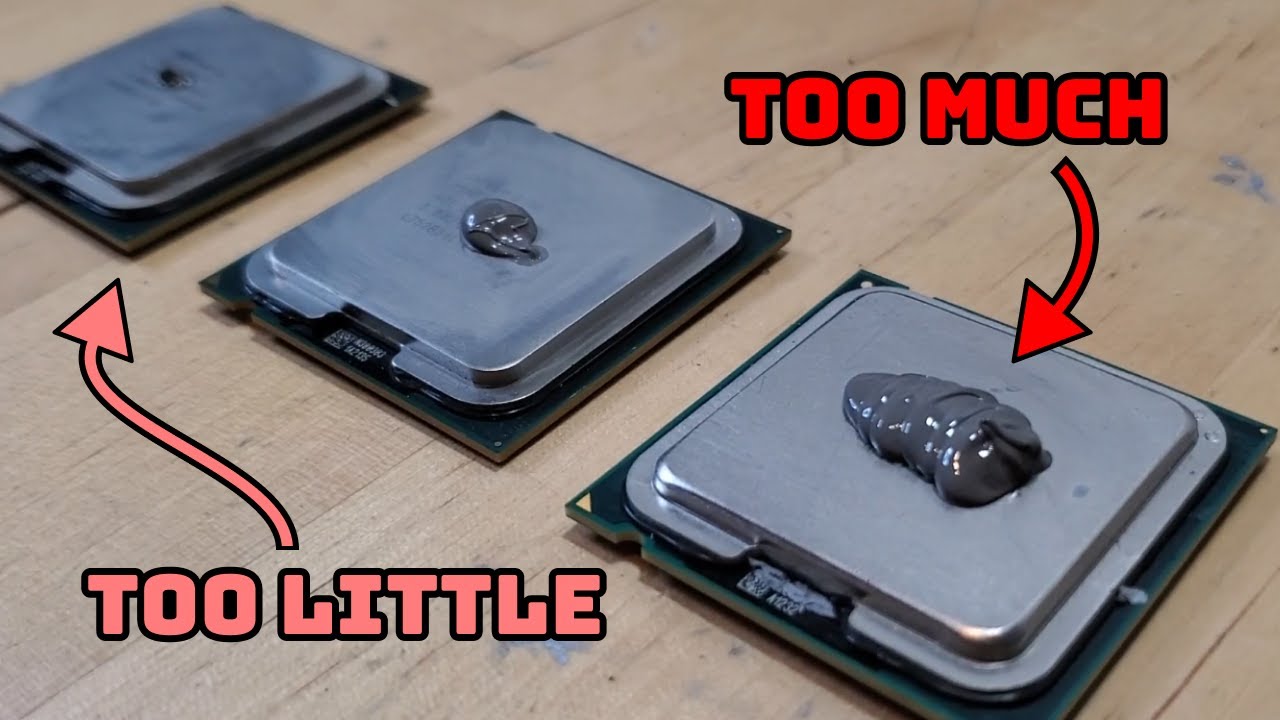
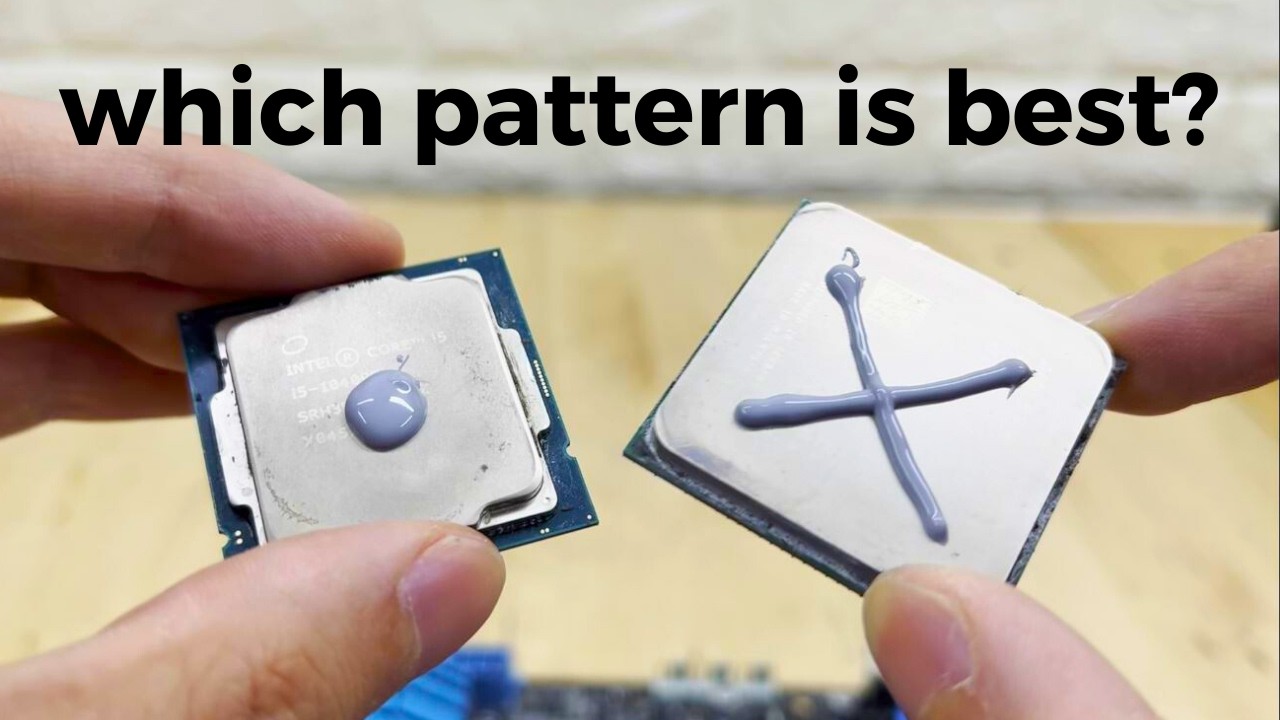
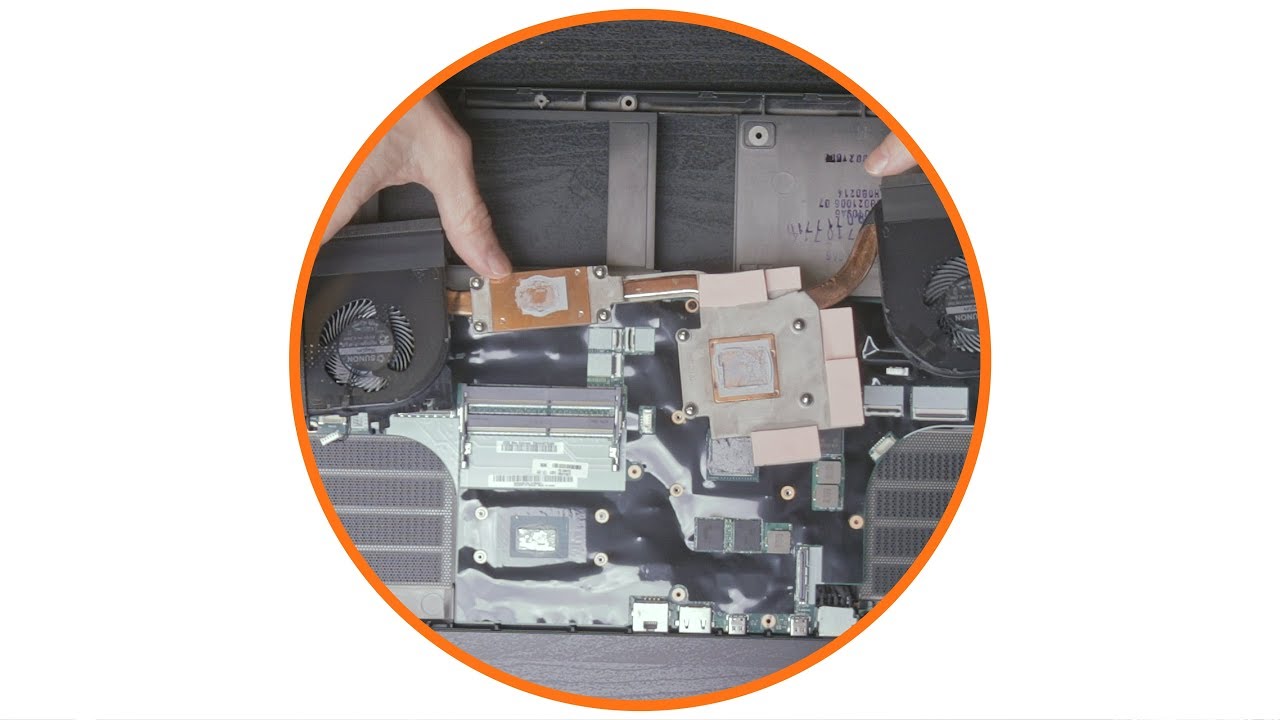
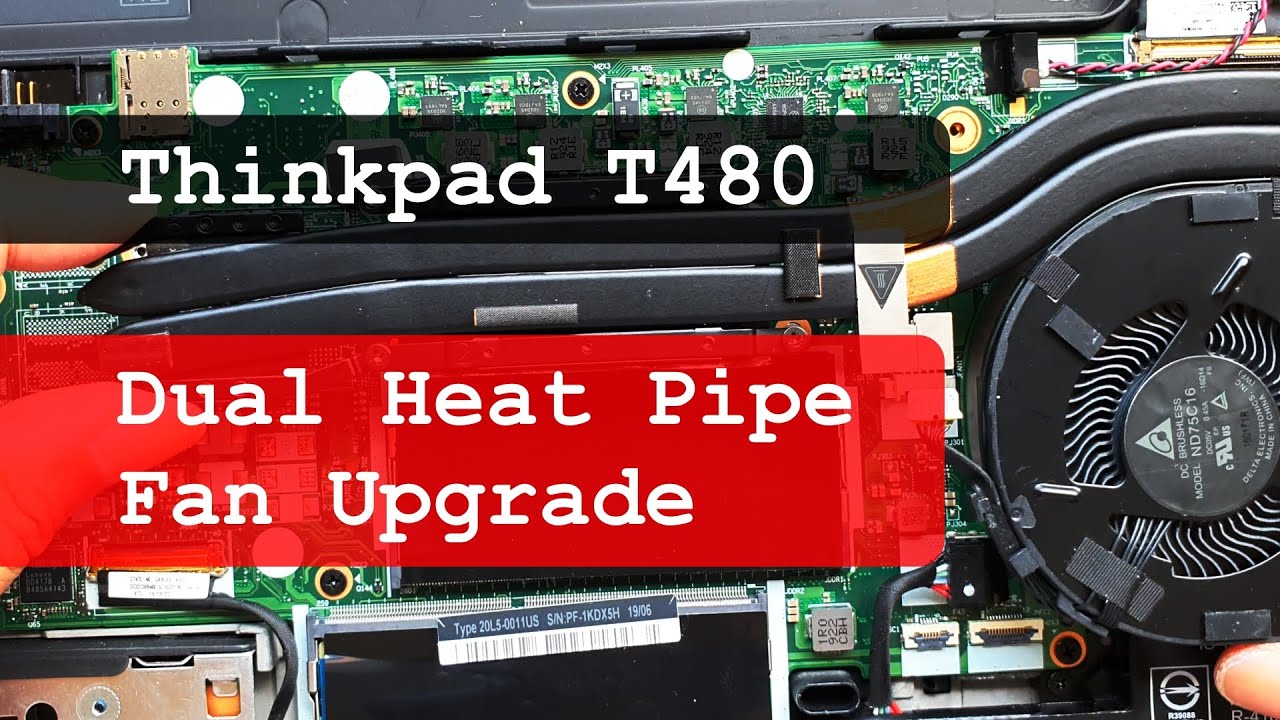
A DIY video guide on reapplying the thermal paste on your laptop's CPU and GPU. In this video, I work on the Lenovo Thinkpad T580, which is almost identical to the P52s and very similar to the T480 (plus num pad). The concepts are generally the same for other manufacturers' laptops, but I highly suggest doing your own research in case special steps are needed when working on your laptop. Beginner-friendly with its step by step format. Let me know in the comments what future guides you want to see.
00:00 - Intro and Prep
02:08 - Fan Removal
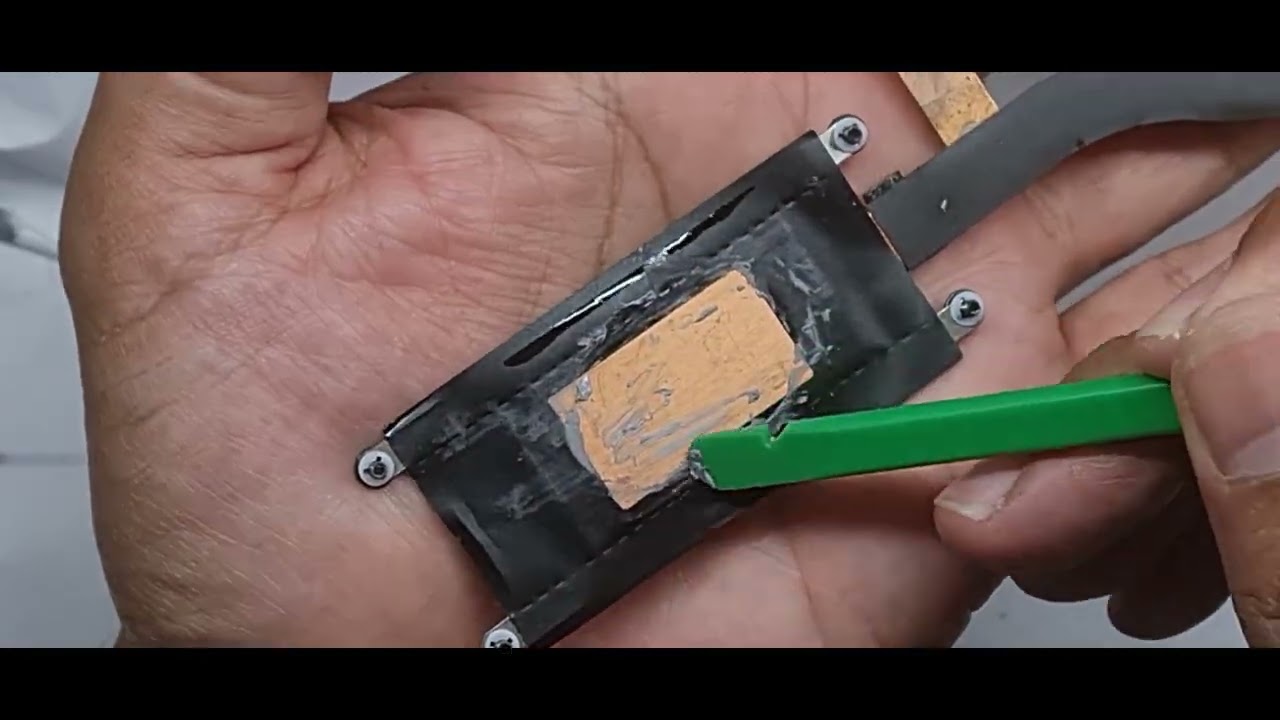
03:08 - Removing Old Thermal Paste
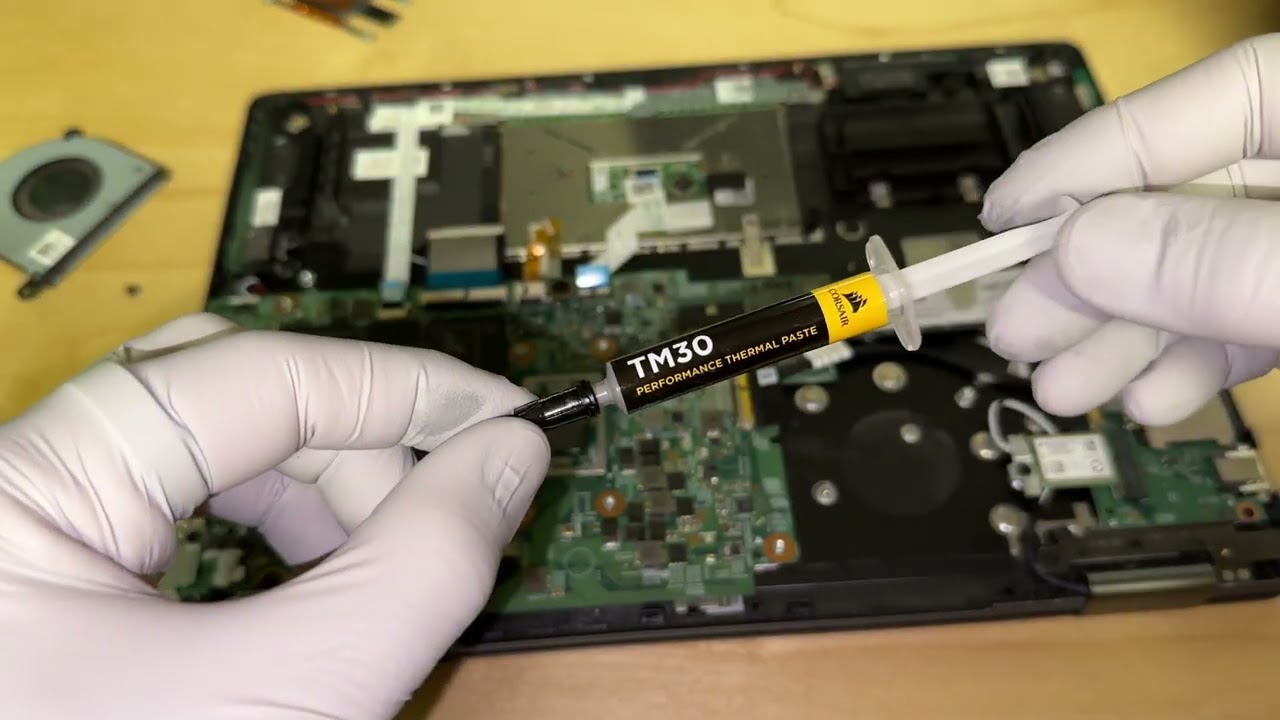
05:40 - Applying New Thermal Paste
09:02 - Validation
Some popular thermal paste options:
Thermal Grizzly Kryonaut (2g, what I used): https://amzn.to/3B1XJfG
Thermal Grizzly Kryonaut (1g): https://amzn.to/3HQcHt8
Arctic MX-4 (4g): https://amzn.to/3LJg5a5
Arctic MX-4 (8g): https://amzn.to/44FuDjE
1/8"-thick foam tape (what I used, very handy for Auto DIY/rattle-hunting, too): https://amzn.to/3M5S2DW
Full disclosure: these are affiliate links. I earn a little from the traffic upon checkout but don't get any share from the products themselves.

Доступные форматы для скачивания:
Скачать видео mp4
-
Информация по загрузке: