AI Image & Editing Made Simple - START HERE
Автор: Olayemi Afolabi
Загружено: 2026-01-18
Просмотров: 18
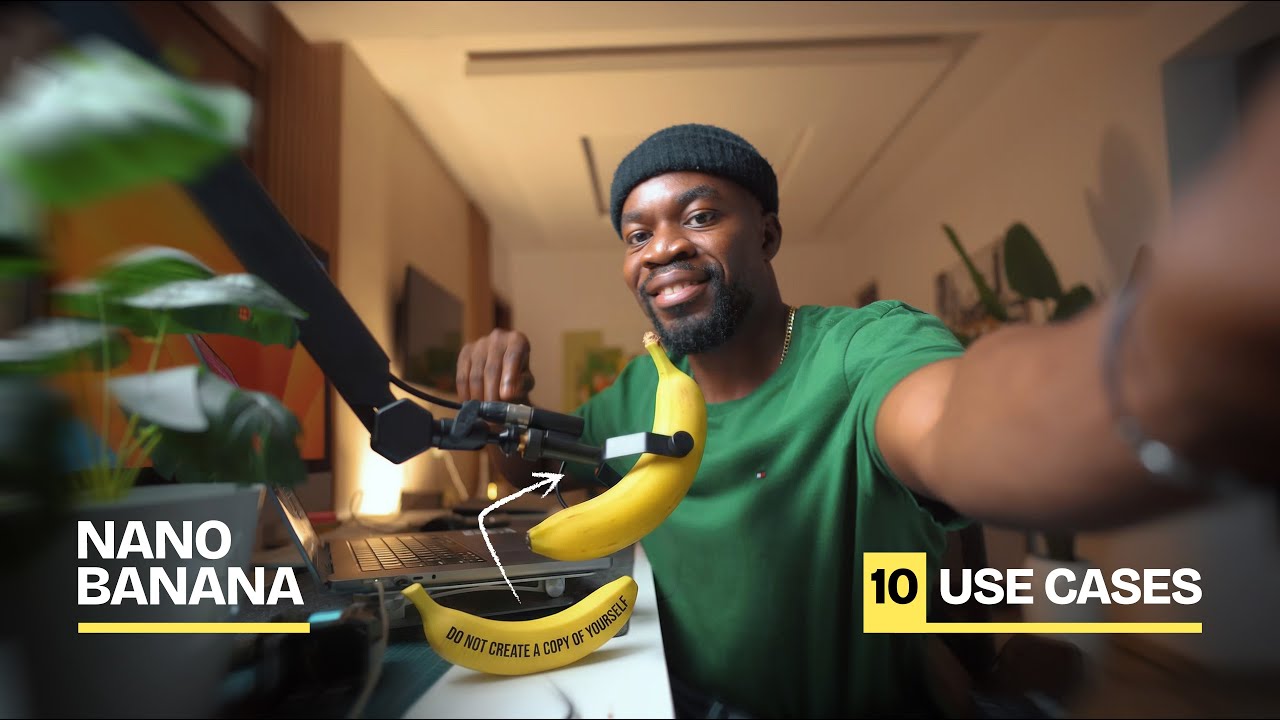
This AI image tool can 10x your editing speed and creative output — and most people are barely scratching the surface.
In this video, I break down 10 practical use cases you can start using today with Nano Banana inside Freepik, including:
• Previewing professional lighting setups
• Turning one photo into multiple angles
• Changing outfits realistically
• Creating any image style
• Adding and removing objects
• Restoring old photos
• Day-to-night transformations
• Interior design visualization
• Changing environments instantly
• Turning images into pencil sketches
#AIImageEditing
#Nanobanana
#klingai
#aiforbeginners
#Basics
#ai
-------------
👇 Prompts used in this video are listed below
-------------
Lighting Setup
Show me the full lighting setup of this scene, including key, fill, rim lights, angles, intensity, and color temperature.
Multiple Angles
Generate a top-shot, low-angle, wide shot, and close-up view, keeping the same face, lighting, and outfit.
Outfit Change
Change the outfit to a black tailored suit. Keep everything else the same and realistic.
Image Styles
Create an animated vector version.
Create a Studio Ghibli–inspired style.
Convert this into a realistic 3D render.
Add / Remove Objects
Remove the camera from the image and replace it with a flower vase that matches the lighting.
Photo Restoration
Enhance clarity, restore facial details, and keep natural skin texture.
Day ↔ Night
Convert this image to nighttime with cool tones and moonlight glow.
Convert this image back to daylight.
Interior Design
Redesign this room into a minimalist workspace.
Environment Change
Replace the background with a Tokyo street at night, neon lights, and realistic reflections.
Pencil Sketch
Convert this image into a realistic pencil sketch with detailed shading.
If you’re a content creator, designer, filmmaker, or just love visuals, this video is for you.
00:00 – Why this AI tool changes everything
00:08 – INTRO
00:40 – Preview any lighting setup
01:05 – Turn one photo into multiple angles
01:43 – Change outfits realistically
02:11 – Create any picture style
02:48 – Add or remove objects
03:13 – Restore old photos
03:45 – Day-to-night transformations
04:41 – Interior design visualization
05:15 – Change environments completely
05:45 – Pencil sketch ideas
06:205 – Final thoughts + CTA
Доступные форматы для скачивания:
Скачать видео mp4
-
Информация по загрузке:





![ChatGPT и Gemini устарели. Вот реально рабочий инструмент [Opal]](https://image.4k-video.ru/id-video/0RvCVXVMftE)


