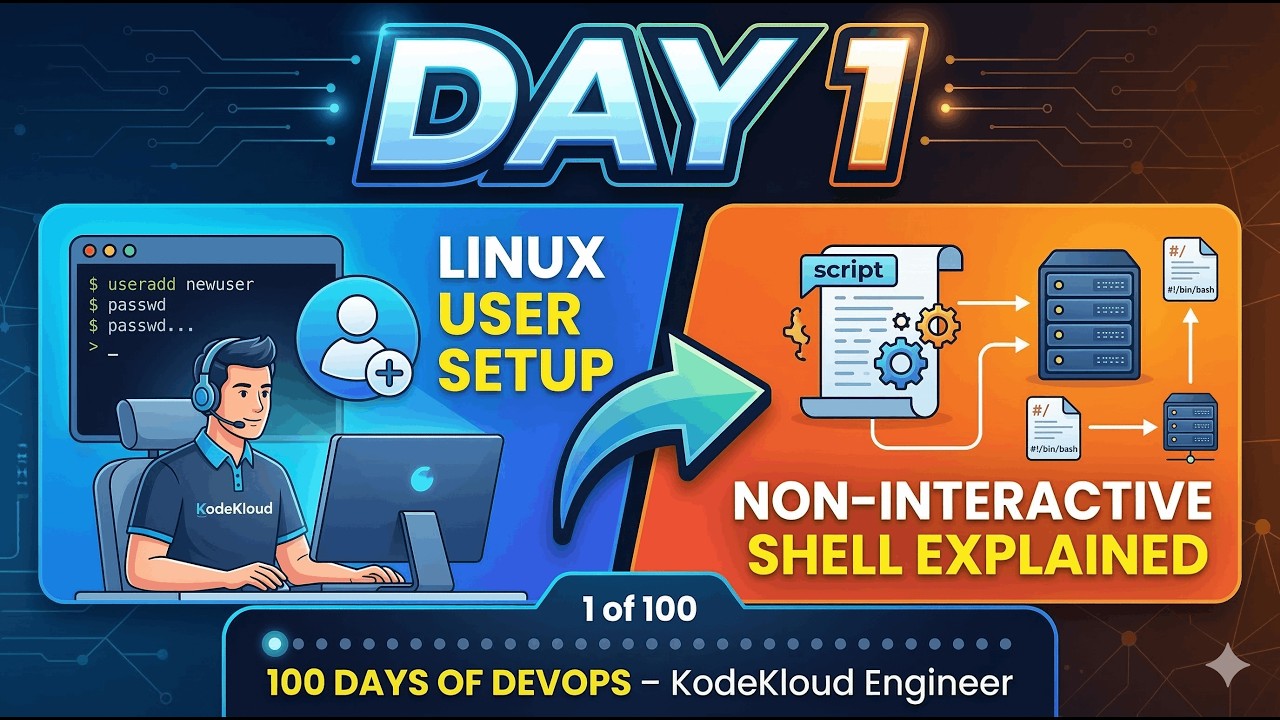
Day 1: Linux User Setup & Non-Interactive Shell Explained | 100 Days of DevOps – KodeKloud Engineer
Автор: Madhukar Reddy
Загружено: 2025-11-02
Просмотров: 890
Task: Create a user named siva with a non-interactive shell on App Server 3.
Welcome to Day 1 of the 100 Days of DevOps – KodeKloud Engineer Series!
In this episode, we start from the basics — managing Linux users securely.
You’ll learn how to create a user account that can own files or run services but cannot log into the shell — a critical DevOps security practice used in production environments.
🧩 What You’ll Learn
Difference between interactive and non-interactive shells
How to use /sbin/nologin and /bin/false
Steps to create a restricted user for automation or service accounts
Why system admins use non-interactive users in DevOps pipelines
sudo useradd -s /sbin/nologin siva
100 days of DevOps
DevOps for beginners
KodeKloud Engineer
Linux user management
non-interactive shell
Linux tutorial for DevOps
create Linux user command
useradd command in Linux
sbin nologin vs bin false
DevOps practical labs
KodeKloud Engineer tasks
real-world DevOps projects
Day 1 DevOps challenge
Linux security basics
DevOps hands-on training
automation in Linux
how to create non interactive user
DevOps learning series
service accounts in Linux
CI/CD DevOps roadmap
Доступные форматы для скачивания:
Скачать видео mp4
-
Информация по загрузке:










![Linux Full Course - 10 Hours [2026] | Linux Tutorial For Beginners | Linux Training | Edureka Live](https://imager.clipsaver.ru/ylXUHIp-1ds/max.jpg)


