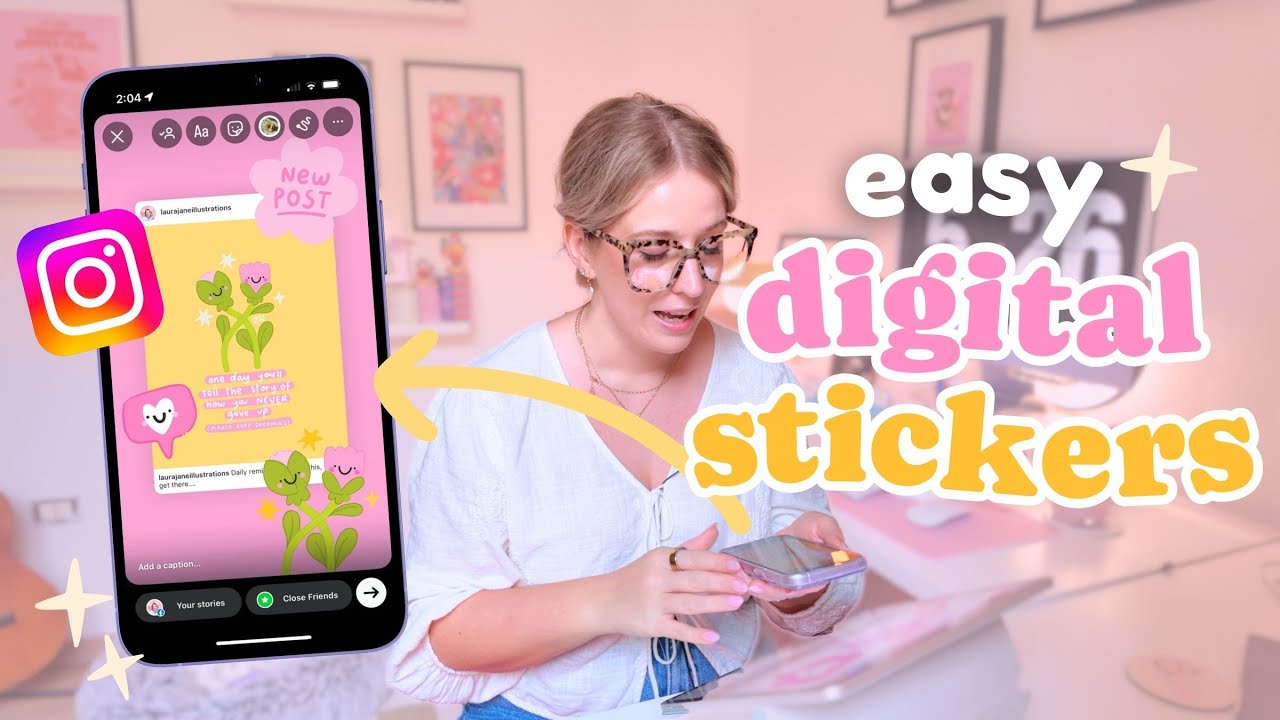
THIS is How I Make Digital Stickers for Instagram Stories
Автор: Laura Jane Illustrations
Загружено: 2025-08-22
Просмотров: 2159
If you’ve ever wanted to learn how to make your own digital stickers for Instagram, Canva, or your digital planner, this tutorial will show you the easiest way to get started 💖
Today I’m walking you through step-by-step how I design cute digital stickers in Adobe Fresco—from sketching, colouring and exporting, all the way to using them on Instagram Stories and inside your favourite apps.
Whether you’re brand new to digital art or already creating on your iPad, this is a beginner-friendly tutorial you’ll love. Let’s get creative together! 🌸✨
👉 Don’t forget to check out my Adobe Fresco series for more beginner tutorials: • Adobe Fresco Tutorials ✏️ Getting Start + ...
🌟 Links 🌟
→ Dive deeper into the world of Laura Jane Illustrations: laurajaneillustrations.com
→ Use code YT25 for 25% off when you become my Patreon Pal: patreon.com/LauraJaneIllustrations
🌟 Chapters 🌟
00:00 – Intro & why I love digital stickers
00:47 – Adobe Fresco beginner resources
01:33 – Sketching cute sticker ideas (kawaii style)
02:24 – Bringing in a colour palette
03:54 – Line art with vector brushes
04:29 – Adding kawaii faces ✨
04:50 – Grouping & prepping layers for export
05:24 – Resizing & saving individual stickers
06:09 – Exporting as transparent PNGs
06:56 – How to use your stickers (apps & ideas)
07:28 – Adding stickers to Canva & brand kits
08:10 – Using Instagram’s cutout feature
09:44 – Re-using custom stickers in stories
10:21 – Final thoughts & creative community
✏️ Tools I Use
→ Adobe Fresco
→ iPad Pro 12.9"
→ Apple Pencil (2nd Gen)
📝 Contact Me
info@laurajaneillustrations.com
Доступные форматы для скачивания:
Скачать видео mp4
-
Информация по загрузке:




![☆How I Make Stickers with Procreate (and get them printed!)☁️[digital art tutorial]](https://imager.clipsaver.ru/RJ_3yAotFVU/max.jpg)