Secret Tool for Seamless Instagram Carousels (Adobe Express Tutorial)
Автор: Darren Meredith
Загружено: 2025-06-20
Просмотров: 3088
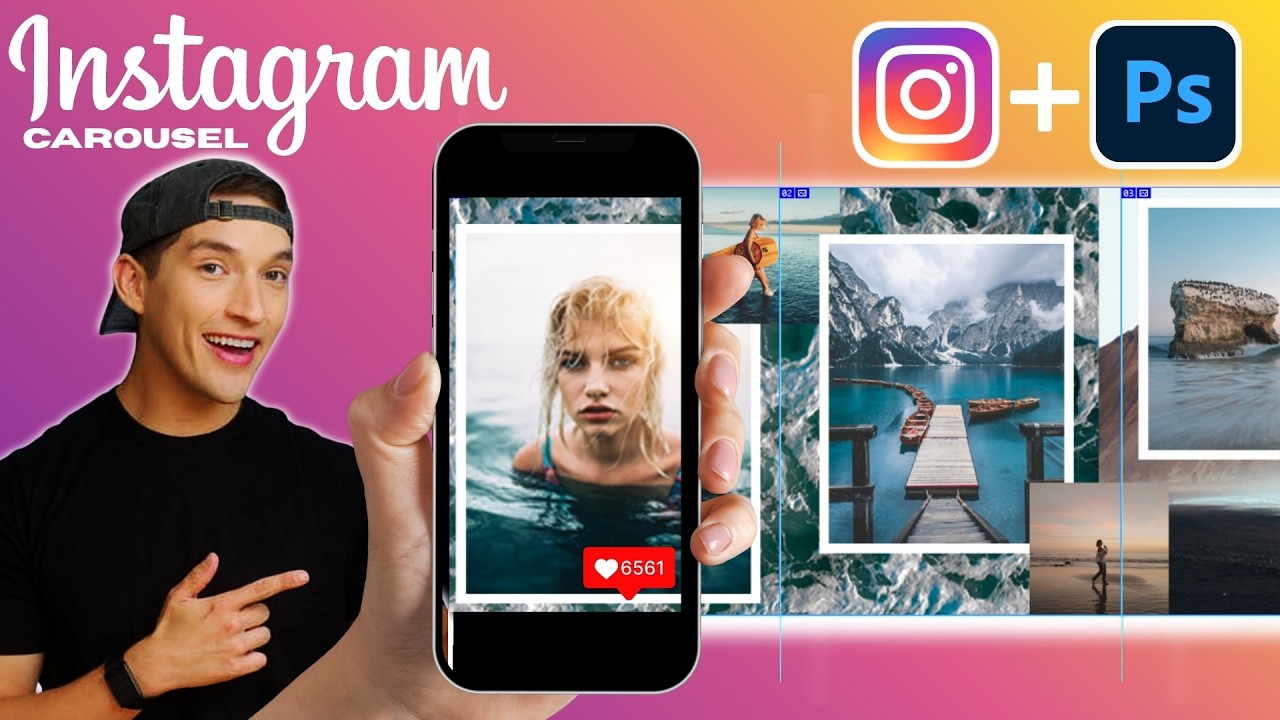
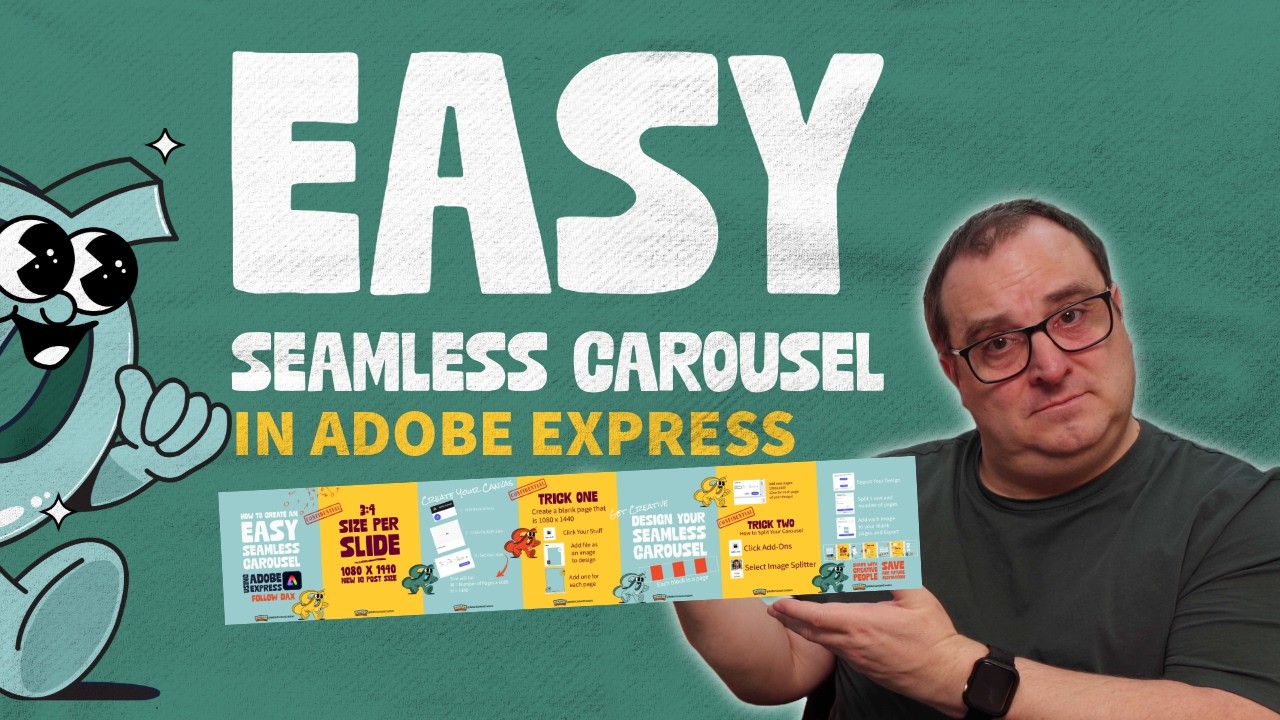
Seamless Instagram Carousels are back and popular on Instagram again. Let me show you how to design and split one up easily using Adobe Express. In this tutorial, I’ll show you exactly how to create one step-by-step.
You’ll learn:
✅ How to set up the perfect canvas size
✅ How to design a smooth swipeable carousel
✅ The tool I use to split the design across multiple slides
✅ A simple trick to stand out on Instagram
✨ Try Adobe Express for free:
👉 https://geni.us/adobeexpress
Whether you’re a content creator or small business owner, this is one of the easiest ways to make scroll-stopping posts — no Photoshop needed.
▶ Subscribe for More Content: https://geni.us/SubscribeHere
🚀 Join the Community
💚 Get exclusive content & support the channel: / bettercontentcreators
🔗 Quick Links & Free Adobe Express Trial
👉 All my links: https://geni.us/myquicklinks
👉 My Creator Gear & Tools: https://geni.us/MyKitLink
⚠️ Affiliate Disclaimer
This video may contain affiliate links, meaning I may earn a small commission if you purchase through them—at no extra cost to you. Your support helps keep the channel running and allows me to create more valuable content. Thank you!
00:00 Instagram Loves Seamless Carousels
00:11 Start Your Project in Adobe Express
00:30 Set Up the Custom Canvas Size for a seamless Carousel
01:09 Understanding Page Limits & Dimensions
01:36 How to mark out the pages in Adobe Express
02:14 Tips for Seamless Design Tricks (Movement & Flow)
03:03 Previewing a Seamless Carousel Example
04:18 Splitting the Design into Multiple Pages
04:56 Secret Add-On
05:48 Add Split Images to Individual Pages
06:08 Export and Upload your Seamless Carousel to Instagram
🎉 Stay Creative & Keep Creating! 🎉
Darren Meredith
Better Content Creators
#contentcreators #adobeexpress #adobeexpressambassador
Доступные форматы для скачивания:
Скачать видео mp4
-
Информация по загрузке: