Plane Track Replacement in Blender v3 (41)
Автор: Michael Chu
Загружено: 2023-11-20
Просмотров: 640
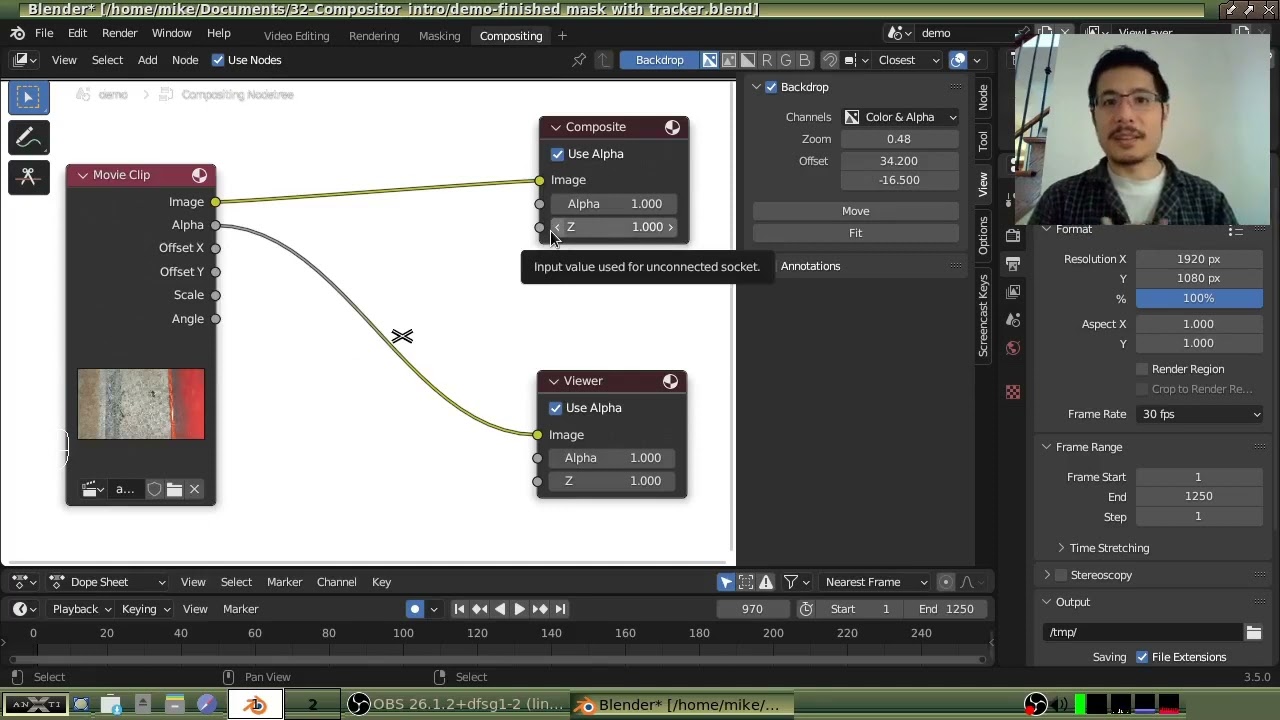
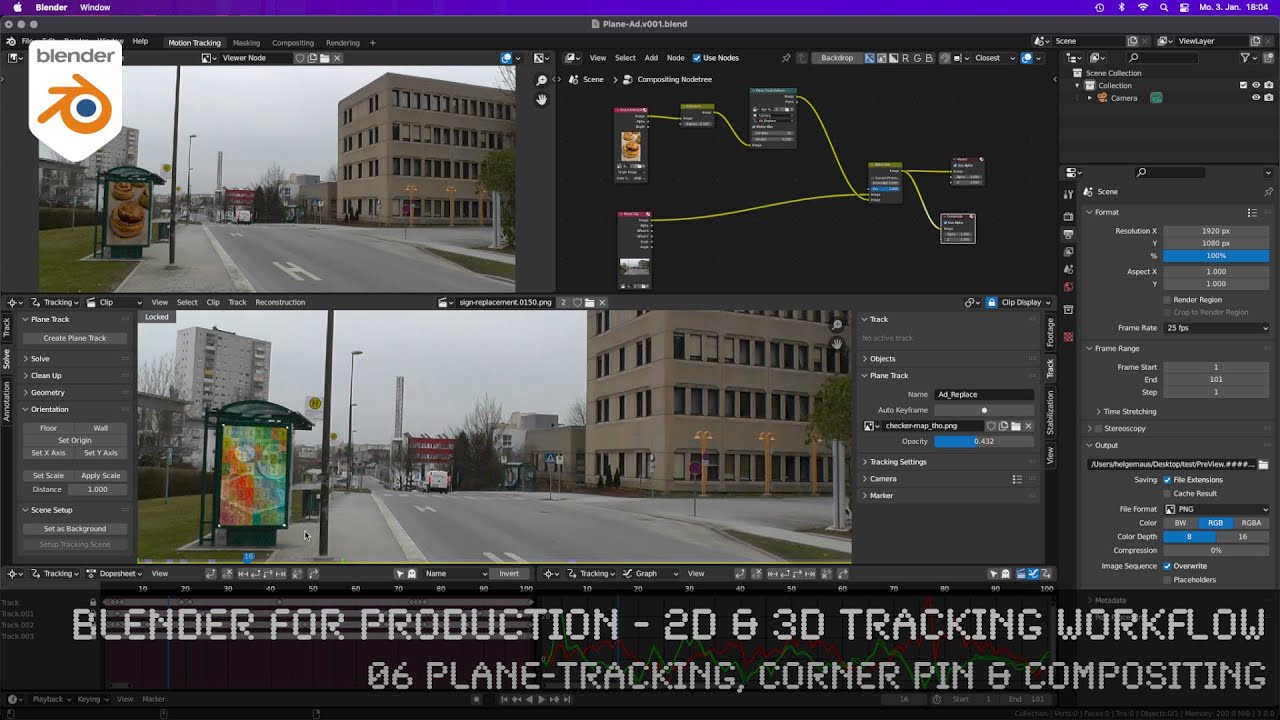
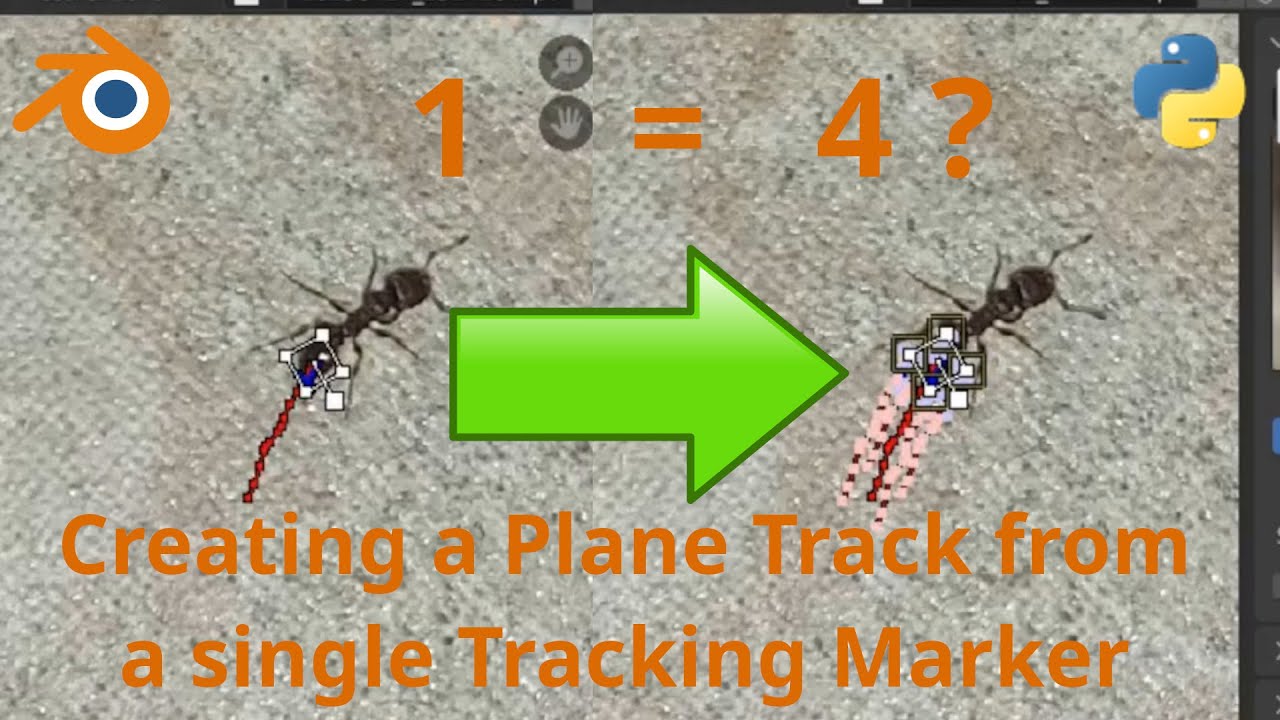
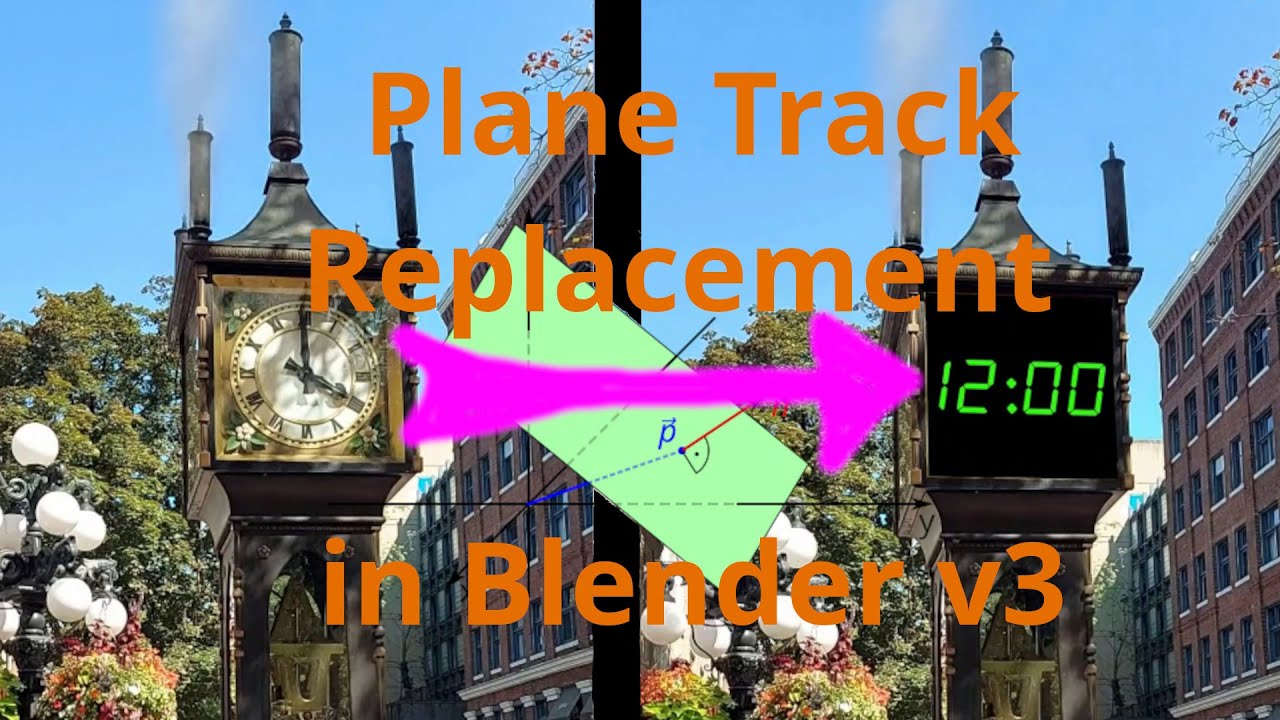
Plane Track replacement is a technique that lets you replace the contents of a flat 4-sided surface such as a TV screen, billboard or even a clock face. To do this in Blender we need to make use of the powerful Motion Tracking and Compositing features, and we'll cover it all plus a few bonus topics in this tutorial.
To keep this to a reasonable length, a basic grasp of the Blender's Movie Clip Editor and Compositor/Node Editor are assumed. If these are new topics to you, please consider watching the following introductions:
Motion Tracking in Blender 3 for Video Editing:
• Motion Tracking in Blender 3 for Video Edi...
Intro to the Compositor:
• Intro to the Compositor (32)
Time codes:
00:00 Intro
01:17 Motion Tracking - 4 Tracking Markers
03:54 Plane Track - Creation and Setup
08:32 Compositor - Playing with Nodes
11:55 Plane Track Deform Node
14:32 Replacing the Original - Alpha Over
16:15 Viewing in VSE
16:50 Scaling the Replacement - Not in Compositor!
18:28 Scaling the Plane Track
21:30 Multiple Plane Tracks
26:02 Outro
Credits for media used:
Plane graphic (from thumbnail and in video intro):
By Quartl - Own work, CC BY-SA 3.0, https://commons.wikimedia.org/w/index...
Tetris shapes (used in video intro, bonus content):
Hannah Hill, https://freepngimg.com/png/83676-tetr...
Airplane cartoon (used in video intro):
https://www.supercoloring.com/sites/d...
Доступные форматы для скачивания:
Скачать видео mp4
-
Информация по загрузке: