how to set EVERY emulator on the AYN Thor (DS, 3DS, PS3, etc.)
Автор: Sizzyl
Загружено: 2025-12-06
Просмотров: 4515
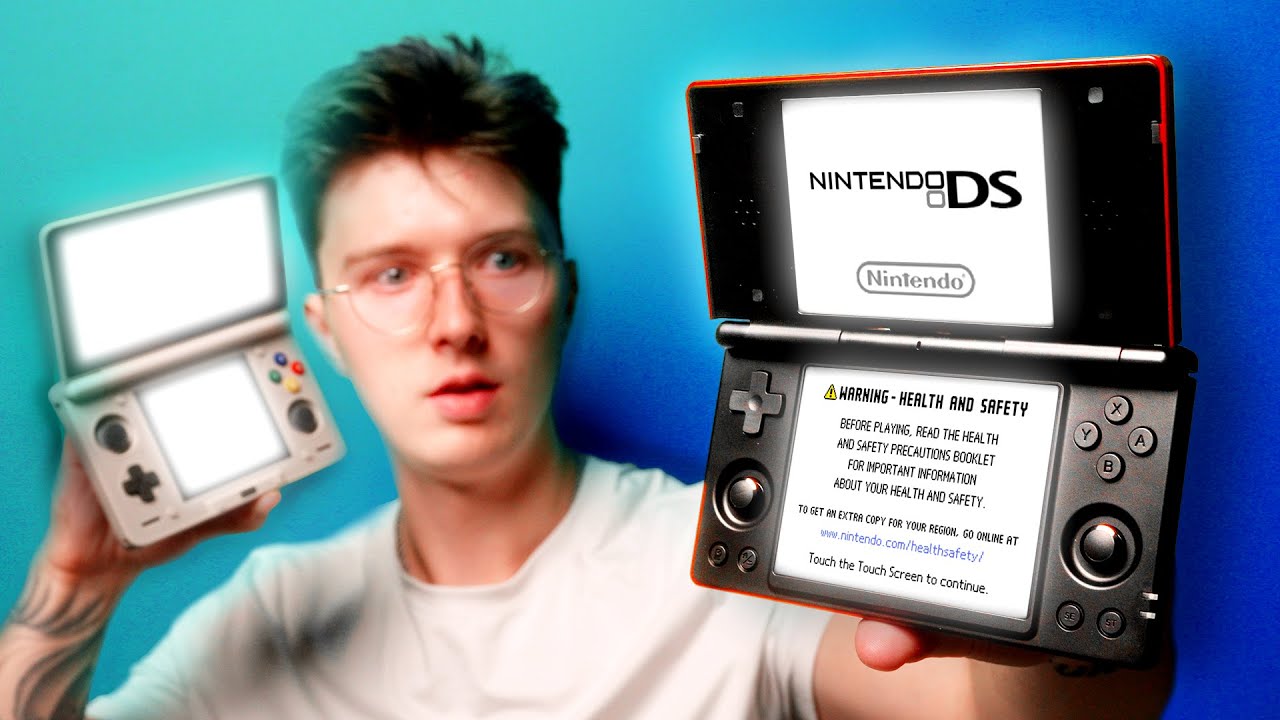
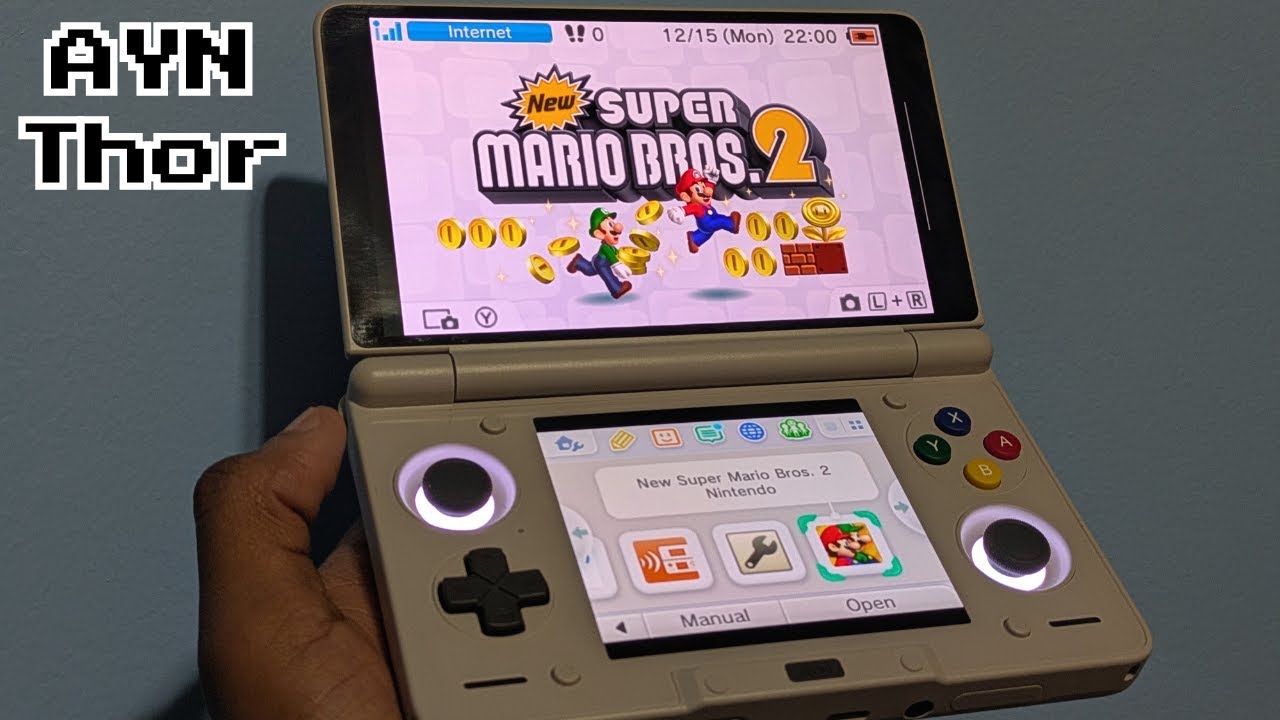
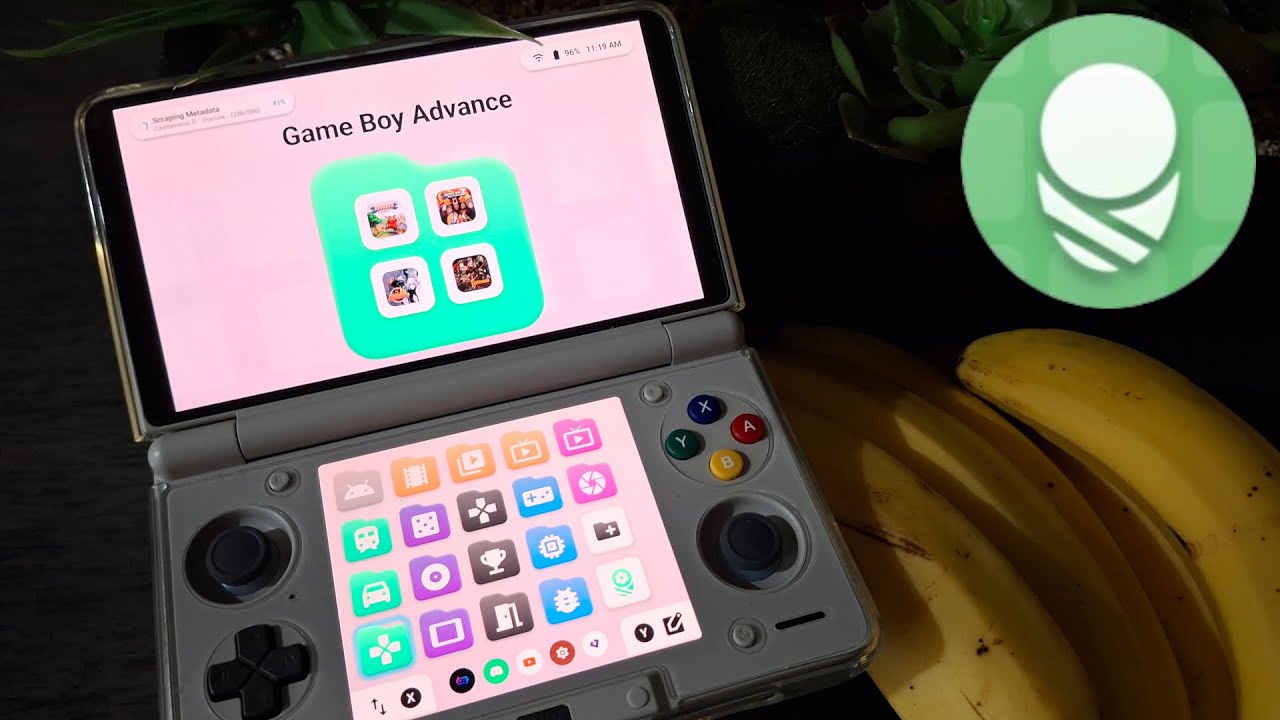
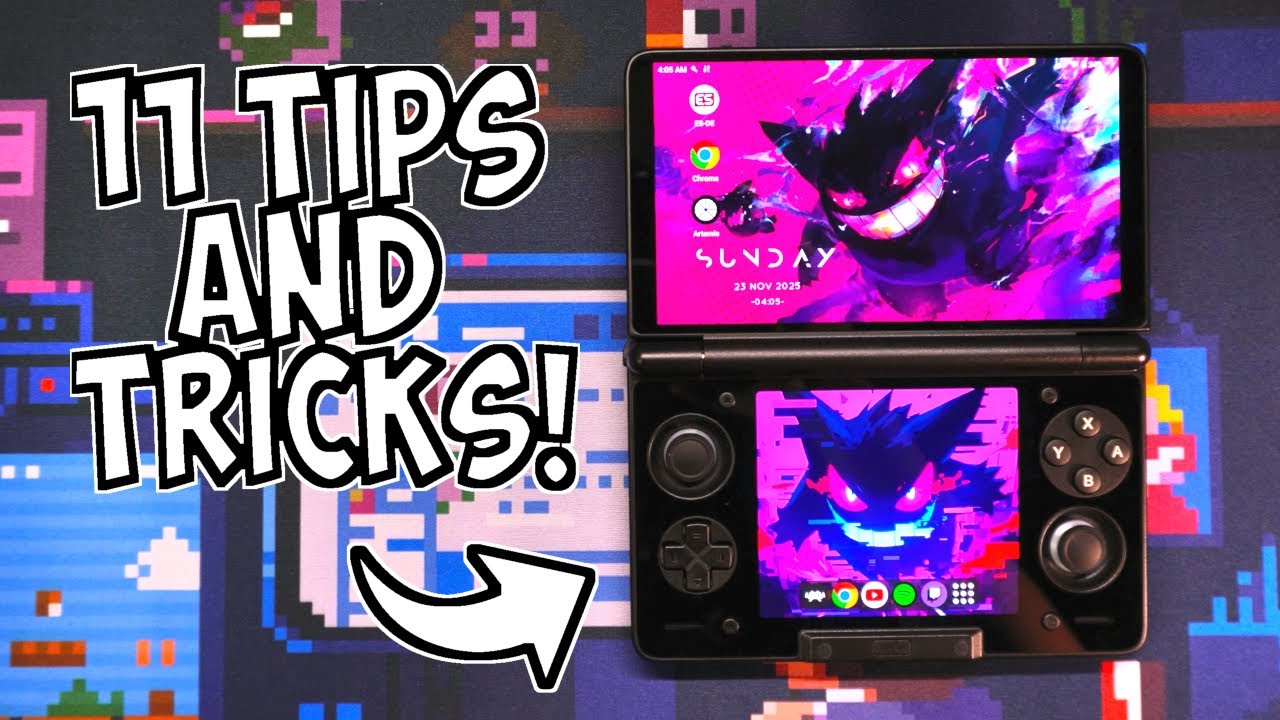
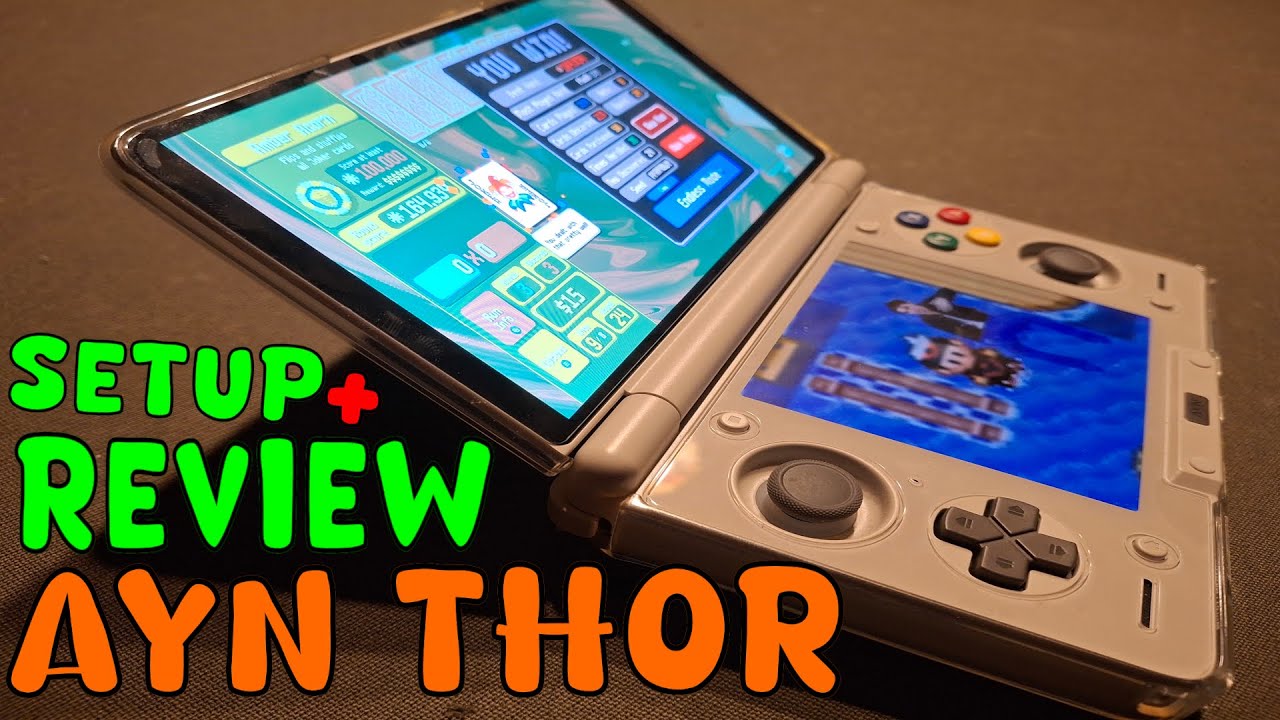
This is a quick setup and review of the AYN Thor (giving my quick overall thoughts, i do have the screen protector and TPU case accessories) and then an extensive live setup of the device from scratch.
Further FAQs answered in the description below.
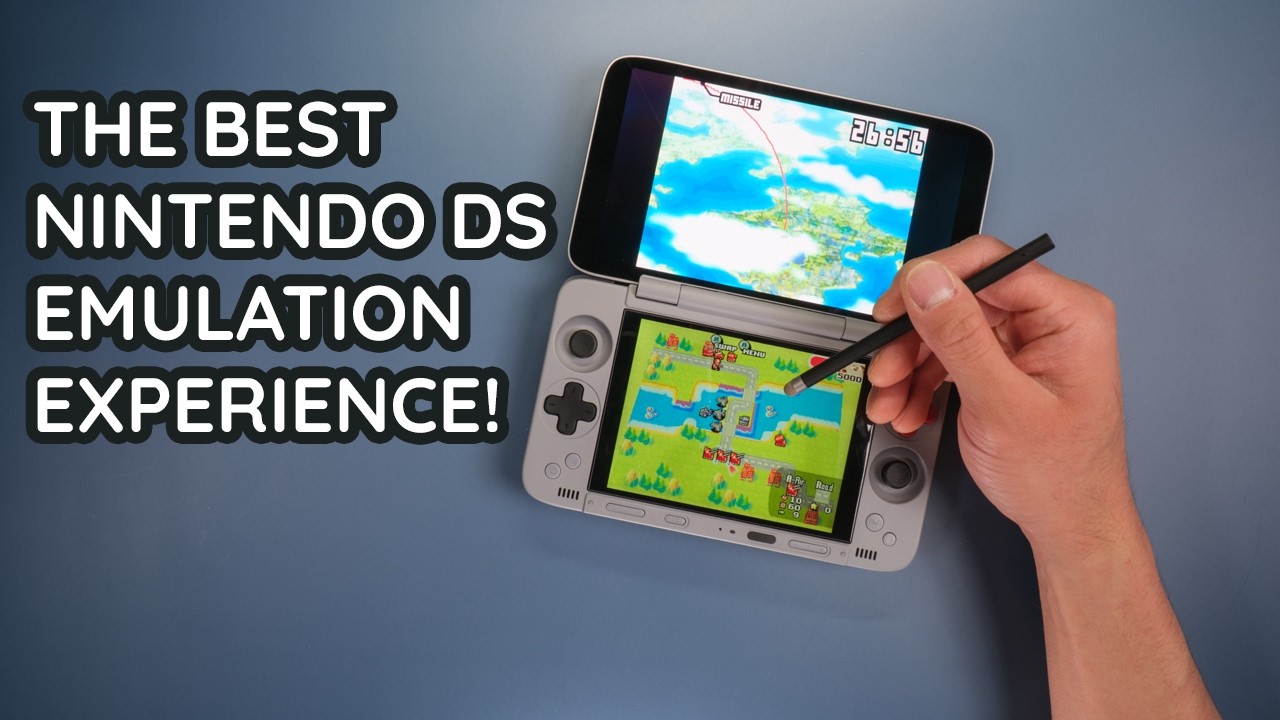
This video covers setting up Nintendo NES, SNES, N64, Gamecbue, Wii, Wii U, and Switch emulators. We also setup emulation for the Sony PS1, PS2, PS3, PSP, and PSVita along with the ES-DE frontend to go with it (although this guide was posted assuming that you've already backed up all of your own games and BIOS files). Makes it feel like a DS while having the ability to do anything an android phone can do.
Stuff Mentioned/Showed In Vid:
How to record both screens: • how to record screen BOTH screens on the A...
pt2/Cocoon FREE frontend setup guide: • Видео
USB-C Hub I used: https://amzn.to/4pSj4j7
Cheaper USB-C Hub other people have used: https://amzn.to/4oEXQEi
AYN Thor: https://www.ayntec.com/products/ayn-thor
Obtanium: https://github.com/ImranR98/Obtainium
Obatnium Emulation Pack: https://github.com/RJNY/Obtainium-Emu...
ES-DE: https://es-de.org/
ESDE Custom Systems: https://github.com/GlazedBelmont/es-d...
O2P Tweaks (Audio Fix): https://github.com/FeralAI/o2ptweaks.app
Audio Paste:
GraphicEQ: 70 -32; 110 -4.5; 120 -4; 200 -4; 300 -5; 444 -9; 600 -13.5; 700 -17; 850 -17; 1200 -18.5; 1860 -20; 2800 -19.5; 3800 -21.5; 5000 -13; 7000 -6; 9050 -0.5; 11000 0.5; 12000 -0.5; 16000 -3;
FAQS:
How do the buttons feel?
Dpad feels pretty bad but still usable, buttons feel a little shallow, but very stable and usable, circle pads are pretty shallow as well which doesn't matter for light use but for heavy use like Fortnite or any other action game would probably make me want to go but the grip attatchment. The overall grip and feel feels quite similar to an actual DS regardless (as it also had a pretty mediocre dpad) with the exception of the shallow ABXY buttons feeling a bit off.
Is it pocketable?
Easily for me but I have quite large pockets and a large frame. If you can pocket an original 2DSXL though this thing is only about 1.3x the width while feeling almost exactly as light, so it will be very pocketable.
Is 16GB RAM necessary?
Not necessarily, especially for DS/3DS emulation, but it is REALLY nice to have, especially while playing switch/steam games. That being said, I mainly got the Ayn Thor Max because of the 1TB of internal storage. The price of upgrading the RAM/Storage myself was almost identical.
Do you still use the settings for each emulator you showed here?
No, especially while recording footage/playing a game for the first time I use the native 1x resolution instead of having the upscaled resolutions shown in the video as that's how the games were designed to be looked at/played (although I do use shaders like LCD and CRT filters). However on replays of the game(s) and/or playing mods of games, I 100% do plan on using similar looking settings.
Can you connect external controllers to the thor?
Yeah, either via USB-C if you have a powered USB-C hub or via bluetooth like any normal controller on android.
Is the hinge an issue on the thor?
Not yet, but as of the release of this review I've only had it and used it for 2 weeks, even a faulty product will take longer than that to break/show signs of wear, but with how premium the overall build is I would be a little shocked if the hinge randomly broke.
Music:
Castaway Cove - SupaBubba
Computer Pop - nobonoko
Footage: My Own
Vids I used to figure out this setup:
• AYN Thor: Improve your sound & audio!
• My Modern 3DS Setup
• Dual Screen Handheld Starter Guide
• Android Handheld Starter Guide
• AYN Thor Starter Setup Guide
Timestamps
0:00 Quick Simple AYN Thor Review
4:52 Stuff I Forgot To Mention Verbally Is On Screen Here
5:02 Initial Setup
5:40 Ayn Thor Sound Fix
10:34 Obtanium Setup
12:25 Stop Display From Shutting Off
12:57 Wallpaper Setup
13:23 ESDE Install
14:40 ESDE Custom Systems
15:34 ESDE UI Change
16:31 ESDE Emulator Setup
17:39 ESDE Game Info Scraping
18:39 ESDE Disable Touch Inputs
18:55 Installing The Emulators
22:28 Steam Games (GameHub Lite)
26:08 AYN Button (Performance Mode/Brightness/Colored Tips/Etc.)
27:57 Wii U Games (Cemu DS)
30:29 DS Games (MelonDS DS)
34:38 Remove Sidebar
34:56 Easier MelonDS Overlay Setup
35:31 PS3 Games (aPS3e)
37:10 3DS Games (Azahar)
40:01 Gamecube/Wii Games (Dolphin)
46:36 PS1 Games (Duckstation)
50:39 Switch Games (Eden)
54:27 PS2 Games (NetherSX2 Classic)
56:49 PSP Games (PPSPP)
58:19 NES/SNES/N64/GBA/GB/GBC (RetroArch)
1:03:28 PS Vita Games (Vita3K)
1:05:13 Remove Bottom Bar
1:05:56 ESDE Setup Part 2 (Showing Game Loading)
1:06:59 RetroArch Setup Part 2 (Shaders/Colors/Overlays)
1:11:34 Outro
Note that this description may contain affiliate links. By clicking on an affiliate link and buying something, I may earn a small commission of the sale at no extra cost to you.
This video is for entertainment and educational purposes only.
Доступные форматы для скачивания:
Скачать видео mp4
-
Информация по загрузке: