Популярное

Музыка Кино и Анимация Автомобили Животные Спорт Путешествия Игры Юмор

Интересные видео

2025 Сериалы Трейлеры Новости Как сделать Видеоуроки Diy своими руками

Топ запросов

смотреть а4 schoolboy runaway турецкий сериал смотреть мультфильмы эдисон
dTub
Скачать

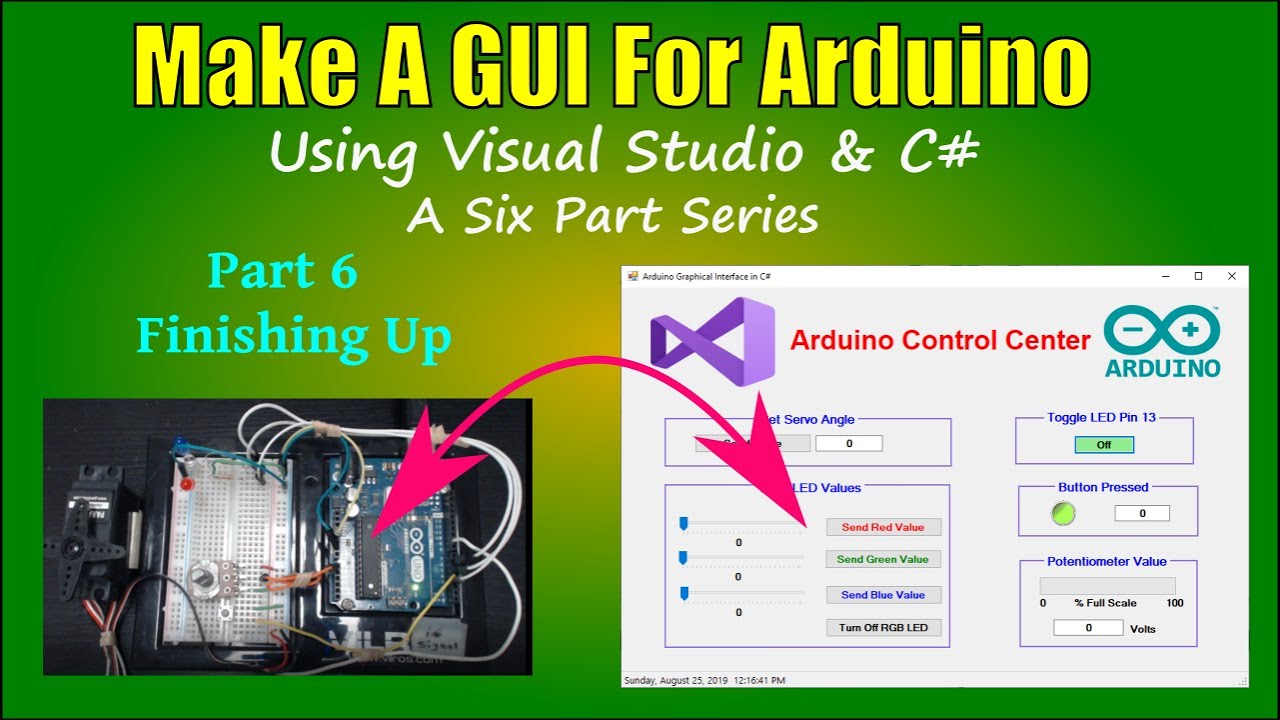
Arduino GUI Part 6 Finish Up

Автор: Byte Me

Загружено: 2019-10-01

Просмотров: 19619

Описание:

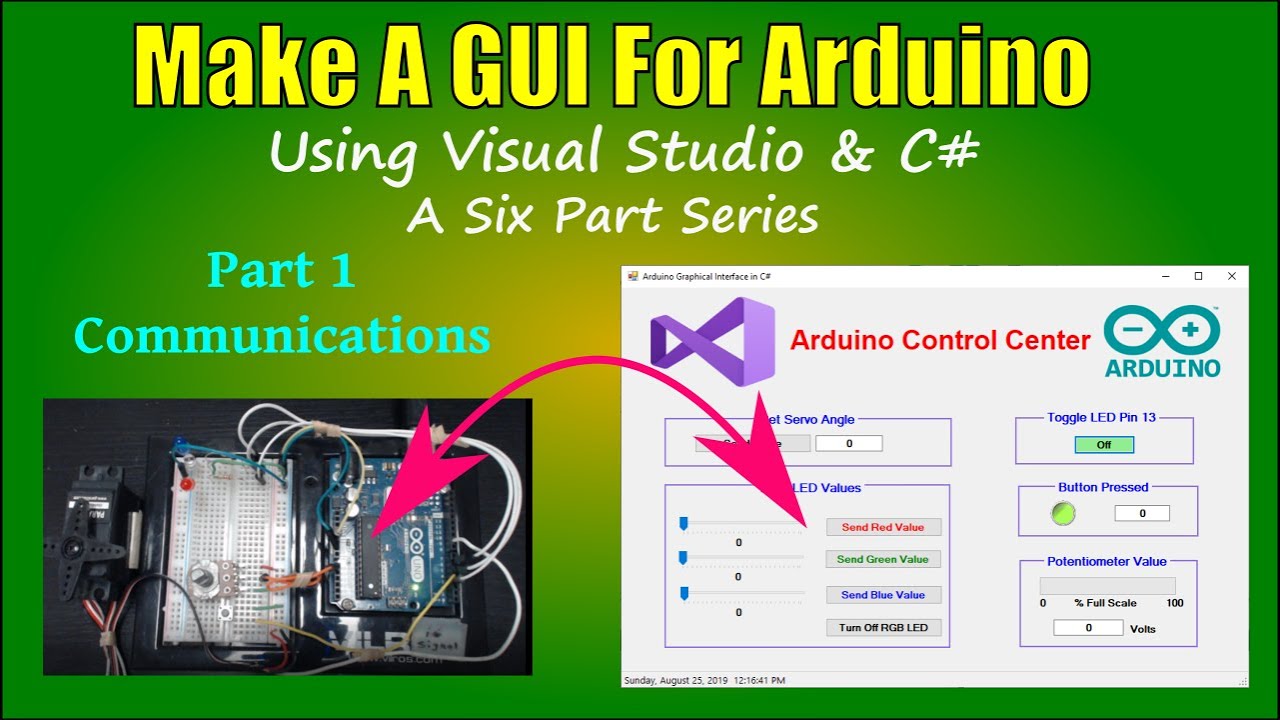
Part 6: The GUI is pretty messy from the program development so this video shows techniques and property settings to make the GUI attractive and more usable.

This is a series of six videos that covers the creation of a Windows application to control devices connected to an Arduino microprocessor. C# is used to develop serial communications between the PC and an Arduino. The C# windows form app is further developed to transmit both analog and digital data and commands in both directions between the Arduino and PC.

Video Summary:
Part 1: Set up serial communications and send digital commands to the Arduino from the PC GUI    • Arduino GUI Part 1   Communications  
Part 2: Expand the program to send analog data to the Arduino to set the angle of a servo motor    • Arduino GUI Part 2   Servo Motor  
Part 3: Add intensity control of LEDs on the Arduino using trackbar controls on the GUI    • Arduino GUI Part 3   LED  
Part 4: Send digital data from the Arduino to the PC in the form of button presses    • Arduino GUI Part 4   Button Push  
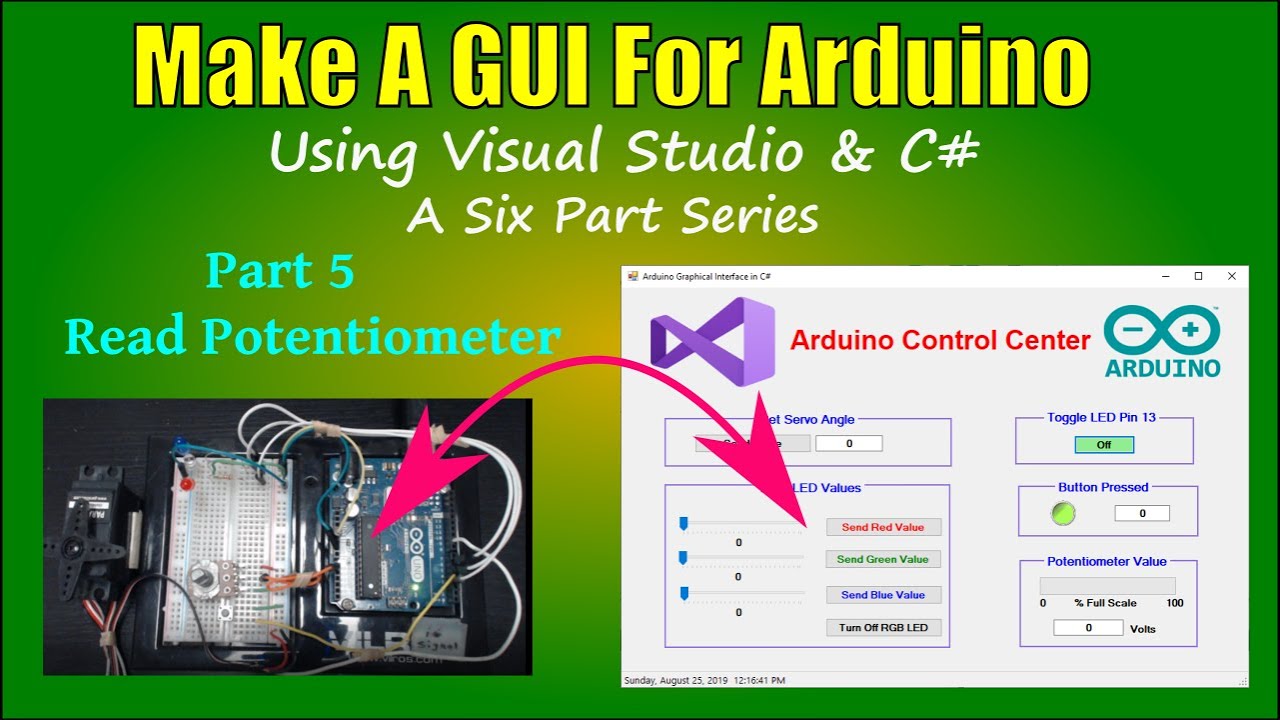
Part 5: Send analog data from the Arduino to the PC in the form of potentiometer voltage readings    • Arduino GUI Part 5   Potentiometer  
Part 6: Make the fully functional GUI more attractive and easier to use    • Arduino GUI Part 6   Finish Up  
Arduino GUI Part 6   Finish Up

Поделиться в:

Доступные форматы для скачивания:

Скачать видео mp4

  • Информация по загрузке:

Скачать аудио mp3

Похожие видео

Arduino GUI Part 1   Communications

Arduino GUI Part 1 Communications

Arduino GUI Using C#

Arduino GUI Using C#

Arduino Interface C#

Arduino Interface C#

Arduino GUI, часть 4, нажатие кнопки

Arduino GUI, часть 4, нажатие кнопки

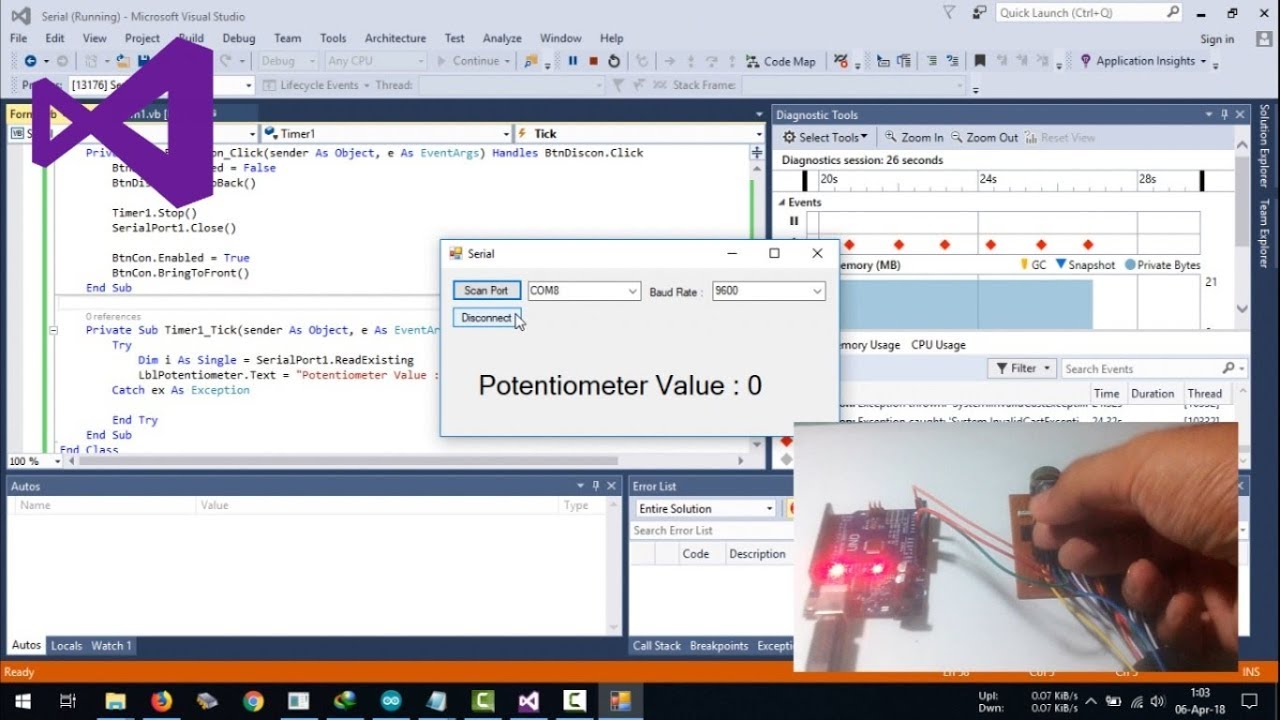
Visual Basic .NET | Receive Serial Data From Arduino

Visual Basic .NET | Receive Serial Data From Arduino

Arduino GUI Part 5   Potentiometer

Arduino GUI Part 5 Potentiometer

Первый взгляд на Arduino Uno Q: настройка, функции и новинки.

Первый взгляд на Arduino Uno Q: настройка, функции и новинки.

Arduino GUI, часть 2: Сервомотор

Arduino GUI, часть 2: Сервомотор

Ford RS gauges with Arduino UNO and DWIN intelligent display (like Nextion displays)

Ford RS gauges with Arduino UNO and DWIN intelligent display (like Nextion displays)

Разработка последовательного терминала для Arduino на C#

Разработка последовательного терминала для Arduino на C#

ESP32: Webserver, Websockets and JSON (WiFi Part 2) - Arduino

ESP32: Webserver, Websockets and JSON (WiFi Part 2) - Arduino

PROTOCOLS: UART - I2C - SPI - Serial communications #001

PROTOCOLS: UART - I2C - SPI - Serial communications #001

💾СОБРАЛ NAS НА TrueNAS💽 НЕ ПОНИМАЮ, КАК ЖИЛ БЕЗ НЕГО САМОДЕЛЬНОЕ ХРАНИЛИЩЕ ЭТО ПРОСТО

💾СОБРАЛ NAS НА TrueNAS💽 НЕ ПОНИМАЮ, КАК ЖИЛ БЕЗ НЕГО САМОДЕЛЬНОЕ ХРАНИЛИЩЕ ЭТО ПРОСТО

Control Arduino Using GUI (Arduino + Processing)

Control Arduino Using GUI (Arduino + Processing)

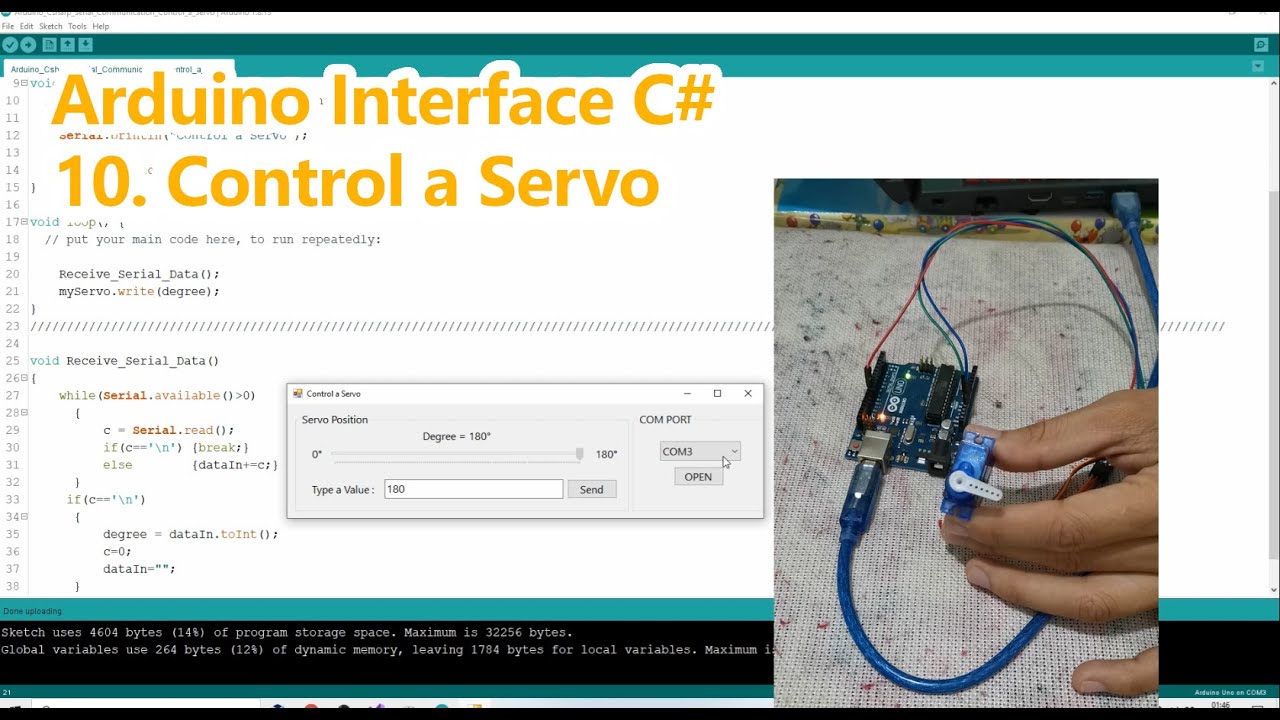
Arduino C# Serial Communication Control a Servo

Arduino C# Serial Communication Control a Servo

Arduino GUI Part 3   LED

Arduino GUI Part 3 LED

Stepper Motors with Arduino - Controlling Bipolar & Unipolar stepper motors

Stepper Motors with Arduino - Controlling Bipolar & Unipolar stepper motors

Visual Basic .Net | Using Serial Port in Multiple Forms with VB Net and Arduino

Visual Basic .Net | Using Serial Port in Multiple Forms with VB Net and Arduino

Visual Basic .Net | Arduino Data Logger with VB Net (Export to Excel) Step by Step

Visual Basic .Net | Arduino Data Logger with VB Net (Export to Excel) Step by Step

Build Arduino user interfaces with MegunoLink

Build Arduino user interfaces with MegunoLink

© 2025 dtub. Все права защищены.


  • Контакты
  • О нас
  • Политика конфиденциальности


Контакты для правообладателей: infodtube@gmail.com