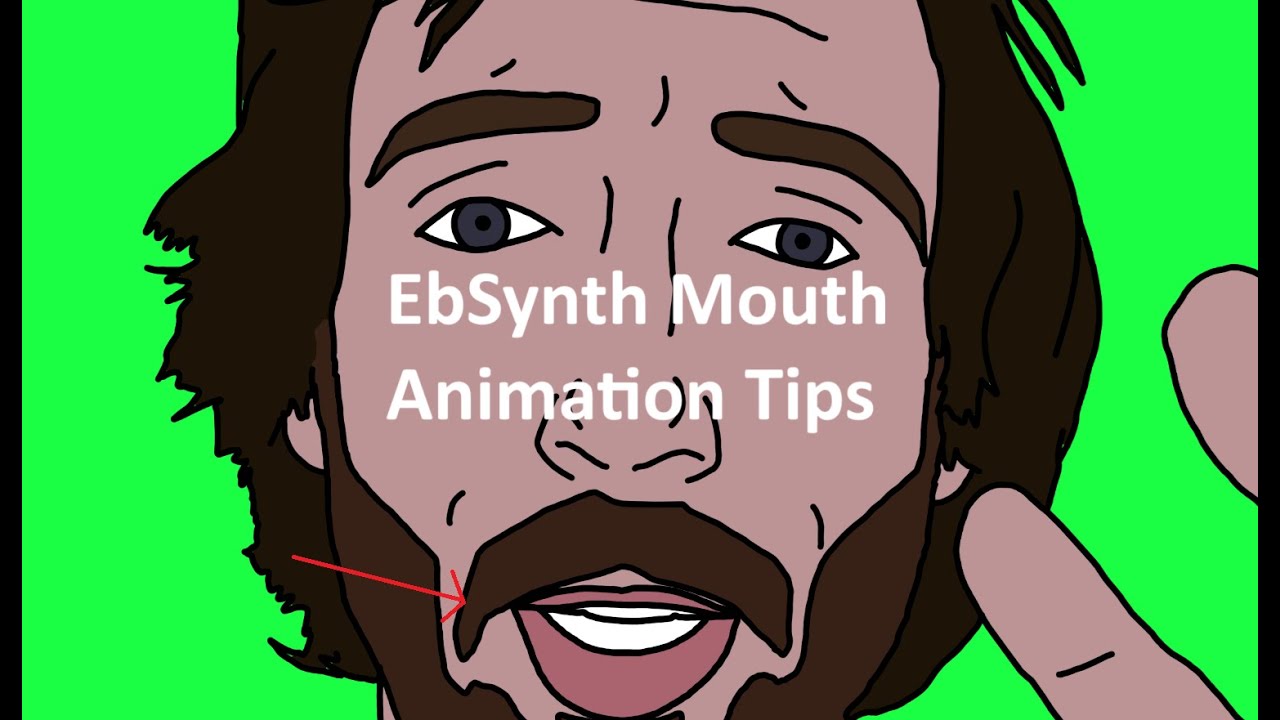
MunzMadeTheseMouths - EbSynth V1 Mouth Tutorial
Автор: Munz
Загружено: 2025-09-09
Просмотров: 164
A tutorial for PC based software, EbSynth
Specifically around layering 2 Outputs - One for 'Blankfaces' with Green backgrounds for easy keying, the other for mouths and eyes over a transparent background.
Below is a written guide for when keyframe outlines are stable but the mouths cut out/characters blink/EBSynth is struggling
Frame Selection is key
Mouth Agape/ Expression you want to capture
Clear / In - Focus frame, make sure that you have as even as lighting as possible – EBSynth doesn't like shadows
I line the most heavily contrasted sections to help stability
I create 'Blank' Face KFs + Mouth KFs
Quick oval of skin tone and re-export – any jaw lines. Dimples, etc leave in
Redraw/cut paste mouth to a new layer and export separate .png file w transparent background
I label the Blank KFS as T/G/KF (Transparent/Greenscreen/Keyframe)
1A_0099G
1A_0247G
1A_0745G
Mouths as M (Mouth on transparent background) – You can add in more expression lines
1A_0099M
1A_0247M
1A_0745M
Eyes and Mouth as EM – This is my usual route!
1A_0099EM... ETC
Running EBSynth
If you leave the default outputs when you drag n' drop keyframes there is a chance of overwrite
So run the Blankface Kfs then create new instance of EBSynth with a Different Output** ~1:30
It'll mirror your Blankface Kfs but be inside of sub-folders
So if your Original Looks like this
Scene1A_0000.png ..... Scene1A_1007.png
and your Output from 3 Source KFs (1A_0099,1A_0247 and 1A_0745) generated these automatically
Out_0099\
Out_0247\
Out_0745\
**When you run the Mouth only instance
Out_0099\ will need to be changed to avoid overwrite
~1:30
I choose subfolders 'M\' or '\EM'
M\Out_0099\ or
EM\Out_0099\
You can copy paste '\M' down the beginning of automatically named folders
This is where having the 'Good' Keyframe for motion/capturing the action/stability of the effect
Comes in v clutch as any time your subject blinks or the mouth becomes unreadable
you have room to place extra Mouth or Eye frames where necessary
For instance, a KF Source Folder can contain
1A_0099G
1A_0247G
1A_0745G
And
1A_0099EM
1A_0117EM
1A_0150EM
1A_0247EM
1A_0605EM
1A_0745EM
Clean UP
I will generally run EBSynth with default controls, medium settings, then clean up the frames I want and type in any crossover I want
This is easiest with two tabs in explorer open with preview pane turned on where I compare when it gets funky
Export Root\EM\out_0099
0000.png-0116.png
Export Root\EM\out_0117
0100.png-0149.png
~1:50
deleting 1 'bad' frame from EM\Out_0099\
deleting 0100-0114 and 0121-0149.png from EM\Out_0150\
etc until it looks clear enough back n forth in the preview pane
Export Root\EM\out_0099
0000.png-0115.png
Export Root\EM\out_0117
0115.png-0120.png
Export Root\EM\out_0150
0118.png-0240.png ETC ETC
I translate that back into EBSynth window then
Export to AE through EBSynth and do the same with the Blank face output instance
(I have a bad habit of letting EBSynth eat up my RAM)
2:04 Layer 'em up and ensure compilation settings and interpret footage are all kosher across the board.
2:06 Tweak Transform - EbSynth will run an AE script to do this for you but you can futrther tweak opacity for start/end of each mouth and see what to add/redo from there
Was meant to be a quick type up and I rambled on, hope this was readable and makes sense to the intended crowd. Cheers,
Munz
Доступные форматы для скачивания:
Скачать видео mp4
-
Информация по загрузке: