How to Install Pyenv on WSL + How to Fix BUILD FAILED (Ubuntu xx.xx using python-build) Error Easily
Автор: TechInfoBase
Загружено: 2025-04-03
Просмотров: 109
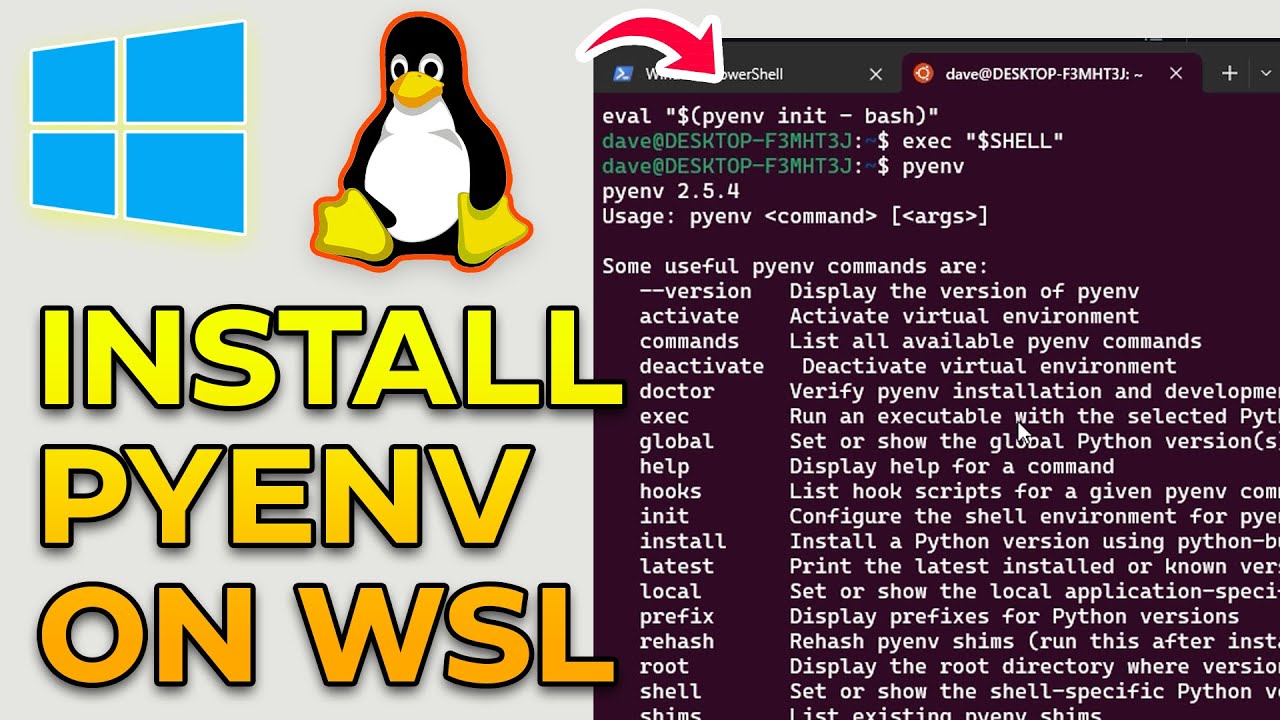
Having trouble installing Pyenv on WSL and running into the dreaded "BUILD FAILED" error? Don't worry! In this video, I’ll walk you through how to install Pyenv on WSL (Windows Subsystem for Linux) and show you the exact steps to fix the BUILD FAILED error that often pops up during Python installation.
Perfect for developers and Python learners who want a smooth development setup on Windows using WSL.
🔧 What you'll learn in this video:
✅ How to install Pyenv on WSL step-by-step
✅ Common causes of the "BUILD FAILED" error
✅ How to fix missing dependencies
✅ Bonus: Installing Python versions using Pyenv
🎯 Whether you're using Ubuntu on WSL or any other distro, this guide has got you covered!
Commands:
1. Install pyenv
curl -fsSL https://pyenv.run | bash
2. Add to .bashrc file
https://github.com/pyenv/pyenv
3. Fix BUILD FAILED (Ubuntu 22.04 using python-build 20180424) error
sudo apt update
sudo apt install \
build-essential \
curl \
libbz2-dev \
libffi-dev \
liblzma-dev \
libncursesw5-dev \
libreadline-dev \
libsqlite3-dev \
libssl-dev \
libxml2-dev \
libxmlsec1-dev \
llvm \
make \
tk-dev \
wget \
xz-utils \
zlib1g-dev
📌 Like 👍, Share 🔁, and Subscribe 🔔 for more dev tips!
#pyenv #python #wsl
Доступные форматы для скачивания:
Скачать видео mp4
-
Информация по загрузке: