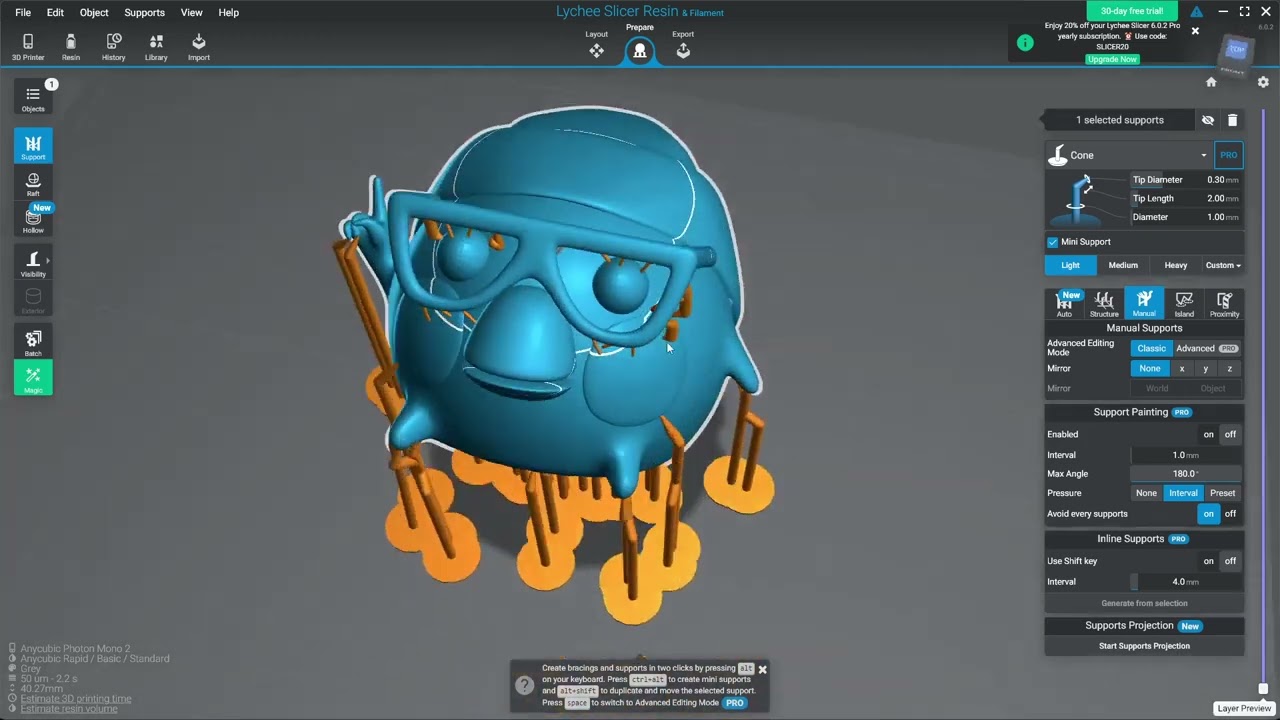
How I add supports to complicated models using Lychee Slicer
Автор: Don Whitaker
Загружено: 2021-02-12
Просмотров: 15203
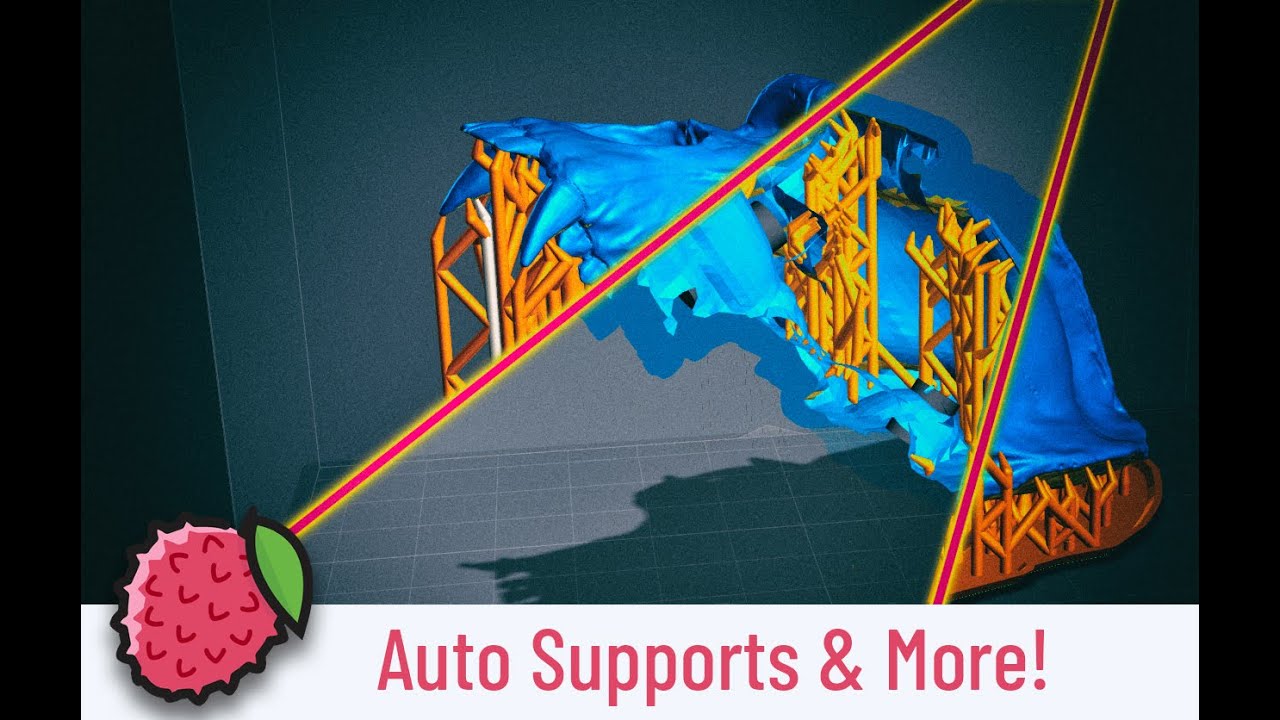
A lot of the models that I make and print are complicated with numerous overhangs, crinkly bits, and delicate structures. I've developed a good workflow in Lychee Slicer that usually gives me a great print on the first try.
In this vid I'll walk through my process and give a few tips that are working well for me.
Checkout my Patron for 3D printable plants, terrain, and artifacts.
/ donwhitaker
tl;dw version:
Use Auto Orient to find a good orientation
Select Light Supports and generate Auto Supports
Use Island Detector with Detailed setting
Select Light Supports, then Add Support to All Islands button
Support remaining Island manually using light and mini supports
Add anchoring supports with Medium settings near bottom of model
Back to Light settings for more anchoring throughout model
Sanity check and extra mini supports on problem areas

Доступные форматы для скачивания:
Скачать видео mp4
-
Информация по загрузке: