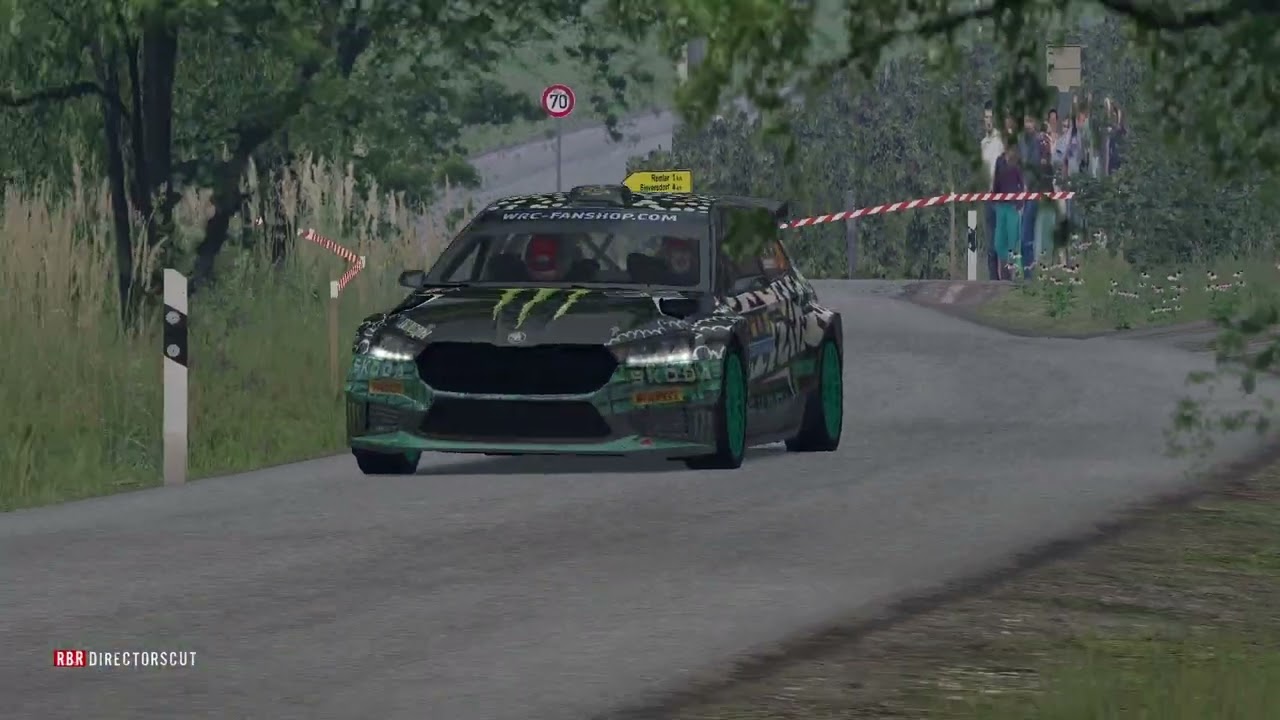
RSF Fabia RS Rally 2 FMod 1.0 by Bitto69
Автор: BigoeBitto
Загружено: 2025-06-25
Просмотров: 5351
0:00 "Vad" movie start
1:02 front limiter
3:50 limiter behind near
4:52 distant backfires
6:27 onboard
8:00 on-board limiter
8:50 top speed ,no limiter
11:30 rear limiter distant
12:02 front limiter far
13:48 very far outside
This is not a presentation video, it is a film, created and dedicated for "Rallysimfans", all of us, and the Skoda Fabia RS Rally 2.
The director and creator of all this is our friend "Vad".
@Vad_i_m
With art, passion and professionalism he created this masterpiece for all of us simdrivers, he drove to the limit on all types of roads, so enjoy this tribute to "Richard Burns Rally", to "Rallysimfans" to all the creators of new tracks, new cars, skins, sounds, graphics etc, until the end and then support his YouTube channel
/ @vad_i_m
thanks
Bitto69
Rallysimfans
https://www.rallysimfans.hu/rbr/index...
Skoda Fabia RS Rally 2
NGP Physics by Worker Bee
Convert by Ha3aP
/ ha3ap_modding
My Fmod vers. 1.0 for Skoda Fabia RS Rally 2:
120 sounds of Skoda Fabia RS Rally2
Dedicate ,random front and rear off
Dedicate random fluck ,gear, bip turbo and backfire
5 sound limiter (inside, outside front, back near, medium, far)
New onboard sound and effects
Donate & Support Bitto69
https://paypal.me/bitto69
Fmod Skoda Fabia rs Rally2 vers 1.0 by Bitto69:
https://www.mediafire.com/file/42bp88...
If you enjoyed it, subscribe to the channel
To put my sounds on RSF:
1 - download and unpack with winrar
2 - put the 3 files inside the RSF folder example "X:\Richard Burns Rally\AudioFMOD"
3 - from the menu ,where you select the car and the track, load my sound
"Fabia_rally2_Bitto" it will be enough to do it only the first time, then that remains.
important note and resolution to any problems:
my sound is too loud ?
to reduce fmod volume with RSF:
1 - launch "RallySimFans_Launcher"
2 - select "advance options"
3 - select "my cars"
4 - select "Skoda Fabia RS Rally2"
5 - in the right menu, select "override FMOD volume"
6 - reduce the volume according to your needs
If RSF does not keep my sounds, but returns to the original FMOD sounds?
start RSF and go to the options,
and check that the two options
"DONWLOAD FMOD BANKS" and
"ALWAYS CACHE FMOD BANKS"
must have the red flag
in the rsf menu you don't have the possibility to change the engine sound?
inside the main folder of richard burns rally, search for "rallysimfans.ini" and open it with notepad, and check the line "show_advanced_options=true".
this solves the problem
that's all
Bitto69
Доступные форматы для скачивания:
Скачать видео mp4
-
Информация по загрузке:


