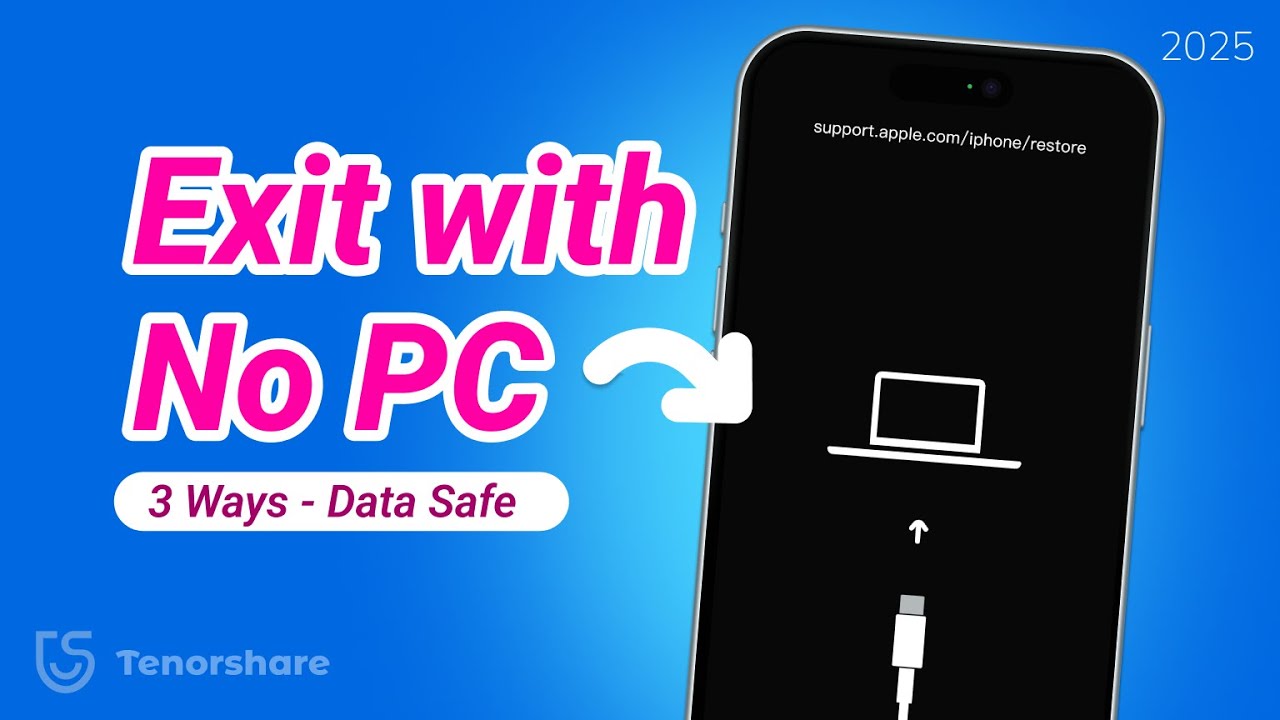
Fix support.apple.com/iphone/restore without Computer - 3 New Ways! | 2025
Автор: TenorshareOfficial
Загружено: 2025-03-28
Просмотров: 44893
Fix "support.apple.com/iphone/restore" With ReiBoot🤩👉:https://bit.ly/4iLIwnk
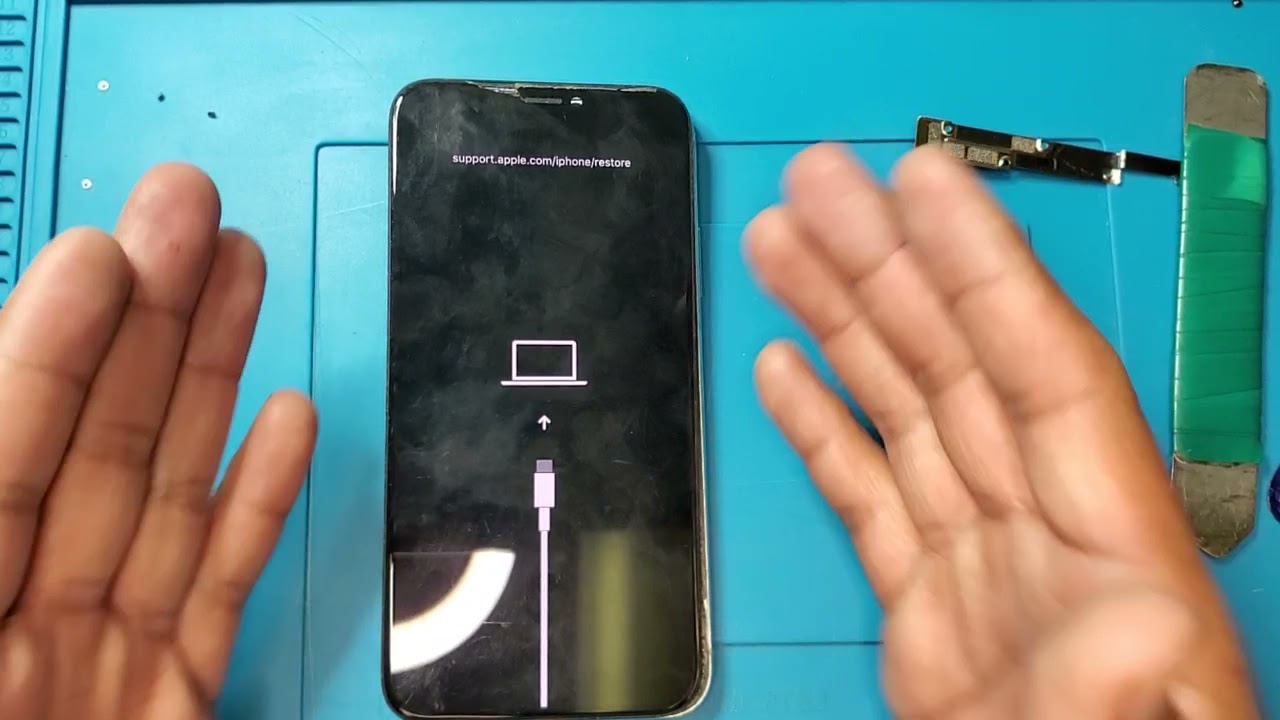
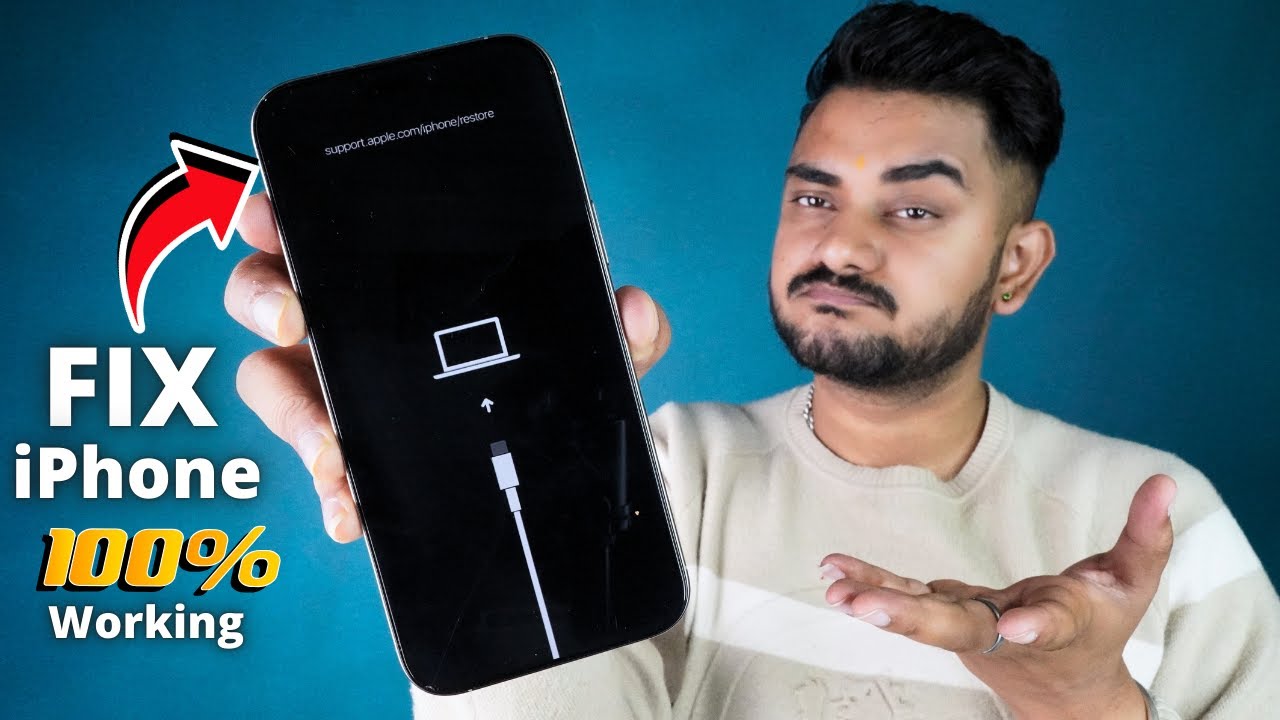
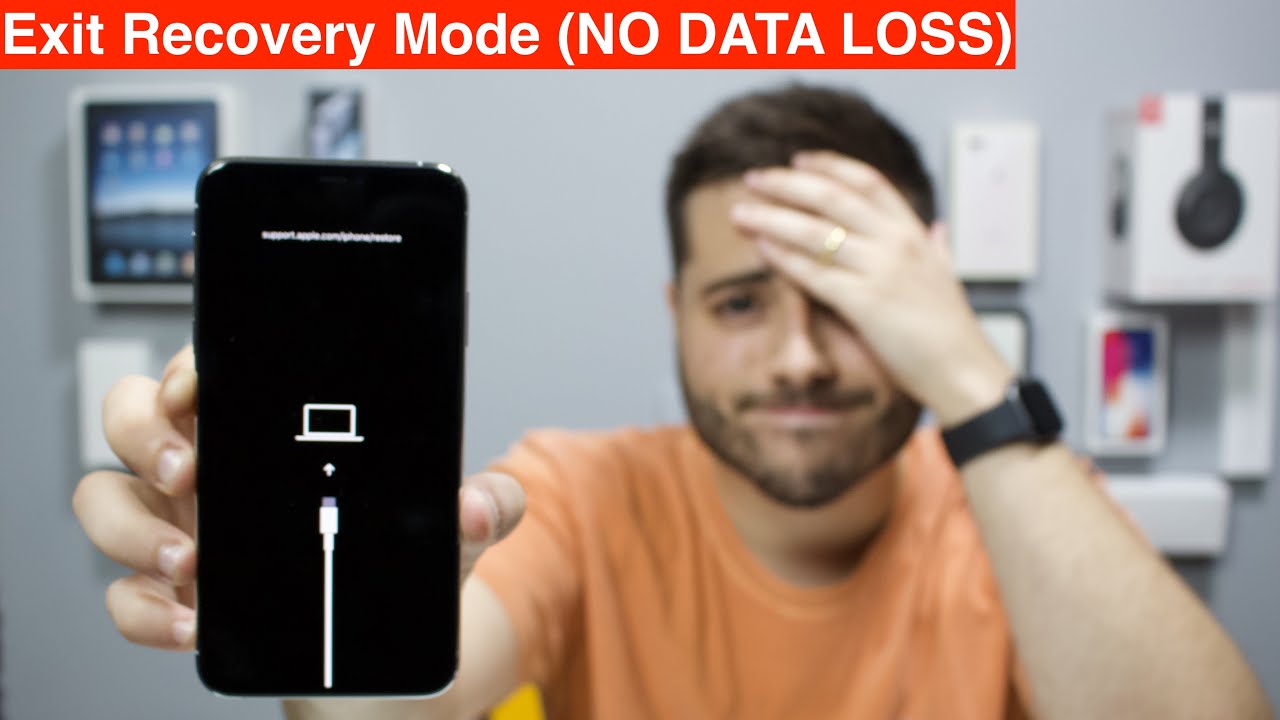
[Fix with another iPhone!]Is your iPhone stuck on the support.apple.com/iphone/restore screen, and you don’t have a computer to fix it? No worries! Here are four easy ways to exit recovery mode, including a **wireless method for iPhone 15/16 users**.
⏱ TIMESTAMP:
00:00 - Intro
00:15 Fix 1: Force Restart iPhone to Exit Recovery Mode
00:32 Fix 2: Wait for Automatic Exit (No Action Needed)
01:13 Fix 3: Exit Recovery Mode Wirelessly (iPhone 15/16 with iOS 18)
02:02 Fix 4: Use ReiBoot on a Computer (Quick & No Data Loss)
📌 Method 1: Force Restart iPhone to Exit Recovery Mode
Press and release *Volume Up*, then *Volume Down*.
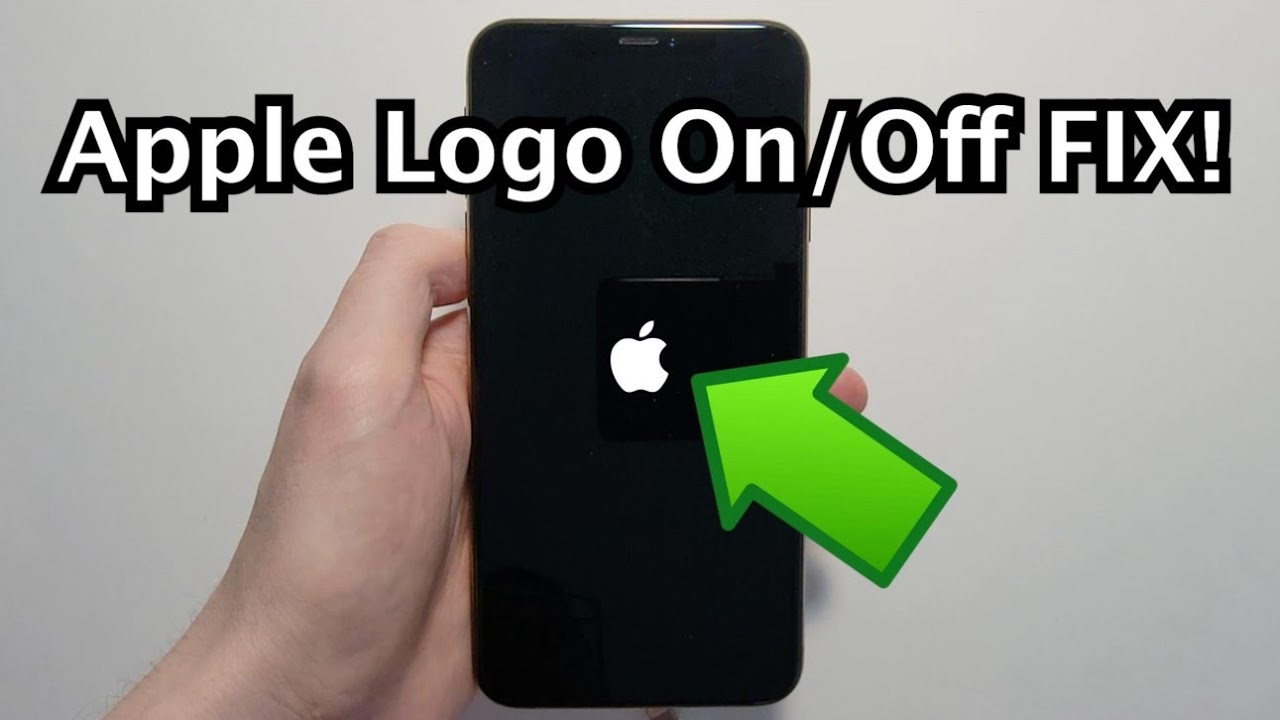
Press and hold the Side Button until the Apple logo appears.
If successful, your iPhone should boot normally.
📌 Method 2: Wait for Automatic Exit
If your iPhone has no serious system issues, it will automatically exit recovery mode after *15 minutes*.
Just be patient and wait—no action needed!
📌 Method 3: Exit Recovery Mode Wirelessly (iPhone 15/16 with iOS 18)
Press the Power Button repeatedly until the Apple logo *blinks rapidly*.
Release the button and wait for the *wireless restore screen* to appear.
On another iPhone running *iOS 18 or later*, a popup will appear.
Tap *Continue*, enter the verification code, and select *Exit Recovery Mode*.
📌 Method 4: Use ReiBoot on a Computer (Quick & No Data Loss)
If none of the above methods work, *ReiBoot* can help.
Download and install ReiBoot on a *Windows or Mac* computer.
Connect your iPhone, open ReiBoot, and click *Exit Recovery Mode*.
Your iPhone will restart within seconds, keeping all your data intact.
If recovery mode persists, use Standard Repair to fix deeper system issues **without losing data**.
🤨 Understanding Key Terms:
Recovery Mode: A troubleshooting mode that appears when an iOS update or restore fails.
Wireless Restore (iPhone 15/16+): A new iOS 18 feature allowing users to exit recovery mode without a computer.
Standard Repair: A ReiBoot function that fixes iOS issues without erasing data.
👇 You might also want to know:
How to Fix iPhone Stuck on Apple Logo : • 😲iPhone 11 Stuck on Apple Logo or Boot Loo...
📑 Official Article Links
https://support.apple.com/en-us/108969
#iPhone#recoverymode #ReiBoot #iOS18 #tenorshare
🔔 Subscribe Here (it's FREE!): https://bit.ly/30eZwvG
---------Social Media------------
Facebook: / tenorshareofficial
Twitter: / tenorshare_inc
Pinterest: / tenorshare
Instagram: / tenorsharesoftware
TikTok: / tenorshare_tech_tips
Tenorshare Official Website: https://www.tenorshare.com
Tenorshare AI Youtube: / @tenorshareai
Tenorshare AI PDF: https://ai.tenorshare.com/
Get more freebies on Discord: / discord
Доступные форматы для скачивания:
Скачать видео mp4
-
Информация по загрузке:









![Fix iPhone Stuck/Won't Restore in Recovery Mode! [4 Methods]](https://imager.clipsaver.ru/fRW76m12gPw/max.jpg)


![[2026] Как исправить зацикливание режима восстановления или логотип iTunes на iPhone](https://imager.clipsaver.ru/BcBGD3SbFcs/max.jpg)