CSC Motorcycles FT1000MD Bafang Ultra M620 DPC18 Display Tutorial
Автор: CSC Motorcycles
Загружено: 2022-01-31
Просмотров: 36903
https://cscmotorcycles.com/
https://cscmotorcycles.com/buy-a-bike...
https://cscmotorcycles.com/ft1000md-m...
https://cscmotorcycles.com/FT1000MD-m...
https://cscmotorcycles.com/content/do...
FT1000 MD BAFANG ULTRA DISPLAY DETAILED TUTORIAL
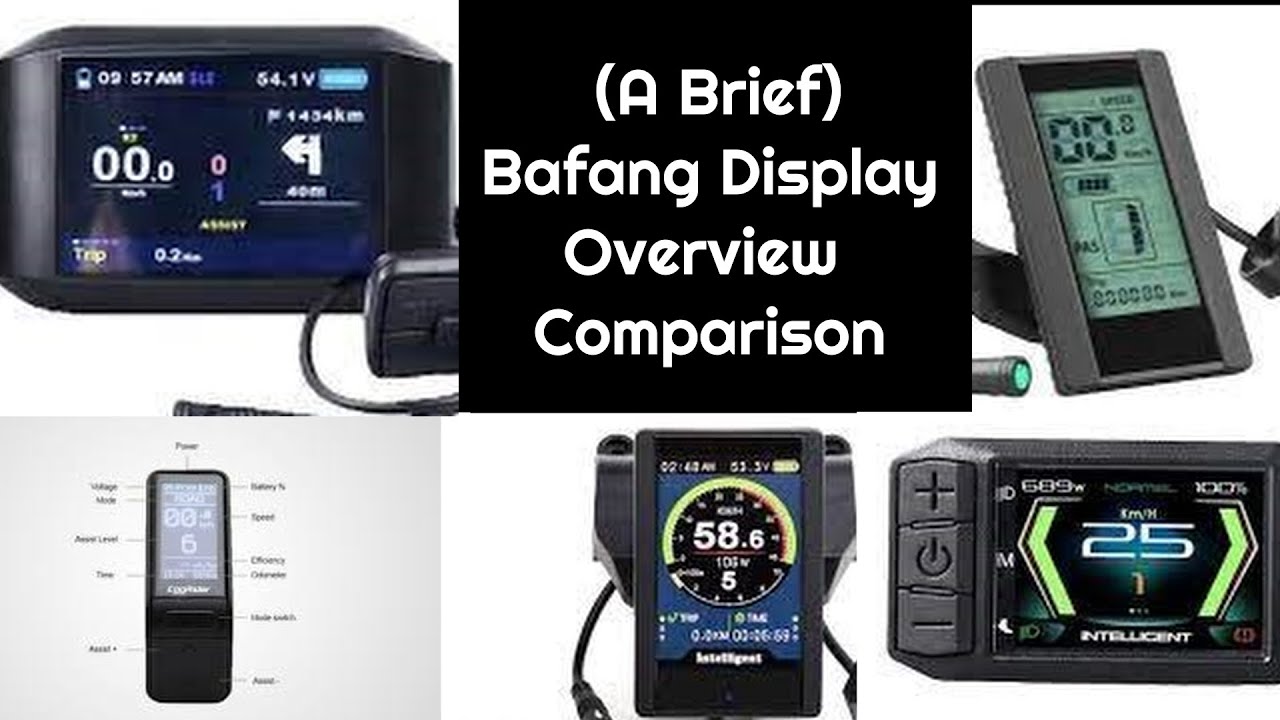
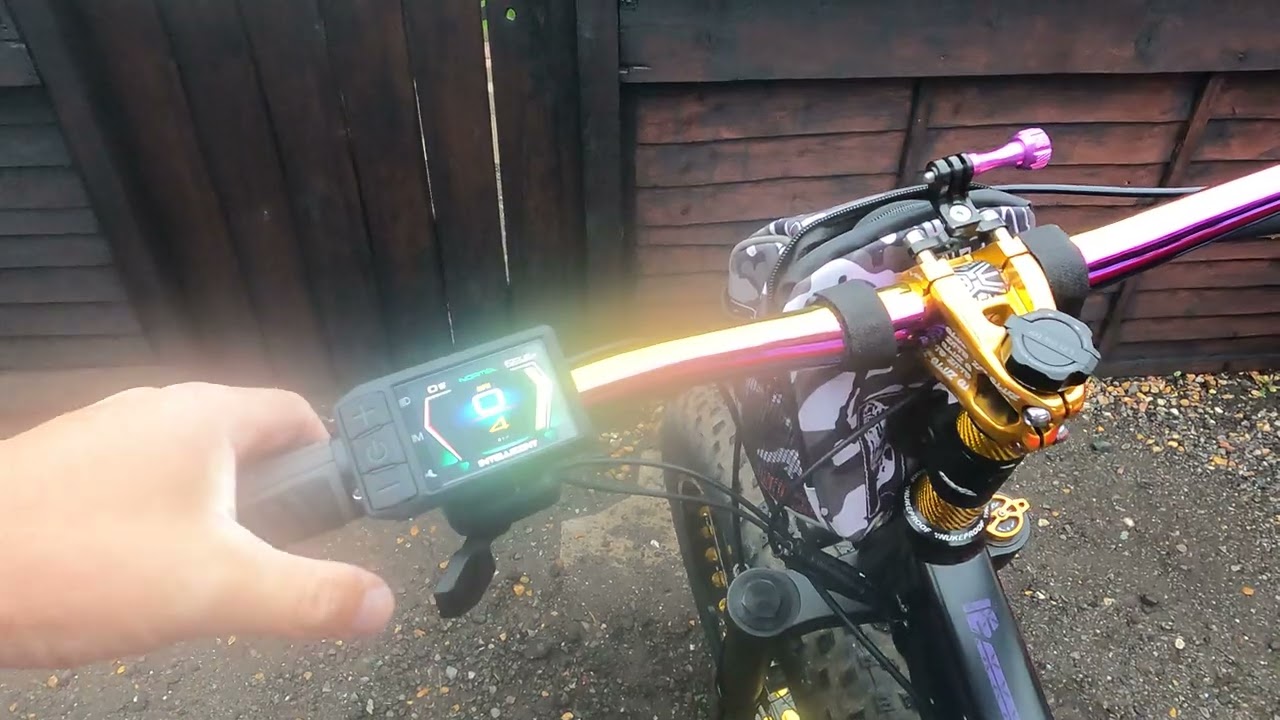
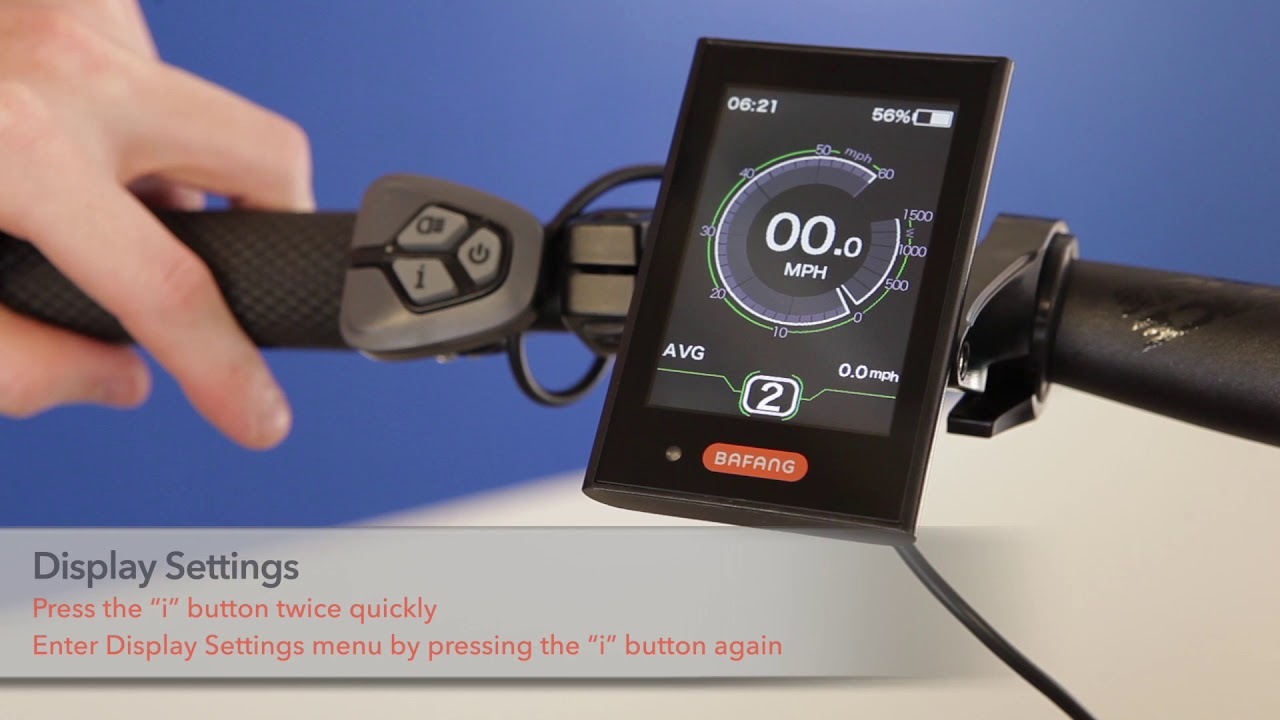
You FT1000MD is equipped with a BAFANG ULTRA display with a 5 buttons interface.
1. ON/OFF
2. Headlight
3. Mode
4. Level (+)
5. Level (-)
To power up your FT1000MD hold down the power button for at least 2 seconds or until you see the “start up” screen appear on the display
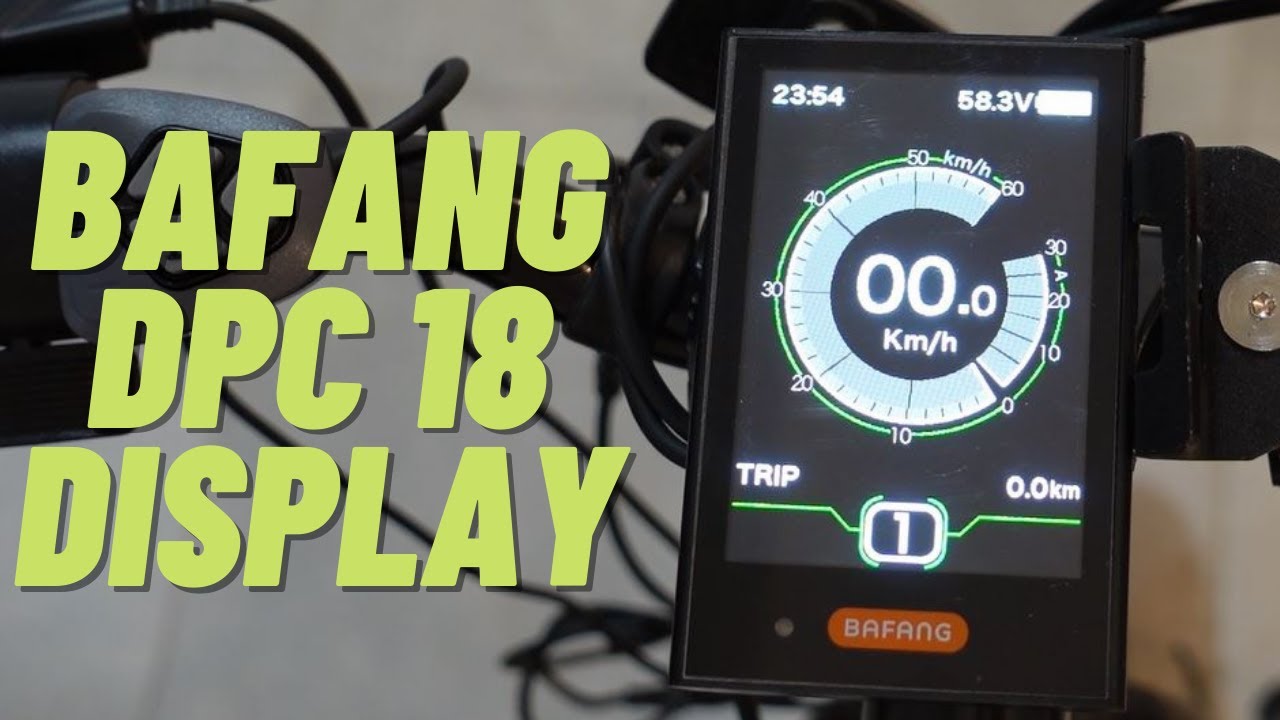
The home screen will show your:
1. Speed
2. Power output usage
3. Time in 24-hour format
4. Battery level
5. Pedal assist level
And Riding mode. To switch from ECO to SPORT mode, hold down the Level (+) button
…and by pressing the mode button you can cycle through
1. Trip distance
2. Odometer
3. Maximum speed
4. Average speed
5. Range, now this is dependent on assist level
6. Calories
7. And operating time
The light sensor will automatically turn ON your head and tail lights in low light conditions. An icon will appear when they are on.
If you turn on the light manually, this disables the automatic function until you power off and on again.
An icon will also appear when a USB device is plugged in and charging. It has a 5 volt 0.5 amp output
Your FT1000MD’s display, comes preset from the factory to be work with it current setup. Other than adjusting the time, there is no initial need to make any adjustments.
To go into the setting on your BAFANG ULTRA DISPLAY quickly double tap the mode button. You will see (2) options
“DISPLAY SETTINGS” lets the user adjust metrics on the display
“INFORMATION” shows battery information and error code memory. There is no adjustments for the user here.
There is a simple (3) button operation to adjust the settings
With “DISPLAY SETTINGS” highlighted, press the mode button. You will see the metrics you can adjusts
Pressing “LEVEL (+)” or “LEVEL (-)” will cycle you through the adjustable options highlighted on the left column
Pressing the “MODE” button selects what you want to adjust and highlights the right column
When the right column is highlighted is when you can change the settings
Pressing “LEVEL (+)” and “LEVEL (-)” will cycle you through the settings options
Pressing the “MODE” button saves the setting and brings you back to the left column to select another option.
UNIT allows you to select either metric or imperial units
BRIGHTNESS gives you (5) levels of daytime screen brightness adjustment
AUTO OFF lets you select from (1) to (9) minutes, how long the display stays on when the e-bike is not in use. This AUTO OFF feature can also be completely disabled.
DEFAULT MODE lets you select ECO or SPORT mode to be on when you initially power up.
POWER VIEW let you choose between wattage or amps on the power output usage meter
SOC VIEW lets you choose between percentage or voltage on the battery’s State of Charge.
TRIP RESET zeros the trip info. Trip mileage does not reset when you power off and on.
WHEEL is the diameter of the wheel and tire. (28) inches is the default factory setting. Changing this will affect the accuracy of the speedometer.
SPEED LIMIT Your FT1000MD ships as a CLASS (2) e-bike with a maximum speed of (20) MPH. Altering this will change it’s classification.
A/L SENSITIVITY changes how much light is needed to automatically turn your lights on and off. There are (5) levels of sensitivity, (5) being the most sensitive. This feature can also be completely disabled.
PASSWORD gives you the option to require a (4) digit password to power up your e-bike. The same password is also required to disable the function. Do not forget the password.
SET CLOCK lets you adjust the time. It is only in a (24) hour format.
For more information go to the CSC-ebikes.com for the Bafang factory owner’s manual or check the link in the description.
Thank you for watching and ride safe!

Доступные форматы для скачивания:
Скачать видео mp4
-
Информация по загрузке: