Популярное

Музыка Кино и Анимация Автомобили Животные Спорт Путешествия Игры Юмор

Интересные видео

2025 Сериалы Трейлеры Новости Как сделать Видеоуроки Diy своими руками

Топ запросов

смотреть а4 schoolboy runaway турецкий сериал смотреть мультфильмы эдисон
dTub
Скачать

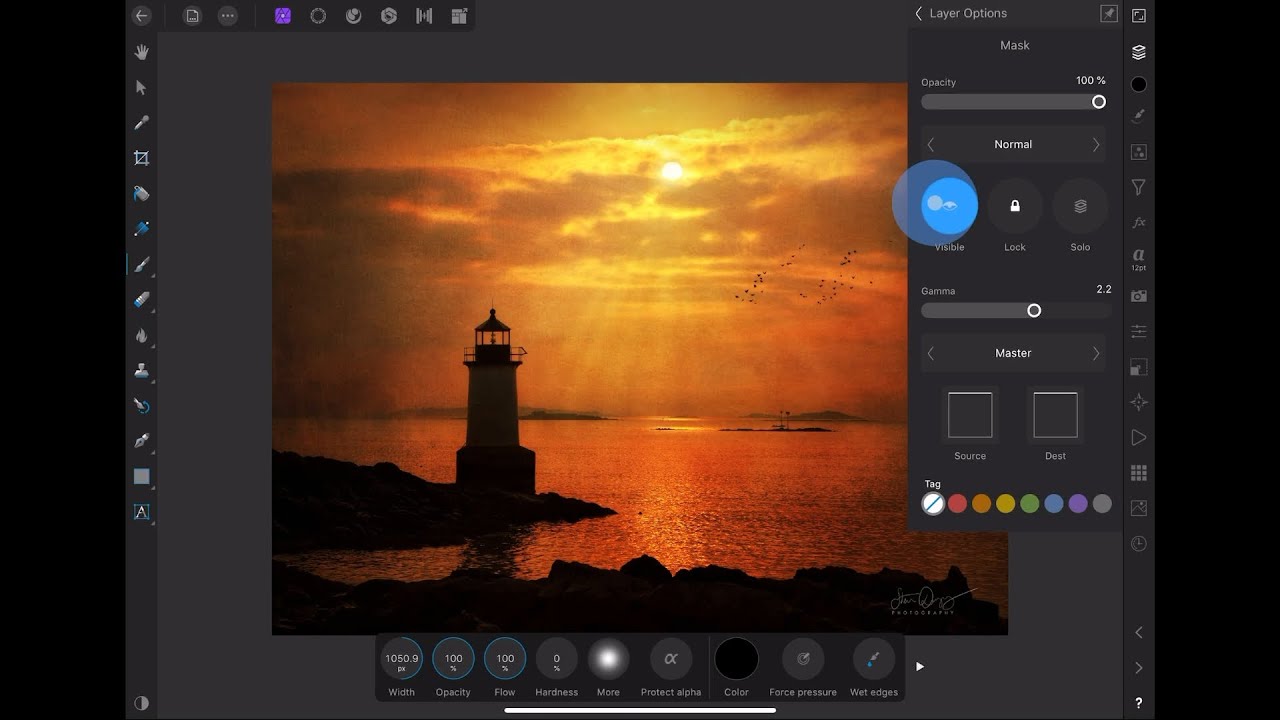
Using the Flood Fill and Fill (Gradient) Tools in Affinity Photo on the iPad

Автор: ben designs

Загружено: 2022-05-27

Просмотров: 5371

Описание:

Here we look at the two fill tools in Affinity Photo. This can be a bit confusing as the Fill tool should probably be called the Gradient tool and the Flood fill tool acts more like you would expect a fill tool to work.

Take a Course!
Affinity Photo Courses:
Edit Raw Photos: https://skl.sh/2VitiQ8​​​​​​​​
Design Wedding Announcements: https://skl.sh/2S32CQ7​​​​​​​​
Intro to Affinity Photo on iPad: https://skl.sh/3emTVKj​

Design Basics Courses (Free Links):
The 4 Core Principles: https://skl.sh/3rCjqiQ
Sketching: https://skl.sh/3ErLsBo
Shapes: https://skl.sh/3onhHfg
Color Theory: https://skl.sh/3B0tsw6

Check out my other courses:
Affinity Designer for iPad Courses:
Design Icons: https://skl.sh/2wYUwMo​​​​​​​​
Isometric Design: https://skl.sh/2WvQNVD​​​​​​​​
Infographics: https://skl.sh/2Cs0bhU​​​​​​​​
Designing a Retro Postcard: https://skl.sh/3am0Jpm​​​​​​​
Pattern Design Course: https://skl.sh/3byZWjV​​​​​​​​

Affinity Publisher:
Introduction to Affinity Publisher: https://skl.sh/2L91Y07​​​​​​​​
Making YouTube Thumbnails in Affinity Publisher! https://skl.sh/3nMhWxT​​​​​​​​
Retro Travel Poster Design: https://skl.sh/2oez45D​​​​​​​​
Business Card Design: https://skl.sh/3aEGK3g​​​​​​​
Holiday Greeting Card Design: https://skl.sh/3pvUngl

LumaFusion:
Edit Videos on iPad: https://skl.sh/2LYp0rc​​​​​​​​
Animate Titles: https://skl.sh/31MrKzP​​​​​​​​

iPhone Photography:
Advanced Photo Editing: https://skl.sh/3mhJOJv​​​​​​​​
Basic Photo Editing: https://skl.sh/2TxLpid​​​​​​​​
iPhone Photography Basics: https://skl.sh/36fjcjl​​​​​​​​
Batch Process Photos: https://skl.sh/2NDXT5q​​​​​​​​

Procreate:
Intro to Animation in Procreate: https://skl.sh/3w1dKP6​​​
Coloring Comics: https://skl.sh/3yvLAxv

My Gear (affiliate links):
Sony a7iii: https://amzn.to/3Kds8uX
Sony a6000: https://amzn.to/3AWL6BX
DJI Osmo Pocket: https://amzn.to/3s1Ds4Z
DJI Osmo Action: https://amzn.to/35pf8SS
DJI Mavic Mini Drone: https://amzn.to/3ud0cSi
UUrig Mirror: https://amzn.to/3AFrzFS
iPhone 11 Pro: https://amzn.to/3AWLgcx
Phopic Tripod: https://amzn.to/3KC9m0z
Joby GorillaPod: https://amzn.to/32Gqi4G
Microphone Deity 4D Duo: https://amzn.to/3qFF2u5
Blue Snowball Mic: https://amzn.to/3rUUWA0
Zoom F2 Audio Recorder: https://amzn.to/3APPPFh
M1 24in iMac (16GB RAM, 2 TB SSD): https://amzn.to/3rpV4qS
2018 iPad Pro: https://amzn.to/3Fd7AyS
Apple Pencil 2: https://amzn.to/34snxEF
Magic Keyboard: https://amzn.to/3FdOvMR
Standing Desk: https://amzn.to/3FZdW5y

Music by Ben Sound

Using the Flood Fill and Fill (Gradient) Tools in Affinity Photo on the iPad

Поделиться в:

Доступные форматы для скачивания:

Скачать видео mp4

  • Информация по загрузке:

Скачать аудио mp3

Похожие видео

All about the Paint Brush Tool in Affinity Photo on iPad

All about the Paint Brush Tool in Affinity Photo on iPad

Как легко вырезать объекты на изображениях в Affinity Photo на iPad

Как легко вырезать объекты на изображениях в Affinity Photo на iPad

Объединение двух изображений с использованием прозрачного градиента в Affinity Photo для iPad

Объединение двух изображений с использованием прозрачного градиента в Affinity Photo для iPad

How To Make A Clipping Mask with Affinity Photo for The iPad

How To Make A Clipping Mask with Affinity Photo for The iPad

Урок по замене неба в Affinity Photo для iPad

Урок по замене неба в Affinity Photo для iPad

Using the Contour Tool | Affinity Designer on iPad

Using the Contour Tool | Affinity Designer on iPad

How to use the Fill Tool (GRADIENT TOOL) in Affinity Photo iPad

How to use the Fill Tool (GRADIENT TOOL) in Affinity Photo iPad

Как использовать инструмент «Перо» в Affinity Designer на iPad

Как использовать инструмент «Перо» в Affinity Designer на iPad

Placing Images (Affinity Photo iPad)

Placing Images (Affinity Photo iPad)

Как изменить фон (простая композиция) в Affinity Photo на iPad

Как изменить фон (простая композиция) в Affinity Photo на iPad

Почему ваши

Почему ваши "Идеальные" фото больше никому не нужны (2026)

Я попробовал Affinity Publisher после 10 лет работы в InDesign… ВАУ!

Я попробовал Affinity Publisher после 10 лет работы в InDesign… ВАУ!

An Introduction to Layers in Affinity Photo for iPad

An Introduction to Layers in Affinity Photo for iPad

AFFINITY PHOTO 2: MASTER THE GRADIENT TOOL

AFFINITY PHOTO 2: MASTER THE GRADIENT TOOL

Master Curving Text and Warping Images in Affinity Photo Version 2 on iPad, Desktop and PC

Master Curving Text and Warping Images in Affinity Photo Version 2 on iPad, Desktop and PC

Easy Trick to Make Amazing Masks in Affinity Photo!

Easy Trick to Make Amazing Masks in Affinity Photo!

Маски 101 для Affinity Designer

Маски 101 для Affinity Designer

Three Ways  To Remove A Background In Affinity Designer V2 for iPad & Desktop

Three Ways To Remove A Background In Affinity Designer V2 for iPad & Desktop

How To Create Neon Text | Affinity photo iPad tutorial

How To Create Neon Text | Affinity photo iPad tutorial

3 Tips for Using Affinity Photo for iPad

3 Tips for Using Affinity Photo for iPad

© 2025 dtub. Все права защищены.


  • Контакты
  • О нас
  • Политика конфиденциальности


Контакты для правообладателей: infodtube@gmail.com