Linux APT Guide Install, Update & Fix Software on Linux Mint 22.3 Zena, Zorin 18 and Debian 13
Автор: TechSolutionZ
Загружено: 2026-01-18
Просмотров: 258
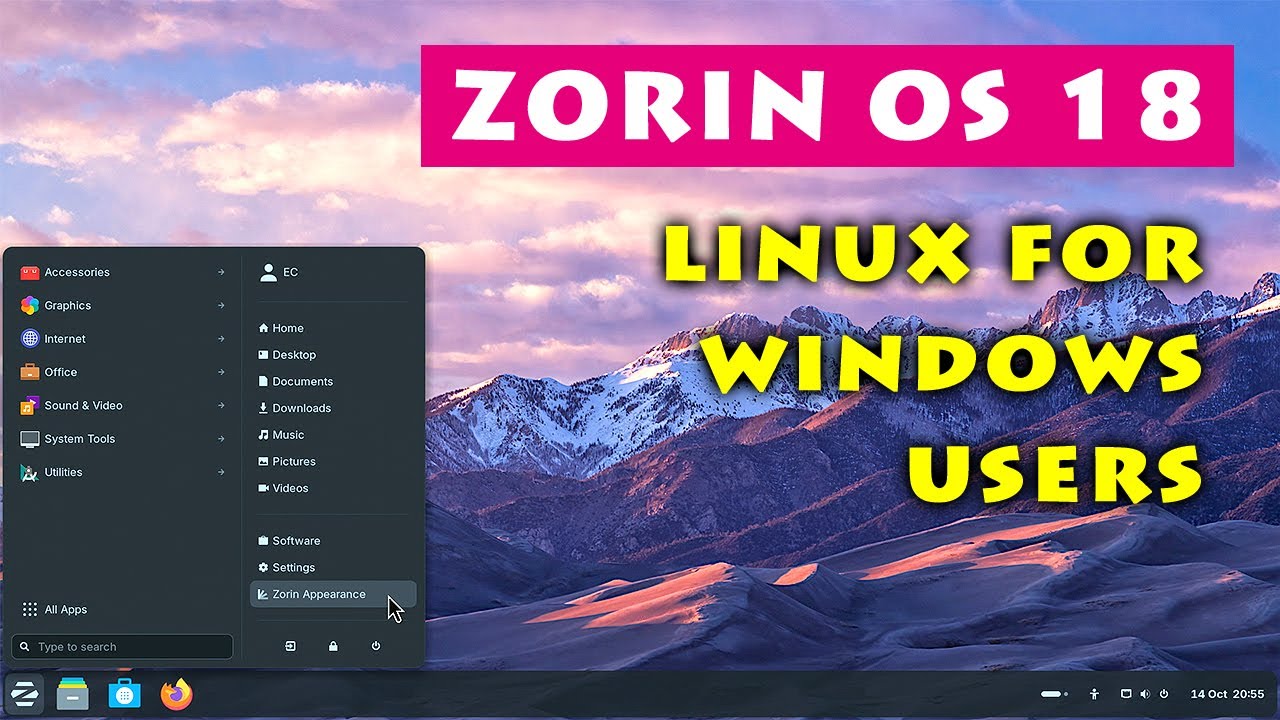
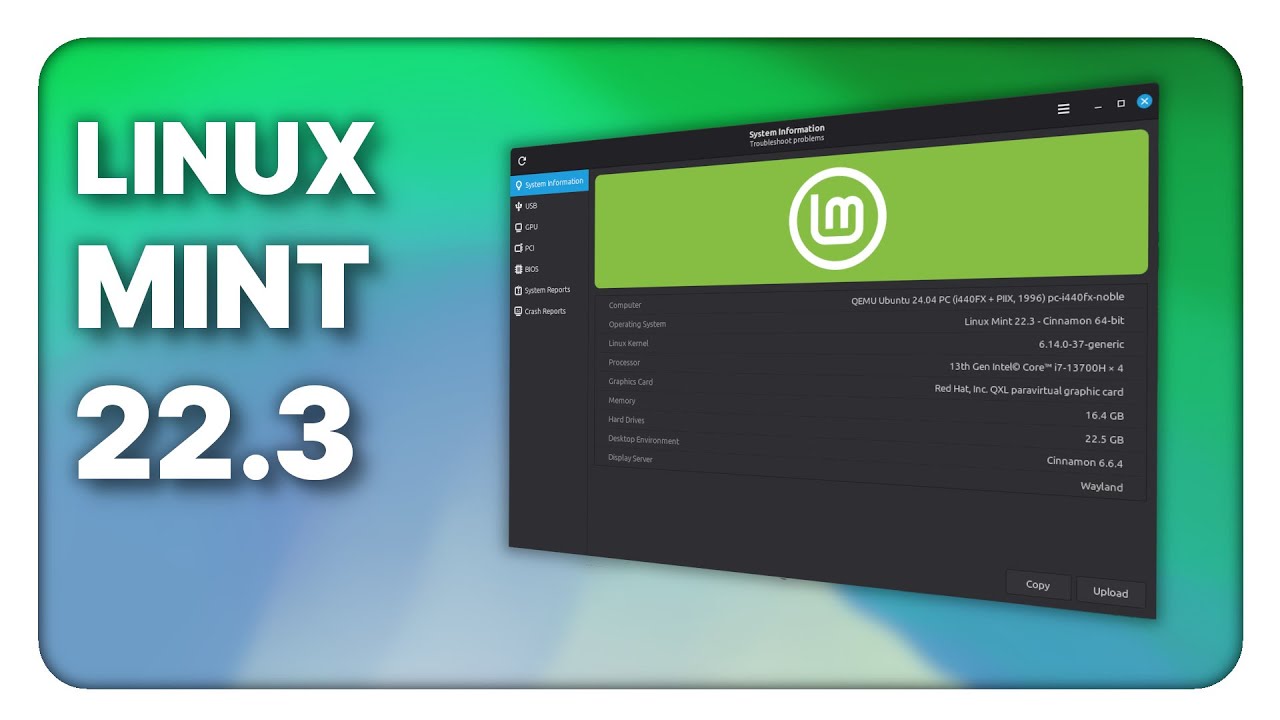
This video is a complete beginner-friendly guide to the APT package manager on Linux. Whether you’re using Ubuntu, Debian, Linux Mint 22.3 Zena, Pop!_OS, Zorin OS or any Debian-based Linux distribution, APT is the core tool that installs, updates and manages all your software. In this tutorial, Yasir from TechSolutionZ explains every essential APT command you’ll use on your Linux system.
APT (Advanced Package Tool) is the command line package manager that keeps Linux systems updated and secure. If you're new to Linux or switching from Windows, this guide will help you understand how software installation, updates, upgrades, and cleanup work through the terminal.
Inside this Linux APT tutorial, you’ll learn:
• How APT works in Ubuntu, Debian and Linux Mint 22.3
• Running system updates with sudo apt update
• Upgrading packages using sudo apt upgrade
• Full system upgrade using sudo apt full-upgrade
• Installing apps using sudo apt install
• Removing software using apt remove and apt purge
• Fixing common APT problems
• Cleaning your system with apt autoremove and apt clean
• Searching packages using apt search
• Viewing package info with apt show
• Checking APT logs and update history
This video gives Linux beginners and intermediate users a clear understanding of how to manage apps, fix issues, and maintain a smooth, fast Linux system using APT commands.
TechSolutionZ delivers Linux tutorials, Ubuntu guides, Debian tips, Linux Mint basics, command-line learning and practical fixes for everyday users.
This is Yasir, signing off.

Доступные форматы для скачивания:
Скачать видео mp4
-
Информация по загрузке: