I Stopped Using Ocean Modifiers in Blender (Here’s a Better Way)
Автор: SimViz Official
Загружено: 2026-01-08
Просмотров: 7710
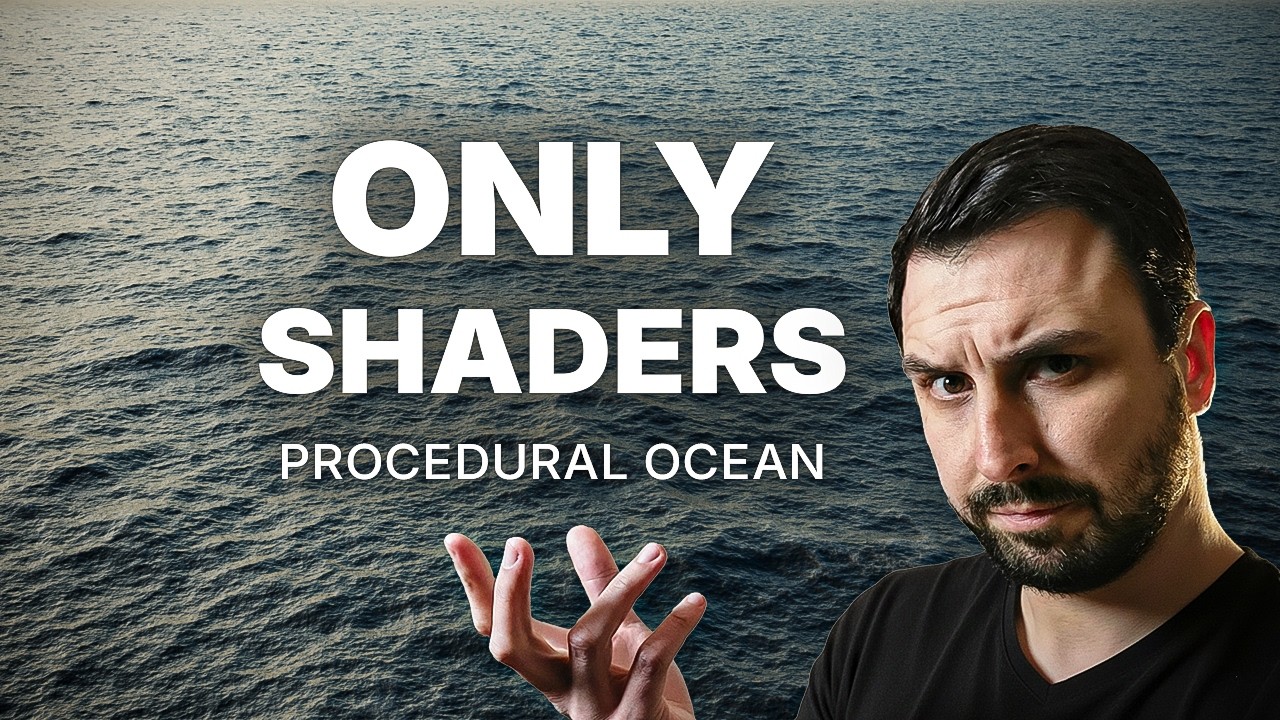
In this tutorial, I’ll show you how to create a realistic, cinematic ocean surface in Blender.
Instead of relying on heavy simulations, we’ll build the entire ocean using procedural shader nodes. This approach is faster, more flexible, and perfect for cinematic shots and environments.
This tutorial is designed for Blender users who already know the basics of materials and want to push their visuals further without overcomplicating their workflow.
No ocean modifier. No simulations. Just clean, procedural material.
---
🌐 Website & Portfolio
https://simviz.net
🛒 3D Assets Stores
CGTrader: https://www.cgtrader.com/designers/si...
FAB (Epic): https://www.fab.com/sellers/Simviz.net
Unity Asset Store: https://assetstore.unity.com/publishe...
Superhive (Formerly BlenderMarket): https://superhivemarket.com/creators/...
ArtStation: https://www.artstation.com/simonscat/...
BlenderKit: https://www.blenderkit.com/?query=ord...
📱 Social Media
Behance: https://www.behance.net/simonscat
Instagram: / simviz_net
Facebook: / simons3d
---
Blender file from video:
https://shorturl.at/s5dBE
---
🖥️ Hardware & Setup
GPU: RTX 5090 32GB
CPU: Intel Core i9-14900KF
Motherboard: MSI MAG Z790 TOMAHAWK WIFI
RAM: Kingston FURY 64GB 6000MHz CL36 Beast RGB EXPO
🎥 Recording & Production
Camera: DJI Osmo Pocket 3
Mic: SM900 Streaming USB Microphone + DJI Mic 2
Editing: Adobe Premiere Pro
Compositing: After Effects
3D Software: Blender
---
🔔 If you found this useful, consider subscribing
#Blender #BlenderTutorial #OceanShader #ProceduralShader #BlenderMaterials #CGI
Доступные форматы для скачивания:
Скачать видео mp4
-
Информация по загрузке: