How to Use Gimp - Free Photoshop Alternative
Автор: Howfinity
Загружено: 2025-08-05
Просмотров: 7331
GIMP is a free Photoshop alternative that lets you create and edit graphics just like Photoshop. In this video, I'll show you exactly how to use Gimp, step by step.
First, I show you how to download and install GIMP from gimp.org.
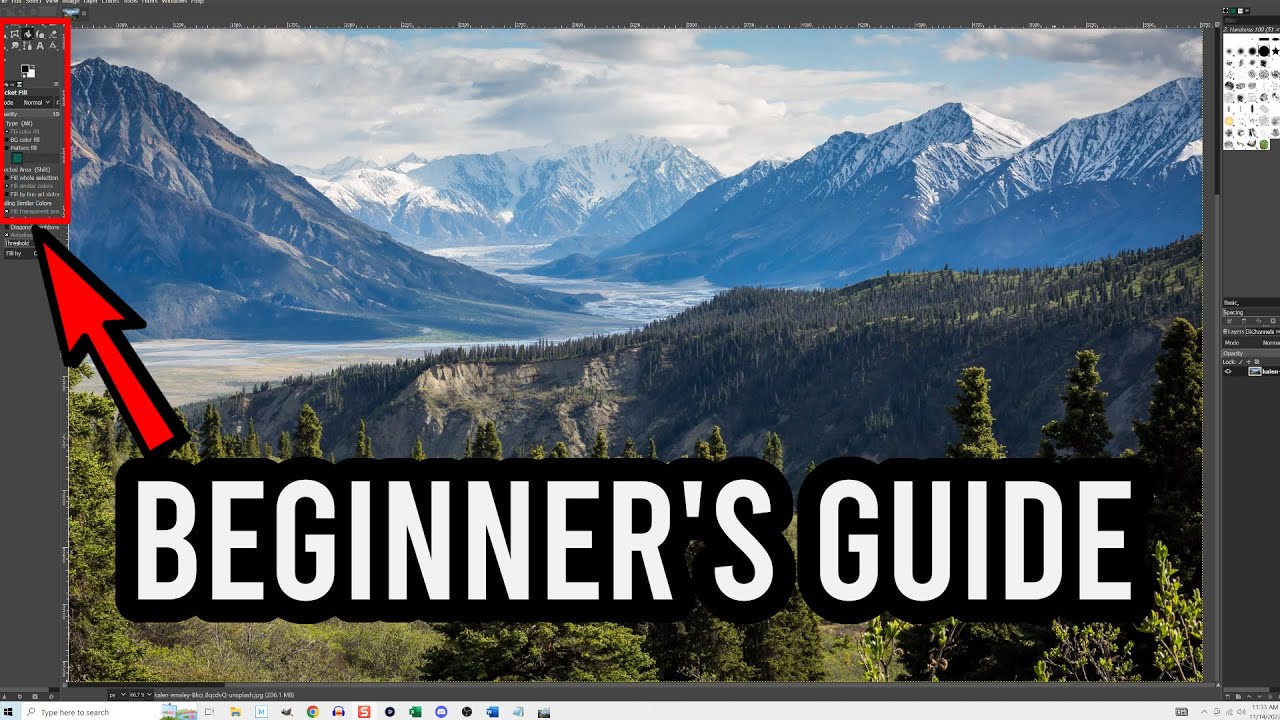
Then I explain the layout and tools so you can understand how GIMP works.
I go through importing images, scaling layers, adding text, and working with colors.
You’ll see how I cut out my photo, remove backgrounds, and use tools like the magic wand and eraser to clean up the image.
I also show how to add a drop shadow to text and organize layers to make your design look good.
At the end, I export the thumbnail as a JPEG ready for YouTube.
This is my simple way to make thumbnails with GIMP without needing Photoshop.
You can download Gimp for free here: https://www.gimp.org/

Доступные форматы для скачивания:
Скачать видео mp4
-
Информация по загрузке:










![GIMP — урок для начинающих за 13 минут! [ ПОЛНЫЙ И ОБНОВЛЕННЫЙ ]](https://imager.clipsaver.ru/OsMJ6uzELJo/max.jpg)
