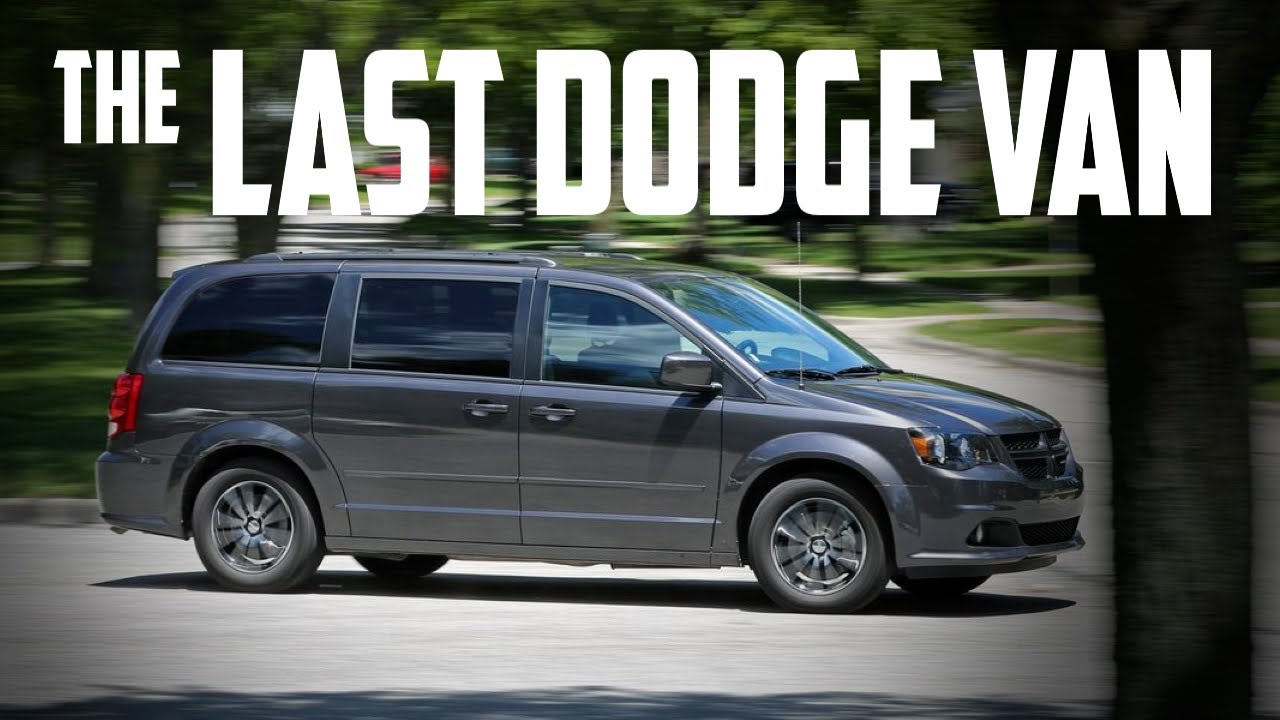
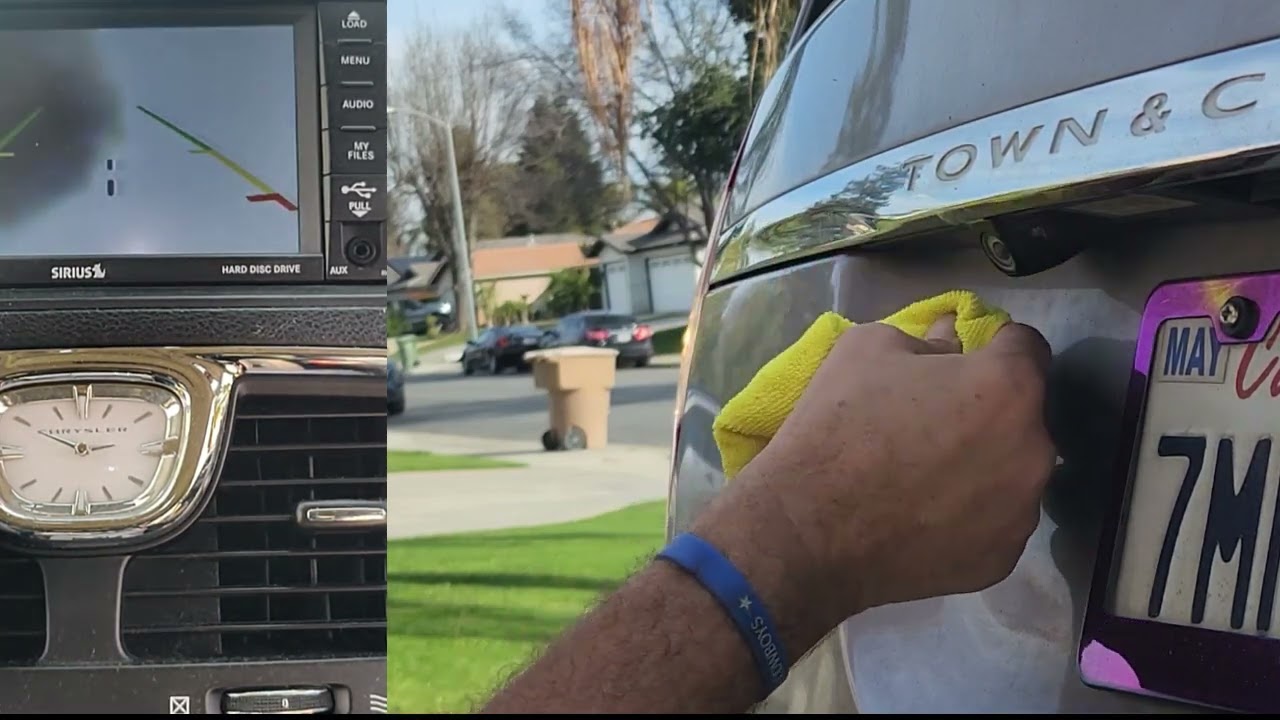
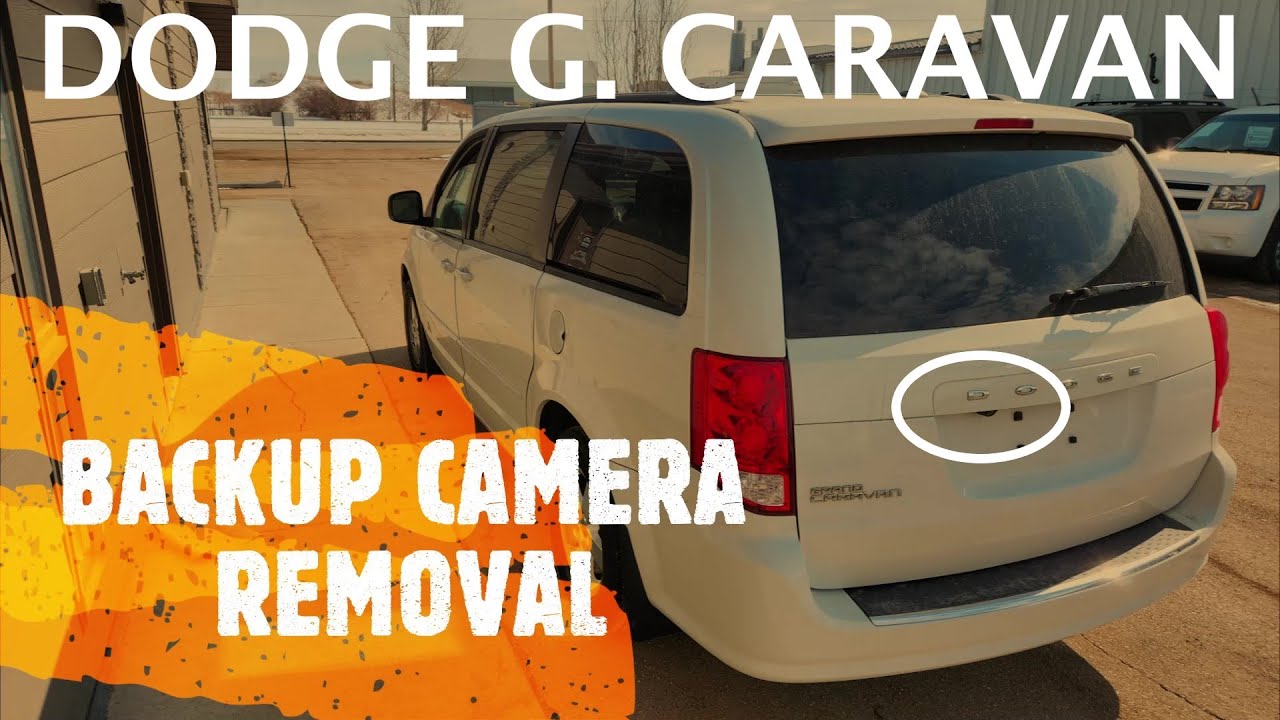
Dodge Grand Caravan - BACKUP / REAR VIEW CAMERA REPLACEMENT / REMOVAL (2011 - 2019)
Автор: QuiteAlright
Загружено: 2023-04-08
Просмотров: 43119
Step-by-step guide on how to replace / remove reverse backup rear view camera on Dodge Grand Caravan minivan ( 2011 | 2012 | 2013 | 2014 | 2015 | 2016 | 2017 | 2018 | 2019 | SE | CVP | AMP | SXT | LIMITED | CREW | VALUE PACKAGE | EXPRESS ).
Replacing the backup camera is not too hard, but it does take a bit of time and effort. To remove the old camera you will have to remove the complete plastic assembly holding the camera and the Dodge logo. Before you can do that you have to remove the inner liftgate trim panel. Start by raising the liftgate. Now remove four phillips screws holding the inner trim panel. Pop the panel off and disconnect the liftgate panel light.
Once the panel is off, remove six 10mm screws holding the outside trim panel. Two middle screws are holding the liftgate handle and four side ones are mounted directly into the trim panel. Then remove four 10mm nuts (two on each side) on the side of the liftgate. Pop out four white clips (two on the each side of the inner side of the liftgate). Disconnect the camera and remove the outside mounting panel. Now disconnect the second rear view camera connector and remove two torx T20 screws holding the camera. That's it. Watch the video for the exact steps on how to do this.
Thanks for watching my video, I hope it was helpful and educational.
Don't forget to Like the video / SUBSCRIBE to the channel!
⚠ DISCLAIMER:
While QuiteAlright strives to make the information provided in this video as accurate as possible, it makes no claims, promises, or guarantees about the accuracy, completeness or applicability of the content. The videos are intended for information only. Follow the manufactures repair procedure and use appropriate safety procedures. No information contained in this video shall create any expressed or implied warranty or guarantee of any particular result. All do-it-yourself projects entail some risk. It is the sole responsibility of the viewer to assume this risk. QuiteAlright is not responsible or liable for any loss damage (including, but not limited to, actual, consequential, or punitive), liability, claim, or any other injury or cause related to or resulting from any information posted in this video.
Доступные форматы для скачивания:
Скачать видео mp4
-
Информация по загрузке: