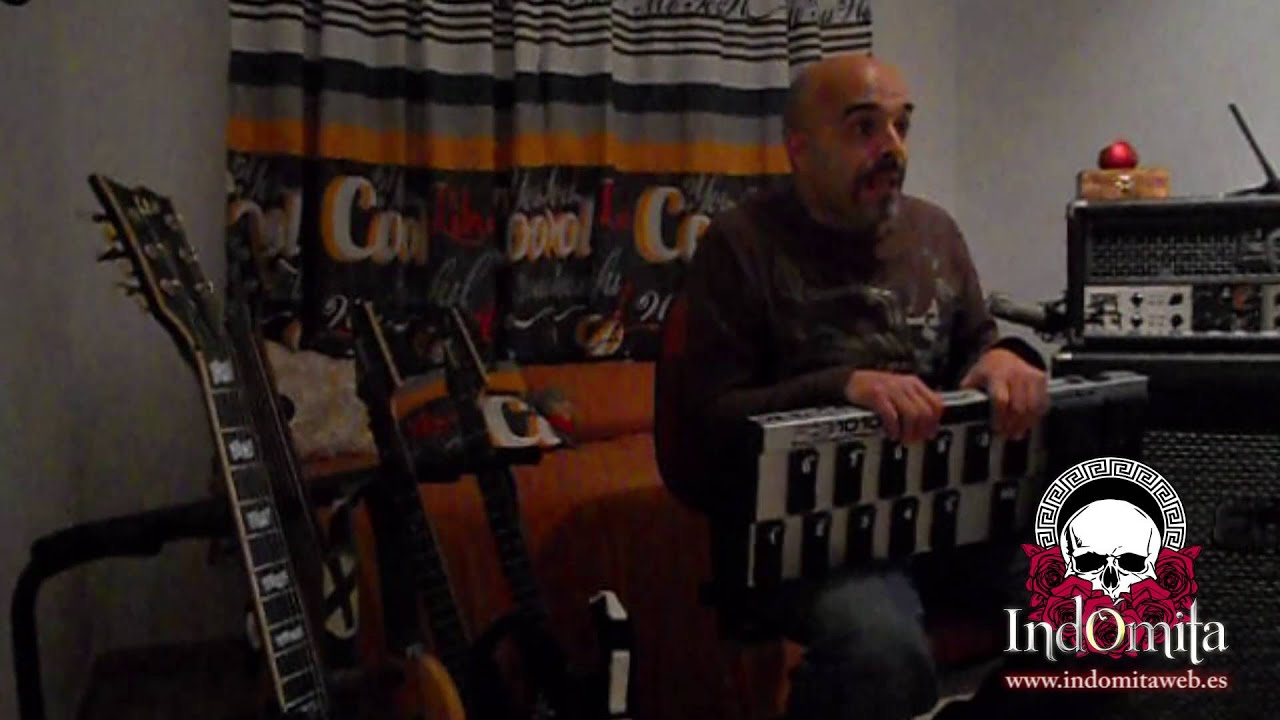
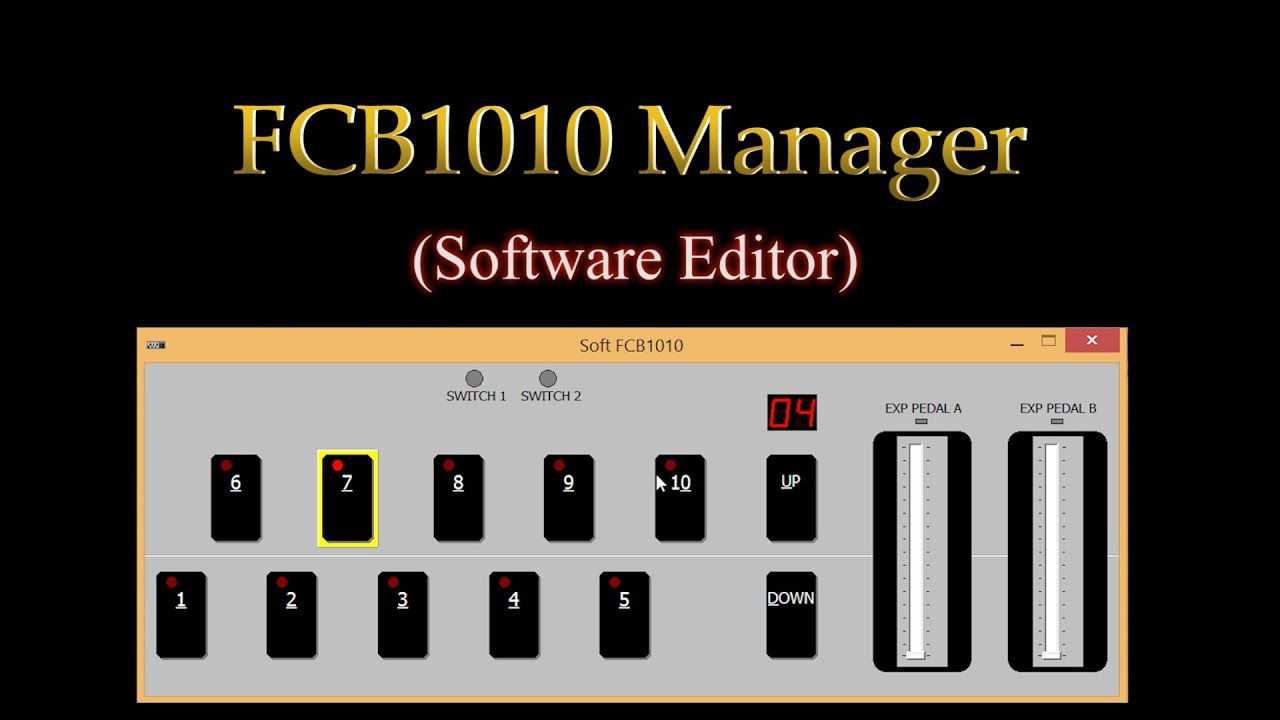
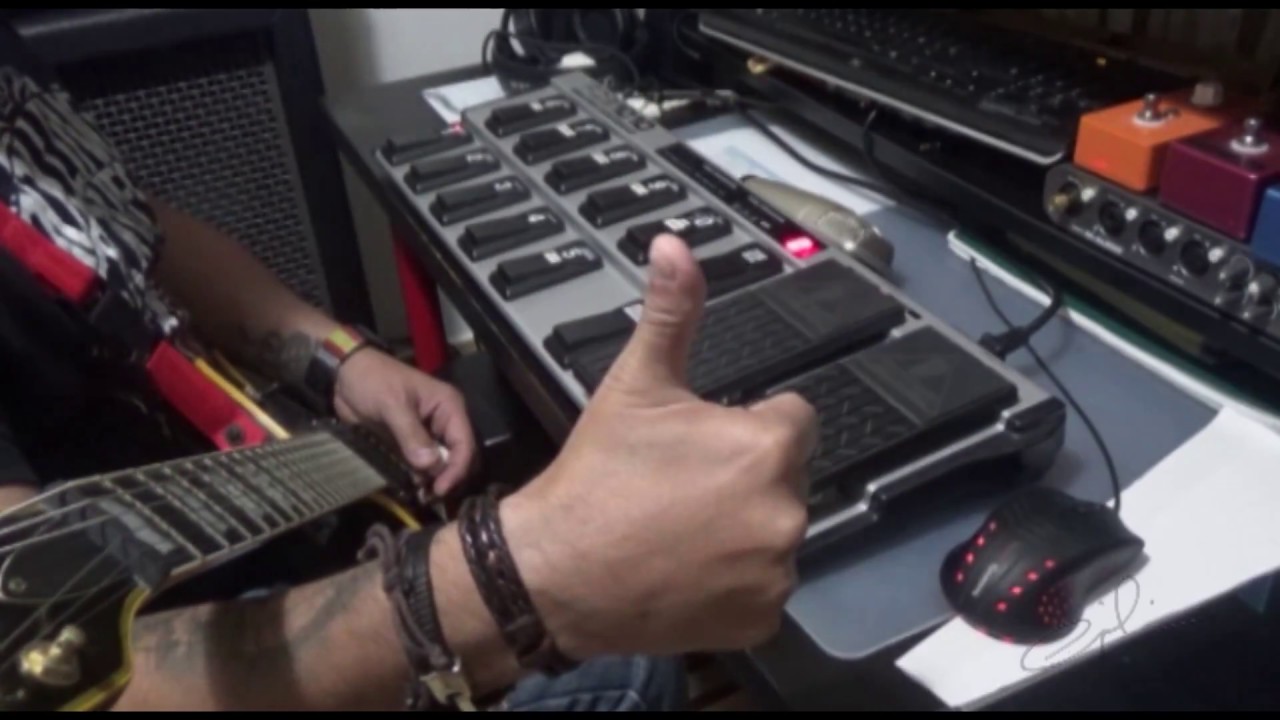
How to set FCB 1010 to work with Korg Pa600 (CC)
Автор: Nemik
Загружено: 2016-02-11
Просмотров: 7812
Restoring Factory Preset is very helpful when you program first time or you want to start over.
In doing so, all Preset setting made by you are overwritten!!
To Reset to Factory Preset:
1. Turn Off, then
Hold Button 1 + 6 and turn back On
Is gonna count from 09 to 00 and stay On
Set Global configuration:
Turn Off, hold button DOWN and turn back On
Skip DIRECT SELECT and pressing button UP go to MIDI FUNCTION
In MIDI FUNCTION you selecting which control you setting up......
In this video we only setting PRG 1, Exp A and Exp B
Press 1, then UP to set MIDI Channel, then 7 to set PRG 1 to CH 7
then again UP
Now green Led CONFIG should be on and show which controls is ready to memorize.
You should see 1, 8 and 9 ON, if more or less simply hold down button few sec to turn Off or On. (I just turn off 2)
Then again hit UP
Now Let's set channel for Expression A (8)
Press UP (skip DIRECT SELECT), then 8 (Exp A), then Up, then 1 (CH1), the UP 2 times
now same for Exp B, but for CH 3
When you finish hold down for few sec button DOWN to exit Global Setup.
Program Control Change on all buttons.
CH 7 set to buttons 1-10, CH 1 set to Exp A and CH 3 to Exp B
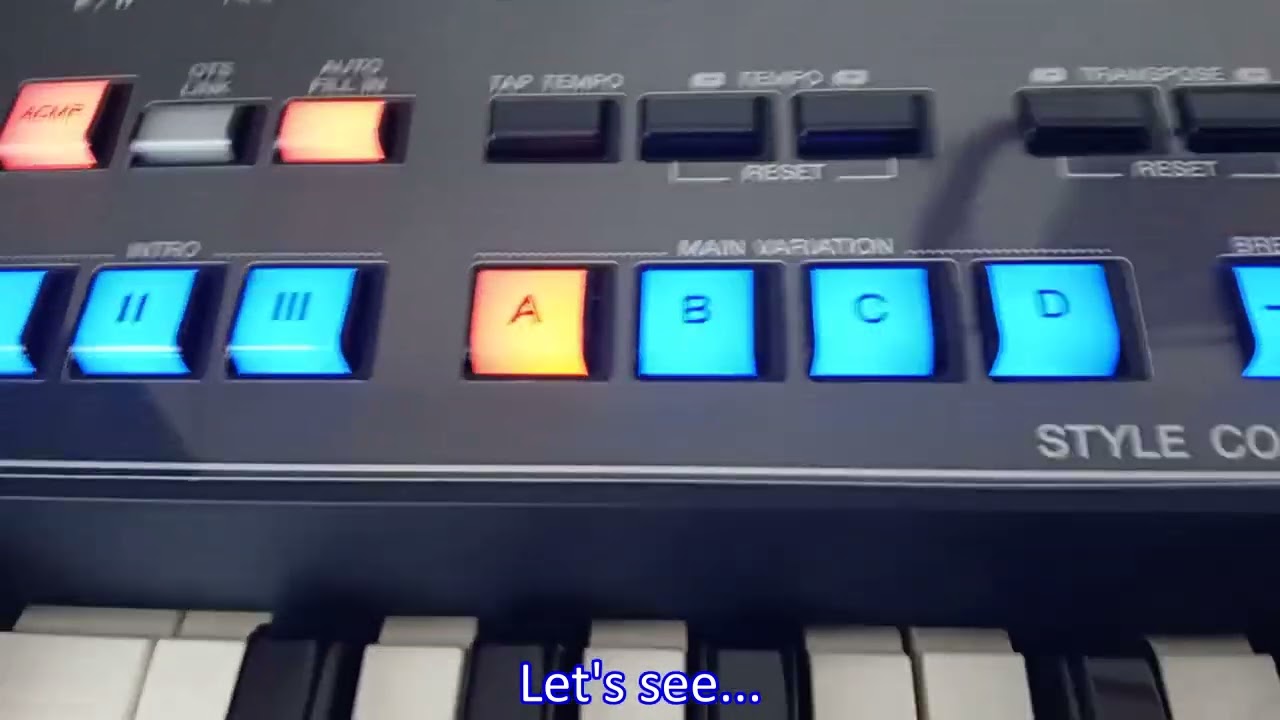
in this video I show how to set button 1-4 for fills1-4, 5 to break, 6-9 for var 1-4 and 10 to Intro 3, ...
Exp A to control volume of Upper 1 and Exp B to control Filter CutOff on Upper 3 Sounds.
FCB 1010 has to sets (banks), we gonna use first (00)
Make sure you on bank 00, then press 1, then....
Hold down button DOWN to to access setting
You will blinking led, ignore for now, is to setup Switches, which we not cover in this video.
press UP to go to SELECT
In SELECT you can turn On/OFF other controls by holding button, we going to use only 1, 8 and 9, all other must by off!!!
press 1 to set CC# to button
then UP to set control number (fill 1 = 88)
enter 88, then pres UP to set next..
press 8 to access Exp A (Expression A), then UP...
enter 7 (CC# for volume channel), then UP
now in value 1 set 00 or open up pedal (value on open pedal), then UP...
set 127 (max value on close pedal), then UP to set next...
now press 9 to access Exp B, then UP...
set value 74 (CC# for filter CutOff), then UP
in value 1 (lower) I use instead 0 value 35 You can set whatever you like :), then UP...
in value 2 enter 127 (max), then UP...
now you hold button DOWN to exit setting for button 1
next 2-10 is same way except different value for control button, for each Exp A and Exp B all is the same.
FCB 1010 can be program for sending 8 messages at once on seperate channels
Under one button can be:
up to 5 Control Change Msg,
up to 2 Control Change Msg,
1 note change msg,
2 switches with customize polarity
2 Expression Pedals with custom open/close values,
Please be free to comment with questions.
P.S. I made mistake during recording, I program Exp A for CC#12 instead 7, sorry for that,...Caption is corrected, just hate to record again.
Music:
Enigma - The Same Parents
Enigma - Sitting on The Moon
Enigma - Dreaming of Andromeda

Доступные форматы для скачивания:
Скачать видео mp4
-
Информация по загрузке: