OrCAD 17.2 Question Tutorial - How to Update a Printed Circuit Board (PCB) Design To a New Version
Автор: TechEdKirsch
Загружено: 2020-11-09
Просмотров: 2120
Question or Q&A: "I have BRD file and DSN file of same project (version 1).
But V1 done by different person.
Now I want to change some components in version 1 file and need to release version 2. How can I do this?"
Whenever you have a design from a different engineer or the design is not your own, you want to only partially update the PCB design. Making a change to a PCB is called an engineering change order (ECO).
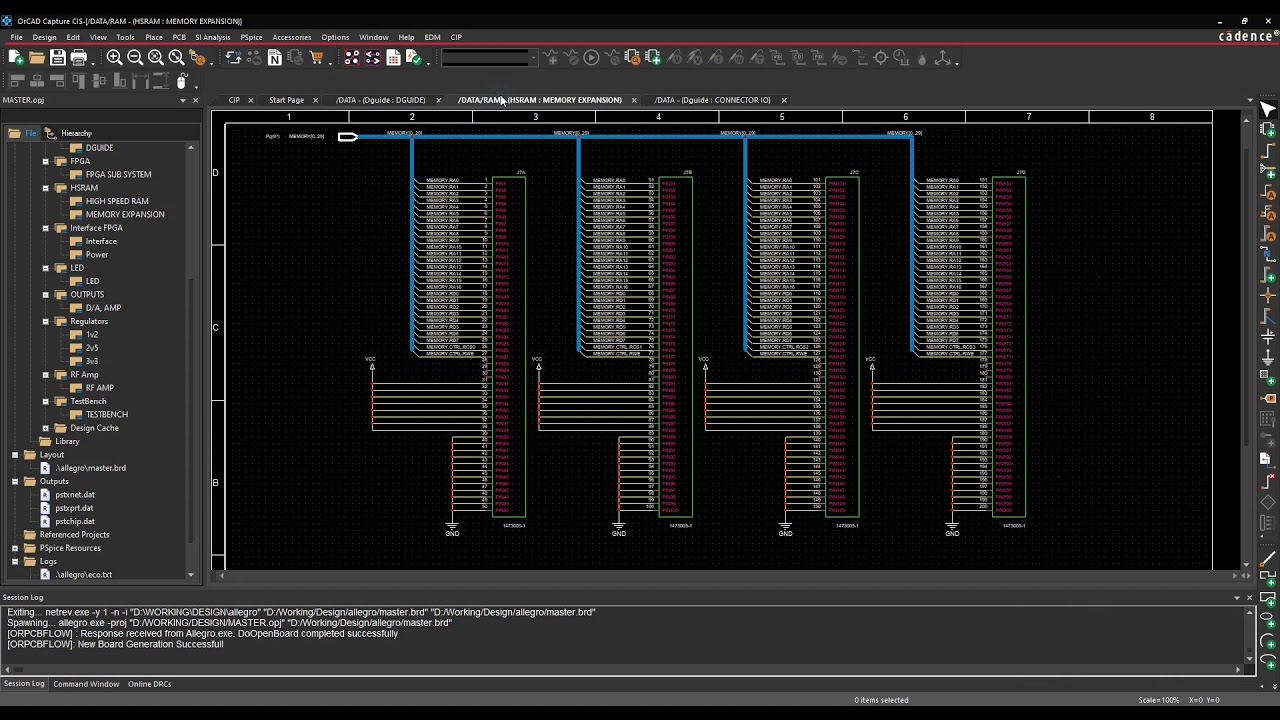
You make some change to the schematic and the footprints and parts usually. Then you create a netlist, but this is a critical step in OrCAD 16.6 or 17.2, use the old board as the input board (PCB) and your new PCB as the output board.
When you run the netlist, you will create a new version of the PCB and that will be the new revision or version.
Every ECAD software tool can perform some kind of engineering change order (ECO). This video just shows how to do it using OrCAD Capture and PCB Editor.
If you would like to learn more about PCB design, check out my free PDF - 7 Secrets to Becoming A Professional PCB Design Engineer -
http://go.hasofu.com/7secretshwe-11
If you want more in-depth information, you can search on my channel for everything from schematics, to PCB footprints, to pad stacks, part placement, routing, etc.
http://www.youtube.com/user/KirschMac...
Please feel free to leave comments and questions below. Finally if you want a consultation on PCB design, electronics, job hunting, hardware engineering freelancing, or WordPress websites, email me at kirsch@hasofu.com
Доступные форматы для скачивания:
Скачать видео mp4
-
Информация по загрузке: