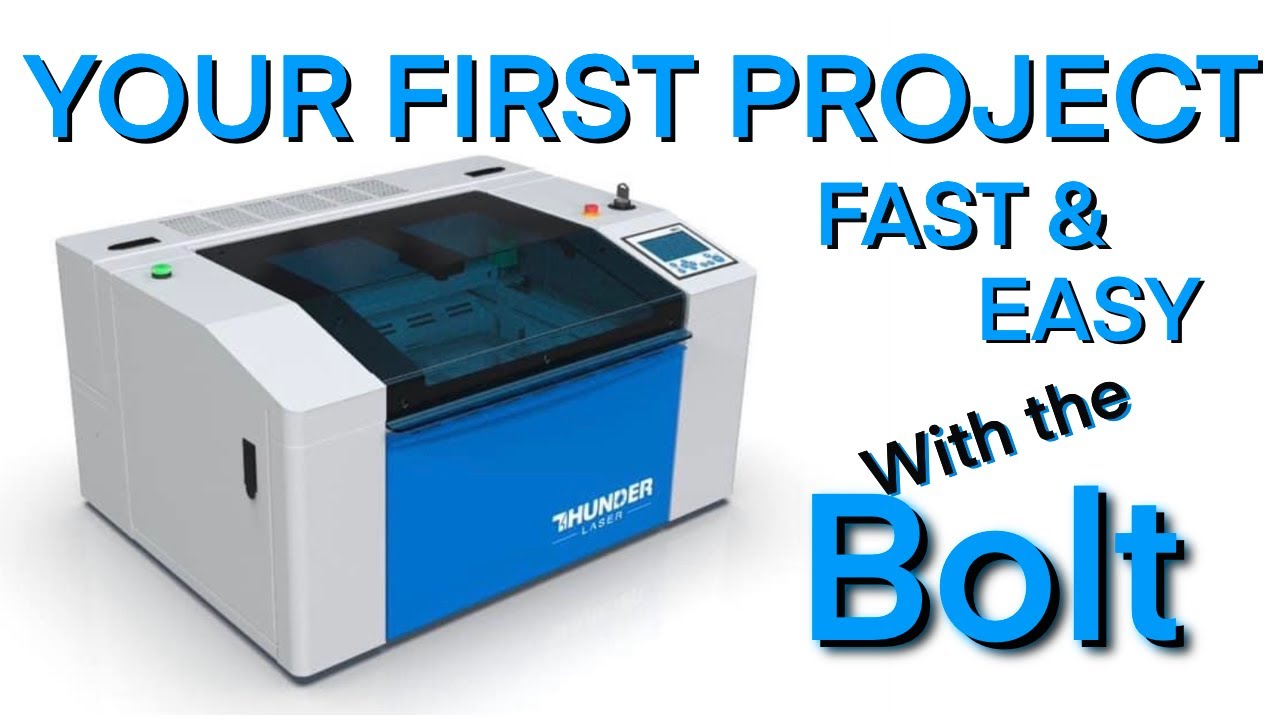
Your First Project with the Thunder Bolt Rf Desktop Laser
Автор: Computer Creationz
Загружено: 2023-08-24
Просмотров: 6492
In this video I cover some high level topics like autofocus, using the camera in the bolt and some general processes with the bolt. We take a general look at the controller and how it functions. We watch how the bolt engraves and what time differences are between a 700mm/s engrave and a 400mm/s engrave. This project is fast and easy to do with the new Thunder Bolt!
Clarification for Mac users intending on using the camera. if you’re running a Mac thunder recommends using an Ethernet able for more reliable connections. You will still need the usb cable to operate the camera.
https://www.thunderlaserusa.com
00:00 - Start
00:30 - Auto Focus Process
01:46 - Bolt Camera Basics
03:21 - Lining up your cutting board with the camera
05:30 - Graphic Frame in Lightburn
06:43 - Basic Controller Info
07:21 - Engraving the Cutting Board
08:08 - Controller Layout Basics
09:52 - Conclusion
Доступные форматы для скачивания:
Скачать видео mp4
-
Информация по загрузке: