Speed Up Browsing your Favorite Websites on the iPad with these Tips!
Автор: Dan's Tutorials
Загружено: 2023-08-30
Просмотров: 980
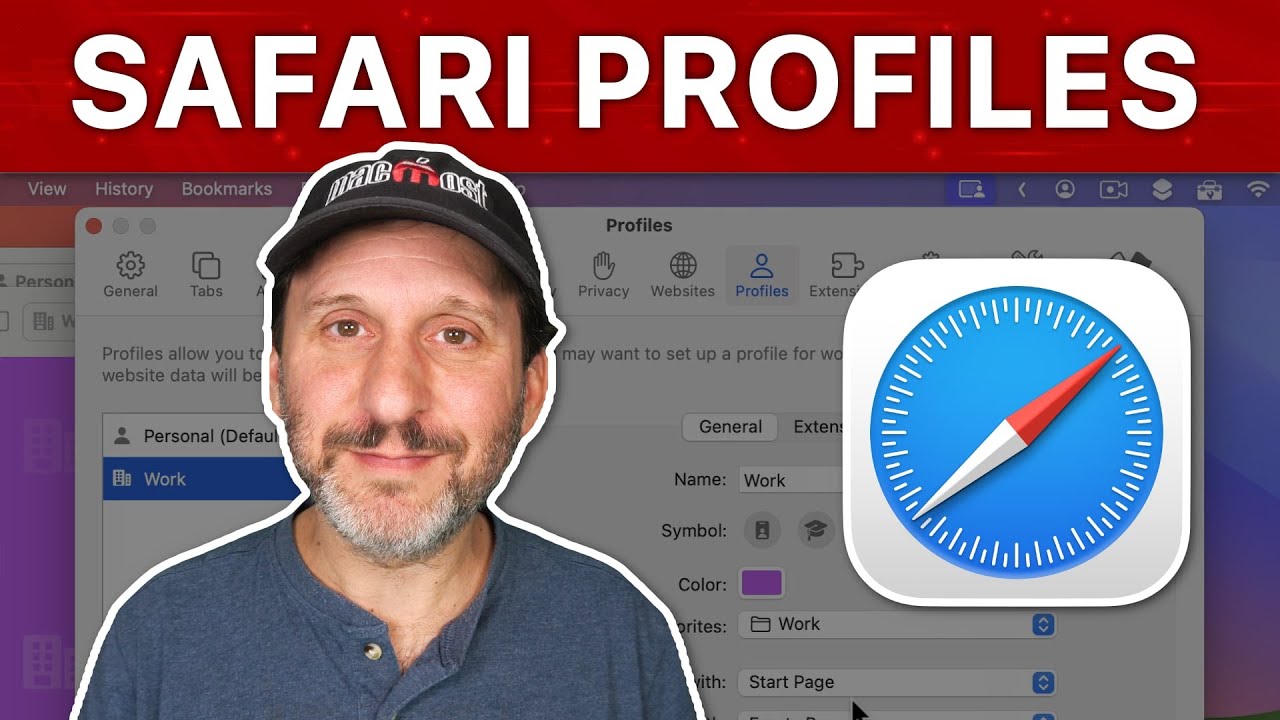
In this video, I'll be showing you how to use the Favorites folder in Safari on the iPad. The Favorites folder provides easy access to your most visited websites right from Safari's start page and toolbar. Using the Favorites folder helps keep me organized and lets me quickly open my top sites with just one tap. Whether you want to stay on top of your frequent webpages or simply access your essential sites faster, I'll show you how to take advantage of the Favorites feature within Safari on your iPad. Join me to learn how simple it is to use this handy built-in tool to boost your browsing productivity.
Chapters:
00:00 - Introduction
00:59 - What iPadOS I am Using
01:20 - Where is the Favorites Folder
02:12 - Edit Bookmarks within your Favorites
02:37 - How to Add a Webpage to Favorites
03:05 - Access Favorites from your Start page
03:51 - Add Favorites to Safari’s Toolbar
04:57 - Open a Favorite in a New Tab
05:31 - Show Icons in Favorites Bar
06:32 - Change the Favorites Folder
07:15 - Wrap Up
CHECKOUT DANS TUTORIALS FOR MORE TIPS AND LESSONS
▶︎ Dan’s Tutorials - https://www.danstutorials.com

Доступные форматы для скачивания:
Скачать видео mp4
-
Информация по загрузке: