Substance Painter To Maya Workflow | Rendering in Arnold Tutorial |
Автор: Sunit D Rozario
Загружено: 2021-05-16
Просмотров: 14374
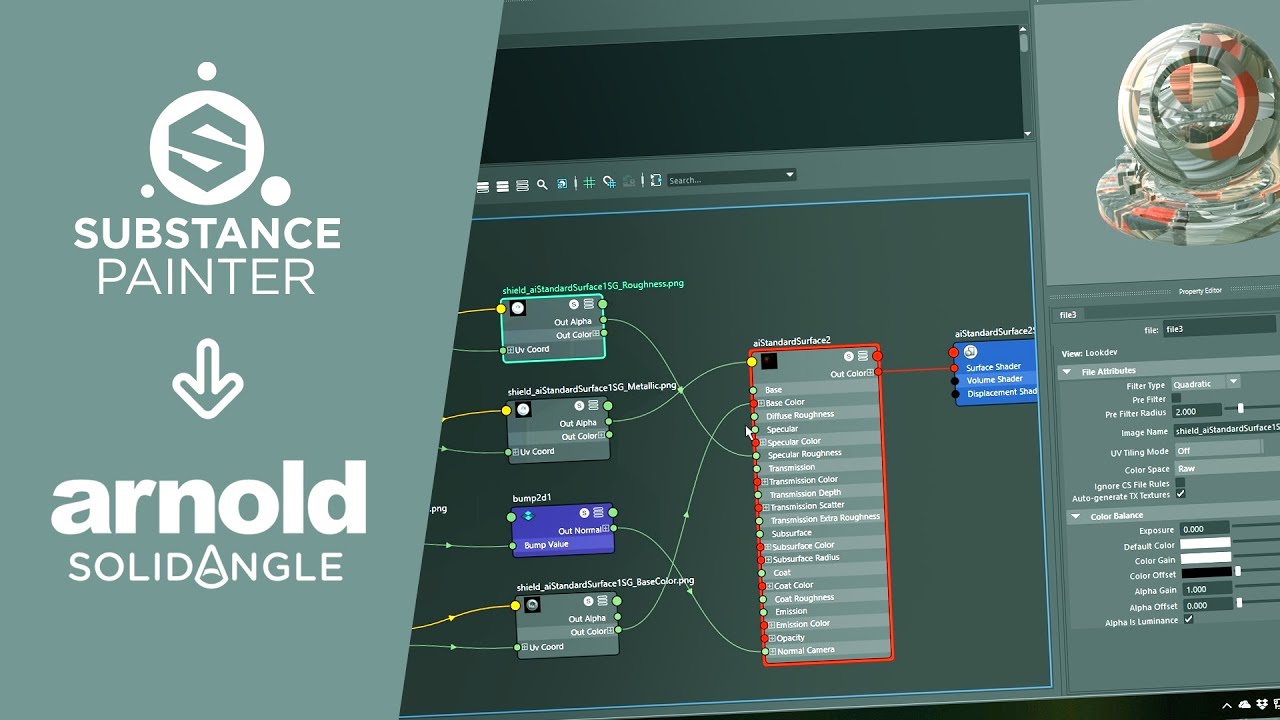
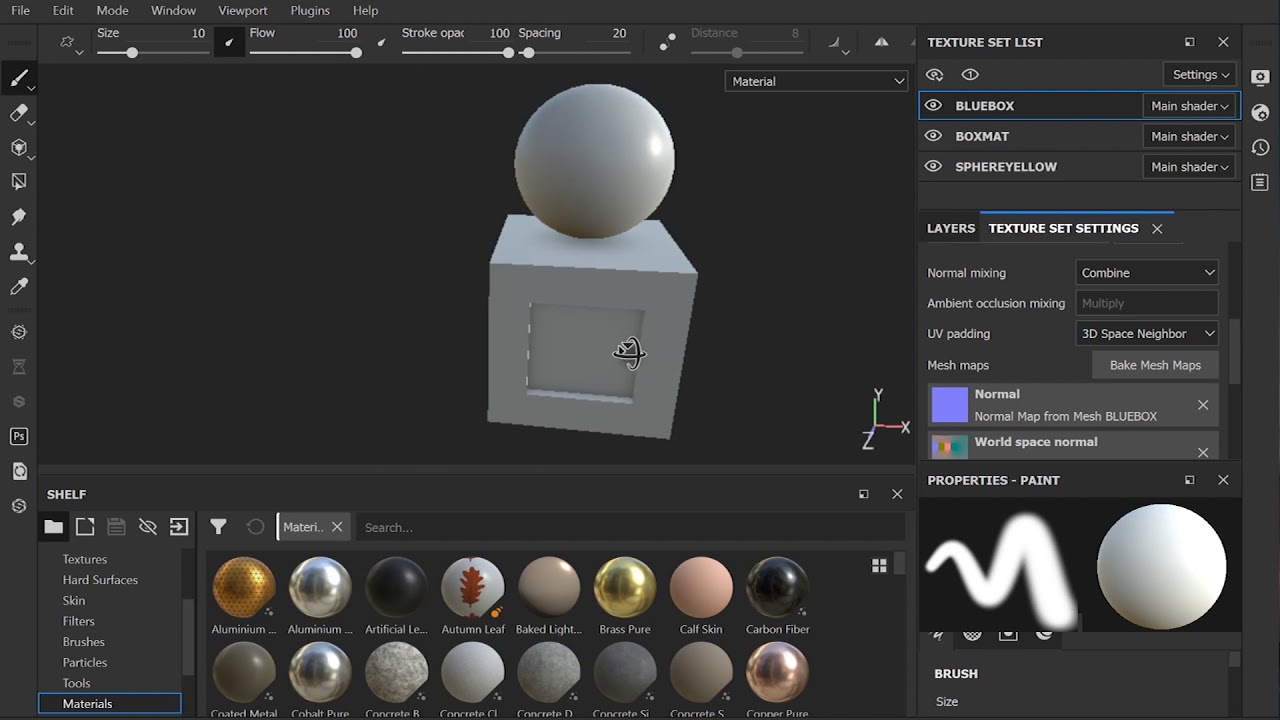
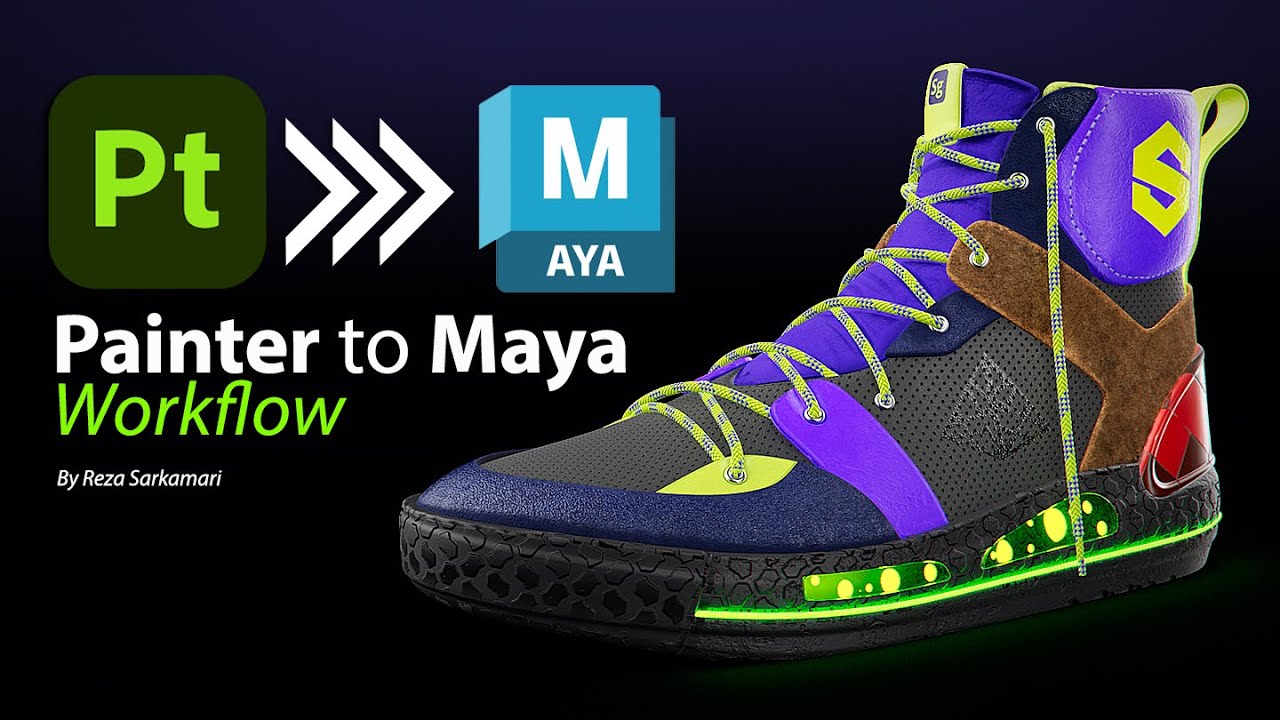
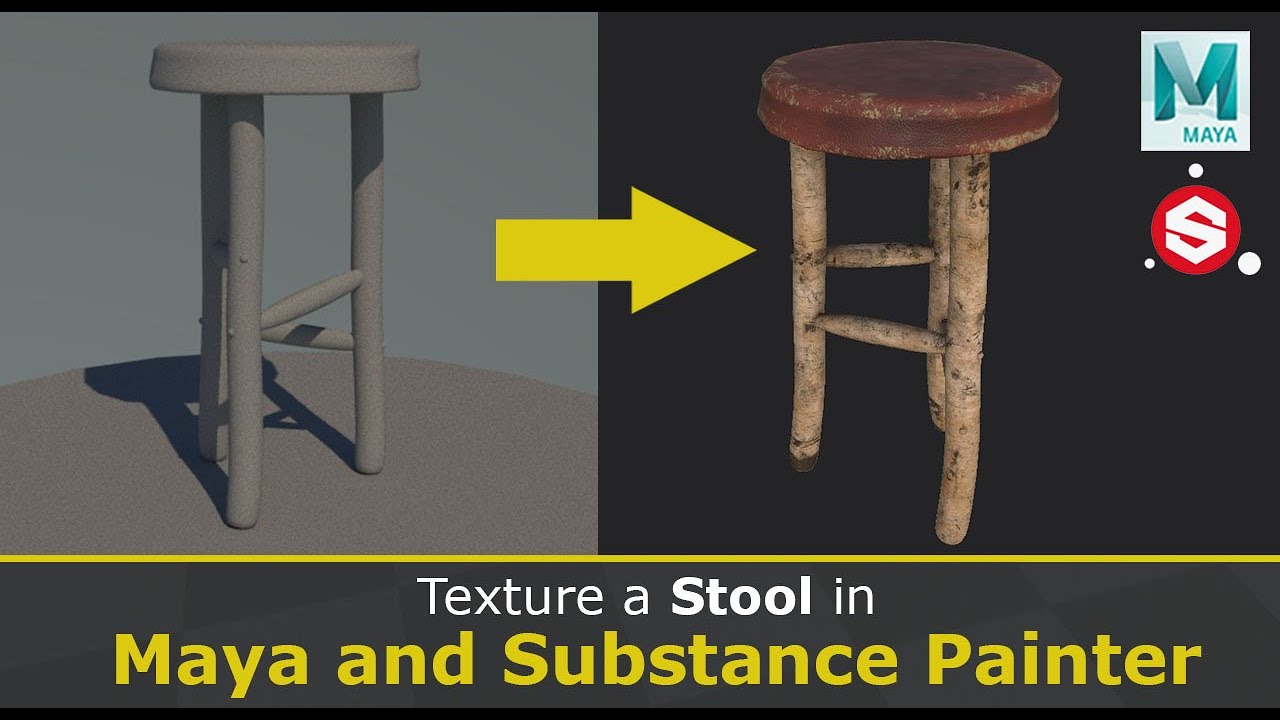
Hello Everyone, hope you are all doing well. In this video I will show you, how to export textures from Substance Painter to Autodesk Maya and render it out in Arnold. Here you will learn about the exact settings of importing Substance Painter materials to Maya. You will also learn how to set up lighting for proper rendering in Arnold.
If you like this video please give this video Like, Share and Subscribe to my channel and click on the bell icon to get the notifications first.
Substance Painter to Autodesk Maya Tutorial Video.
🌟 Explore a World of 3D Creativity with Our Models! 🌟
Are you looking for top-notch 3D models to take your projects to the next level? Look no further! We offer a wide range of high-quality 3D models that cater to various industries and creative needs.
✨ Why Choose Us? ✨
🔹 Diverse Selection: From detailed architectural assets to character models, landscapes, and more, we've got it all. 🔹 Unmatched Quality: Our 3D models are meticulously crafted with precision and attention to detail. 🔹 Customization: Need a model with specific features or adjustments? We can tailor our models to your requirements. 🔹 Flexible Licensing: Choose from a range of licensing options to suit your project and budget. 🔹 Affordable Pricing: We believe in offering top-tier quality at competitive prices.
🎯 Ideal for Various Applications:
✅ Game Development ✅ Architectural Visualization ✅ Virtual Reality and Augmented Reality ✅ 3D Printing ✅ Animation and Film ✅ Simulation and Training ✅ Education
👉 How to Get Started:
Browse our extensive catalog of 3D models on our website [Sunit D Rozario (gumroad.com)].
Select the model(s) that suit your project.
Contact us for any customization requests or special inquiries.
Download your model and start creating amazing content!
📣 Stay Updated:
To stay updated with our latest releases, discounts, and promotions, make sure to follow our page and subscribe to our newsletter.
📧 Contact Us:
If you have any questions or need assistance, feel free to reach out to us via [sunit.animator@gmail.com] or through direct messages.
🌐 Visit Our Website: [https://sunitanimator13.gumroad.com]
Unlock a world of creative possibilities with our 3D models. Start your journey today and let your imagination run wild!
#3DModels #3DModeling #CreativeProjects #GameDev #ArchViz #VR #AR #Animation #3DPrinting #Simulation #design
Other Videos:
Pirate Sword Modeling Tutorial (Part - 1) :
• How To Model Pirate Sword In Autodesk Maya...
Pirate Sword UV unwrapping Tutorial (Part - 2) :
• How To Model Pirate Sword In Autodesk Maya...
How To Texture Pirate Sword In Substance Painter | (Part - 3) :
• How To Texture Pirate Sword In Substance P...
Judge Mallet Modeling ( Part - 1 ) :
• Maya Modeling And Texturing Tutorial For B...
Judge Mallet Modeling ( Part - 2 ) :
• Maya Modeling And Texturing Tutorial For B...
Judge Mallet Texturing ( Part - 3 ) :
• Maya Modeling And Texturing In Substance P...
Instagram - @sunitdrozario
Facebook - / sunit.drozario
#substancepainter
#arnold
#tutorial

Доступные форматы для скачивания:
Скачать видео mp4
-
Информация по загрузке: