Easy Guide: Replacing The Drums On A VersaLink C500 and C505 Xerox Printer
Автор: The Printing Workshop
Загружено: 2025-05-16
Просмотров: 479
0:00 Intro drums replacement
0:13 Step 1: Open right side cover
0:20 Step 2: Unlock waste toner container
0:26 Step 3: Unlock selected drum
0:35 Step 4: Pull out drum
0:53 Step 5: Insert new drum
1:03 Step 6: Relock drum
1:11 Step 7: Clean glass LED surface
1:37 Step 8: Relock waste toner container
1:46 Step 9: Close right side cover
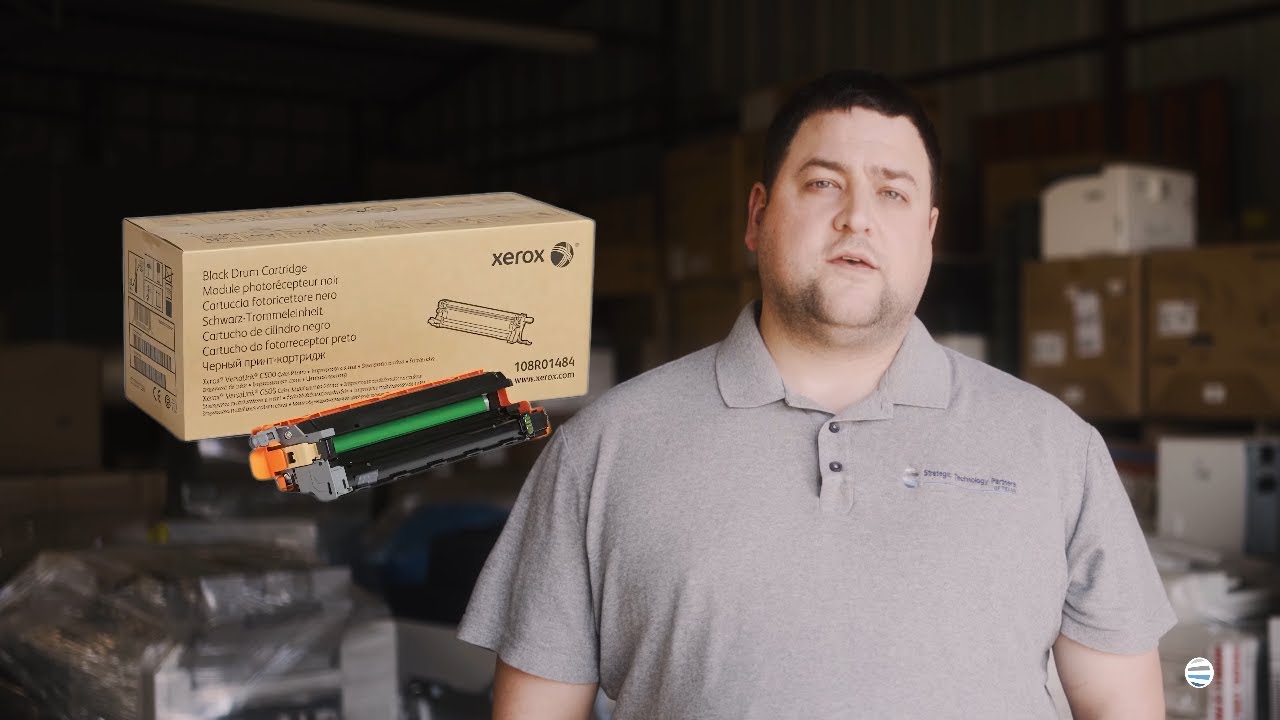
Matthew here with another "How to: Quick printer fixes". Most people think replacing the drum is a hassle, but it only takes a few minutes. In this video I'll show you how to quickly change the drum on several different Xerox printer modules so you can be back in business. Have a Problem With Your Printer/Copier that is not a quick fix? Reach out here and we can help!
https://info.stptexas.com/request-a-s...
Доступные форматы для скачивания:
Скачать видео mp4
-
Информация по загрузке:


