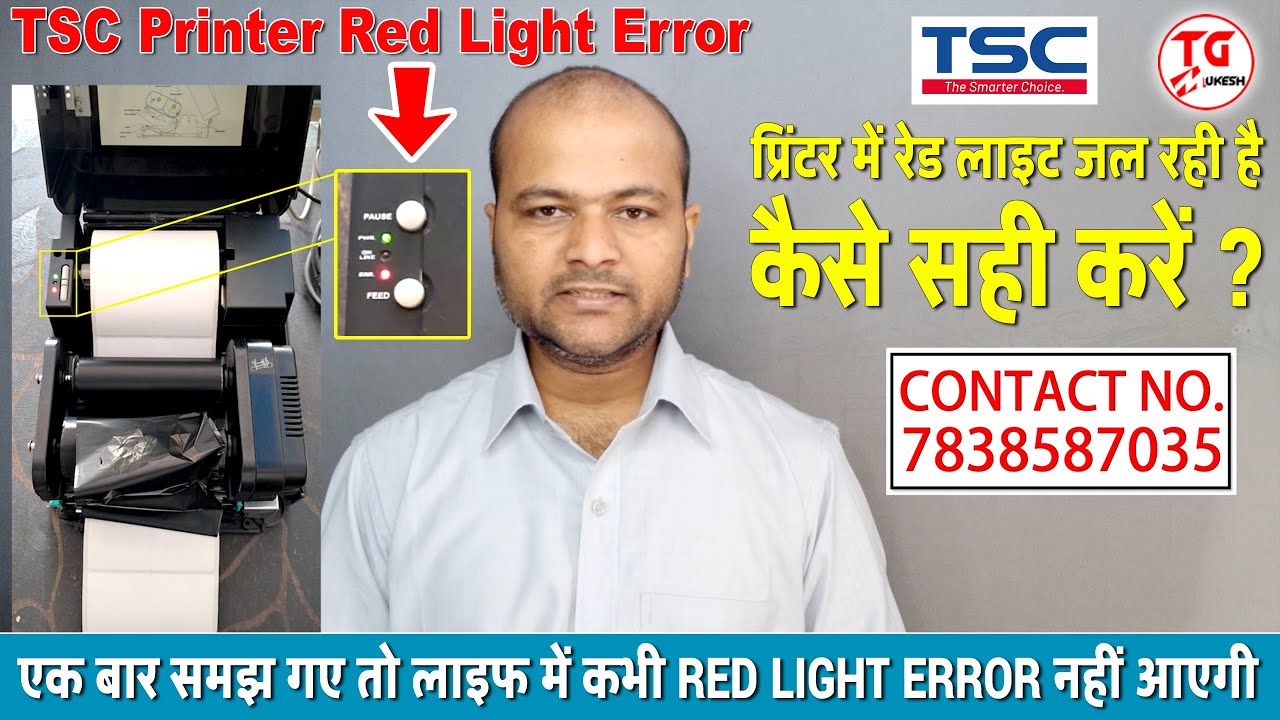
How to make variable data in BarTender Labeling Software | without using excel in Bartender Software
Автор: TechGuru Mukesh
Загружено: 2026-01-19
Просмотров: 21
Video title
How to make variable data in BarTender Labeling Software | without using excel in Bartender Software
Cover Topics & Your Queries:
How to make variable data in BarTender Labeling Software
without using excel in Bartender Software
BarTender New Process
Learn BarTender Software in Hindi
How to Create New Label in BarTender Software
how to create label in bartender software
BarTender Training
BarTender Master ji
bartender me data kaise add kere
bartender labelling software
how to make new template with variable in bartender software
how to make variable data with excel
how to create excel data in bartender
bartender labeling software
bartender with label printing software
bartender with label printer
how to create new template
variable database banana sikhe
Product Label me logo kaise add karen
How to add logo in BarTender Software
How to use BarTender Software Tools
How To Use BarTender Labeling Software
Bartender label software training hindi
Bartender barcode label software download
आइये BarTender Software चलाना सीखे | Full Training in Hindi
Contact for any types of Requirements & Technical Support (Only)
Mobile No. +(91)-7838587035 (Use country code if you are outside india)
E-mail id: oneroofaidcsolutions@gmail.com
Contact us for Paid, Promotions & Sponsorship for this e-mail id (Only)
for Channel Contact:- mukeshtechguru@gmail.com
Hashtags:
#BarTender #LabelingSoftware #Software #LabelPrinter #Howto
#MakeProductLabel #CreateProductLabel #TechGuruMukesh #TechGuruMukeshSirJi
#LabelDesignerSoftware #Barcode #BarcodeSoftware
#BarcodePrinter #TSCprinter #TSCTTP244PRO #TSCTE244 #TSC #Zebra #Printronix #Sato #Honeywell
#HPRT #KoresEndura #Argox #Citizen #Thermal #ThermalTransfer #DirectThermal #Contactus #Online #Support #Sale #Services #Support #BarTenderMasterji #Information&Technologies
#TechGuruMukesh
Please do 👇
✔️LIKE
✔️SHARE
✔️SUBSCRIBE
Kindly Note: This is a not Paid, Promotional or Sponsorship video
Subscribe NOW: 👇
► Subscribe: https://bit.ly/3dsK7fS
Let's connect with me.
► Follow @Instagram: / techgurumukesh
► Follow @Facebook: / techgurumukesh
► Follow @Twitter: / techgurumukesh
► Telegram Channel: @Telegram: https://t.me/TechGuruMukesh
PLEASE SUBSCRIBE & SUPPORT
YouTube Channel Link: 👇
/ @techgurumukesh
Join this channel to get access to perks: 👇
/ @techgurumukesh
Disclaimer:-
The following video is based on Research and Case Studies Gathered from Different Books, Media, Internet, Space, etc. (TechGuru Mukesh Channel & his owner Mr. Mukesh Kumar Shah and the producers do not accept any responsibility or liability for the accuracy, content, completeness, legality or reliability of the information contained in the video. The video is made solely for educational purposes and is not created with an intent to harm, injure or defame any person, body of persons, association, company or anyone. Details in the video like Name, Age, Home address, Email addresses, User ID, Sign-in credentials, Phone numbers, Documents & Document numbers, Passport number, Bank account information are dummy & demo do not belong to a real Human, Individual, Association, Company or Anyone. Some contents are used for educational purposes under fair use. Under Section 107 of the Copyright Act 1976, allowance is made for "fair use" for purposes such as criticism, comment, news reporting, teaching, scholarship, and research. Fair use is a use permitted by copyright statute that might otherwise be infringing. Non-profit, educational or personal use tips the balance in favor of fair use. All credit for copyright material used in the video goes to the respected owner. This video is not intended to spread rumours, offend, or hurt the sentiments of any religion, communities or individuals, or to bring disrepute to any person (living or dead). The viewer should always do their diligence and anyone who wishes to apply the ideas contained in the video takes full responsibility for it. Also it is done at their own risk and consequences. The material contained in this video cannot replace or substitute for the services of trained professionals in any field including, but not limited to, financial, medical, psychological or legal matters. (TechGuru Mukesh Channel & his owner Mukesh Kumar Shah) and the producers do not take responsibility for any direct, indirect, implied, punitive, special, incidental, or other consequential damages arising directly or indirectly on account of any actions taken based on the video. (TechGuru Mukesh Channel & his owner Mukesh Kumar Shah) and the producers of the video disclaim any kind of claim of libel, slander or any other kind of claim or suit of any sort. Viewers discretion is advised.
For business contact:- mukeshtechguru@gmail.com
Thanks for watching
TechGuru Mukesh
/ @techgurumukesh

Доступные форматы для скачивания:
Скачать видео mp4
-
Информация по загрузке: