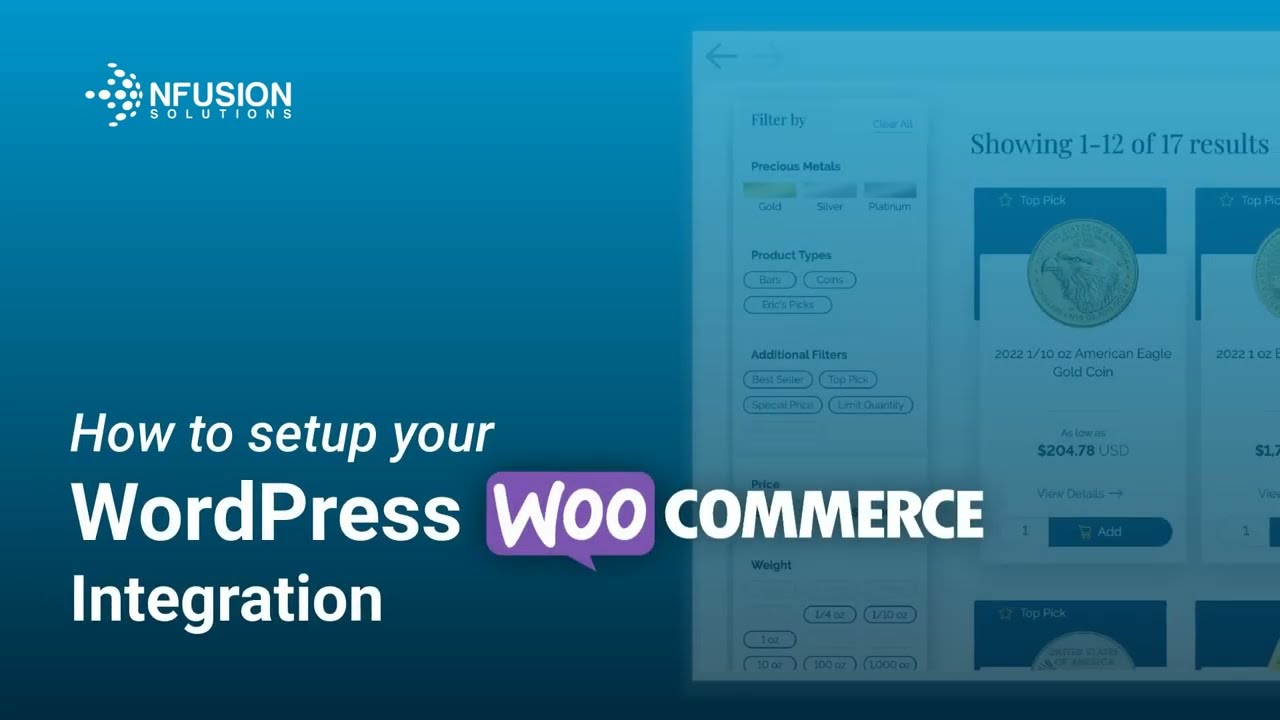
How to Setup your WordPress WooCommerce Integration
Автор: nFusion Solutions
Загружено: 2024-06-24
Просмотров: 192
Welcome to our comprehensive tutorial on integrating WooCommerce with the nFusion Precious Metals Automated Product Pricing plugin! In this video, we will walk you through the entire setup process, from installation to configuring every setting to optimize your online store.
Here's what you'll learn in this video:
🔵 How to install and activate the nFusion plugin
🔵 How to configure the plugin's catalog settings
🔵 The impact of pricing settings on individual product pages
🔵 How to adjust the pricing settings effectively
🔵 How to set up advanced configurations
Join us to streamline your WooCommerce store with accurate and automated product pricing!
Hit that like button if you found this tutorial helpful and subscribe for more nFusion platform tips and tricks!
If you have any questions or need further assistance, feel free to leave a comment or contact our support team at support@nfusionsolutions.com and we'll be happy to help. Thanks for watching!
Links used in video:
🔵 nFusion Plugin Page: https://wordpress.org/plugins/preciou...
🔵 nFusion Support - Enable product re-indexing: https://nfusionsolutions.com/support/...
🔵 Action Scheduler plugin download: https://github.com/woocommerce/action...
Timeline:
0:00 Intro
0:28 Install & Activate
1:12 Catalog Settings
2:35 Pricing Settings - Demo
4:44 Pricing Settings - Config
6:28 Advanced Settings
Доступные форматы для скачивания:
Скачать видео mp4
-
Информация по загрузке: