Let's Build the RPG! - 28 – Spell & Ability Aim by Camera (Controller) Rotation – Anim BP Tutorial
Автор: NumenBrothers
Загружено: 2022-08-27
Просмотров: 4829
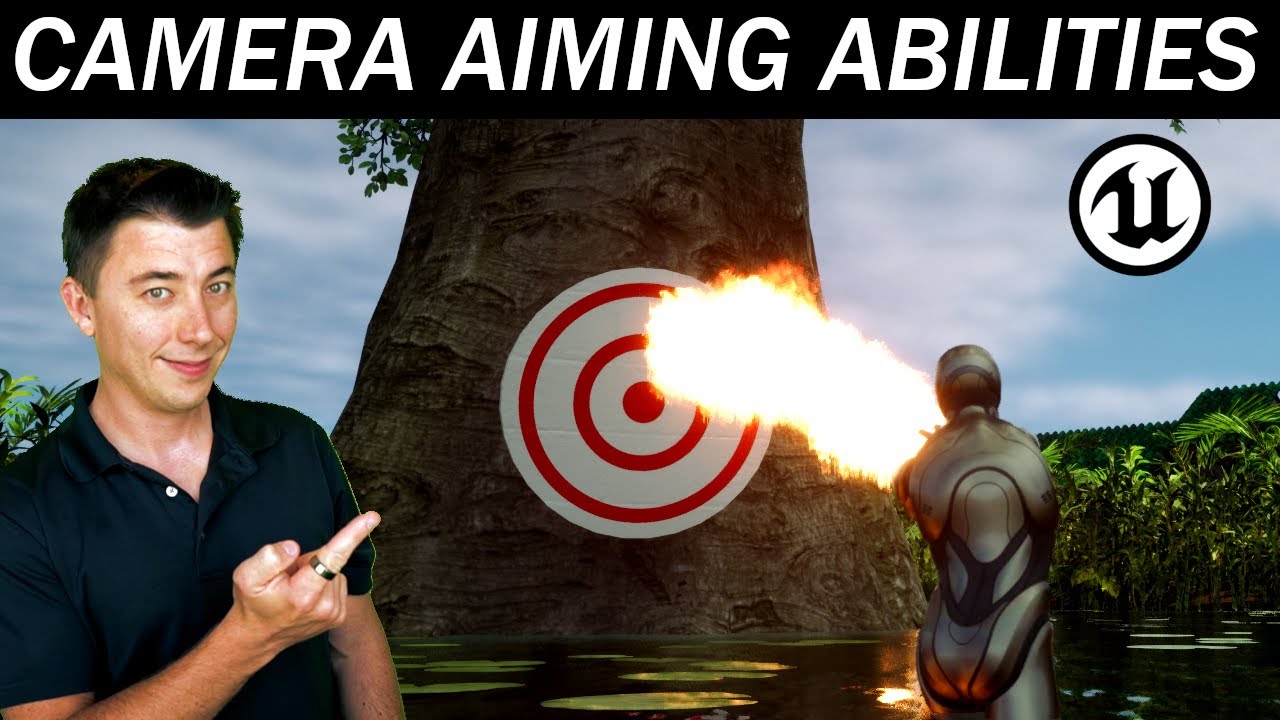
In this episode we set up the ability to aim our flamethrower ability from last episode based on the camera direction- basically the direction of the camera relative to the orientation of the player character. We do this by getting the delta between the player controller rotation and the character rotation. Next we set use Rinterp To to smooth out the transition from the current rotation to the new target rotation. The final piece of the core set up is figuring out which bones we are going to rotate, and updating our anim states to rotate those bones accordingly using the Transform (Modify) Bone node. We can then use this functionality to aim ANY channeled spell or ability in the future.
The last thing we do is set up our right mouse button to activate this aiming when an ability is active, so that the camera can still be rotated without rotating the ability if the right mouse button is not held down.
00:00 Intro
00:28 Today's Goals and Key Concepts
01:40 Initial set up of getting the aim of the camera
04:48 Overview of the bones we're going to update on our player's skeleton
06:01 Finishing the camera aim set up on the Event Graph
09:40 Setting up Transform (Modify) Bone for spine bones in Anim State Machine
12:34 Setting up Right Mouse Button to be what turns on/off the aiming
16:00 Clean up and organization
17:18 Conclusion and preview of next episode
New episode released every Saturday morning!
Direct References
Player Controller:
https://docs.unrealengine.com/4.27/en...
Get Control Rotation:
https://docs.unrealengine.com/4.26/en...
Rinterp To Node:
/ can_someone_explain_what_the_parameters_fo...
• WTF Is? Interpolation - RInterp Node in Un...
Доступные форматы для скачивания:
Скачать видео mp4
-
Информация по загрузке:





