Популярное

Музыка Кино и Анимация Автомобили Животные Спорт Путешествия Игры Юмор

Интересные видео

2025 Сериалы Трейлеры Новости Как сделать Видеоуроки Diy своими руками

Топ запросов

смотреть а4 schoolboy runaway турецкий сериал смотреть мультфильмы эдисон
dTub
Скачать

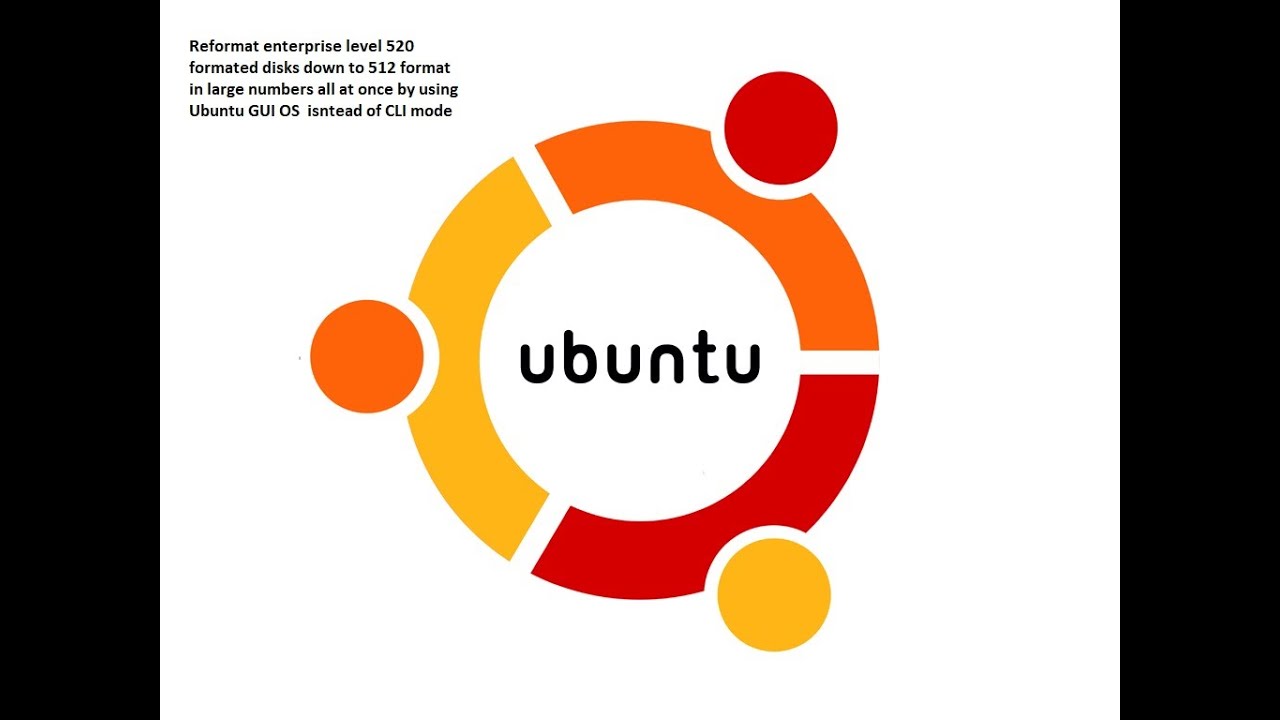
How to speed up formatting 520 formatted enterprise hard drives down to 512 format standard

Автор: Leadius USA

Загружено: 2020-11-21

Просмотров: 10068

Описание:

So how to speed up formatting 520 formatted enterprise hard drives on a grand scale. As in doing more then one that is. I have posted videos that talk to changing the format of a 520 format NetApp enterprise hard disk into 512 format so normal PC can read and write to it. But if you boot off of a USB drive to CLI mode, you will able to format one disk at a time.
Yes this work but would like to do all of them with in a 2 hour window vs. 23 hours? You can! Here is how you do it...

First you need your PC and a SAS controller that can handle at least 24 drives. Second you need a disk array and cabling to allow you to do more than one disk at a time. Lastly you install Ubuntu on the PC hard drive and boot into the UGI interface desktop.

Now all you have to is setup your service so you can format a disk drive. Here are the steps below just in case. (You will need internet connectivity


How to build a system to test these SAS drives go to this link:    • OK, so you asked so here is everything you...  

open a terminal window:

step 1 ►sudo apt-get update
step 2 ►sudo apt-get upgrade
step 3 ►sudo apt-get install software-properties-common
step 4 ►sudo apt-get install sg3-utils

Now the tool is install and you can now format 520 disks by using this set of commands


Next you do a ►sudo sg_scan -i This helps you to ID all the disks you want to format. (Look for /dev/sg4 or /dev/sg5 for these are disks) Work with just one to learn how to ID them

and lastly once you ID the hard disk you want to format to 512 from 520. You use this command (Remember after sg value is the drive number)

►sudo sg_format --format --size=512 --fmtpinfo=0 /dev/sg5

So now you have a disk formatting to 512K format so copy the format command in the terminal window and than open a new terminal window and past

►sudo sg_format --format --size=512 --fmtpinfo=0 /dev/sg6

So now you have two disks formatting to 512K format so copy the format command in the terminal window and than open a new terminal window and past

►sudo sg_format --format --size=512 --fmtpinfo=0 /dev/sg6

So now you have three disks formatting to 512K format so copy the format command in the terminal window and than open a new terminal window and past and do this over and over until all of your 520 format disks are being reformatted.

I do about 15 to 24 at a time and it is done very fast for they are all being formatted at the same time...

So if you are looking at this then you already know how to do it the old way and want to be better / faster to get stuff done. Here go! Keep enjoying and the learning!


related sites: none


Enjoy!
How to speed up formatting 520 formatted enterprise hard drives down to 512 format standard

Поделиться в:

Доступные форматы для скачивания:

Скачать видео mp4

  • Информация по загрузке:

Скачать аудио mp3

Похожие видео

Покупка жесткого диска HDD на вторичном рынке, что нужно знать и куда смотреть. Какие бывают нюансы.

Покупка жесткого диска HDD на вторичном рынке, что нужно знать и куда смотреть. Какие бывают нюансы.

Windows отказывается распознавать мои SAS-накопители за 14 долларов… Пока не будет найдено это ре...

Windows отказывается распознавать мои SAS-накопители за 14 долларов… Пока не будет найдено это ре...

How to reuse NetApp disks by reformatting them back to 512 Sector format from 520

How to reuse NetApp disks by reformatting them back to 512 Sector format from 520

OK, so you asked so here is everything you need to know to test SAS drives or format them

OK, so you asked so here is everything you need to know to test SAS drives or format them

Слабый ноут теперь ТОП игрушка! Как установить ChromeOS и получить ВСЁ!

Слабый ноут теперь ТОП игрушка! Как установить ChromeOS и получить ВСЁ!

Как переформатировать жесткий диск NetApp до размера сектора 512 Б - 552

Как переформатировать жесткий диск NetApp до размера сектора 512 Б - 552

Я на КИТАЙСКОМ ЗАВОДЕ ПК КОРПУСОВ

Я на КИТАЙСКОМ ЗАВОДЕ ПК КОРПУСОВ

How to size your bandwidth for your storage subsystem | The 2-5-9 Rule

How to size your bandwidth for your storage subsystem | The 2-5-9 Rule

How to select SAS cables

How to select SAS cables

Массивный дисковый массив JBOD на 720 ТБ, сборка серверного корпуса Supermicro CSE846 высотой 4U

Массивный дисковый массив JBOD на 720 ТБ, сборка серверного корпуса Supermicro CSE846 высотой 4U

Dell PowerEdge R820 R720 storage upgrade Part 2 | How to upgrade to SAS-3 performance

Dell PowerEdge R820 R720 storage upgrade Part 2 | How to upgrade to SAS-3 performance

🎙️ Честное слово с Игорем Липсицем

🎙️ Честное слово с Игорем Липсицем

Samsung 860 Evo SSD Repair- Data Recovery Lab said it wasn't possible.

Samsung 860 Evo SSD Repair- Data Recovery Lab said it wasn't possible.

10 ТБ за 70 долларов! Как отформатировать 520-битные SAS-накопители в 512-битные — EMC, Netapp, H...

10 ТБ за 70 долларов! Как отформатировать 520-битные SAS-накопители в 512-битные — EMC, Netapp, H...

Дешевый способ проверить один диск SAS в случае сбоя с помощью этого разъема и внутренних кабелей...

Дешевый способ проверить один диск SAS в случае сбоя с помощью этого разъема и внутренних кабелей...

How to Reformat Sector Size 520b or 528b to 512b in Windows - 1139

How to Reformat Sector Size 520b or 528b to 512b in Windows - 1139

Компьютер сгорел после перепада напряжения, другой блок не помог! 🔥🤬 #HappyPC

Компьютер сгорел после перепада напряжения, другой блок не помог! 🔥🤬 #HappyPC

Как перепрошить H710 H310 H810 в режим IT

Как перепрошить H710 H310 H810 в режим IT

reformating EMC_NetApp_IBM_HP_IBM enterprise HDD to 512 sector format from 520 sector formating

reformating EMC_NetApp_IBM_HP_IBM enterprise HDD to 512 sector format from 520 sector formating

Флешка не определяется. Подробная инструкция по восстановлению

Флешка не определяется. Подробная инструкция по восстановлению

© 2025 dtub. Все права защищены.


  • Контакты
  • О нас
  • Политика конфиденциальности


Контакты для правообладателей: infodtube@gmail.com